
1. Introducció
Gràcies per la compraasing the EIMSOAH 16MP 1080P Vintage Video Camera Camcorder. This manual provides essential information for setting up, operating, and maintaining your device. Please read it thoroughly before use to ensure optimal performance and longevity of your camcorder.
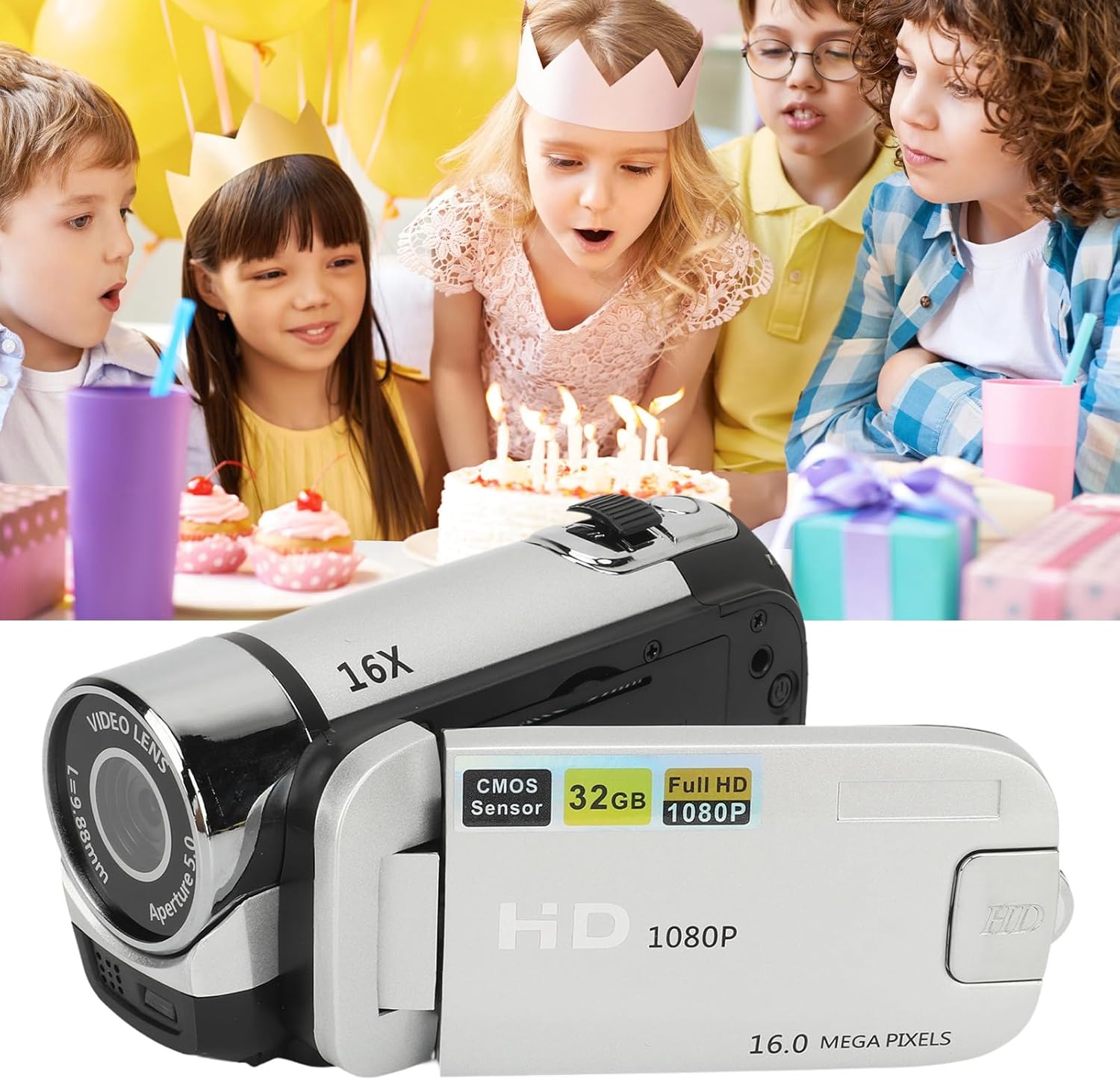
Image 1.1: EIMSOAH 16MP 1080P Vintage Video Camera Camcorder.
2. Producte acabatview
The EIMSOAH Vintage Video Camera Camcorder is designed for ease of use, offering a blend of classic aesthetics with modern digital recording capabilities. Key features include:
- Gravació d'alta resolució: Captures 1080P video and 16MP still images.
- Zoom digital 16X: Allows for closer shots of distant subjects.
- 2.4-Inch Rotatable Screen: Provides flexibility for various shooting angles, including selfies.
- Llum de farciment integrada: Millora la visibilitat en condicions de poca llum.
- Funcions avançades: Supports electronic anti-shake, loop recording, and time watermarking.
- External Microphone Compatibility: For improved audio quality.
- Enregistrament mentre es carrega: Ensures continuous operation.
- Suport de targeta de memòria: Compatible with standard memory cards up to 32GB (not included).
- Connectivitat USB: For easy transfer of photos and videos to a computer.
- Compatibilitat amb trípode: Features a 1/4 inch thread hole for tripod mounting (tripod not included).

Image 2.1: The camcorder is suitable for capturing various events, such as family gatherings.

Image 2.2: The 16X digital zoom feature allows for detailed capture.

Image 2.3: The 2.4-inch rotatable screen facilitates easy framing for various shots, including selfies.
3. Configuració
3.1. Instal·lació i càrrega de la bateria
The camcorder includes a built-in BL-5C Lithium Battery. Ensure the battery is charged before first use.
- Open the battery compartment cover, typically located on the underside or side of the camcorder.
- Insert the BL-5C battery, ensuring correct polarity.
- Tanqueu bé la tapa del compartiment de la bateria.
- Connect the camcorder to a power source using the provided USB cable for charging. The charging indicator light will illuminate.
3.2. Instal·lació de la targeta de memòria
A standard memory card (up to 32GB) is required for storing photos and videos. The memory card is not included.
- Locate the memory card slot, usually near the battery compartment or under the rotatable screen.
- Insert the memory card with the metal contacts facing the correct direction (refer to the diagram inside the slot if available) until it clicks into place.
- Per treure-la, premeu suaument la targeta fins que surti disparada.
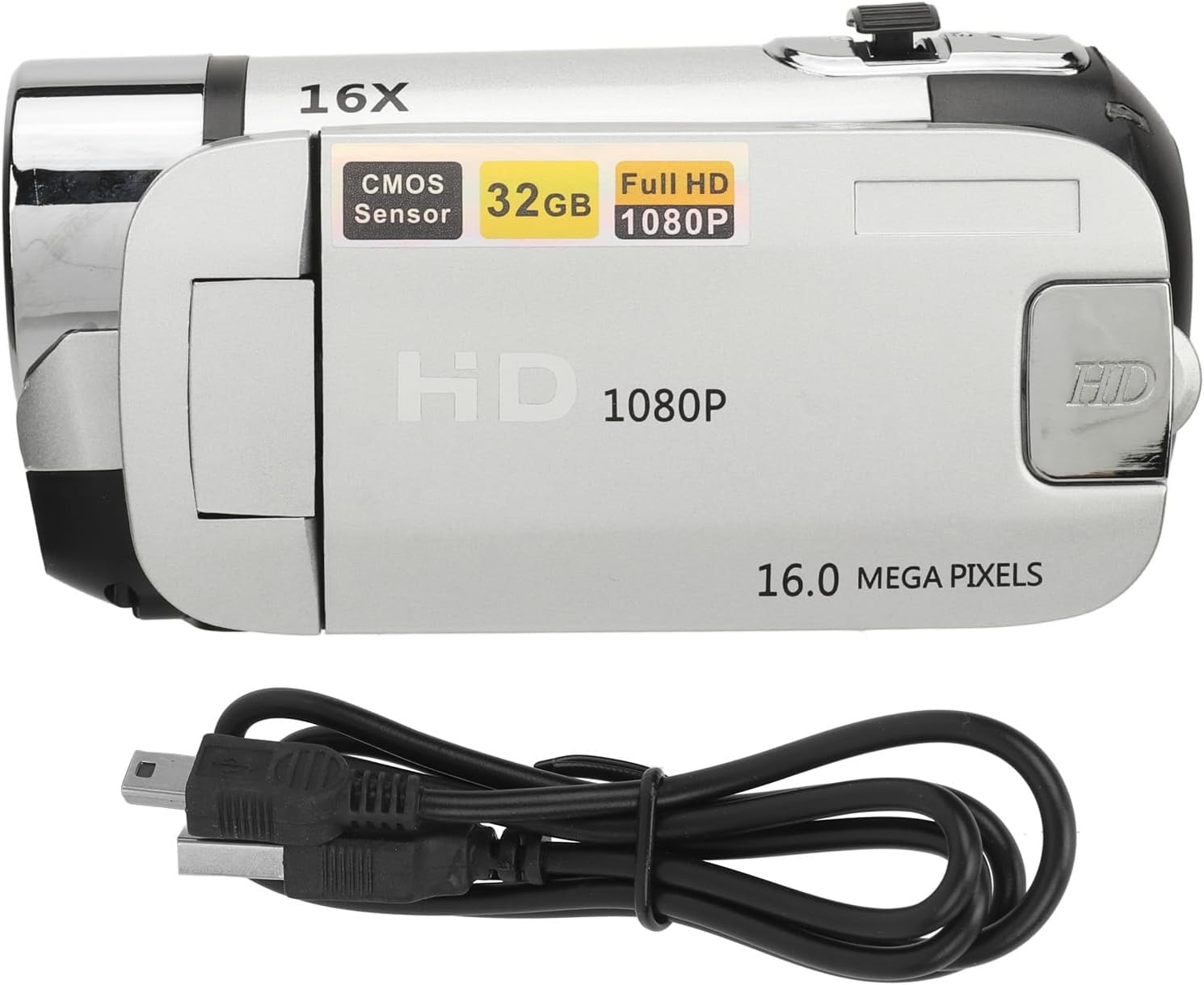
Image 3.1: The camcorder with its USB charging cable.
4. Instruccions de funcionament
4.1. Encendre/apagar
To power on the camcorder, open the rotatable screen and press the power button for 2-3 seconds. To power off, press and hold the power button again, or close the screen.
4.2. Using the Rotatable Screen
The 2.4-inch screen can be rotated up to 270 degrees, allowing for flexible viewing angles and self-recording. Simply pivot the screen to your desired position.
4.3. Recording Video and Taking Photos
- Canvi de modes: Use the 'MODE' button to switch between video recording mode and photo capture mode.
- Iniciar/Aturar la gravació: In video mode, press the 'Record' button (usually a red circle) to start recording. Press it again to stop.
- Fes una foto: In photo mode, press the 'Shutter' button (often labeled with a camera icon) to take a picture.
4.4. Funció de zoom
Use the zoom rocker switch, typically located near the top of the camcorder, to zoom in (T) or zoom out (W) digitally up to 16X.
4.5. Using the Fill Light
The integrated fill light can be activated to provide additional illumination in dark environments. Locate the fill light button (often a light bulb icon) and press it to toggle the light on or off.
4.6. Navegació i configuració del menú
Press the 'MENU' button to access the camcorder's settings. Use the directional buttons to navigate and 'OK' to select. Common settings include:
- Resolució: Adjust video and photo resolution (e.g., 1080P, 16MP).
- Qualitat de la imatge: Set quality to Super Fine, Fine, or Normal.
- EV (valor d'exposició): Ajusta la brillantor.
- Filtre: Apply effects like Black & White, Sepia, or Negative Inversion.
- Temporitzador automàtic: Set a delay for photos (e.g., 2s, 10s).
- Etiqueta de data: Enable or disable date/time watermarking on recordings.
Video 4.1: Demonstration of camcorder operation, including screen rotation and menu navigation for settings like resolution, image quality, self-timer, and date label.
5. Manteniment
Proper maintenance ensures the longevity and performance of your camcorder.
- Neteja: Use a soft, dry cloth to clean the camera body. For the lens and screen, use a specialized lens cleaning cloth and solution. Avoid abrasive materials.
- Emmagatzematge: Guardeu la càmera de vídeo en un lloc fresc i sec, allunyat de la llum solar directa i de temperatures extremes. Traieu la bateria si la guardeu durant períodes prolongats.
- Cura de la bateria: Fully charge the battery before each use. Avoid completely draining the battery frequently.
- Actualitzacions de programari: Comproveu el del fabricant weblloc web periòdicament per a les actualitzacions de firmware disponibles.
6. Solució De Problemes
Si teniu problemes amb la càmera de vídeo, consulteu els problemes i solucions més comuns següents:
| Problema | Causa possible | Solució |
|---|---|---|
| La càmera de vídeo no s'encén. | Bateria baixa o esgotada. | Carregueu la bateria completament. Assegureu-vos que la bateria estigui inserida correctament. |
| "No card" message displayed. | Memory card not inserted or improperly inserted. | Insert the memory card correctly. Ensure it is a compatible type (standard SD up to 32GB). |
| Mala qualitat d'imatge/vídeo. | Lens is dirty; low light conditions; incorrect settings. | Clean the lens. Use the fill light in low light. Adjust resolution and image quality settings in the menu. |
| No es pot connectar a l'ordinador. | Faulty USB cable; incorrect connection mode. | Try a different USB cable. Ensure the camcorder is in the correct USB connection mode (e.g., Mass Storage). |
Si el problema persisteix després de provar aquestes solucions, poseu-vos en contacte amb l'atenció al client.
7. Especificacions
| Característica | Detall |
|---|---|
| Marca | EIMSOAH |
| Número de model | EIMSOAH79sxkpvg3r-15 |
| Resolució d'imatge | 1MP, 2MP, 3MP, 5MP, 12MP, 16MP |
| Format d'imatge | JPG |
| Resolució de vídeo | 1080P (maximum) |
| Format de vídeo | AVI |
| Mida de la pantalla | 2.4 polzades |
| Zoom digital | 16X |
| Obturador | Electrònica |
| Emmagatzematge | Supports up to 32GB standard memory card (not included) |
| Bateria de la càmera | 1 x BL-5C Lithium Battery, 600mAh (built-in) |
| Number of Languages | 17 Llengües |
| Tecnologia de connectivitat | USB |
| Pes de l'article | 7.8 unces |
| Dimensions del paquet | 5.12 x 3.7 x 2.83 polzades |
8. Garantia i Suport
For warranty information or technical support, please refer to the documentation included with your purchase or contact EIMSOAH customer service directly. Keep your purchase receipt as proof of purchase for warranty claims.