
Introducció
Gràcies per la compraasing the KTC H27S17 27-inch WQHD 180Hz Curved Gaming Monitor. This manual provides essential information for the safe and efficient use of your new monitor. Please read it thoroughly before use and retain it for future reference.
Producte acabatview Vídeo
Vídeo: Presentació oficial del producte en vídeoasing the key features and design of the KTC H27S17 27-inch Curved Gaming Monitor.
Contingut del paquet
Verifiqueu que tots els elements que s'enumeren a continuació s'inclouen al vostre paquet:
- Cable d'alimentació
- Cable DisplayPort
- Adaptador d'alimentació
- Suport de monitor
- Base de peu
- Driver CD (or download link)
- Cargols de muntatge
- Instruction Manual (Japanese version)
- Guia d'inici ràpid
- Targeta de garantia
Instruccions de configuració
1. Muntatge del suport
Attach the stand base to the monitor stand using the provided screws. Then, securely attach the assembled stand to the back of the monitor.
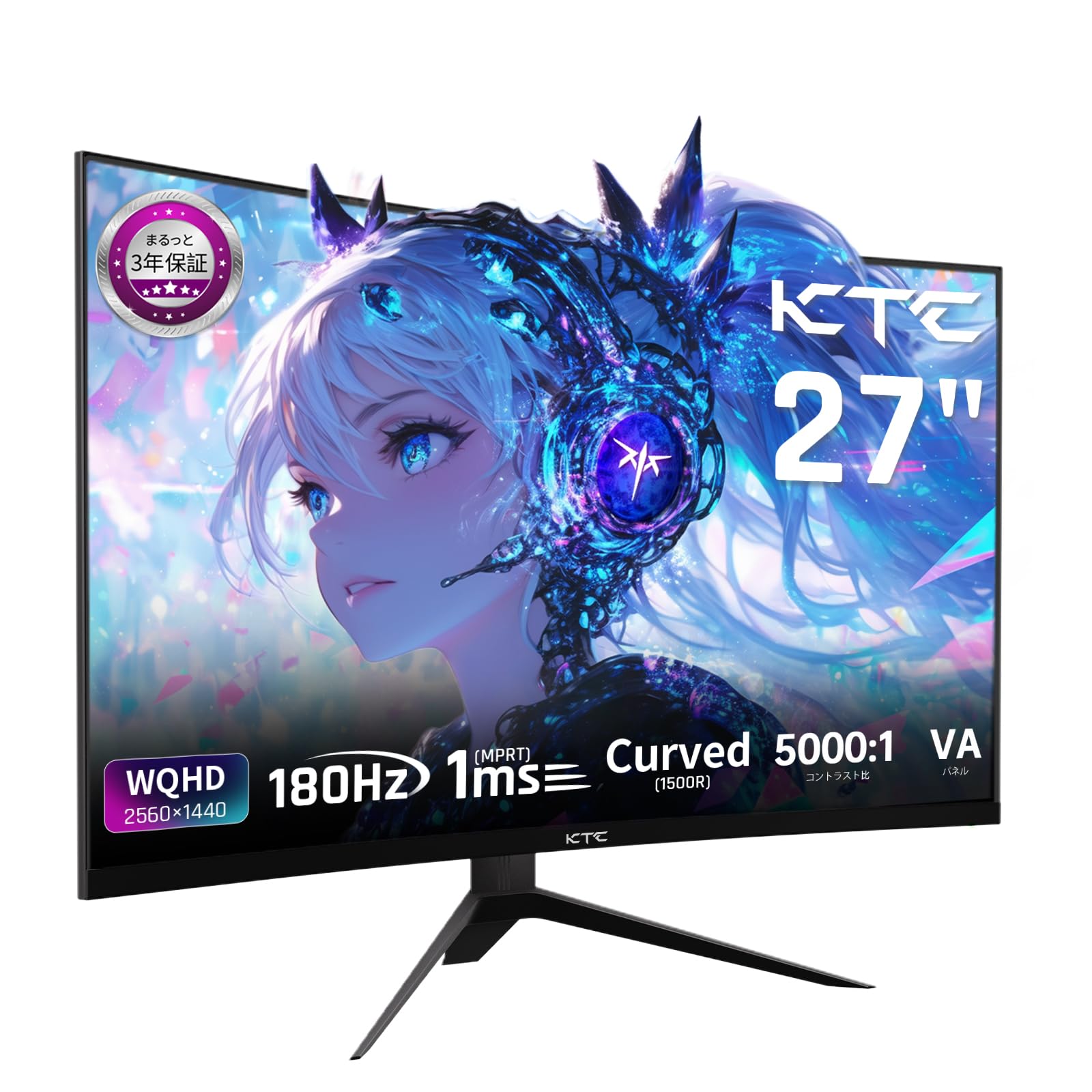
Image: The KTC H27S17 monitor fully assembled with its stand, viewed des del davant.
2. Connexió a una font d'alimentació
Connect the power adapter to the monitor's DC input port, then plug the power cable into a wall outlet.
3. Connexió a un dispositiu
Use the appropriate cable (DisplayPort or HDMI) to connect your computer or gaming console to the monitor. Ensure the cable is securely connected to both the monitor and your device.

Imatge: Part posterior view of the monitor showing the various input ports including DC, USB, HDMI, DisplayPort, and headphone jack.
4. Muntatge VESA (opcional)
The monitor supports VESA 100mm x 100mm mounting. If using a VESA mount, remove the stand and attach the monitor to your VESA-compatible arm or wall mount using appropriate screws.
Image: Diagram illustrating the VESA 100x100mm mounting pattern and tilt adjustment range on the back of the monitor.
Instruccions de funcionament
Encès/Apagat
Premeu el botó d'engegada, que normalment es troba a la part posterior o inferior del monitor, per encendre'l o apagar-lo. L'indicador lluminós d'engegada s'il·luminarà quan el monitor estigui encès.
Menú de visualització en pantalla (OSD).
Use the joystick or buttons on the monitor to navigate the OSD menu. This menu allows you to adjust various display settings such as brightness, contrast, color temperature, input source, and gaming features.
Selecció de la font d'entrada
If multiple devices are connected, use the OSD menu to select the desired input source (HDMI 1, HDMI 2, DisplayPort 1, DisplayPort 2).
Característiques de visualització
Curved Display (1500R)
La curvatura de 1500R proporciona una visió immersiva viewing experience, reducing eye strain during extended use by matching the natural curve of the human eye.

Image: A curved monitor displaying a vibrant image, highlighting the 1500R curvature for an immersive experience.
WQHD Resolution (2560x1440)
Experience detailed visuals with WQHD (2560x1440) resolution, offering approximately 1.7 times the pixel density of Full HD displays.

Image: A monitor displaying a high-resolution image, emphasizing the clarity of WQHD (2560x1440) compared to lower resolutions.
High Refresh Rate (180Hz) and Fast Response Time (1ms MPRT)
The 180Hz refresh rate and 1ms (MPRT) response time ensure smooth, blur-free visuals, crucial for fast-paced gaming and action scenes.

Image: A split screen comparison on the monitor, demonstrating the difference between 180Hz/1ms and 60Hz/5ms, highlighting reduced motion blur.
Vibrant Color Reproduction and HDR10
With sRGB 132%, DCI-P3 104%, Adobe RGB 112% color volume, and HDR10 support, the monitor delivers accurate and vivid colors with enhanced contrast between bright and dark areas.

Image: A monitor displaying a colorful scene, illustrating the wide color gamut and high contrast ratio (5000:1).
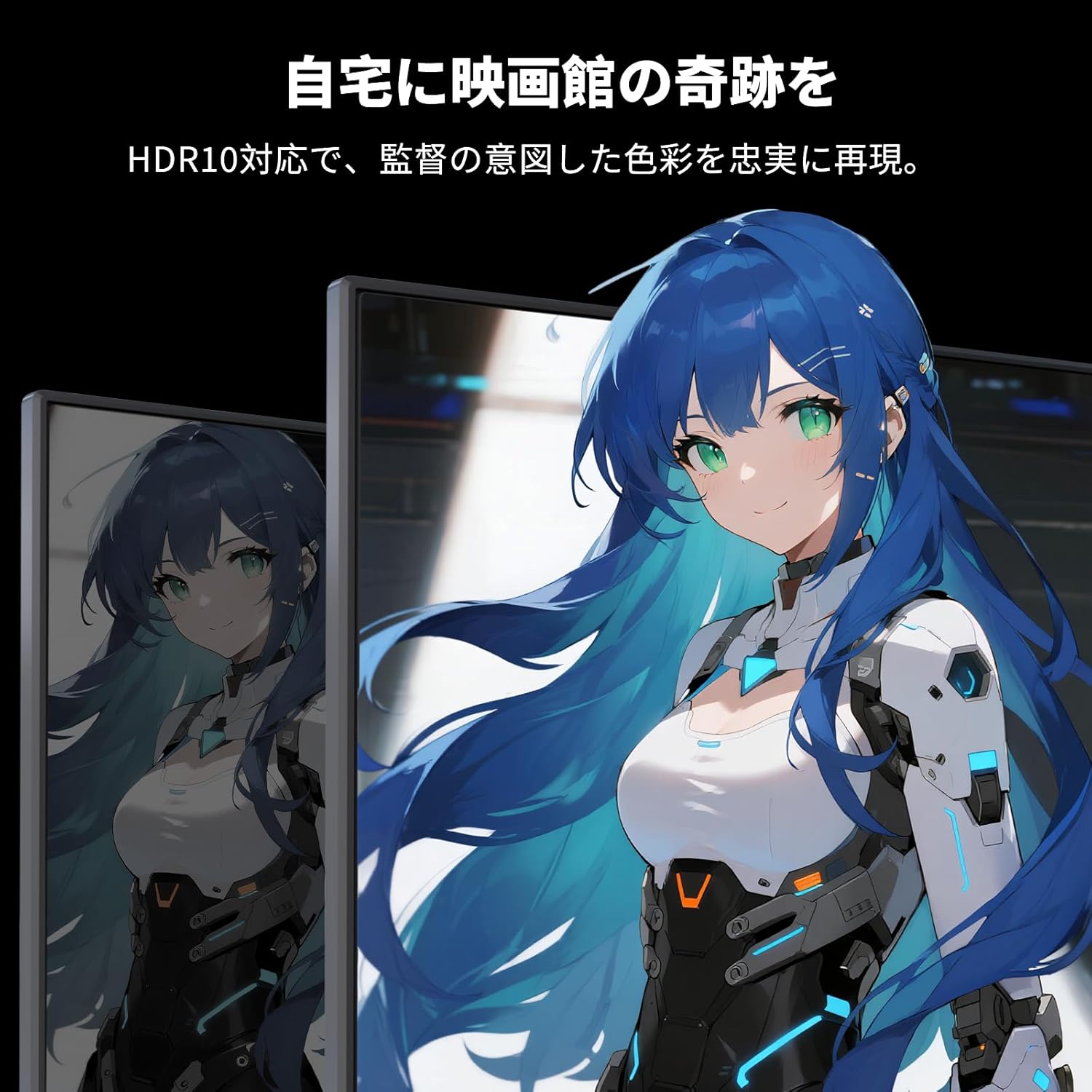
Image: A monitor showing a scene with HDR10 enabled, demonstrating improved dynamic range and detail in both bright and dark areas.
Tecnologia de sincronització adaptativa
Adaptive Sync (FreeSync and G-Sync compatible) eliminates screen tearing and stuttering, providing a fluid gaming experience.

Image: A split screen comparison on the monitor, showing the difference between Adaptive Sync OFF (screen tearing) and ON (smooth image).
Característiques de la cura dels ulls
The monitor includes Flicker-Free technology and a Low Blue Light mode to reduce eye strain during prolonged use.

Image: Illustrations demonstrating Flicker-Free technology and Low Blue Light mode, designed to reduce eye fatigue.
Connectivitat
The KTC H27S17 monitor offers multiple connectivity options:
- 2 HDMI 2.0: Supports WQHD (2560x1440) at 144Hz.
- 2 x DisplayPort 1.4: Supports WQHD (2560x1440) at 180Hz.
- 1 x USB 2.0: For firmware upgrades only.
- 1 x 3.5mm Headphone Jack: Per a la sortida d'àudio.
- 1 x DC Input: Per a la connexió d'alimentació.
Imatge: Detallada view of the monitor's rear panel, highlighting the DC input, USB port, HDMI ports, DisplayPort inputs, and headphone jack.
Physical Adjustments
Ajust d'inclinació
The monitor stand allows for tilt adjustment from -5 to 15 degrees, enabling you to find an optimal viewangle per a la comoditat.
Image: Diagram illustrating the tilt adjustment range of the monitor stand.
Compatibilitat VESA
The monitor is compatible with VESA 100mm x 100mm mounting standards, allowing for flexible installation with monitor arms or wall mounts.
Manteniment
Neteja de la pantalla
Netegeu suaument la pantalla amb un drap suau i sense borrissol. Per a marques difícils, netegeu suaument.ampNetegeu el drap amb aigua o una solució netejadora de pantalles. Eviteu utilitzar productes químics agressius o materials abrasius.
Neteja del cos del monitor
Wipe the monitor body with a soft, dry cloth. Do not use liquid cleaners directly on the monitor.
Emmagatzematge
Quan no l'utilitzeu durant períodes prolongats, guardeu el monitor en un lloc fresc i sec, allunyat de la llum solar directa i de temperatures extremes.
Resolució de problemes
Si teniu problemes amb el monitor, consulteu les solucions habituals següents:
- Sense energia: Ensure the power cable and adapter are securely connected and the power outlet is functional.
- Sense senyal: Verify that the input cable (HDMI/DisplayPort) is correctly connected to both the monitor and the source device. Select the correct input source via the OSD menu.
- Imatge parpellejant/distorsionada: Check cable connections. Ensure your graphics card drivers are up to date. Try adjusting the refresh rate in your device's display settings.
- Píxels morts: While rare, a small number of dead pixels may be within manufacturing tolerances. Refer to the warranty policy for details.
- Audio Issues (Headphone Jack): Ensure headphones are fully plugged in. Check audio settings on your connected device.
Per obtenir més ajuda, poseu-vos en contacte amb el servei d'atenció al client de KTC.
Especificacions
| Característica | Especificació |
|---|---|
| Marca | CTC |
| Model | H27S17 |
| Mida de la pantalla | 27 polzades |
| Resolució | WQHD (2560 x 1440 pixels) |
| Relació d'aspecte | 16:9 |
| Curvatura | 1500R |
| Tipus de panell | VA |
| Freqüència d'actualització | 180 Hz |
| Temps de resposta | 1 ms (MPRT) |
| Relació de contrast | 5000:1 |
| Brillantor | 300 cd/m² |
| Gamma de colors | sRGB 132% / DCI-P3 104% / Adobe RGB 112% |
| Suport HDR | HDR10 |
| Sincronització adaptativa | FreeSync, G-Sync Compatible |
| Connectivitat | 2x HDMI 2.0, 2x DisplayPort 1.4, 1x USB 2.0 (Upgrade only), 1x Headphone Jack |
| Muntatge VESA | 100 mm x 100 mm |
| Ajust d'inclinació | -5 a 15 graus |
| Característiques de la cura dels ulls | Sense parpelleig, poca llum blava |
Garantia i Suport
KTC provides a 3-year warranty and a 12-month exchange service for this product. For any questions or issues, please contact customer support.
- Telèfon: 050-3606-8990
- Correu electrònic: support@ktcplay.com

Image: Information regarding KTC's 3-year warranty and contact details for customer support.
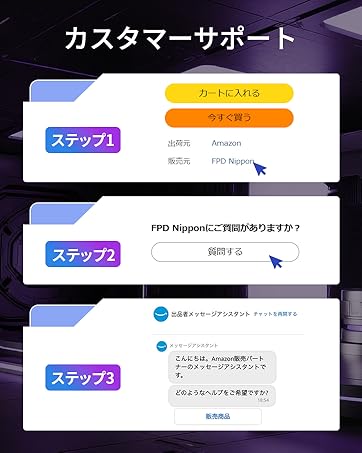
Image: Step-by-step guide on how to contact customer support via Amazon.