
ErGear EGESD8
Manual d'usuari de l'escriptori elèctric ErGear
Model: EGESD8
Introducció
Thank you for choosing the ErGear Electric Standing Desk. This manual provides essential information for the safe assembly, operation, and maintenance of your new desk. Designed for optimal comfort and productivity, this electric standing desk allows you to seamlessly switch between sitting and standing positions, promoting a healthier work environment. Please read this manual thoroughly before use and retain it for future reference.
Instruccions importants de seguretat
Read the instruction manual carefully before assembling and using the desk. Be careful not to exceed the weight capacity of the desk and ensure it is securely assembled. Use the desk only for its intended purpose and maintain it regularly to ensure safety. Keep children and pets away from the desk during operation to prevent injury. Do not place liquids directly on the control panel or motor components.
Producte acabatview
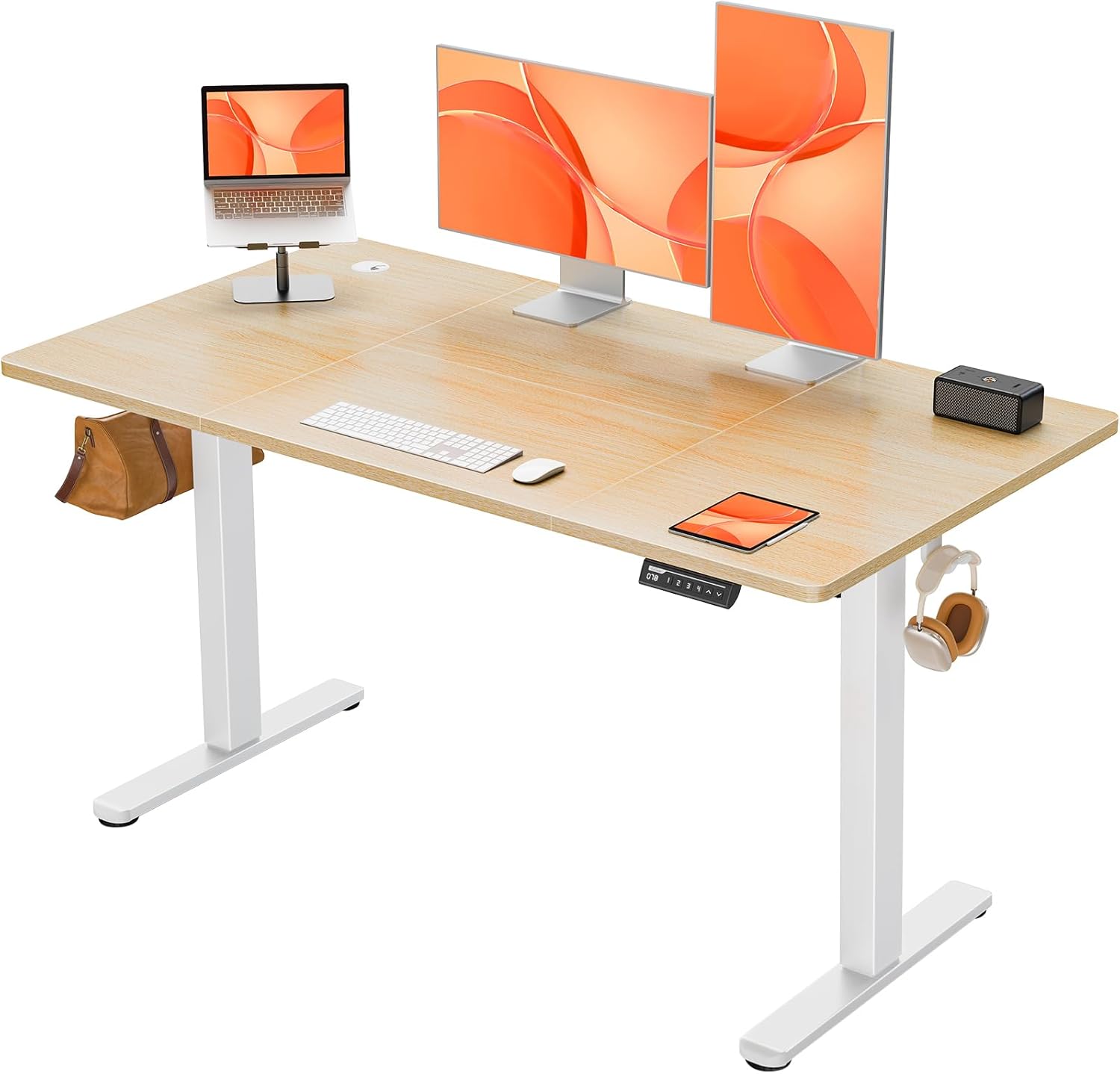
The ErGear Electric Standing Desk, showcasing its spacious desktop and integrated accessories like cable grommets and headphone hooks. It supports multiple monitors and office equipment.

The ErGear Electric Standing Desk integrated into a modern home office environment, highlighting its aesthetic appeal and functional design.
Instruccions de muntatge
The ErGear Electric Standing Desk is designed for streamlined assembly. While it can be completed solo, having a second person assist is recommended, especially when handling the heavy package and larger components. Ensure you have ample space for assembly, ideally twice the surface area of the desk itself.
- Desembalatge: The package is densely packed and heavy (approx. 22.85 kg). Exercise caution when moving it, especially upstairs.
- Identificació de components: All accessories are cleverly numbered. Refer to the comprehensive installation guide provided in the box to identify each part.
- Desktop Assembly: The desktop is a four-piece design. Carefully align the boards and use the provided dowels. For enhanced stability, some users recommend applying wood glue to the dowels during this step (optional).
- Muntatge del marc: Assemble the metal frame according to the instructions. Ensure all screws are tightened securely. Note that some parts may require a screwdriver or drill for proper fastening.
- Motor and Control Panel Installation: Attach the electric lifting system and the LED control panel as indicated in the guide. Ensure all cables are properly connected.
- Col·locació final: Once assembled, position the desk in your desired location.
A detailed installation guide with diagrams is included in your product packaging. Follow it step-by-step for a hassle-free setup.
Instruccions de funcionament
Ajust d'alçada
Your ErGear Electric Standing Desk features a smooth electric lifting system, allowing height adjustments from 72cm to 118cm. The operation is quiet, with a noise level of ≤55db, ensuring a distraction-free environment.

Illustration of the desk's height range, showing a user standing at 118cm and another sitting at 72cm, demonstrating seamless transition.

A diagram illustrating the key dimensions of the desk, including the 140cm width, 70cm depth, and the adjustable height range of 72-118cm.
Control Panel and Memory Presets
The user-friendly LED control panel allows for easy height adjustments and saving preferred settings.
- Fletxes amunt/avall: Premeu el botó ^ (Amunt) o v (Down) arrows to manually adjust the desk height.
- Preajustos de memòria (1, 2, 3, 4):
- Ajusteu l'escriptori a l'alçada desitjada amb les fletxes amunt/avall.
- Premeu el botó M button (or similar 'Set' button if present).
- Within a few seconds, press the desired memory button (1, 2, 3, or 4) to save the current height.
- To recall a saved height, simply press the corresponding memory button. The desk will automatically move to the saved position.

Close-up of the LED control panel, showing the height display, up/down arrows, and four memory preset buttons.
Weight Capacity and Stability
The desk is designed to hold up to 80KG, utilizing a wide 65mm alloy lifting frame connected to a 15mm thick spliced worktop. It has been tested for 50,000 lifting cycles, ensuring reliable use.

An image demonstrating the desk's robust 80KG weight capacity, with a person sitting on the desk.
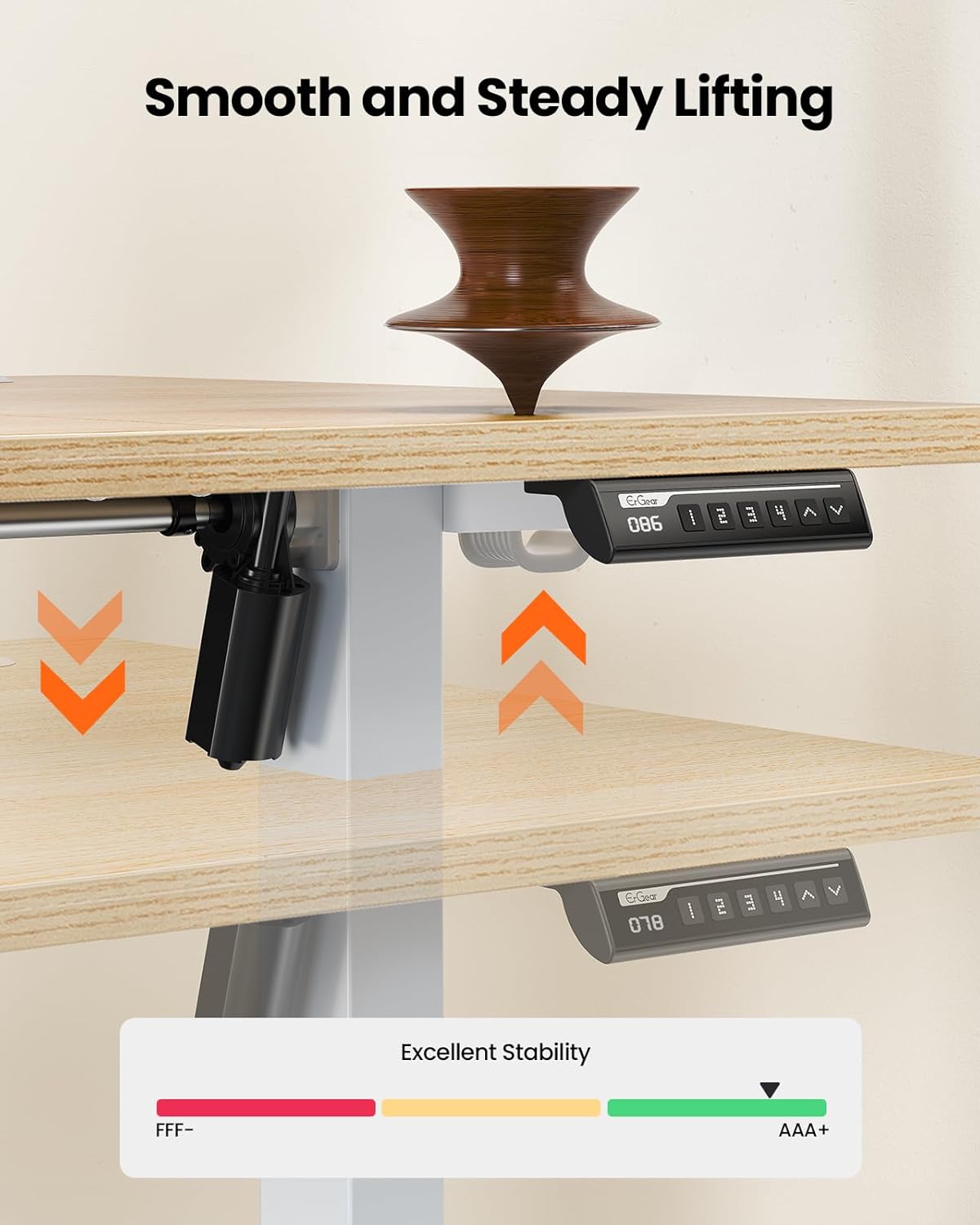
A visual representation of the desk's smooth and steady lifting mechanism, indicating excellent stability during height adjustments.
Workspace Organization
The 140cm by 70cm desktop includes thoughtful features to keep your workspace tidy.
- Cable Grommets: Two integrated cable grommets help manage and route your power and data cables, reducing clutter.
- Ganxos: Two hooks are provided for hanging bags, headphones, or other accessories, keeping them within reach but off the desktop.

An image highlighting the dual cable grommets and two hooks for bags or headphones, designed to keep the workspace organized.
Manteniment
Regular maintenance will ensure the longevity and optimal performance of your ErGear Electric Standing Desk.
- Neteja: Netegeu l'escriptori i el marc amb un drap suauamp drap. Eviteu netejadors abrasius o productes químics agressius que puguin danyar l'acabat.
- Gestió de cables: Periodically check all cables for wear or damage. Ensure they are neatly routed and not pinched.
- Elements de fixació: De tant en tant, comproveu tots els cargols i perns per assegurar-vos que estiguin ben ajustats. Torneu-los a apretar si cal.
- Cura del motor: Keep the motor and lifting columns free from dust and debris. Do not attempt to lubricate the motor or internal components.
- Distribució de pes: Distribute weight evenly across the desktop to prevent undue stress on the lifting mechanism.
Resolució de problemes
| Problema | Causa possible | Solució |
|---|---|---|
| L'escriptori no es mou ni respon als controls. | Power cable disconnected; Motor overload; Control panel issue. | Check power connection. Unplug for 30 seconds and plug back in. Reduce weight on desk. Contact customer support if issue persists. |
| L'escriptori es mou de manera irregular o fa sorolls estranys. | Uneven weight distribution; Loose fasteners; Obstruction in lifting mechanism. | Ensure weight is evenly distributed. Check and tighten all assembly fasteners. Inspect for any obstructions under the desk. |
| Els preajustos de memòria no es guarden ni es recuperen correctament. | Incorrect saving procedure; Temporary electronic glitch. | Refer to "Control Panel and Memory Presets" section for correct saving procedure. Unplug and replug the desk to reset the system. |
| Desk wobbles. | Loose connections; Uneven floor; Exceeded weight capacity. | Ensure all frame connections are tight. Adjust foot pads for stability on uneven floors. Do not exceed the 80KG weight limit. |
Especificacions
- Marca: ErGear
- Número de model: EGESD8
- Color: Natura
- Dimensions del producte (muntat): 140D x 70W x 72-118H centimetres (Adjustable Height)
- Pes de l'article: 22.8 kg
- Capacitat de pes: 80 KG
- Motor Noise Level: ≤55 dB
- Material d'escriptori: Engineered Wood (Four-piece spliced worktop, 15mm thick)
- Material base: Metal (65mm alloy lifting frame)
- Característiques especials: Adjustable Height, Ergonomic, Electric, 4 Memory Smart Panel, Dual Cable Grommets, 2 Hooks
- Usos recomanats: Treballar, escriure, jugar
Garantia i Suport
ErGear is committed to providing high-quality products and excellent customer service. For any questions, concerns, or assistance with your electric standing desk, please contact our specialized customer support team.
Please refer to your purchase documentation or the ErGear official website for specific warranty details and contact information. Keep your proof of purchase for warranty claims.
Assistència en línia: Visita el Botiga ErGear a Amazon per a preguntes freqüents i recursos addicionals.
Documents relacionatsEGESD8


Ask a question about this manual
Ask about setup, troubleshooting, compatibility, parts, safety, or missing instructions. Manuals+ will review the question and use this page’s manual context to help answer it.