
1. Introducció
Thank you for choosing the Hangrui Kids Instant Print Digital Camera. This camera is designed to provide children with a fun and creative way to explore photography, offering instant printing, 1080P video recording, and various creative features. Please read this manual carefully to ensure proper use and to maximize your child's enjoyment of the camera.
2. Què hi ha a la caixa
En desempaquetar, comproveu que hi hagi tots els elements següents:
- Hangrui Kids Instant Print Digital Camera Body
- Targeta SD de 32 GB
- Corda
- Printing Paper Rolls (Quantity may vary, typically 3 rolls)
- Cable de càrrega USB tipus C
- Color Pens (for DIY coloring)
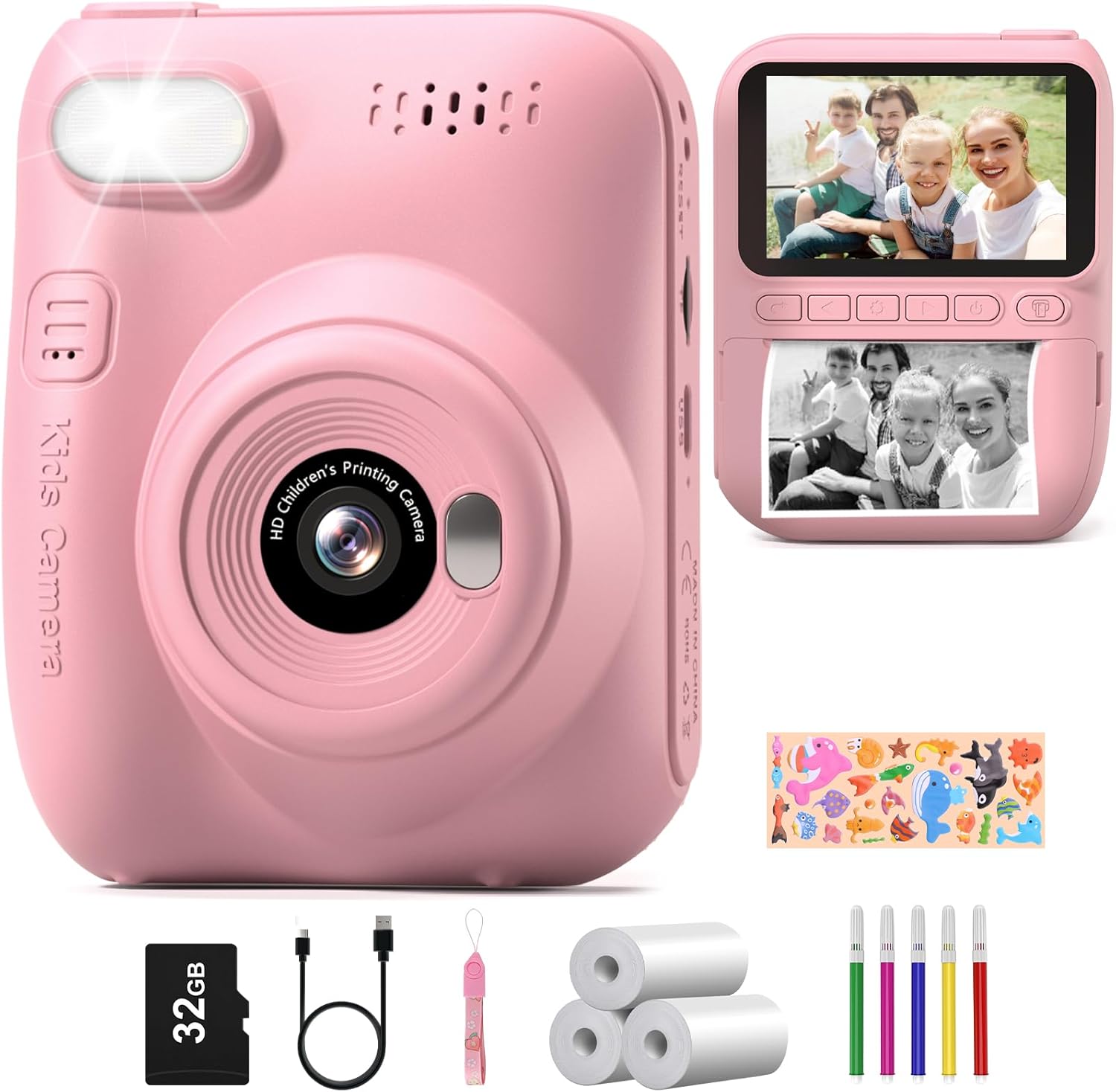
Image: All components included in the Hangrui Kids Instant Print Digital Camera package.
3. Producte acabatview
The Hangrui Kids Instant Print Digital Camera features a compact design with a 3.0-inch HD screen and intuitive controls suitable for children. Key components include the lens, flash, power button, navigation buttons, shutter button, and paper output slot.
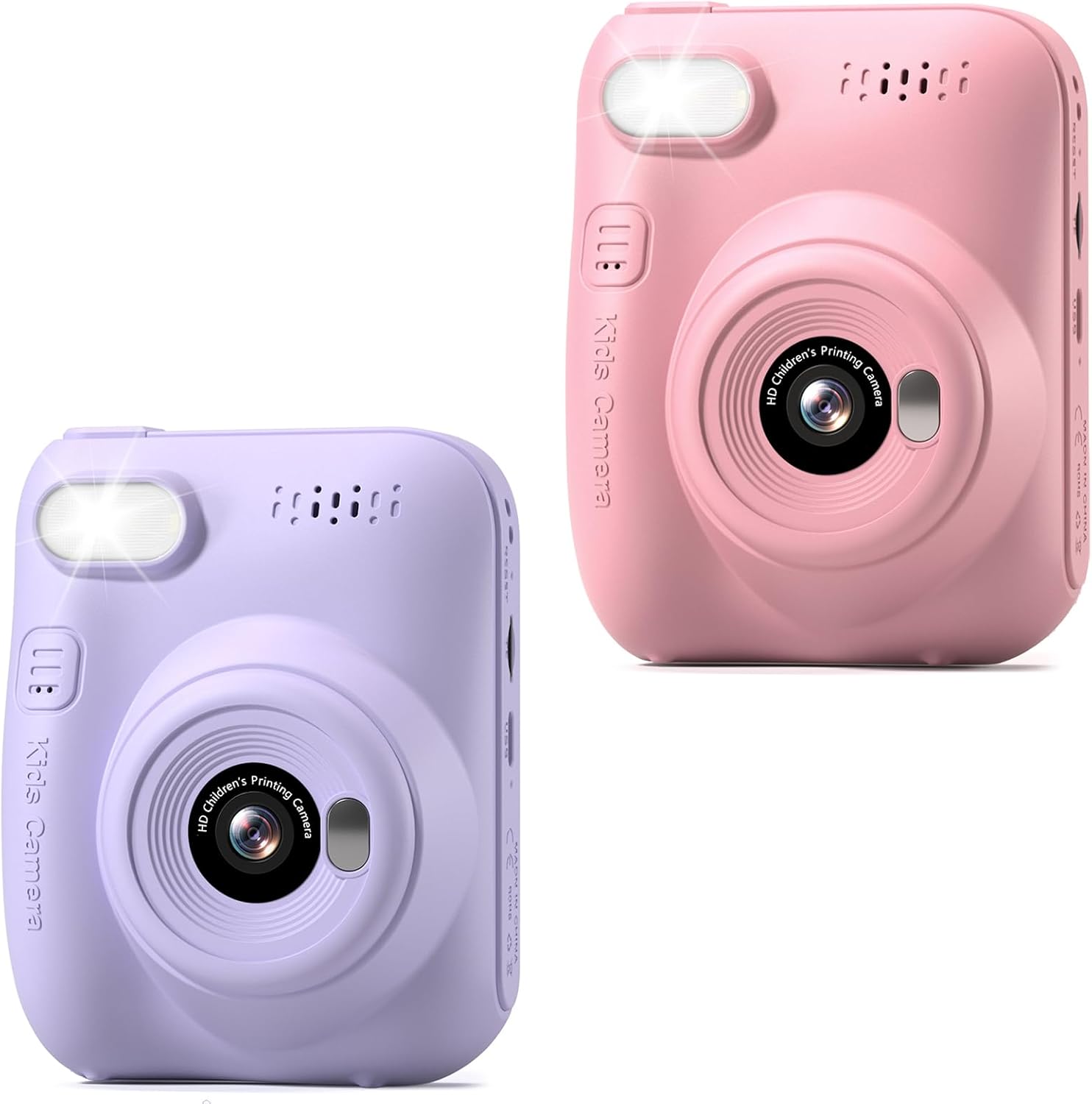
Imatge: Frontal view of the Hangrui Kids Instant Print Digital Camera.

Imatge: Més deview of camera features and functions.
4. Configuració
4.1 Càrrega de la càmera
- Locate the Type-C USB charging port on the camera.
- Connect the provided USB Type-C cable to the camera and a compatible USB power adapter (not included) or computer USB port.
- El llum indicador de càrrega s'il·luminarà. Un cop completament carregat, el llum pot canviar de color o apagar-se.
- A full charge typically provides up to 3 hours of continuous use.
4.2 Inserció de la targeta SD
- Assegureu-vos que la càmera estigui apagada.
- Locate the SD card slot, usually on the side of the camera.
- Insert the provided 32GB SD card into the slot with the metal contacts facing the correct direction (refer to the diagram on the camera if available).
- Premeu la targeta suaument fins que encaixi al seu lloc. Per treure-la, torneu a prémer-la fins que surti disparada.
4.3 Loading Printing Paper
The camera uses ink-free thermal printing paper.
- Locate the paper compartment door, typically on the back or bottom of the camera.
- Obriu la porta del compartiment.
- Insert a roll of printing paper into the compartment, ensuring the paper feeds out from the top of the roll and is aligned correctly.
- Pull a small length of paper out of the compartment and close the door, making sure the paper protrudes slightly from the output slot.
5. Instruccions de funcionament
5.1 Encès/Apagat
- Per encendre: Premeu i manteniu premut el botó d'engegada durant uns segons fins que la pantalla s'il·lumini.
- Per apagar: Premeu i manteniu premut el botó d'engegada de nou fins que la pantalla s'apagui.
5.2 Fer fotos
- Ensure the camera is in photo mode (indicated by an icon on the screen). Use navigation buttons to switch modes if necessary.
- Frame your shot using the 3.0-inch HD screen.
- Press the Shutter button to capture a 12MP photo. The photo will be saved to the SD card.
5.3 Gravació de vídeos
- Switch the camera to video recording mode.
- Press the Shutter button once to start recording 1080P video. A recording indicator will appear on the screen.
- Press the Shutter button again to stop recording. The video will be saved to the SD card.
5.4 Instant Printing
After taking a photo, you can instantly print it in black and white.
- In photo review mode, select the image you wish to print.
- Press the dedicated Print button (if available) or navigate through the menu to find the print option.
- The camera will print a black and white version of the photo from the loaded paper roll.
5.5 Using Digital Frames and Stickers
The camera offers 16 photo frame effects to add creativity to your pictures.
- Before taking a photo, navigate to the frames/stickers menu.
- Select your desired frame or sticker using the navigation buttons.
- Take the photo as usual; the selected effect will be applied.

Imatge: Examples of digital frames available on the camera.
5.6 DIY Coloring
After printing black and white photos, children can use the included color pens to personalize their prints.
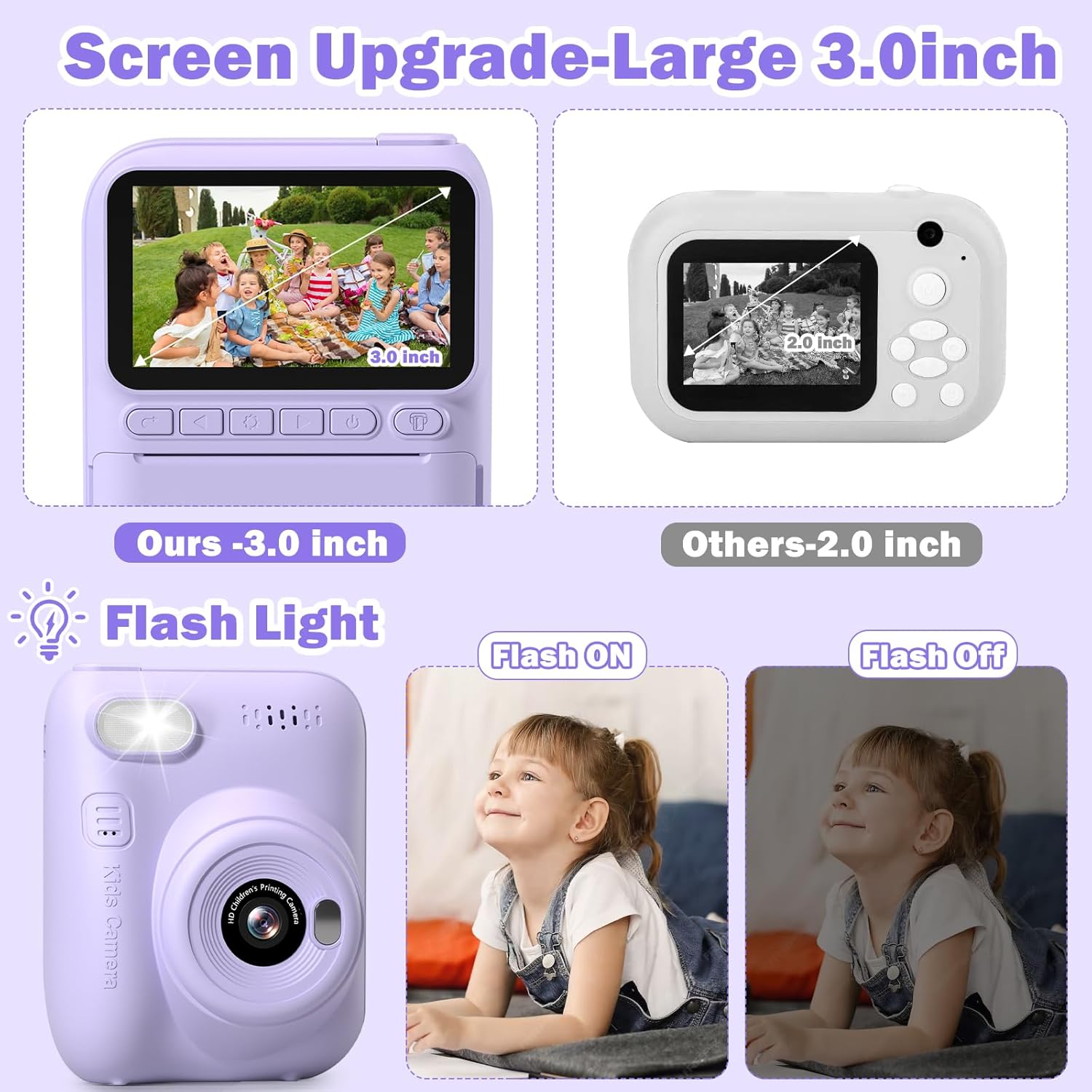
Image: A child engaging in DIY coloring of an instant print photo.
5.7 MP3 Function
The camera supports MP3 playback. To use this feature, ensure MP3 files are loaded onto the SD card in a designated folder (refer to on-screen menu for folder structure). Navigate to the MP3 player mode to select and play music.
5.8 Fotografia a intervals
The time-lapse function allows the camera to take photos at set intervals over a period, creating a sequence of images.
- Navigate to the time-lapse setting in the camera menu.
- Select the desired interval (e.g., 5 seconds).
- Start the time-lapse sequence. The camera will automatically capture photos.
5.9 Continuous Shooting (Burst Mode)
Capture a rapid sequence of photos with the continuous shooting mode.
- Activate continuous shooting mode in the camera settings.
- Press and hold the Shutter button to take multiple photos in quick succession.
5.10 Llum de flaix
El flaix integrat proporciona il·luminació addicional en condicions de poca llum.
- Access the flash settings in the camera menu.
- Choose between On, Off, or Auto modes as needed.
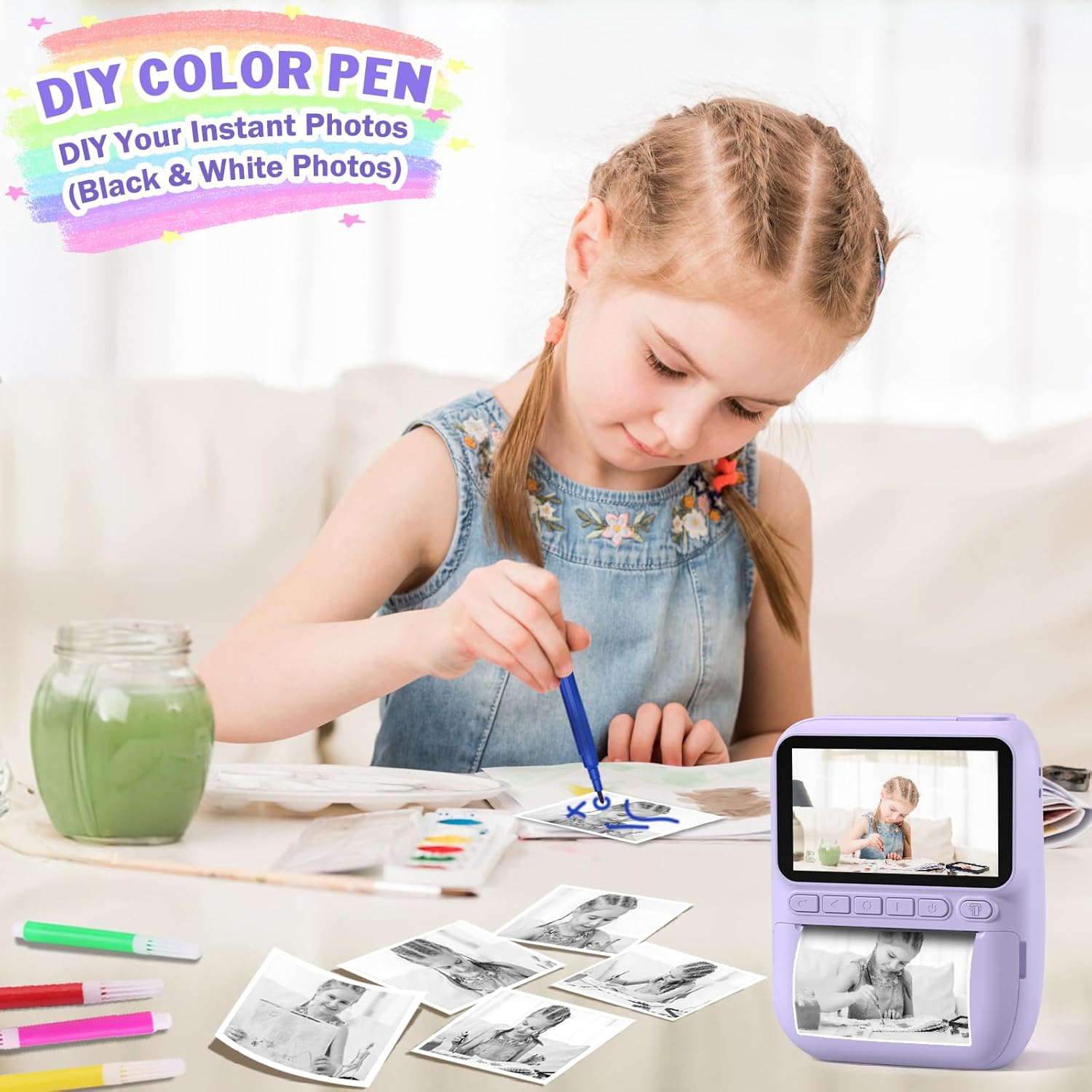
Image: Demonstration of the camera's flash light function.
6. Manteniment
6.1 Neteja
- Feu servir un drap suau i sec per netejar el cos de la càmera.
- For the lens and screen, use a specialized lens cleaning cloth to avoid scratches.
- No utilitzeu netejadors líquids ni dissolvents.
6.2 Cura de la bateria
- Charge the camera regularly, even if not in frequent use, to maintain battery health.
- Eviteu exposar la càmera a temperatures extremes.
6.3 Emmagatzematge
- Guardeu la càmera en un lloc fresc i sec, allunyat de la llum solar directa.
- When storing for extended periods, ensure the battery is partially charged (around 50%).
7. Solució De Problemes
- La càmera no s'encén: Assegureu-vos que la bateria estigui carregada. Connecteu-la a una font d'alimentació i torneu-ho a provar.
- No es poden fer fotos/vídeos: Comproveu si la targeta SD està inserida correctament i si té prou espai lliure.
- Printing issues: Verify that printing paper is loaded correctly and that there is enough paper. Ensure the paper is not jammed.
- Poca qualitat d'imatge: Assegureu-vos que la lent estigui neta. Comproveu les condicions d'il·luminació.
- Camera frozen: Premeu i manteniu premut el botó d'engegada durant 10-15 segons per forçar un reinici.
8. Especificacions
| Característica | Descripció |
|---|---|
| Marca | Hangrui |
| Model | Instant Print Digital Camera B0DB2CJZ4G |
| Mida de la pantalla | HD de 3.0 polzades |
| Resolució de vídeo | 1080P |
| Zoom digital | 16X |
| Capacitat de la bateria | 1000 mAh (recarregable) |
| Tipus de càrrega | Tipus C USB |
| Targeta de memòria | 32GB SD Card (Included) |
| Tipus d'impressió | Ink-free Thermal Printing (Black and White) |
| Característiques especials | Instant Print, Flash, Time-Lapse, Continuous Shooting, Fun Stickers, MP3, Auto Exposure |
| Components inclosos | Camera Body, 32GB SD Card, Lanyard, Printing Paper, Color Pens |
9. Garantia i Suport
Hangrui products are designed for quality and reliability. For specific warranty information, please refer to the product packaging or contact the retailer where the product was purchased. For technical support or inquiries, please visit the official Hangrui weblloc o poseu-vos en contacte amb el seu departament d'atenció al client.