
Introducció
The Talkpod A36SE is a versatile GMRS handheld radio designed for reliable communication. It features multi-band reception, NOAA weather alerts, and a durable design suitable for various outdoor and professional environments. This manual provides detailed instructions for the proper setup, operation, and maintenance of your A36SE radio.
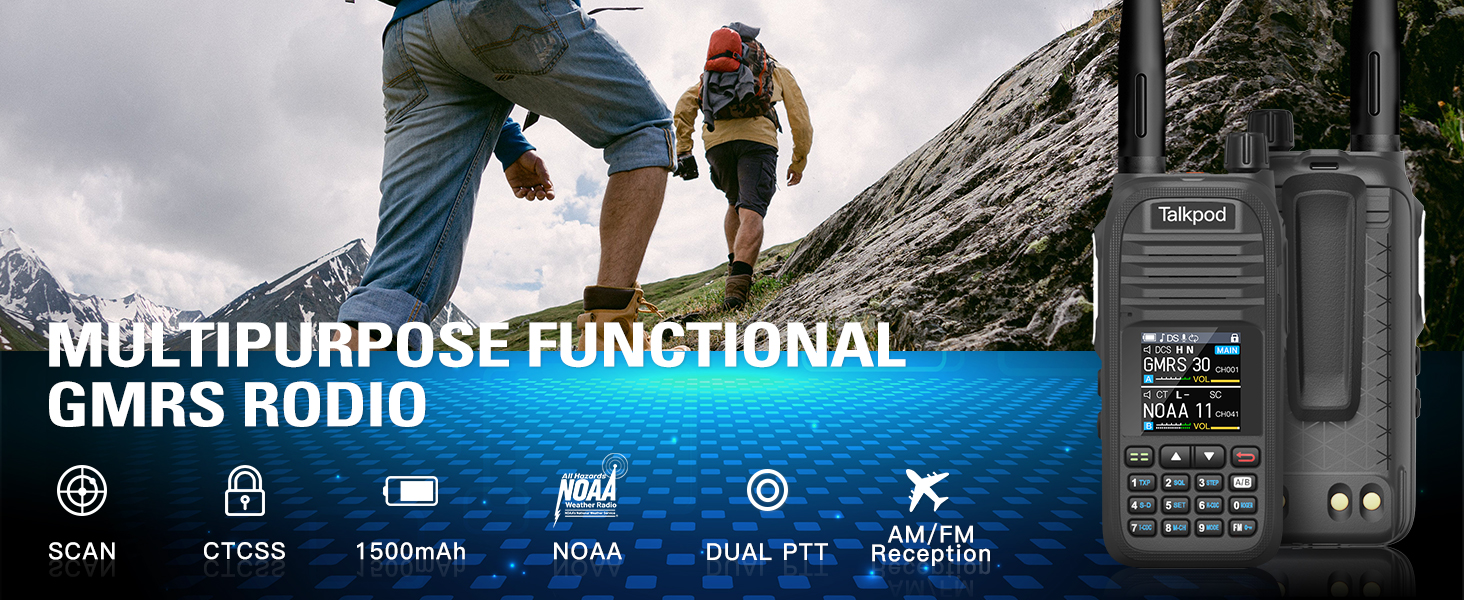
Imatge: Més deview of the Talkpod A36SE's exceptional performance features.
Configuració
Components inclosos
Verifiqueu que tots els elements següents estiguin inclosos al vostre paquet:
- 1 x Talkpod A36SE GMRS Radio Handheld
- 1 x 1500mAh Type-C Battery
- 1 x 805 Short Antenna
- 1 x 15.12-inch 771 AM Antenna (120/300MHz)
- 1 x Auricular
- 1 x Desk Charger
- 1 x USB-C Charger & Cable
- 1 x K-Port Cable
- 1 x clip posterior
- 1 x Manual d'usuari
- 1 x cordó
Producte acabatview

Image: Detailed diagram of the Talkpod A36SE radio with all components labeled and dimensions.
Instal·lació i càrrega de la bateria
To install the battery, align the battery pack with the compartment on the back of the radio and slide it into place until it clicks. To remove, press the release latch and slide the battery out.

Image: The 1500mAh Type-C rechargeable battery.
The A36SE radio can be charged using the included desk charger or directly via a USB-C cable. Ensure the radio is powered off during charging for optimal battery life.

Image: Multiple charging options for the Talkpod A36SE, including desk charger and USB-C direct charging.
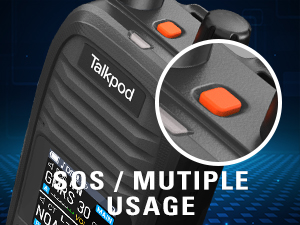
Image: Detail of the Type-C charging port on the Talkpod A36SE.
Enganxament d'antena
Enrosqueu l'antena desitjada en sentit horari al connector de l'antena a la part superior de la ràdio fins que quedi ben ajustada amb els dits. No l'estrengueu massa.

Image: The 771 long antenna for extended range and the 805 short antenna for compact use.
The A36SE includes both a 771 long antenna for extended range communication and an 805 short antenna for situations where a compact size is preferred, such as indoor use or when ultra-long-distance communication is not required.
Instruccions de funcionament
Controls bàsics
- Control de potència/volum: Rotate to turn the radio on/off and adjust the volume.
- Botó PTT (Prem per parlar): Premeu i manteniu premut per transmetre, deixeu-lo anar per rebre.
- Botó SOS: Press for emergency alert functions.
- Side Buttons (1 & 2): Customizable functions, refer to the programming section.
- Teclat: Used for frequency input, menu navigation, and feature activation.
- Tecla de menú/confirmació: Accedeix al menú i confirma les seleccions.
- Tecles amunt/avall: Navigate through menu options and channels.
Gestió de canals i freqüències
The A36SE supports 512 channels. It operates on GMRS frequencies (Tx: 462/467MHz) and has a wide receive range (Rx: 136-520MHz).
Entering Your Favorite Channel
- Press and hold the Menu button to switch to VFO mode.
- Enter the desired channel number on the keypad. The channel will be displayed on the screen.
- Briefly press the Menu button and use the "Up" key to navigate to menu option 09.
- Press the "Up" key to find the channel (e.g., CH-011) and then press the Menu button to save.

Image: Step-by-step guide for entering and saving a favorite channel.
Clearing Memory Channels
- Press the Menu button briefly and press the Up button to go to menu option 20.
- Press the Up button to find the channel you want to delete.
- Press the Menu Key to save the deletion.

Image: Step-by-step guide for clearing memory channels.
Funcions avançades
- Multi-band Reception: Enjoy AM/FM radio reception, NOAA Weather alerts, and Air Band receiving capabilities.
- DTMF Lock & Roger Beep: Enhance communication control and signal confirmation.
- Scrambler: Provides basic voice privacy.
- VOX (Central Operada per Veu): Permet la transmissió de mans lliures.
- Funció de repetidor: Extends communication range through repeaters.
- Escaneig: Automatically scans through channels or frequencies.

Image: The Talkpod A36SE supports Aviation Band receiving.
Single-Key Frequency Matching (Crack Frequency)
This feature allows you to quickly capture and match frequencies during transmission.
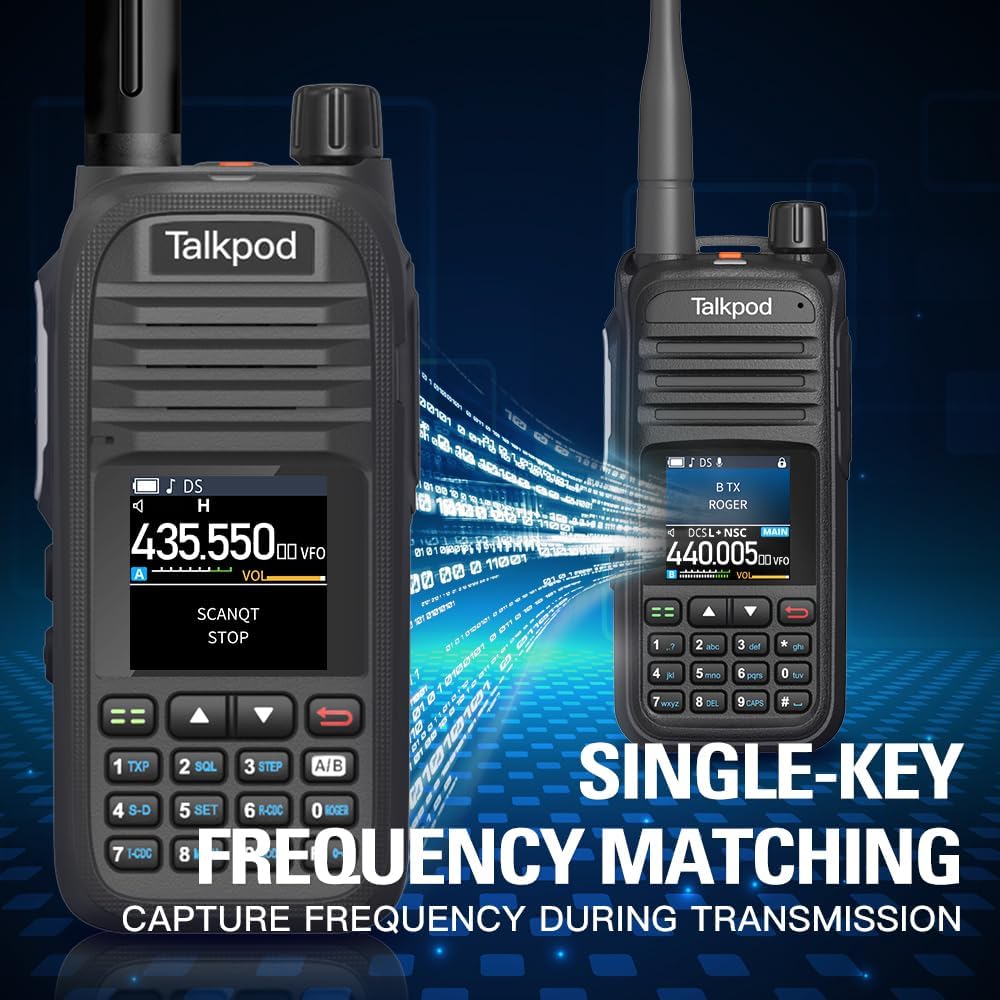
Image: Single-Key Frequency Matching for quick frequency capture.
Mode de monitor
To monitor other radios, press and hold Side Key 3 to enter Monitor mode, which instantly opens the squelch.

Image: Using Monitor mode to listen to other radios.
Programació de la Ràdio
The A36SE can be programmed using a K-Port Cable with CHIRP software or Talkpod's dedicated programming software. This allows for advanced customization of channels, frequencies, and features.
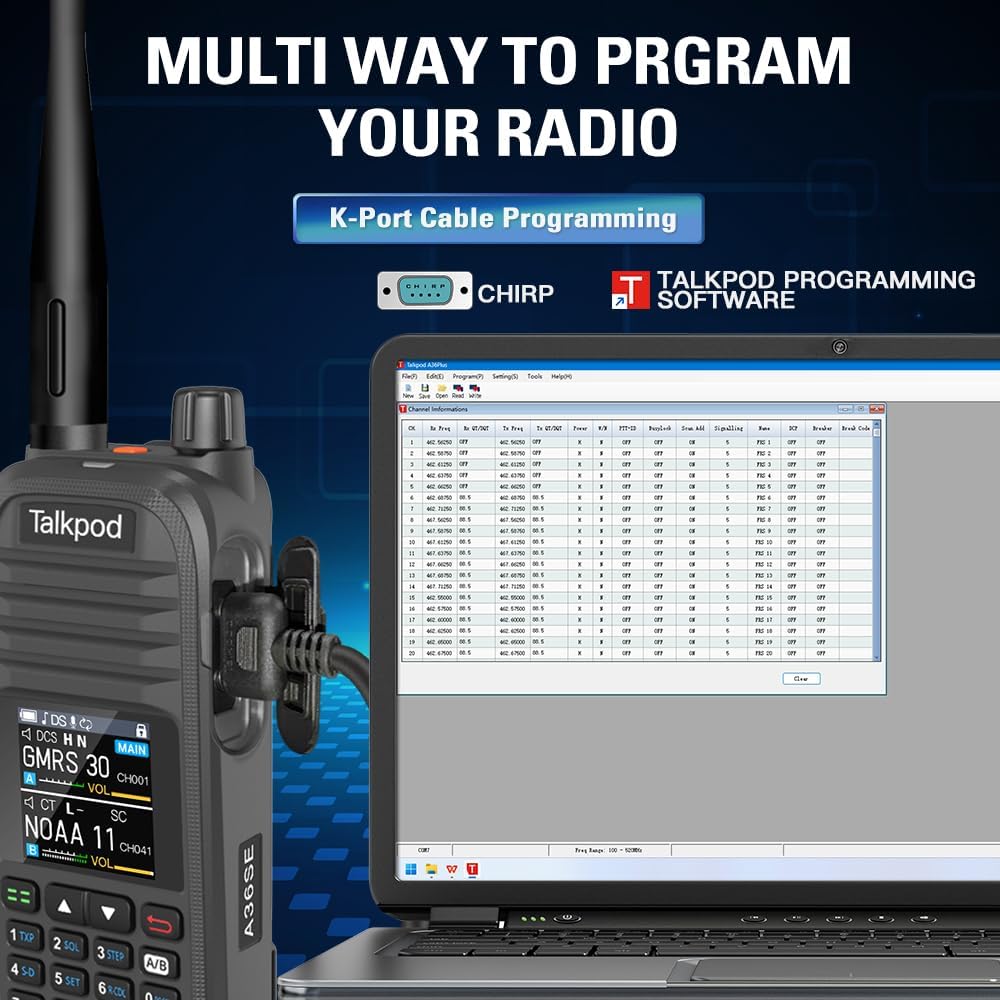
Image: Programming the Talkpod A36SE using a K-Port cable and CHIRP software.
Vídeo del producteview
Video: An official product video demonstrating various features and uses of the Talkpod A36SE GMRS Handheld Radio.
Manteniment
Cura de la bateria
- Carregueu la bateria completament abans del primer ús.
- Eviteu sobrecarregar o esgotar completament la bateria per allargar-ne la vida útil.
- Guardeu la bateria en un lloc fresc i sec quan no la feu servir durant períodes prolongats.
Neteja i emmagatzematge
- Netegeu l'exterior de la ràdio amb un drap suau iamp tela. No utilitzeu productes químics o dissolvents aggressivs.
- Assegureu-vos que tots els ports estiguin secs abans de carregar o connectar accessoris.
- Guardeu la ràdio en un lloc sec, allunyat de temperatures extremes i de la llum solar directa.
Resolució de problemes
If you encounter issues with your Talkpod A36SE radio, consider the following basic troubleshooting steps:
- Sense energia: Ensure the battery is properly installed and charged. Check the power/volume knob.
- No es pot transmetre/rebre: Verify the antenna is securely attached. Check the selected channel/frequency. Ensure you are within range of other radios or repeaters.
- Mala qualitat d'àudio: Adjust the volume. Check the antenna connection. Ensure there is no interference.
- Problemes de programació: Ensure the K-Port cable is correctly connected and the programming software is compatible and up-to-date.
For more complex issues, refer to the Customer Support section.
Especificacions
| Característica | Especificació |
|---|---|
| Número de model | A36SE |
| ID de la FCC | 2ADQZGMRS1 (Part 15B and Part 95E) |
| Pes de l'article | 1.28 lliures |
| Dimensions del paquet | 9.21 x 7.01 x 2.52 polzades |
| Bateries | Necessita 1 bateria de ions de liti (inclosa) |
| Nombre de canals | 512 |
| Característica especial | Dual Band, Multi-band Receiving (AM/FM, NOAA, Air Band) |
| Rang de freqüència (Tx) | 462/467MHz |
| Frequency Range (Rx) | 136-520 MHz |
| Interval de conversa màxim | 10 milles (aproximat, varia segons el terreny) |
| Nivell de resistència a l'aigua | No resistent a l'aigua |
| Dispositius compatibles | Earpieces, Antennas, Devices supporting DTMF and Roger Beep features |
Informació de la garantia
Talkpod products are manufactured to high-quality standards. This product comes with a standard manufacturer's warranty against defects in materials and workmanship. Please retain your proof of purchase for warranty claims. Specific warranty duration and terms may vary by region and retailer. For detailed warranty information, please contact Talkpod customer support.
Atenció al client
Should you encounter any problems while using your Talkpod A36SE two-way radio, our professional technical team is available to provide assistance. Please do not hesitate to contact us for a satisfactory solution.
Informació de contacte:
- Via Amazon messaging system (if purchased through Amazon)
- Via email (refer to product packaging or official Talkpod website for email address)