
Introducció
This manual provides detailed instructions for the setup, operation, maintenance, and troubleshooting of your Sorandy Wired Mechanical Gaming Keyboard. Please read this manual thoroughly before using the product to ensure optimal performance and longevity.
Contingut del paquet
- Sorandy Wired Mechanical Gaming Keyboard
- Manual d'usuari (aquest document)
Configuració
Segueix aquests passos per connectar el teclat a l'ordinador:
- Unpack the keyboard and ensure all components are present.
- Localitza un port USB disponible al teu ordinador (ordinador de sobretaula o portàtil).
- Inseriu el connector USB del cable del teclat al port USB.
- El vostre sistema operatiu hauria de detectar i instal·lar automàticament els controladors necessaris. Aquest procés pot trigar uns instants.
- Un cop finalitzada la instal·lació, el teclat ja està llest per al seu ús.

Instruccions de funcionament
Funcions bàsiques del teclat
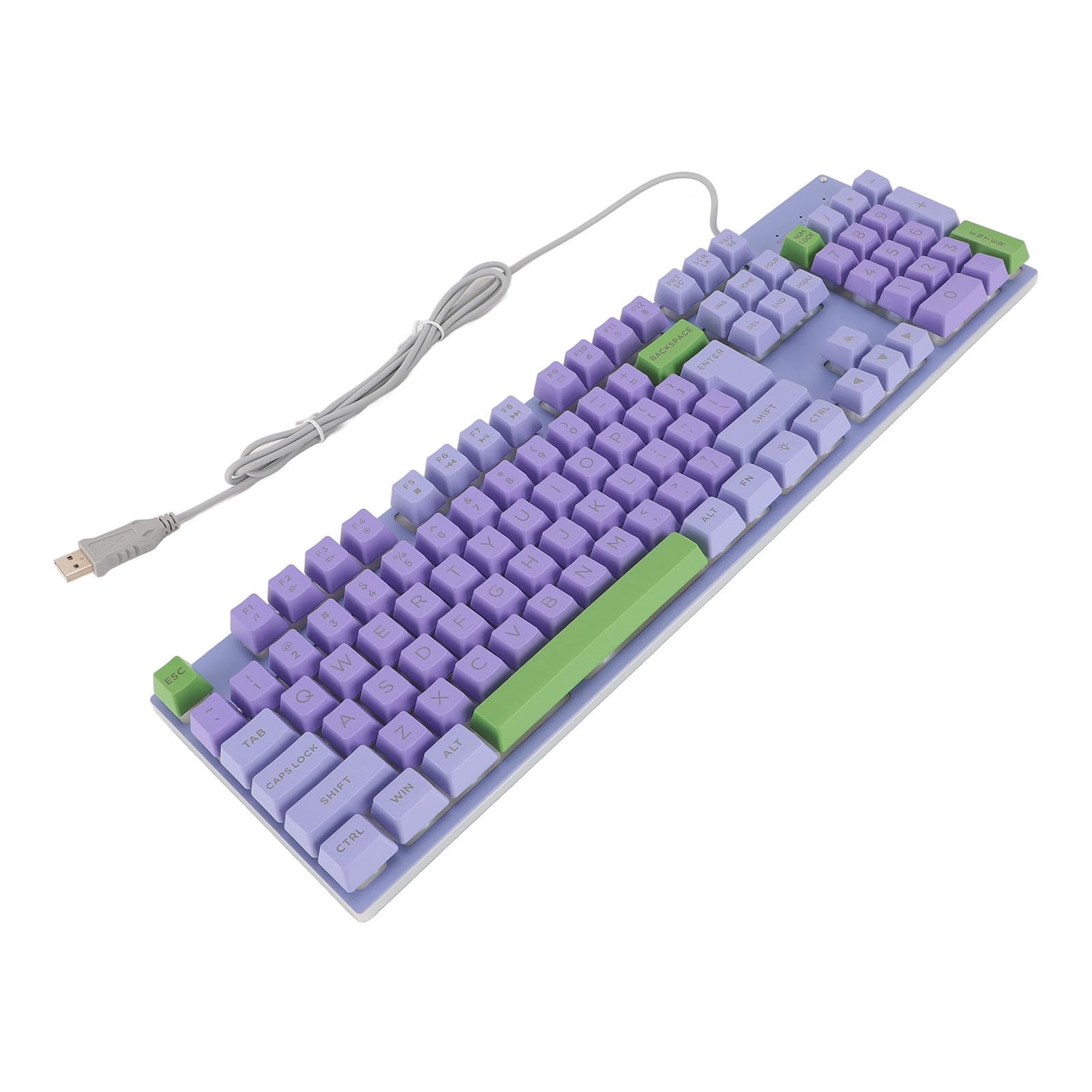
The keyboard features a standard QWERTY layout with mechanical switches for responsive typing and gaming. All standard alphanumeric keys, function keys (F1-F12), navigation keys, and a numeric keypad are present.

Backlighting Features
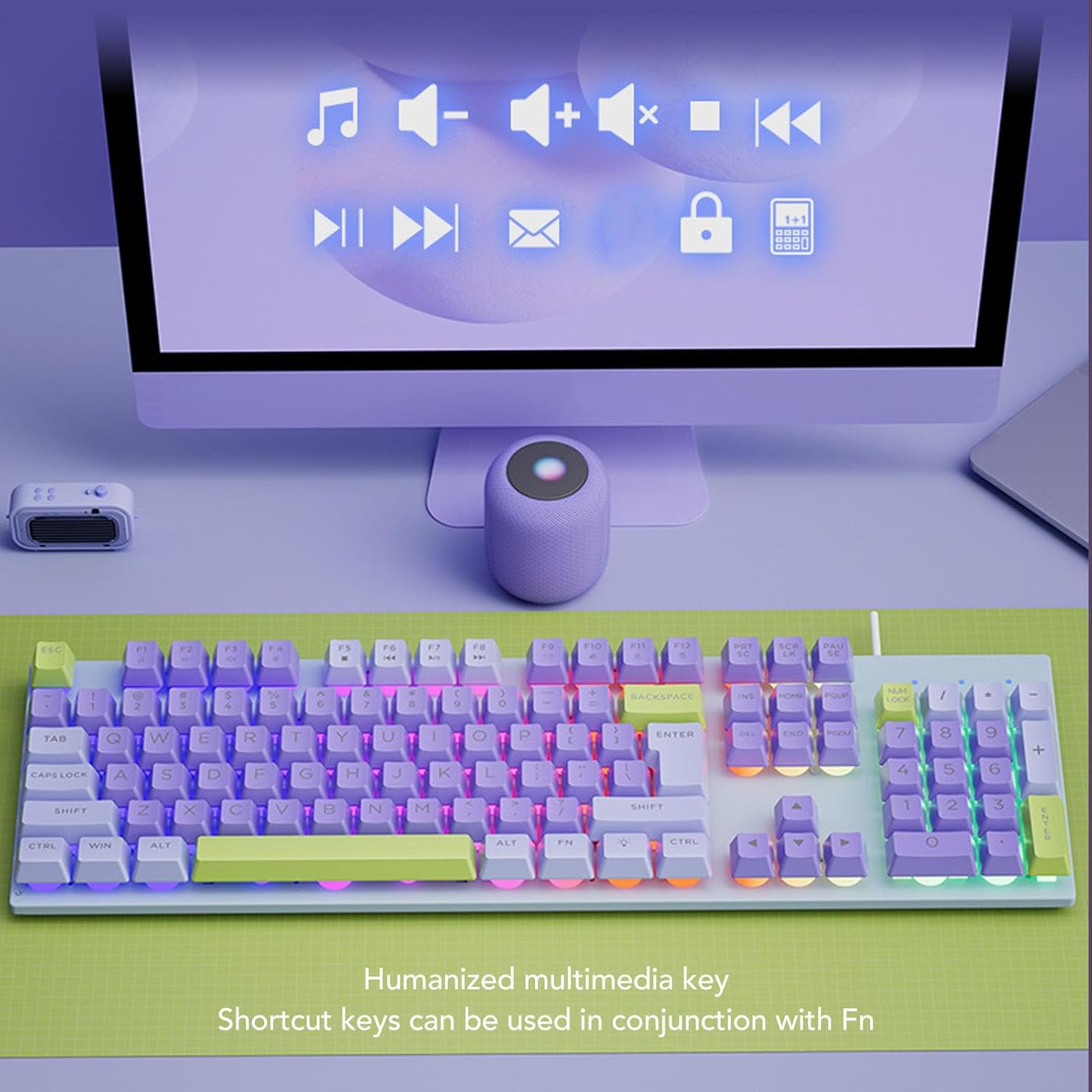
This keyboard features rainbow backlighting. The backlighting is automatically enabled upon connection. Specific controls for adjusting brightness or modes are typically accessed via function key combinations (e.g., Fn + specific F-keys). Refer to the keyboard's keycap legends for any dedicated backlight control icons.
Claus multimèdia
The keyboard includes humanized multimedia keys, which can be accessed by pressing the Fn key in conjunction with the corresponding function keys (F1-F12). These keys allow quick control over media playback, volume, and other system functions.
- Fn + F1-F12: Specific multimedia functions (e.g., volume up/down, play/pause, mute, calculator, email, web browser). Refer to the icons on the F-keys for their specific functions.
Manteniment
Un manteniment adequat garanteix la longevitat i el rendiment del teclat.
- Neteja: Use a soft, dry cloth to wipe the surface of the keyboard. For deeper cleaning, use a can of compressed air to remove dust and debris from between the keys. Avoid using harsh chemicals or abrasive materials.
- Abocaments: In case of liquid spills, immediately disconnect the keyboard from your computer. Turn it upside down to drain any liquid and allow it to dry completely before reconnecting.
- Emmagatzematge: Guardeu el teclat en un lloc fresc i sec, allunyat de la llum solar directa i de temperatures extremes.
- Cura de cables: Avoid bending or twisting the USB cable excessively to prevent damage.

Resolució de problemes
Si teniu problemes amb el teclat, consulteu les solucions habituals següents:
| Problema | Solució |
|---|---|
| El teclat no respon |
|
| La retroiluminació no funciona |
|
| Les tecles són enganxoses o no responen |
|
Especificacions
| Característica | Detall |
|---|---|
| Marca | Sorandy |
| Número de model | Sorandy0bovasc7un-12 |
| Tecnologia de connectivitat | Cable USB |
| Descripció del teclat | Ergonomic, Full Size |
| Tipus de canvi | Mecànica |
| Disposició del teclat | QWERTY |
| Dispositius compatibles | Portàtil, PC |
| Orientació de la mà | Ambidextre |
| Il·luminació de fons | Rainbow Backlit |
Garantia i Suport
For warranty information and technical support, please refer to the retailer's return policy or contact Sorandy customer service directly. Details for contacting support are typically provided with your purchase documentation or on the official Sorandy weblloc.