
Introducció
This manual provides essential information for the safe and efficient operation of your amazon basics X20R 20W Bluetooth Soundbar. Please read these instructions carefully before using the product and retain them for future reference.
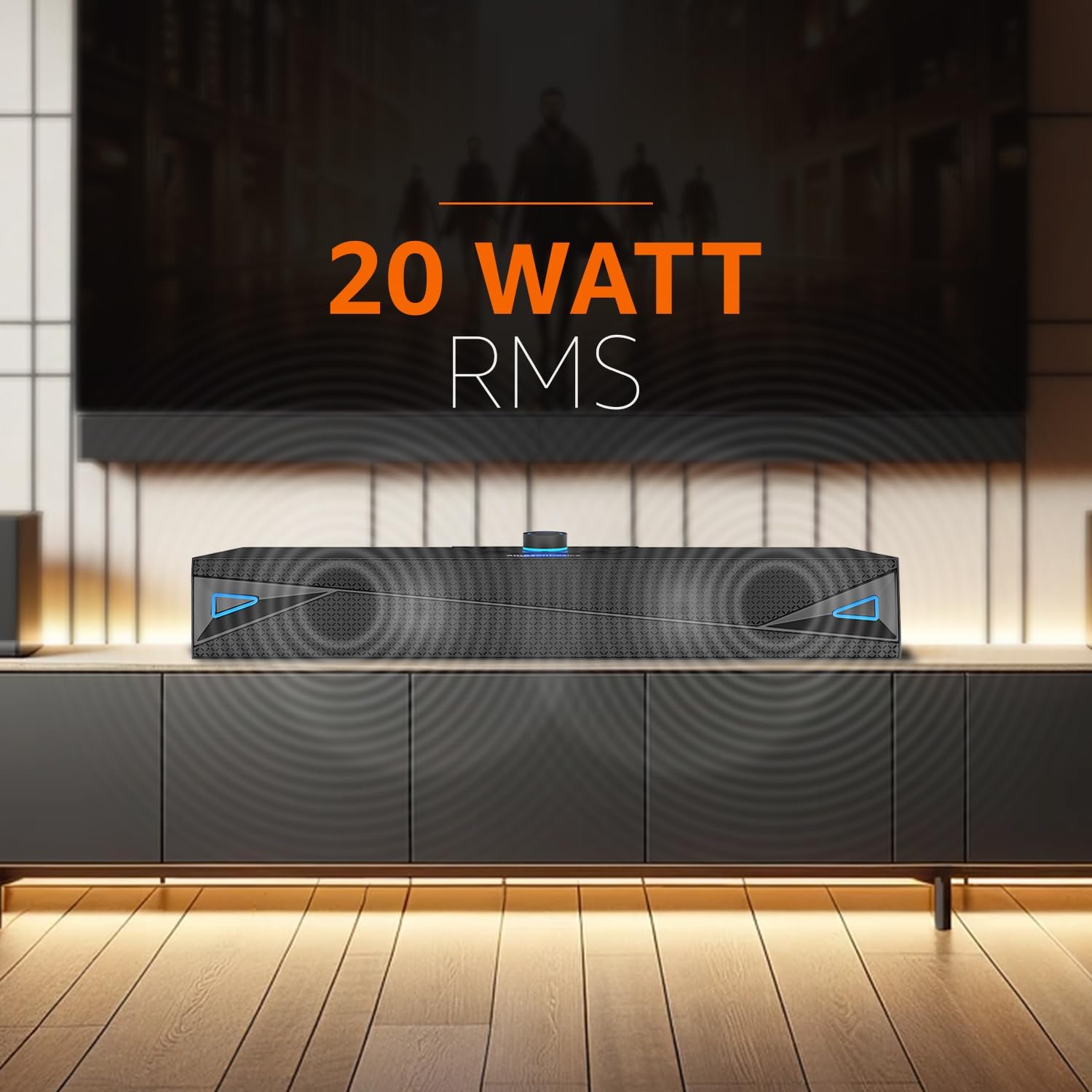
Figura 1: Frontal view of the amazon basics X20R 20W Bluetooth Soundbar.
Què hi ha a la caixa
Verifiqueu que tots els components siguin presents en desembalar-lo:
- Barra de so 1N
- 1N Charging Cable
- Cable AUX 1N
- Manual d'usuari 1N
Producte acabatview
Controls i indicadors

Figure 2: Top panel controls.
The top panel features touch controls for power, volume adjustment, mode selection, and playback. A central knob typically controls volume and may also serve as a power button.
Ports i connexions

Figure 3: Rear panel input ports.
El panell posterior ofereix diverses opcions de connectivitat:
- Entrada AUX: Per connectar dispositius mitjançant un cable d'àudio de 3.5 mm.
- Port USB: Per a la reproducció des d'una unitat flaix USB.
- Ranura per a targetes TF: Per a la reproducció de targetes Micro SD.
- Charging Port (12V-1A): Per connectar el cable de càrrega.
Configuració
- Charging the Soundbar: Connect the provided charging cable to the soundbar's charging port and a suitable power adapter. The LED indicator will show charging status. Ensure the soundbar is fully charged before first use for optimal battery life.
- Col·locació: Place the soundbar on a stable, flat surface, such as a tabletop, near your television or audio source. Ensure there are no obstructions blocking the sound output.
- Encès: Press and hold the power button (often integrated with the volume knob) on the top panel until the soundbar powers on.
Instruccions de funcionament
Mode Bluetooth
- Power on the soundbar. It will automatically enter Bluetooth pairing mode, indicated by a flashing LED.
- Al dispositiu (telèfon intel·ligent, tauleta, ordinador portàtil), activeu el Bluetooth i cerqueu els dispositius disponibles.
- Select "ABSBX20R" or a similar name from the list. Once connected, the LED indicator will become solid.
- Ara pots reproduir àudio des del teu dispositiu a través de la barra de so.
Mode d'entrada AUX
- Connect one end of the provided 3.5mm AUX cable to the AUX input port on the soundbar.
- Connect the other end to the audio output jack of your external device (e.g., TV, MP3 player).
- Press the 'Mode' button on the soundbar until AUX mode is selected.
- Adjust the volume on both the soundbar and your connected device.
Mode de reproducció USB
- Inseriu una unitat flash USB que contingui àudio files al port USB de la barra de so.
- The soundbar should automatically switch to USB mode. If not, press the 'Mode' button to select it.
- Use the playback controls (play/pause, next/previous track) on the soundbar to manage your music.
Micro TF Card Playback Mode
- Insert a Micro TF (SD) card containing audio files a la ranura per a targetes TF de la barra de so.
- The soundbar should automatically switch to TF card mode. If not, press the 'Mode' button to select it.
- Use the playback controls on the soundbar to manage your music.
Controls generals
- Encès/apagat: Manteniu premut el botó d'encesa.
- Pujar/baixar el volum: Rotate the volume knob or use dedicated volume buttons.
- Selecció del mode: Press the 'Mode' button to cycle through Bluetooth, AUX, USB, and TF card inputs.
- Reproduir/pausa: Press the play/pause button during media playback.
- Seguiment anterior / següent: Use the skip buttons during media playback.
Manteniment
- Neteja: Feu servir un drap suau i sec per netejar la superfície de la barra de so. No utilitzeu netejadors líquids ni materials abrasius.
- Emmagatzematge: Quan no la feu servir durant períodes prolongats, guardeu la barra de so en un lloc fresc i sec, allunyat de la llum solar directa i de temperatures extremes.
- Cura de la bateria: To prolong battery life, avoid fully discharging the battery frequently. Charge the soundbar regularly, even if not in constant use.
- Resistència a l'aigua: The product is indicated as waterproof. However, avoid submerging it in water or exposing it to heavy splashes for prolonged periods to prevent damage.
Resolució de problemes
| Problema | Causa possible | Solució |
|---|---|---|
| Sense poder | La bateria està esgotada; el cable d'alimentació no està connectat. | Charge the soundbar; Ensure charging cable is securely connected. |
| Sense so | Volume too low; Incorrect input mode; Device not connected properly. | Increase volume on soundbar and source device; Select correct input mode; Reconnect device. |
| Error de vinculació de Bluetooth | La barra de so no està en mode d'emparellament; Dispositiu massa lluny; Interferències. | Assegureu-vos que la barra de so estigui en mode d'emparellament; acosteu el dispositiu; desactiveu els altres dispositius Bluetooth. |
| La targeta USB/TF no es reprodueix | Incorrecte file format; Targeta/unitat no inserida correctament; Suport corromput. | Assegureu-vos l'àudio files are compatible; Reinsert card/drive; Try a different card/drive. |
Especificacions
- Nom del model: ABSBX20R
- Tipus d'altaveu: Barra de so
- Potència de sortida màxima dels altaveus: 20 watts
- Tecnologia de connectivitat: Bluetooth 5.3, Auxiliary, USB, Micro TF Card
- Font d'alimentació: Alimentat per bateria (ió de liti de 2000 mAh)
- Durada mitjana de la bateria: Fins a 9 hores (amb un 50% de volum)
- Mètode de control: Toca
- Característiques especials: Built-in Microphone, Portable, USB Port
- Dimensions del producte: 6.2 x 41.8 x 7 cm
- Pes de l'article: 681 g
- Color: Gris
- És impermeable: Sí
- Components inclosos: Soundbar, Charging Cable, AUX Cable, User Manual
Garantia i Suport
This product comes with a Limited Warranty. For detailed warranty terms and conditions, please refer to the warranty information provided with your purchase or contact amazon basics customer support.
For further assistance, troubleshooting, or product inquiries, please visit the official amazon basics store or contact their customer service channels.
amazon basics Store: https://www.amazon.in/stores/amazonbasics/page/6EBA15C5-8084-4DBC-937C-A6F6FDE0A8C7