1. Introducció
Thank you for choosing the TECKNET Wireless Gaming Mouse. This manual provides detailed instructions on how to set up, operate, and maintain your new gaming mouse, ensuring optimal performance and longevity. Please read this manual thoroughly before using the product.
2. Producte acabatview
2.1 Contingut del paquet
- TECKNET Wireless Gaming Mouse
- Receptor USB
- Cable de càrrega USB
- Manual d'usuari
2.2 Mouse Components
Familiarize yourself with the various parts of your TECKNET Wireless Gaming Mouse:

Image: The TECKNET Wireless Gaming Mouse, showcasing its ergonomic design and the included USB receiver.
- Botó de clic esquerre
- Botó de clic dret
- Roda de desplaçament / Botó central de clic
- Botó de cicle DPI
- Forward Button (Side)
- Backward Button (Side)
- Tira d'il·luminació RGB
- USB Charging Port (Front)
- Power Switch (Bottom)
- USB Receiver Storage Slot (Bottom)
3. Configuració
3.1 Càrrega inicial
Before first use, it is recommended to fully charge the mouse. Connect the provided USB charging cable to the mouse's charging port and the other end to a USB power source (e.g., computer USB port, USB wall adapter). The RGB lighting may indicate charging status.
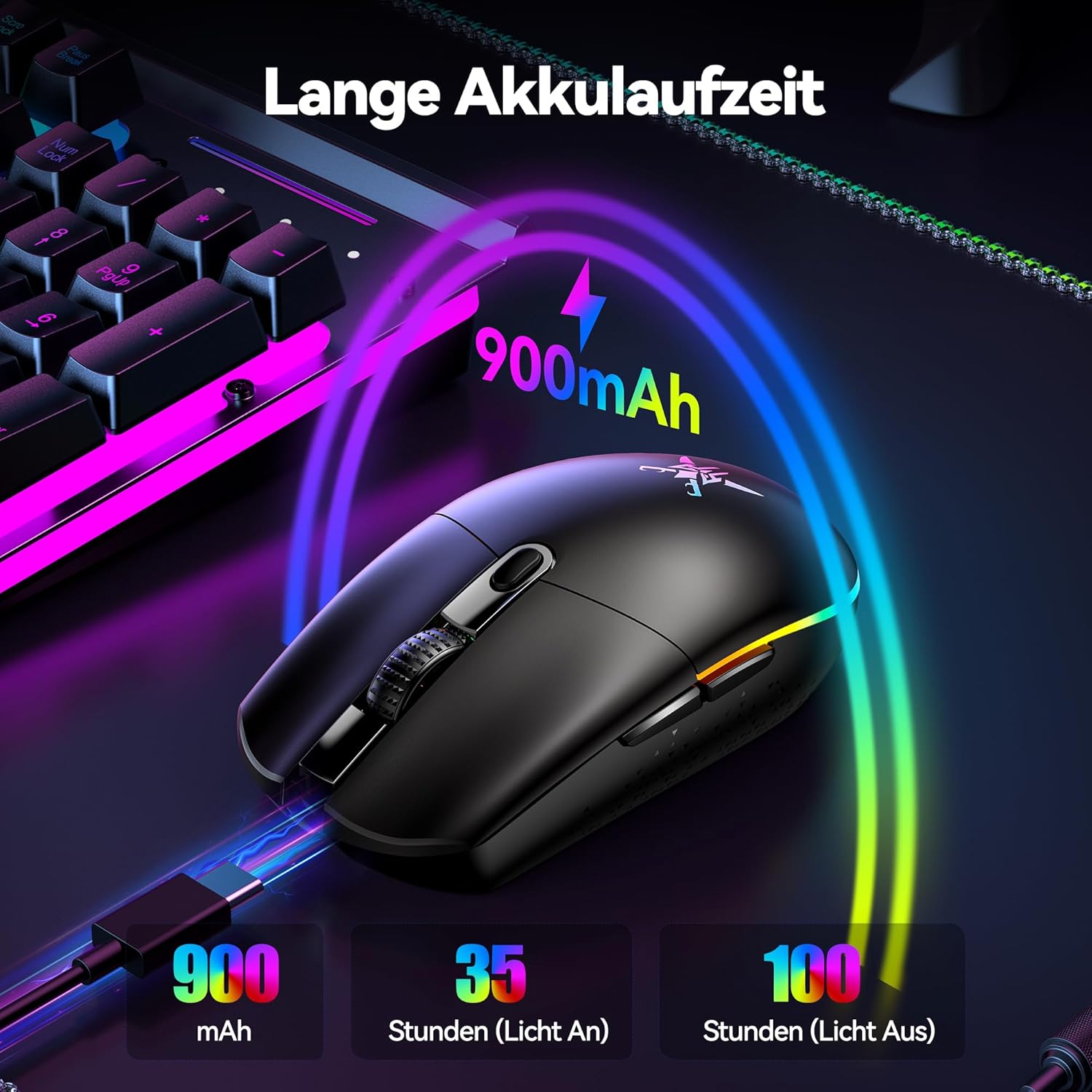
Image: The mouse connected via USB cable for charging, illustrating its 900mAh battery capacity and estimated battery life of 35 hours with lights on and 100 hours with lights off.
3.2 Connexió del ratolí
The TECKNET Wireless Gaming Mouse supports both 2.4GHz wireless and wired connections.
Connexió sense fil 3.2.1 de 2.4 GHz
- Remove the USB receiver from its storage slot on the bottom of the mouse.
- Connecteu el receptor USB a un port USB disponible de l'ordinador.
- Enceneu el ratolí amb l'interruptor d'encesa situat a la part inferior.
- The mouse will automatically connect to the receiver. Your computer should recognize the device without needing additional drivers.

Image: A visual representation of the mouse connected wirelessly to a laptop via its USB receiver, demonstrating a stable connection range of up to 10 meters (32.8 feet).
3.2.2 Connexió per cable
To use the mouse in wired mode, simply connect the USB charging cable from the mouse to a USB port on your computer. The mouse will function as a wired mouse and charge simultaneously.
4. Instruccions de funcionament
4.1 Ajust de DPI
The mouse features an adjustable DPI (Dots Per Inch) setting, allowing you to change cursor sensitivity on the fly. Press the DPI cycle button (usually located behind the scroll wheel) to cycle through different DPI levels. Each level is often indicated by a specific RGB light color.

Image: The mouse highlighting its 8000 DPI capability, with six distinct DPI levels (800, 1600, 2400, 3200, 4800, 8000) each associated with a unique LED light color for easy identification.
4.2 Control d'il·luminació RGB
The mouse is equipped with customizable RGB lighting. You can typically cycle through different lighting modes or turn the lighting on/off using a dedicated button or through the software.

Image: The mouse displaying its vibrant RGB lighting, indicating 6 different lighting modes and a switch to toggle the lights on or off.
4.3 Botons programables
The TECKNET Wireless Gaming Mouse features programmable buttons for enhanced gaming and productivity. These buttons can be customized using the dedicated driver software.

Image: A screenshot of the TECKNET driver software interface, showing how to customize the mouse's programmable buttons (Left Click, Right Click, Middle Click, Forward, Backward) and adjust settings like response time. Note: The driver is compatible only with Windows systems.
Nota: The driver software for programmable buttons is compatible only with Windows operating systems.
5. Càrrega i durada de la bateria
The mouse is equipped with a 900mAh rechargeable battery. When the battery is low, the RGB lighting may flash or change color to indicate the need for charging. Connect the mouse to a USB power source using the provided cable to recharge.
- Capacitat de la bateria: 900 mAh
- Estimated Battery Life (Lights On): Fins a 35 hores
- Estimated Battery Life (Lights Off): Fins a 100 hores
6. Manteniment
6.1 Neteja
Per netejar el ratolí, feu servir un drap suau i sec. Per a la brutícia persistent, fregueu-lo lleugerament.ampRenta el drap amb aigua o una solució de neteja suau. Evita utilitzar productes químics agressius o materials abrasius, ja que poden danyar la superfície del ratolí.
6.2 Emmagatzematge
When not in use for extended periods, store the mouse in a cool, dry place. Ensure the USB receiver is securely stored in its designated slot on the mouse's bottom to prevent loss.
7. Solució De Problemes
| Problema | Possible solució |
|---|---|
| El ratolí no respon (sense fil) |
|
| El cursor del ratolí és erràtic o salta |
|
| Els llums RGB no funcionen |
|
| Els botons programables no funcionen |
|
8. Especificacions
- Model: TK-GM001
- Connectivitat: 2.4GHz Wireless, Wired (USB)
- Nivells de DPI: 800 / 1600 / 2400 / 3200 / 4800 / 8000 (Adjustable)
- Botons: 6 Botons programables
- Bateria: Recarregable de 900 mAh
- Pes: Aproximadament 72 grams
- Dimensions: 11.6 x 6.4 x 0.1 cm (L x A x A)
- Il·luminació RGB: Yes, with multiple modes
- Compatibilitat: Windows (for software), Mac (basic functions)
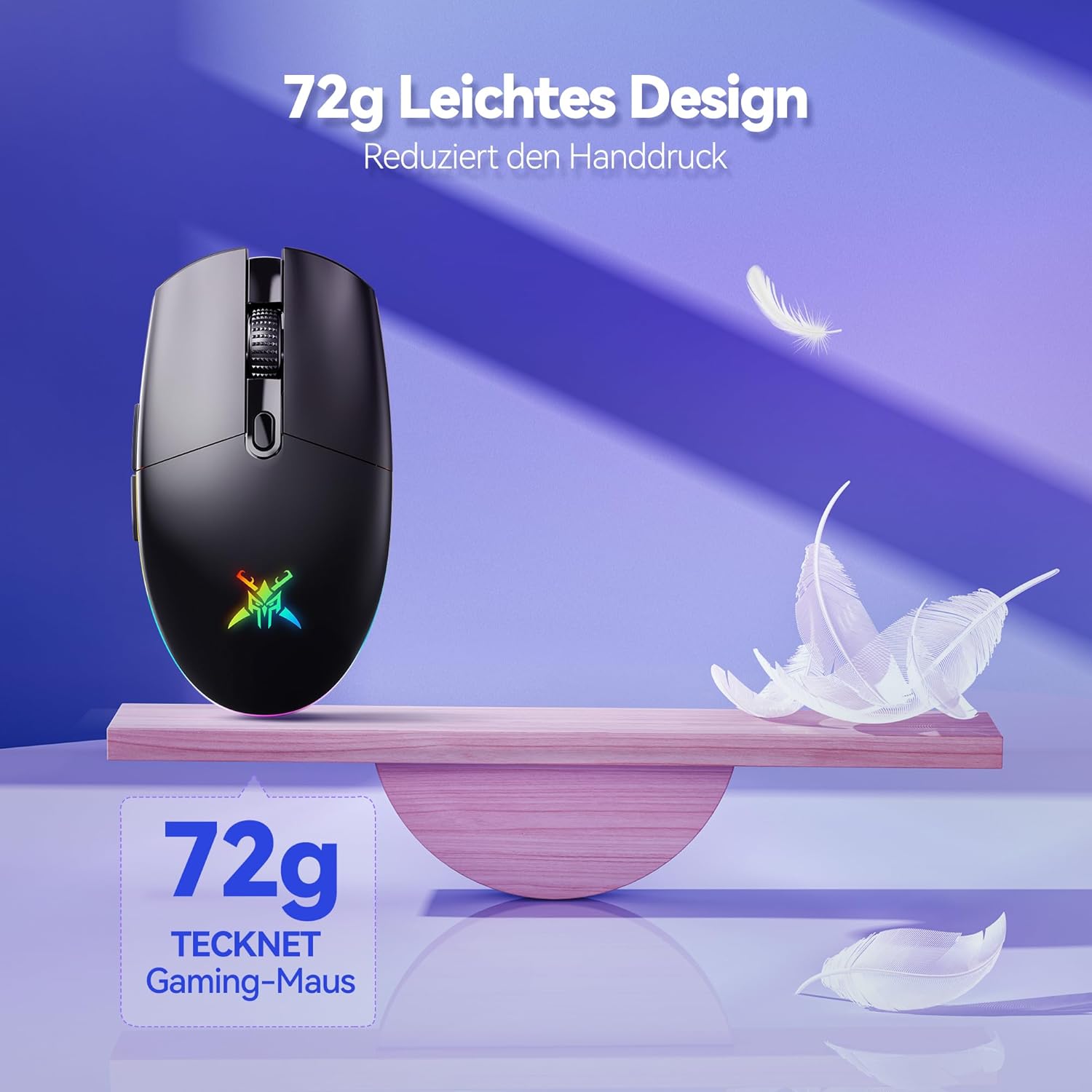
Image: The TECKNET Gaming Mouse highlighting its lightweight design, weighing approximately 72 grams, which contributes to reduced hand pressure during use.
9. Garantia i Suport
TECKNET products are designed for reliability and performance. For warranty information or technical support, please refer to the warranty card included with your product or visit the official TECKNET weblloc web. Conserveu el rebut de compra com a comprovant de compra per a reclamacions de garantia.
For further assistance, you may contact TECKNET customer service through their official channels.