
Introducció
The SanDisk Phone Drive is a versatile storage solution designed for seamless file management across your Apple devices and USB-C compatible systems. This device features both USB-C and Lightning connectors, allowing you to easily transfer photos, videos, and other files between various devices without the need for internet connectivity or cloud services. Free up valuable space on your iPhone or iPad and keep your digital memories secure.
Configuració i ús inicial
To begin using your SanDisk Phone Drive, follow these steps:
- Download the SanDisk Memory Zone App: Cerca "SanDisk Memory Zone" in the App Store on your iPhone or iPad and install the application. This app is essential for managing files, performing backups, and utilizing the drive's features.
- Connecteu la unitat: Plug the appropriate connector (Lightning for iPhone 14 or older, USB-C for iPhone 15 or newer, iPad Pro, or Mac) into your device.
- Segueix les instruccions que apareixen a la pantalla: The SanDisk Memory Zone app will guide you through the initial setup, including granting necessary permissions and updating firmware if prompted.
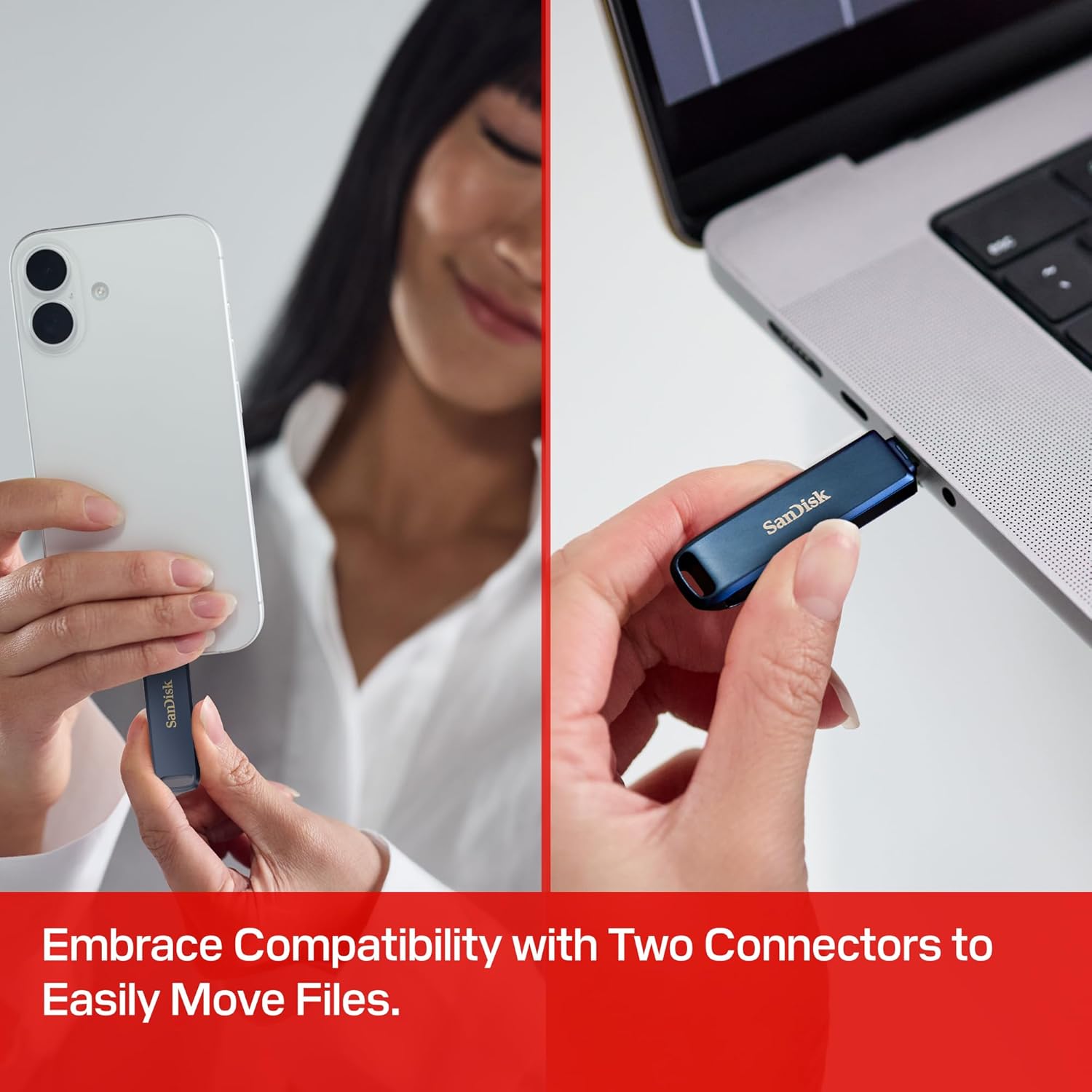
Vídeo 1: This video demonstrates the physical connection of the SanDisk Phone Drive to an iPhone and highlights its dual-connector functionality for various Apple devices.
Instruccions de funcionament
File Transfer and Backup
The SanDisk Memory Zone app provides intuitive options for managing your data:
- Copy from Phone: Select this option within the app to transfer photos, videos, and other files from your device to the SanDisk Phone Drive. This is ideal for freeing up internal storage.
- Back Up My Phone: Choose between manual or automatic backup. The app offers real-time progress tracking, background multitasking, and partial backup support.
- Browse My Drive: Access, copy, and organize files stored on your SanDisk Phone Drive directly through the app.

Alliberar espai
After transferring files to your SanDisk Phone Drive, you can safely delete them from your iPhone or iPad to reclaim storage. The app facilitates this process, ensuring your data is securely moved before deletion.

Seguretat de dades
For enhanced security, the SanDisk Memory Zone app allows you to add password-protected file encryption to your most important content. This feature helps safeguard your private data.

Vídeo 2: This video showcases the SanDisk Phone Drive's ease of use for transferring files and its compatibility with various devices, emphasizing its role in expanding storage capacity.
Compatibilitat
The SanDisk Phone Drive is designed for broad compatibility:
- iPhone: Compatible with iPhone 15 or newer (USB-C) and iPhone 14 or older models (Lightning).
- iPad: Works with iPad Pro and other compatible iPad models.
- Mac & USB-C Devices: Seamlessly transfers content to and from Mac computers and other devices with a USB-C port.
- Requisit de l'aplicació: The SanDisk Memory Zone app is required for full functionality on iOS devices (iOS 15+ recommended). Automatic backup features require the SanDisk app.
Especificacions
| Característica | Detall |
|---|---|
| Marca | SanDisk |
| Nom del model | SanDisk Phone Drive |
| Número de model | SDIXD0N-256G-GN6NE |
| Capacitat d'emmagatzematge de memòria | 256 GB |
| Interfície del maquinari | Lightning, USB-C |
| Velocitat de lectura | 130 megabytes per segon |
| Velocitat d'escriptura | 10-50 MB/s |
| Color | Metallic Sky |
| Dimensions de l'article (D x W x H) | 0.34" x 0.61" x 1.97" |
| Pes de l'article | 5 grams |
Garantia i Suport
The SanDisk Phone Drive comes with a 2 anys de garantia limitada del fabricant. For detailed warranty information, product support, or troubleshooting assistance, please visit the official SanDisk support website. Ensure you register your product to facilitate any warranty claims.
Resolució de problemes
If you encounter issues with your SanDisk Phone Drive, consider the following general troubleshooting steps:
- App Not Detecting Drive: Ensure the SanDisk Memory Zone app is updated to the latest version. Disconnect and reconnect the drive. Check your device's compatibility with the drive and app.
- Problemes de transferència: Verify that your device has sufficient battery charge. Ensure the drive is properly connected. Try restarting the app or your device.
- Actualitzacions de firmware: If prompted by the app, always update the drive's firmware to ensure optimal performance and compatibility.
- Files App Access: When connected via USB-C, you can also use the Apple iOS Files app to manage content. For Lightning connections, the SanDisk app is required for copy and backup functions.


