
1. Introducció
Welcome to the artfone F20 Senior Flip Phone user manual. This guide provides detailed instructions on how to set up, operate, and maintain your new phone. The artfone F20 is designed for ease of use, featuring large buttons, a clear display, and essential functions for reliable communication.
Please read this manual carefully to ensure proper use and to get the most out of your device. Keep it for future reference.
2. Contingut del paquet
Upon opening your artfone F20 package, please verify that all items listed below are present and in good condition:
- artfone F20 Senior Flip Phone
- Bateria recarregable d'ions de liti
- Cable de càrrega USB
- Adaptador d'alimentació
- Manual d'usuari
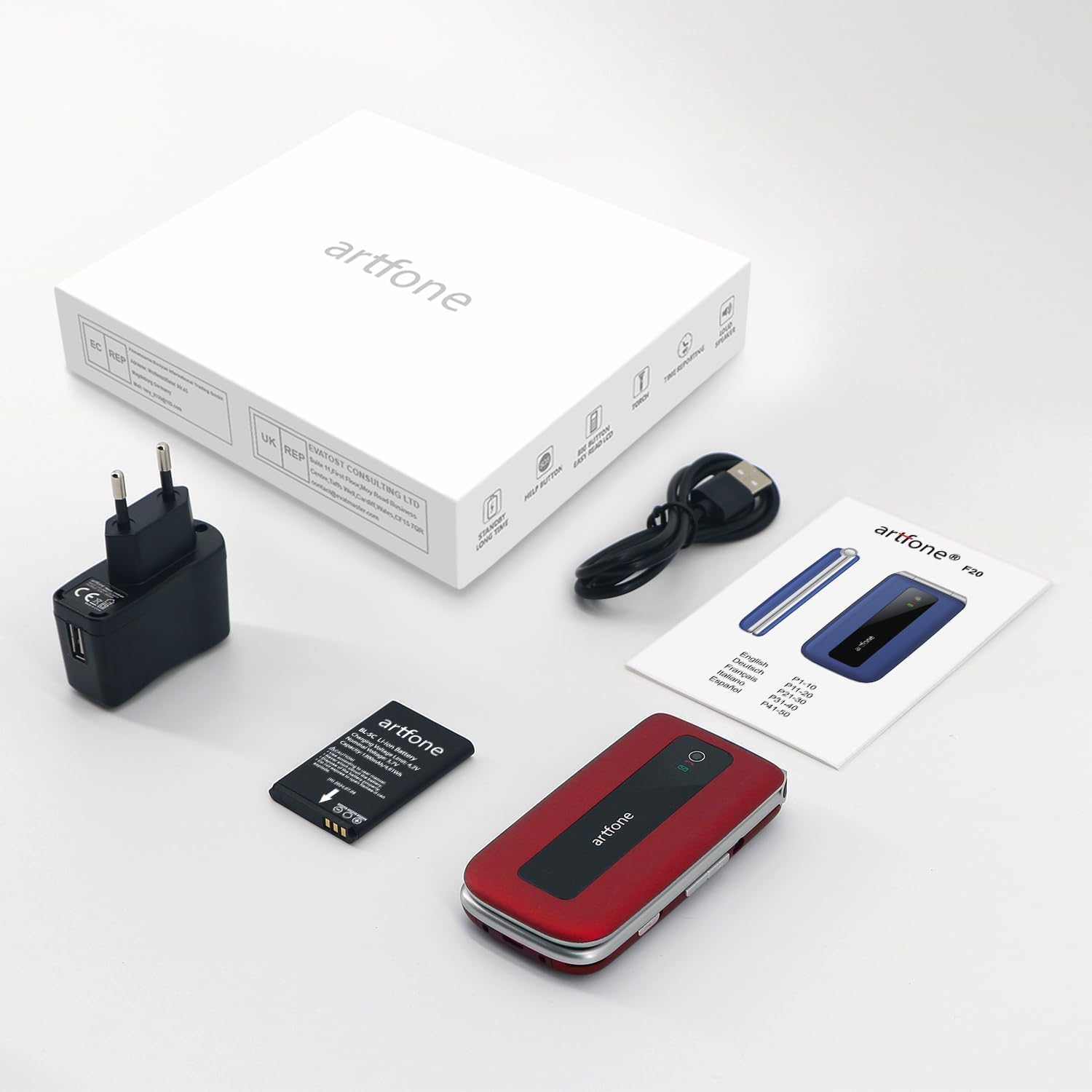
Image: The artfone F20 phone, charger, battery, and user manual laid out, representing the typical package contents.
3. Trucada telefònicaview
Familiarize yourself with the various parts of your artfone F20 phone:

Imatge: Múltiple views of the artfone F20 flip phone, illustrating its design from the front, back, sides, and in both open and closed positions.
- Pantalla de visualització: 2.4-inch color display for menus, contacts, and messages.
- Teclat: Large, easy-to-read buttons for dialing and navigation.
- Tecles de navegació: Central button for selection, directional keys for menu navigation.
- Botons de trucada/finalització: Green button to make/answer calls, red button to end calls or power off.
- Botó SOS: Dedicated button on the back for emergency calls.
- Llanterna: Integrated light for convenience.
- Botons de volum: Located on the side for adjusting call and media volume.
- Port de càrrega: USB Type C port at the bottom for charging.
- Speaker/Receiver: Per a la sortida d'àudio durant les trucades i la reproducció multimèdia.

Imatge: Una imatge detallada view of the artfone F20's keypad, highlighting the large, well-spaced buttons for easy dialing and text input.
4. Configuració
4.1 Instal·lació de la bateria
- Traieu la tapa posterior del telèfon fent palanca suaument per obrir-la des de l'osca.
- Insert the Lithium-ion battery into the battery compartment, ensuring the gold contacts align with the phone's terminals.
- Torneu a col·locar la coberta posterior, prement fermament fins que encaixi al seu lloc.
4.2 Instal·lació de la targeta SIM i la targeta Micro SD
The artfone F20 supports dual SIM cards (2G) and a Micro SD card up to 32GB for expanded storage.
- With the battery removed, locate the SIM card slots and Micro SD card slot.
- Carefully insert your SIM card(s) into the designated slots, ensuring the cut corner aligns correctly.
- If desired, insert a Micro SD card into its slot.
- Torneu a instal·lar la bateria i la coberta posterior.
4.3 Engegada inicial i configuració de l'idioma
- Manteniu premut el botó Finalitzar trucada/Engegar botó (botó vermell) fins que la pantalla s'il·lumini.
- The phone may prompt you to select a language. Use the navigation keys to select your preferred language (e.g., English) and press the central OK botó per confirmar.
- Enter your SIM PIN if prompted.
5. Instruccions de funcionament
5.1 Fer i rebre trucades
- Per fer una trucada: Dial the number using the keypad and press the Truca botó (botó verd).
- Per respondre una trucada: Quan soni el telèfon, premeu la tecla Truca botó (botó verd).
- Per finalitzar una trucada: Premeu el botó Finalitzar la trucada button (red button).
5.2 Enviament i recepció de SMS
- Des del menú principal, navegueu fins a Missatges.
- Seleccioneu Escriu missatge to compose a new SMS.
- Introduïu el número del destinatari o seleccioneu-lo dels contactes.
- Type your message and press Enviar.
5.3 Marcatge ràpid
You can assign frequently called numbers to speed dial keys (2-9).
- Vés a Configuració > Marcatge ràpid.
- Select a number key (e.g., '2') and assign a contact or enter a new number.
- To use speed dial, press and hold the assigned number key from the idle screen.
5.4 SOS Emergency Call Function
The SOS button allows you to quickly contact up to 5 pre-set family numbers in an emergency.

Image: A finger pressing the prominent SOS button located on the back of the artfone F20 flip phone, indicating its emergency call feature.
- Configuració de números SOS: Vés a Configuració > Configuració SOS. Add up to 5 emergency contact numbers.
- Using SOS: En cas d'emergència, premeu i manteniu premut el botó Botó SOS on the back of the phone for a few seconds. The phone will automatically call the pre-set numbers in sequence until one answers, and also send an emergency SMS.
5.5 Ràdio FM
Per escoltar la ràdio FM:
- Navega a Ràdio FM des del menú principal.
- You may need to connect headphones (not included) to act as an antenna.
- Use the navigation keys to scan for stations or manually tune to a frequency.
5.6 Llanterna
The built-in flashlight can be activated for convenience.
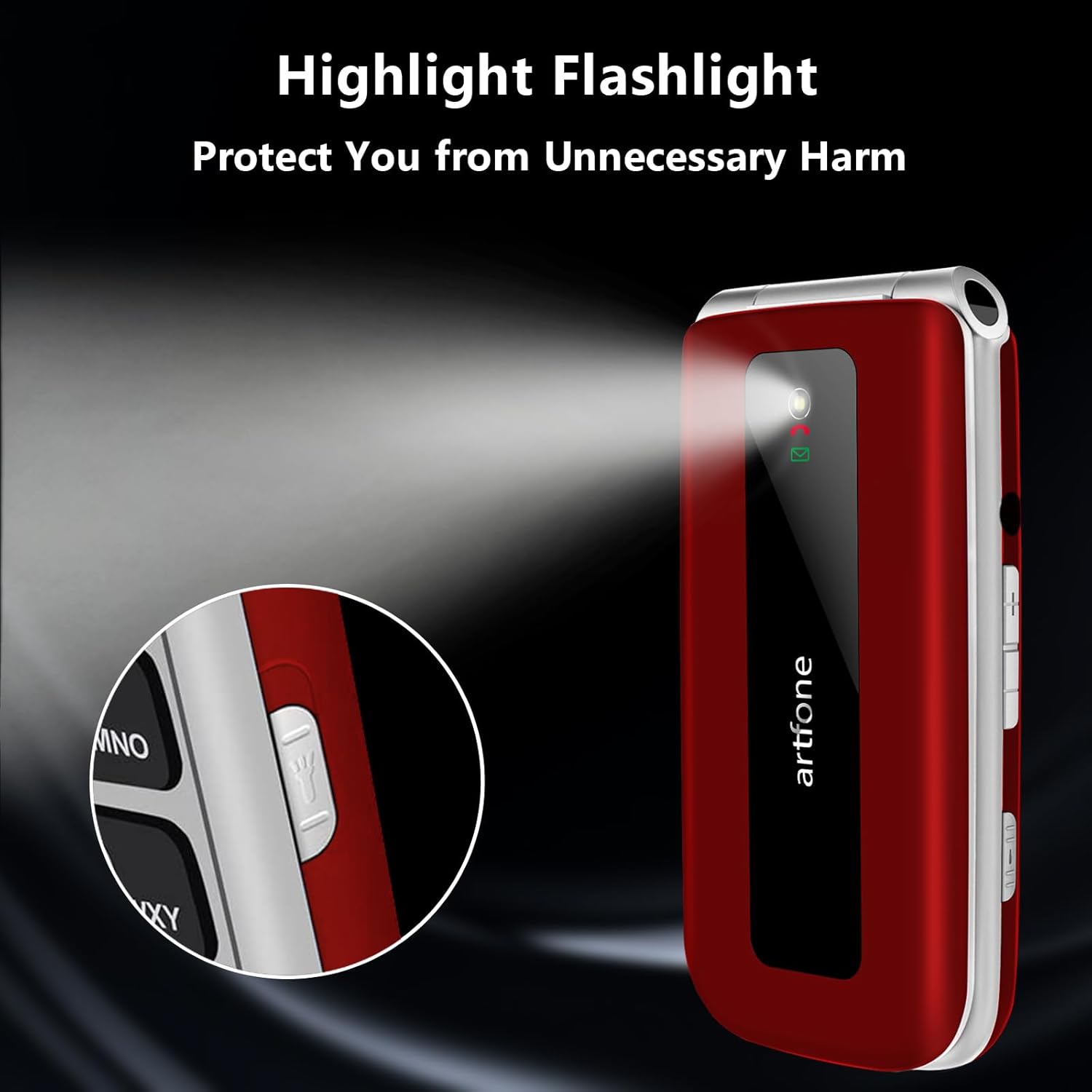
Image: The artfone F20 flip phone with its powerful flashlight activated, casting a bright beam of light.
To turn on/off the flashlight, locate the dedicated flashlight switch or button on the side of the phone, or access it through the phone's menu.
5.7 Altres funcions
The artfone F20 includes several other useful functions:
- Bluetooth: For connecting to wireless headsets or other devices.
- Calendari: To keep track of dates and appointments.
- Calculadora: For basic arithmetic.
- Alarma: Set multiple alarms for reminders.
- Audio Player/Video Player/Image Viewer: For multimedia playback and viewing files'emmagatzema a la targeta Micro SD.
- Gravador de so: To record voice notes.
- Mode avió: Disables all wireless communication.

Image: A visual representation of the artfone F20's user-friendly interface, displaying clear icons for various functions like contacts, messages, SOS, and settings.
6. Manteniment
6.1 Cura de la bateria
- Carregueu la bateria completament abans del primer ús.
- Eviteu exposar la bateria a temperatures extremes.
- Use only the original charger and cable provided with the phone.
- If the phone will not be used for an extended period, charge it periodically to maintain battery health.
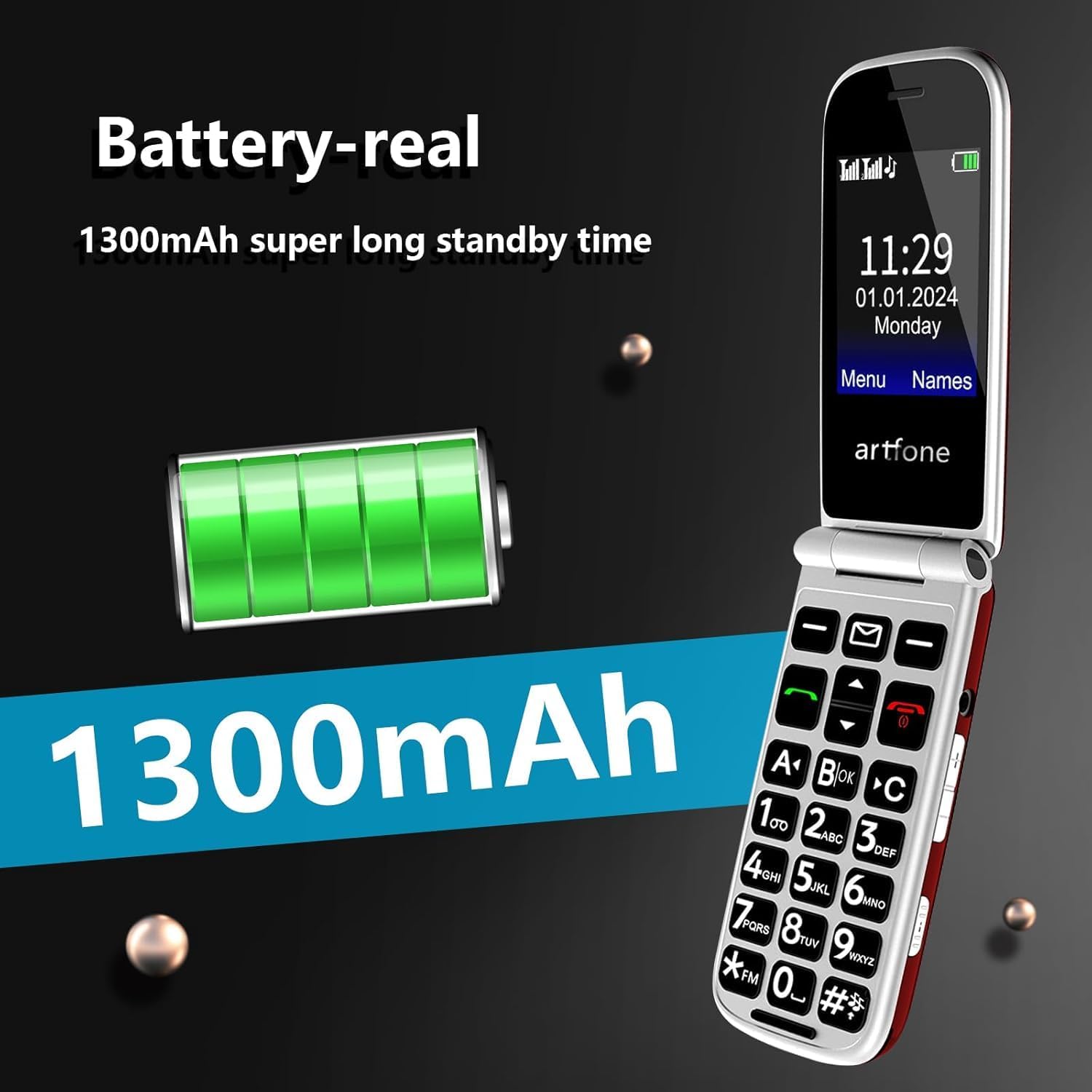
Image: An illustration highlighting the 1300mAh battery of the artfone F20, emphasizing its capacity for extended standby time.
6.2 Neteja i emmagatzematge
- Wipe the phone with a soft, dry cloth. Do not use liquid cleaners or aerosols.
- Keep the phone away from dust, moisture, and direct sunlight.
- Eviteu deixar caure el telèfon o sotmetre'l a impactes forts.
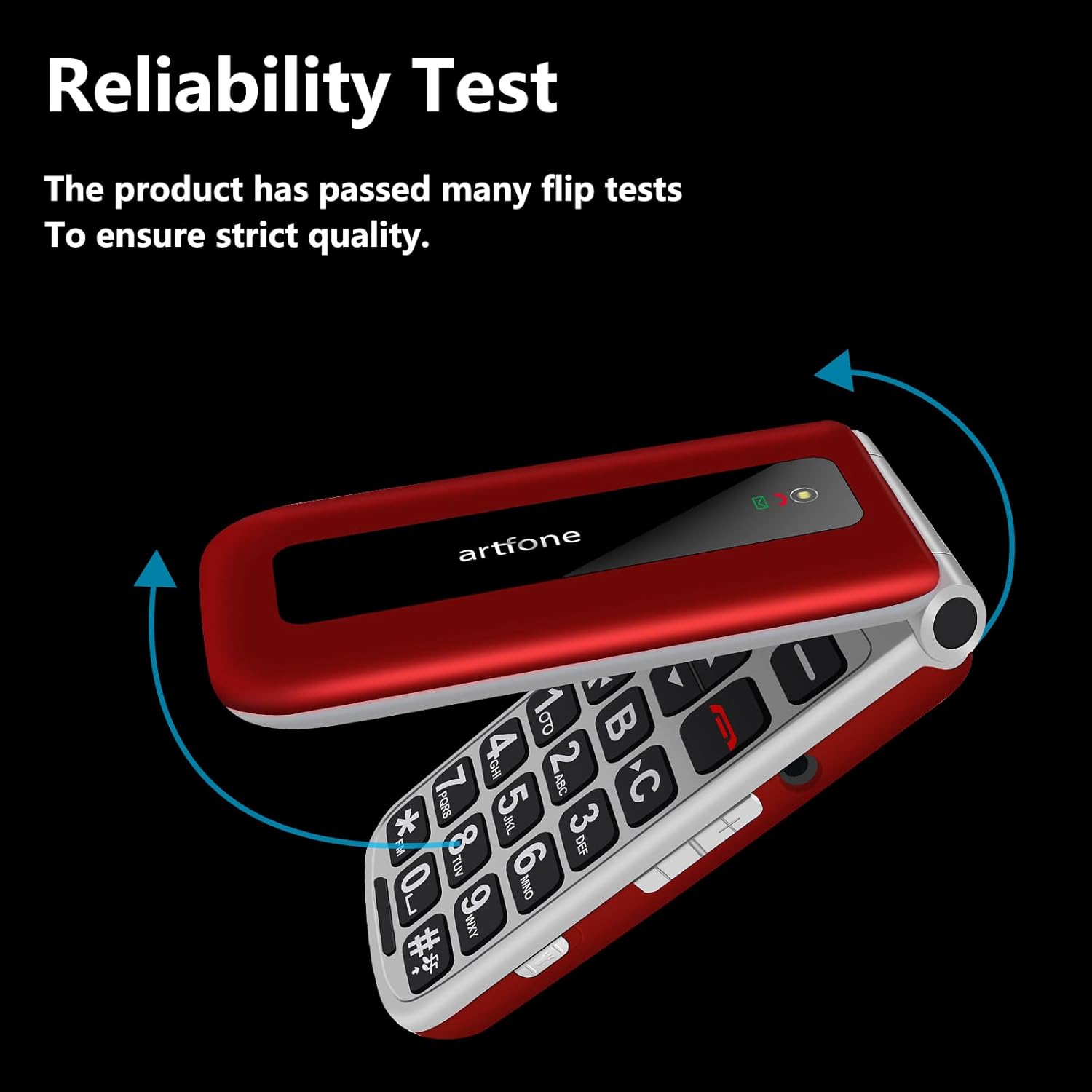
Image: The artfone F20 flip phone in motion, demonstrating its robust flip mechanism and indicating its reliability through testing.
7. Solució De Problemes
If you encounter issues with your artfone F20, refer to the following common problems and solutions:
| Problema | Possible solució |
|---|---|
| El telèfon no s'encén | Assegureu-vos que la bateria estigui correctament instal·lada i carregada. Connecteu el carregador i torneu-ho a provar. |
| No puc fer ni rebre trucades | Check if the SIM card is properly inserted and activated. Ensure you have network coverage. |
| Poca qualitat de trucada | Move to an area with better network reception. Ensure the speaker/receiver is not obstructed. |
| El botó SOS no funciona | Verify that emergency contact numbers are correctly set in the SOS settings. |
| La bateria s'esgota ràpidament | Reduce screen brightness, close unused applications, or check for background processes. |
Si el problema persisteix, poseu-vos en contacte amb l'atenció al client.
8. Especificacions
Key technical specifications for the artfone F20:
| Característica | Especificació |
|---|---|
| Nom del model | F20 |
| Marca | artfone |
| Sistema operatiu | artfone OS |
| Mida de la pantalla | 2.4 polzades |
| Resolució de pantalla | 320 x 240 |
| Tecnologia cel·lular | 2G |
| Suport de la targeta SIM | Doble SIM |
| Suport per a targetes de memòria | Micro SD fins a 32 GB |
| Capacitat de la bateria | 1300 mAh d'ions de liti |
| Velocitat de la CPU | 1000 MHz |
| RAM | 64 MB |
| Connectivitat | USB Type C, Bluetooth |
| Característiques especials | SOS Button, Large Buttons, FM Radio, Flashlight, Speed Dial |
9. Garantia i Suport
9.1 Informació de la garantia
Your artfone F20 phone comes with a standard manufacturer's warranty. Please refer to the warranty card included in your package for specific terms, conditions, and duration. Keep your proof of purchase for warranty claims.
9.2 Atenció al client
If you have any questions, require technical assistance, or experience issues not covered in this manual, please contact artfone customer support. Contact details can typically be found on the manufacturer's weblloc web o a l'embalatge.
For the latest information and support, visit the official artfone weblloc web o la pàgina d'assistència del venedor on vau comprar el producte.