
Introducció
This manual provides instructions for the Xtrike Me 12800 DPI Gaming Mouse. It covers setup, operation, maintenance, troubleshooting, and product specifications. Please read this manual thoroughly before using the device to ensure proper function and longevity.
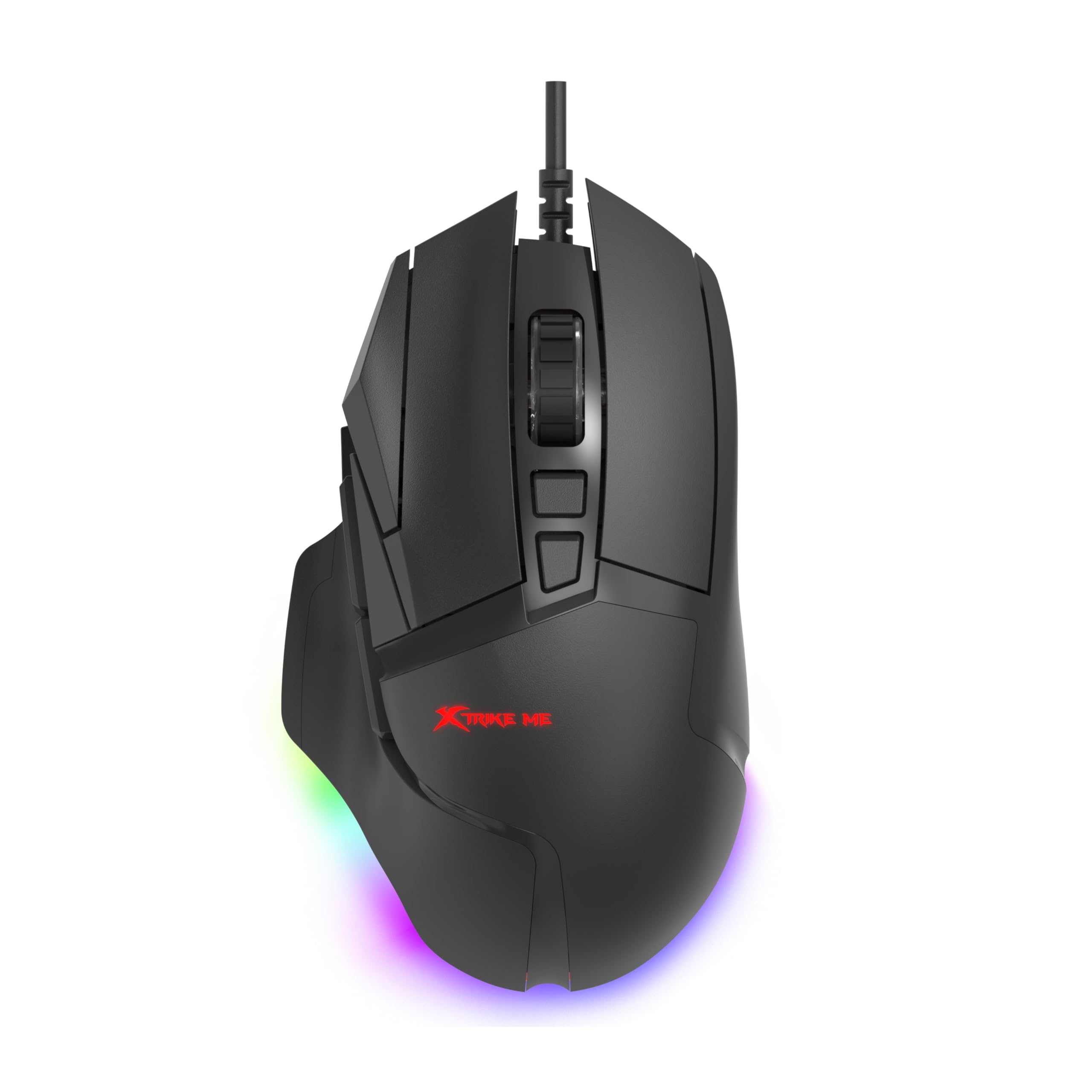
Figura 1: Xtrike Me 12800 DPI Gaming Mouse. This image shows the gaming mouse from a side angle, highlighting its ergonomic shape and dynamic RGB lighting along the base, set against a dark, illuminated gaming setup.
Producte acabatview
The Xtrike Me 12800 DPI Gaming Mouse is designed for precision and customization. It features an advanced optical sensor, 8 programmable buttons, and dynamic RGB backlighting.
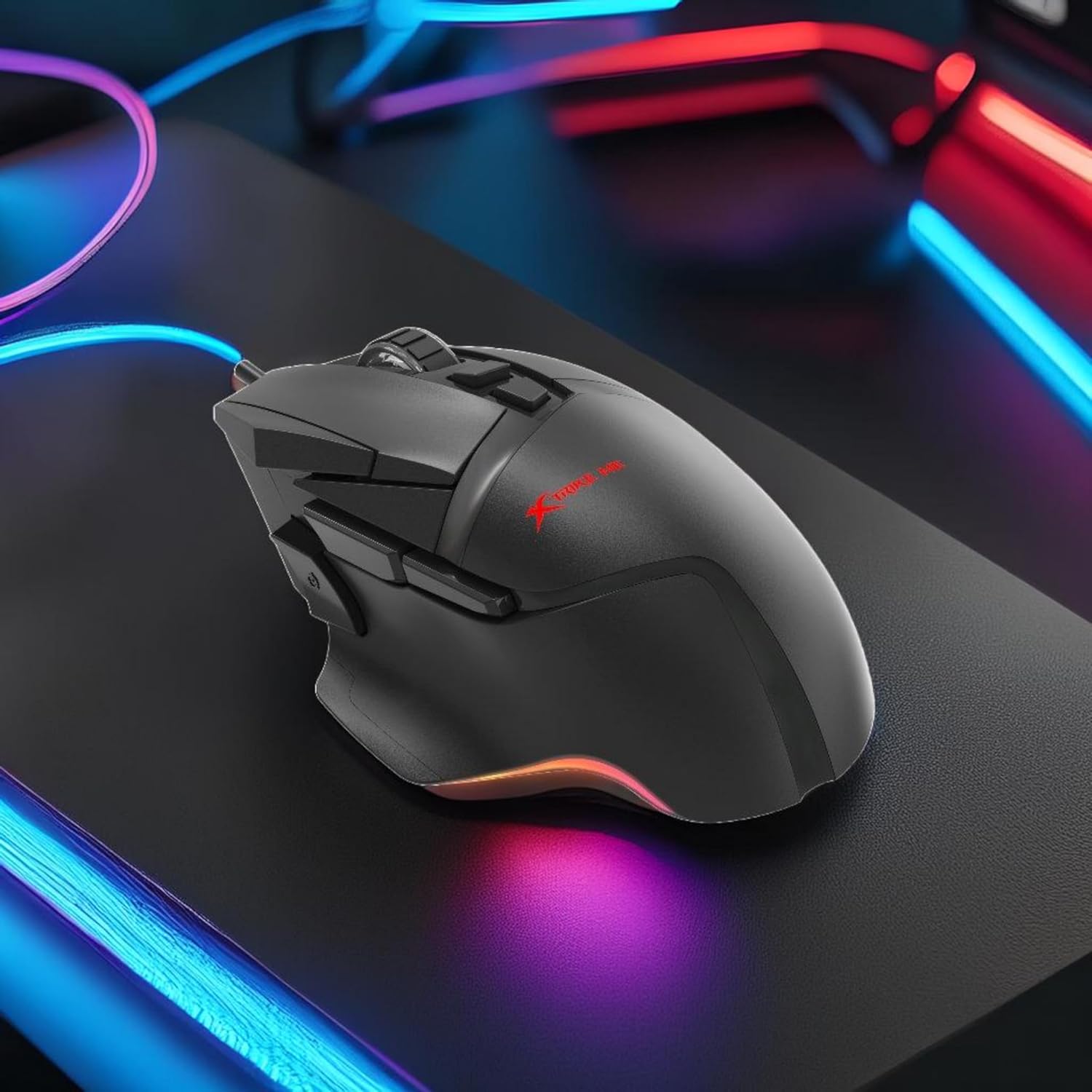
Figura 2: Top-angled view of the mouse. This image provides a clear view of the mouse's top surface, showcasing the scroll wheel, main click buttons, and several programmable side buttons, along with the Xtrike Me logo.

Figura 3: De dalt a baix view of the mouse. This image presents the mouse from directly above, emphasizing its symmetrical design and the layout of its primary buttons and scroll wheel.
Característiques principals:
- Sensor òptic de 12800 DPI: Adjustable sensitivity for precise control.
- 8D Programmable Buttons: Customizable commands and shortcuts.
- 13 RGB Lighting Effects: Personalize lighting to match your setup.
- 5 Million Click Rating: Durable switches for extended use.
- Taxa de sondeig de 1000 Hz: Ultra-smooth and responsive tracking.
- Disseny ergonòmic: Comfortable for prolonged gaming sessions.
- 1.6m Braided Cable: Durable and tangle-free connectivity.
Configuració
- Connecteu el ratolí: Plug the USB connector of the Xtrike Me Gaming Mouse into an available USB port on your computer (PC or Mac).
- Instal·lació automàtica del controlador: Your operating system (Windows XP and newer, or Mac) should automatically detect and install the necessary drivers.
- Instal·lació del programari (opcional): For advanced customization, including button programming and RGB lighting effects, download the dedicated software from the Xtrike Me official weblloc. Seguiu les instruccions que apareixen a la pantalla per completar la instal·lació.

Figura 4: Mouse connected via USB. This image shows the Xtrike Me gaming mouse positioned on a desk, with its braided USB cable clearly visible, indicating its wired connectivity.
Instruccions de funcionament
Ajust de DPI:
The mouse features an adjustable DPI (Dots Per Inch) sensor, allowing you to change sensitivity on the fly. Use the dedicated DPI buttons (usually located near the scroll wheel) to cycle through preset DPI levels (800, 1600, 2400, 3200, 4800, 6400, 12800 DPI). The current DPI setting may be indicated by a change in the mouse's RGB lighting color or pattern.
Botons programables:
The 8D programmable buttons can be assigned various functions, macros, or shortcuts. To customize these buttons:
- Ensure the optional software is installed.
- Open the Xtrike Me Gaming Mouse software.
- Navigate to the "Button Assignment" or "Macro" section.
- Select the button you wish to program and assign your desired function.
- Deseu els vostres canvis.
RGB Backlighting Control:
The mouse features 13 dynamic RGB lighting effects. These can typically be controlled via the optional software. Within the software, you can select different lighting modes, adjust brightness, speed, and choose specific colors or turn the lighting off entirely.

Figura 5: lateral view with RGB. This image captures the side profile of the Xtrike Me gaming mouse, highlighting its ergonomic curve and the vibrant RGB lighting emanating from its base, creating an ambient glow.
Manteniment
- Neteja: Feu servir un drap suau i sec per netejar la superfície del ratolí. Per a la brutícia persistent, netegeu lleugeramentampRenta el drap amb aigua. Evita productes químics agressius o netejadors abrasius.
- Cura del sensor: Mantingueu el sensor òptic de la part inferior del ratolí net i lliure de pols o restes per garantir un seguiment precís.
- Gestió de cables: Avoid sharp bends or excessive pulling on the braided cable to prevent damage.
- Emmagatzematge: Quan no l'utilitzeu, guardeu el ratolí en un entorn net i sec, allunyat de temperatures extremes.
Resolució de problemes
- El ratolí no respon:
- - Ensure the USB cable is securely plugged into a working USB port.
- - Try plugging the mouse into a different USB port or another computer to rule out port issues.
- - Reinicieu l'ordinador.
- Inaccurate tracking or cursor lag:
- - Clean the optical sensor on the underside of the mouse.
- - Ensure you are using the mouse on a suitable surface (e.g., a mouse pad). Avoid highly reflective or transparent surfaces.
- - Adjust the DPI settings to a lower value if the cursor is too sensitive.
- La il·luminació RGB no funciona:
- - Check the optional software settings to ensure lighting is enabled and configured correctly.
- - Ensure the mouse is properly connected to your computer.
- Els botons programables no funcionen:
- - Verify that the Xtrike Me software is installed and running.
- - Check the button assignments within the software and ensure they are saved.
- - Ensure the software is up to date.
Especificacions
| Característica | Detall |
|---|---|
| Marca | Xtrike Me |
| Model | Ratolí per a jocs de 12800 DPI |
| Tecnologia de connectivitat | Cable USB |
| Tecnologia de detecció de moviment | Òptic |
| Mouse Maximum Sensitivity | 12800 DPI (Adjustable: 800-12800 DPI) |
| Taxa de votació | 1000 Hz |
| Quantitat de botons | 8 (programable) |
| Click Rating | 5 milions de clics |
| Longitud del cable | 1.6 metres (trenat) |
| Il·luminació de fons | RGB (13 effects) |
| Orientació de la mà | Ambidextre |
| Dispositius compatibles | Consola de jocs, ordinador personal |
| Sistema operatiu | Windows XP and newer, Mac |
| Pes de l'article | 180 grams |
| Material | Plàstic |
| Color | Negre |
| Fabricant | Xtrike Me |
Garantia i Suport
Informació de la garantia:
The product warranty is provided "As Per Amazon" policy. Please refer to your purchase documentation or Amazon's customer service for detailed warranty terms and conditions.
Contacte del fabricant:
For technical support or further inquiries, please contact the manufacturer:
Fabricant: Xtrike Me
Informació de contacte: White Cloud Ventures Canada
For the most up-to-date support information, please visit the official Xtrike Me weblloc o poseu-vos en contacte amb el vostre distribuïdor.