Introducció
Thank you for choosing the A6S TWS Wireless Bluetooth Earphones. This manual provides detailed instructions on how to set up, operate, and maintain your earphones to ensure optimal performance and longevity. Please read this manual carefully before using the product.
Què hi ha a la caixa
- A6S TWS Earphones (Left and Right)
- Estoig de càrrega
- Cable de càrrega USB
- Ear Tips (earhat)
- Manual d'usuari

Image: The A6S TWS Earphones, white in color, resting inside their open charging case. The case is also white and shows the charging indicators.
Introducció (Configuració)
1. Càrrega dels auriculars i l'estoig
Before first use, ensure both the earphones and the charging case are fully charged. The charging time for the earphones is approximately 1-2 hours.
- Col·loqueu els auriculars a la caixa de càrrega.
- Connecteu el cable de càrrega USB al port de càrrega de la carcassa i connecteu l'altre extrem a una font d'alimentació USB (per exemple, un ordinador, un adaptador de paret).
- The indicator lights on the case will show the charging status. Once fully charged, the lights may turn solid or turn off, depending on the model.
2. Emparellament amb el dispositiu
The A6S TWS Earphones feature Bluetooth 5.1 for stable and efficient connection. They support automatic connection after initial pairing.

Image: A graphic illustrating the "Core Upgrade 5.0 Bluetooth" feature, highlighting a 10-meter connection distance and call noise reduction. A smartphone displaying a game is shown in the foreground.
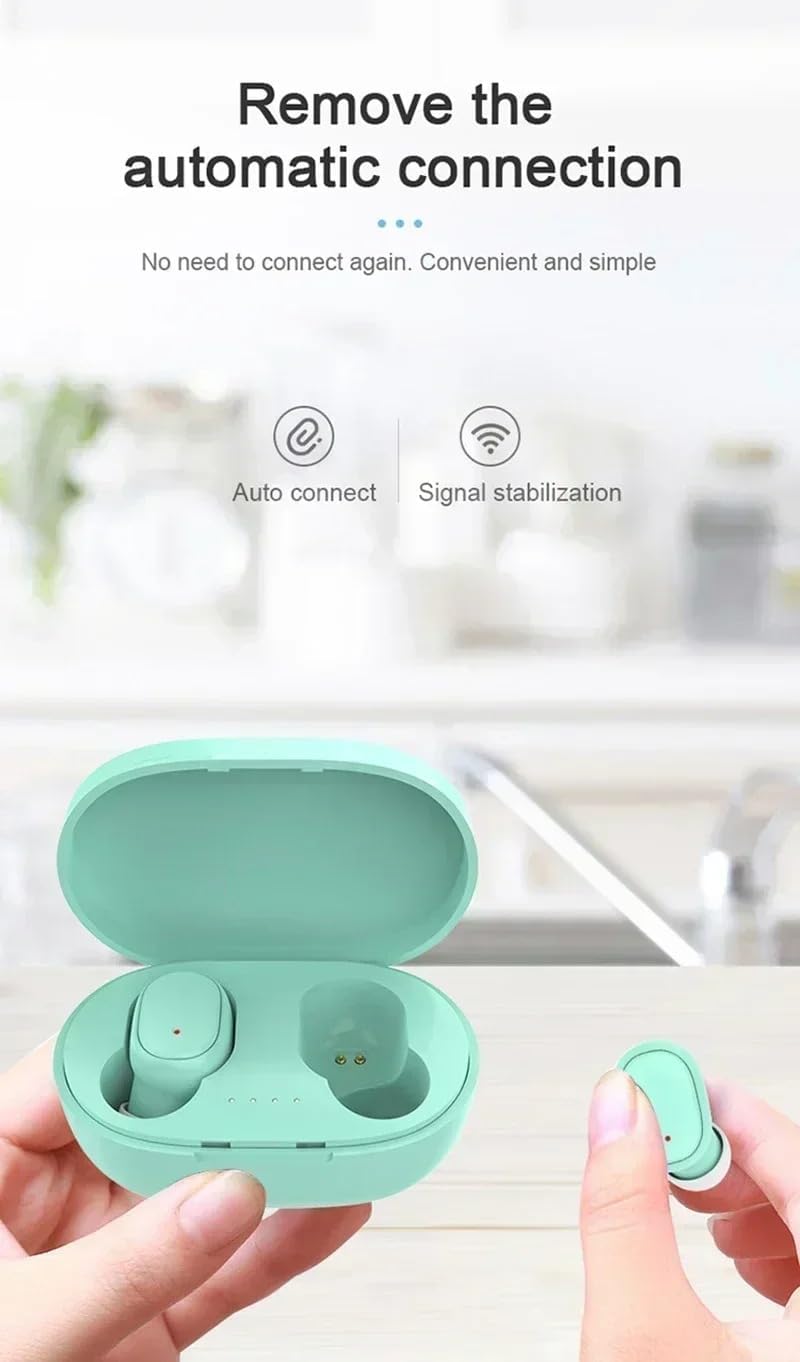
Image: A pair of green A6S TWS earphones in their open charging case, with a hand holding one earbud. Text indicates "Remove the automatic connection" and icons for "Auto connect" and "Signal stabilization".
- Maridatge inicial:
- Take both earphones out of the charging case. They will automatically power on and enter pairing mode.
- Al dispositiu (telèfon intel·ligent, tauleta, etc.), aneu a la configuració de Bluetooth.
- Cerca available devices and select "A6S TWS" (or similar name) from the list.
- Once connected, you will hear a confirmation sound, and the earphone indicator lights may turn off or flash slowly.
- Reconnexió automàtica:
- After the first successful pairing, the earphones will automatically connect to the last paired device when taken out of the charging case, provided Bluetooth is enabled on your device.
Instruccions de funcionament
1. Posar-se els auriculars
For optimal sound quality and comfort, ensure the earbuds are properly seated in your ears. The A6S TWS earphones are ergonomically designed for a secure fit, suitable for sports activities.

Image: A woman engaged in a sports activity, wearing the A6S TWS earphones. The image emphasizes the ergonomic design for comfortable and secure wear during physical activity.
- Identifica els auriculars esquerre (E) i dret (R).
- Introduïu suaument cada auricular al canal auditiu corresponent.
- Gira lleugerament l'auricular fins que estigui ajustat i còmode.
- Experiment with different ear tip sizes (earhats) to find the best fit for sound isolation and comfort.
2. Toqueu Controls
The A6S TWS earphones feature intuitive touch controls for managing music playback and calls.
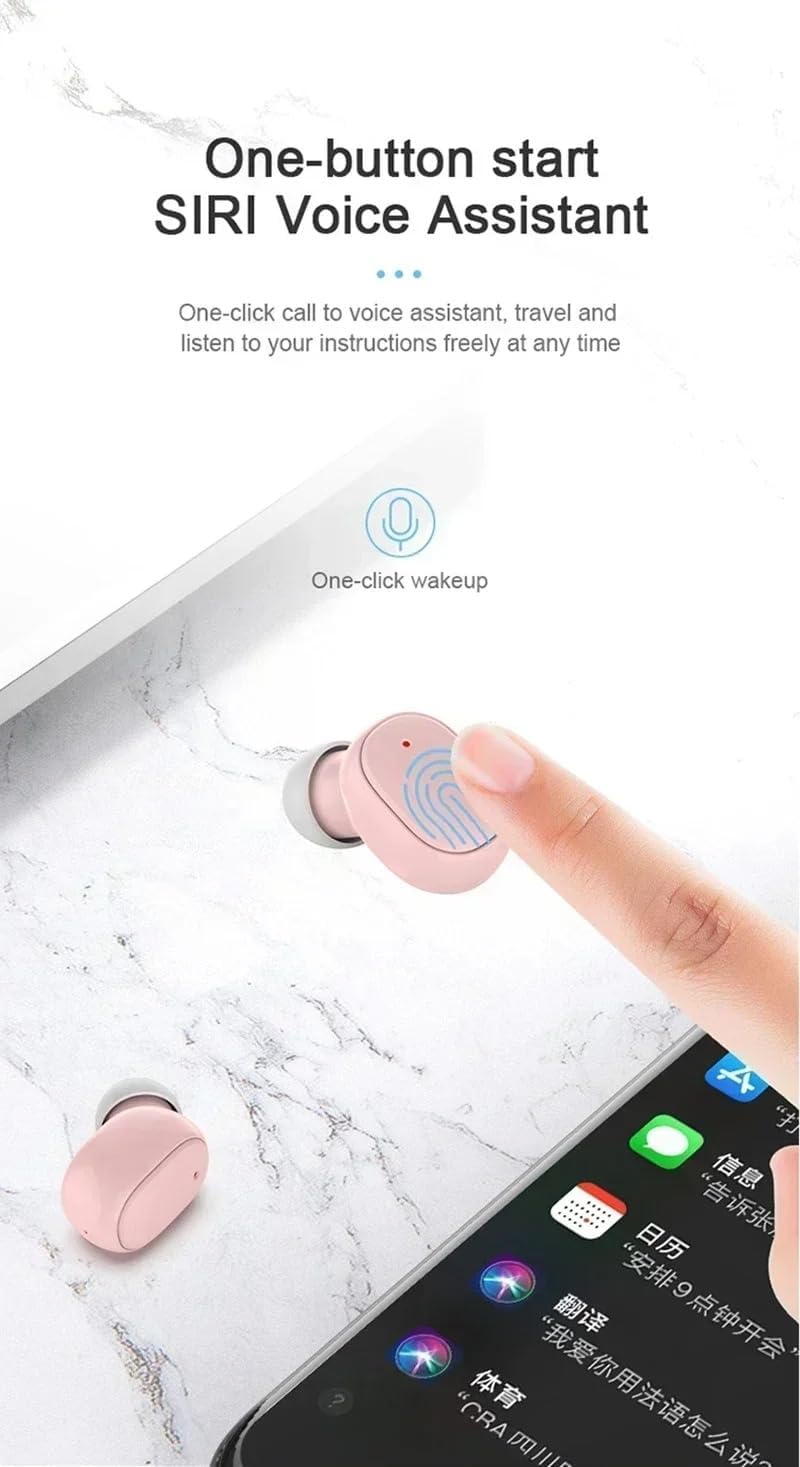
Image: A pink A6S TWS earbud being touched by a finger, illustrating the "One-button start Siri Voice Assistant" feature. A smartphone screen with various app icons is visible in the background.
| Funció | Acció |
|---|---|
| Reproducció/pausa de música | Un sol toc a qualsevol dels auriculars. |
| Pista següent | Toqueu dues vegades l'auricular dret. |
| Pista anterior | Toqueu dues vegades l'auricular esquerre. |
| Respondre/Finalitzar la trucada | Toqueu un sol cop a qualsevol dels auriculars durant una trucada entrant. |
| Rebutja la trucada | Premeu i manteniu premut qualsevol dels auriculars durant 2 segons durant una trucada entrant. |
| Activa l'assistent de veu (Siri/Assistent de Google) | Toqueu tres vegades qualsevol dels auriculars. |
| Encès | Take out of charging case, or press and hold for 3 seconds. |
| Apagueu | Place back into charging case, or press and hold for 5 seconds. |
3. Funcions de crida
The earphones support binaural HD calls, providing clear communication.
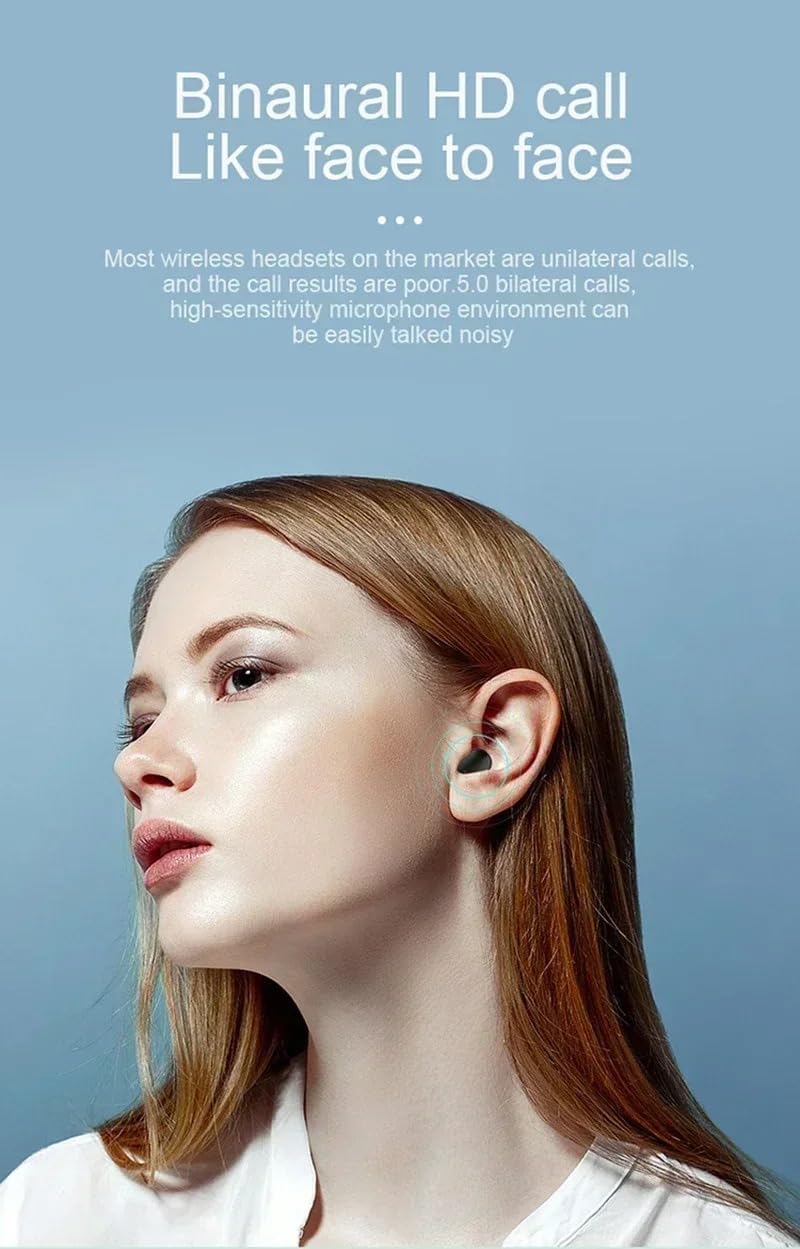
Image: A woman speaking, wearing the A6S TWS earphones, demonstrating the binaural HD call feature for clear, face-to-face like communication.
- Respondre / finalitzar trucades: Use the single tap touch control as described above.
- Rebutjar trucades: Use the press and hold touch control as described above.
- Micròfon: The earphones are equipped with a high-sensitivity microphone for clear voice pickup, even in noisy environments.
Manteniment
1. Neteja i emmagatzematge
- Netegeu regularment els auriculars i l'estoig de càrrega amb un drap suau, sec i sense borrissol.
- No utilitzeu netejadors abrasius, alcohol ni dissolvents químics.
- Guarda els auriculars a la seva funda de càrrega quan no els facis servir per protegir-los i mantenir-los carregats.
- Eviteu exposar els auriculars a temperatures extremes, humitat o llum solar directa.
2. Resistència a l'aigua (IPX4)
The A6S TWS earphones are IPX4 waterproof, meaning they are resistant to splashing water from any direction. This makes them suitable for workouts and outdoor activities where they might encounter sweat or light rain.
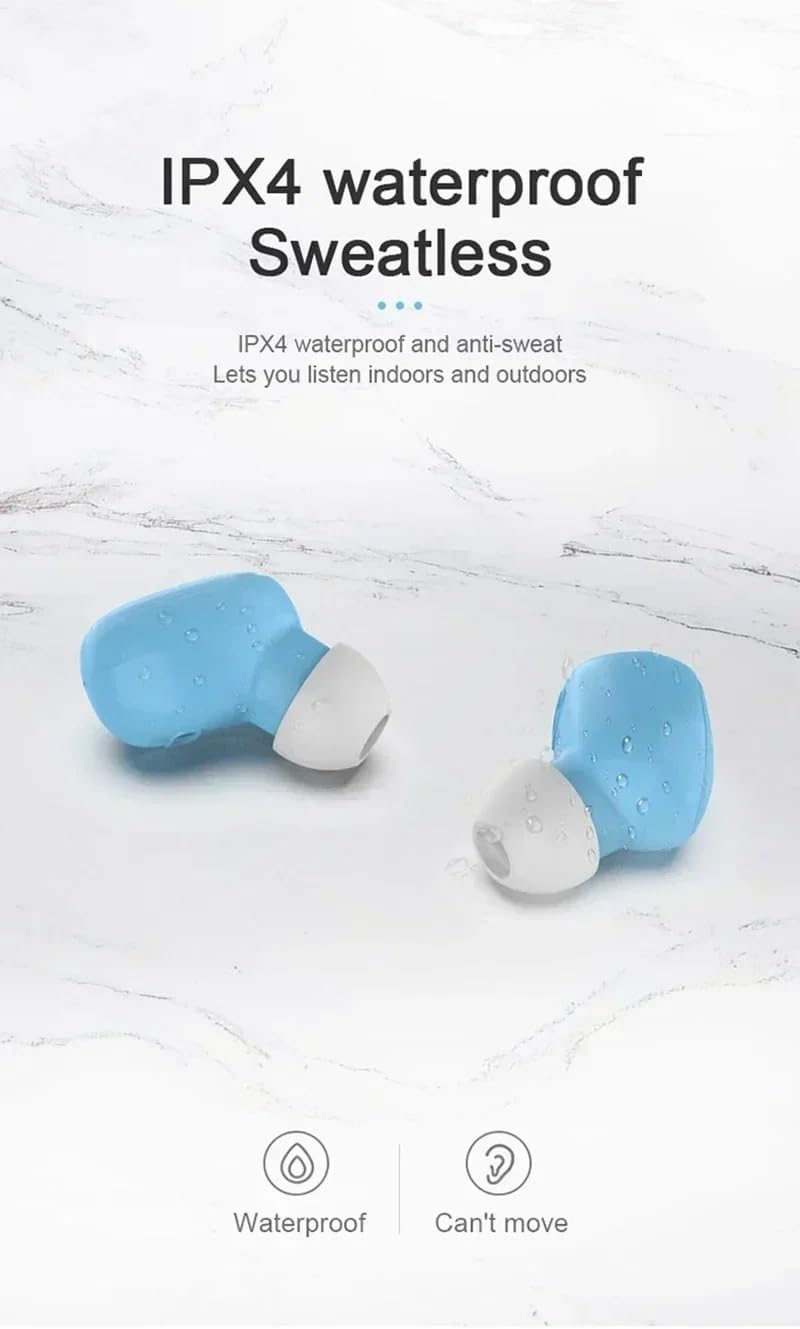
Image: Two blue A6S TWS earbuds with water droplets on their surface, illustrating their IPX4 waterproof and anti-sweat capabilities, suitable for indoor and outdoor listening.
Important: IPX4 rating does not mean the earphones are fully submersible. Do not immerse them in water or expose them to strong jets of water.
Resolució de problemes
If you encounter any issues with your A6S TWS earphones, please refer to the following common solutions:
| Problema | Possible solució |
|---|---|
| Earphones not pairing with device. |
|
| Només funciona un auricular. |
|
| Sense so o amb un volum baix. |
|
| Problemes de càrrega. |
|
Especificacions
Below are the technical specifications for the A6S TWS Wireless Bluetooth Earphones:

Image: A graphic detailing eight core advantages of the earphones, including IPX4 waterproof, Bluetooth 5.0, Auto connect, Binaural call, Ergonomics, HIFI sound quality, Endurance, and Mini compact design.
- Nom del model: A6S TWS Earphones Wireless Bluetooth
- Versió Bluetooth: V5.1
- Distància Bluetooth: Fins a 10 metres (33 peus)
- Bateria dels auriculars: Polymer Lithium Battery 45mAh (per earbud)
- Temps de càrrega: Aproximadament 1-2 hores
- Temps de reproducció de música: Aproximadament 3 hores
- Temps de conversa: Aproximadament 4 hores
- Temps d'espera: Aproximadament 80 hores
- Classificació de resistència a l'aigua: IPX4 (Sweatproof and splash-resistant)
- Tipus de control: Touch Control (Volume Control, Playback, Calls, Voice Assistant)
- Col·locació de les orelles: A l'orella
- Factor de forma: True Wireless
- Control de soroll: Active Noise Cancellation, Sound Isolation
- Tecnologia de connectivitat: Sense fil
- Components inclosos: Earphones, Charging Cable, Ear Tips, User Manual

Imatge: Una explosió view diagram of an earbud, illustrating its internal components and highlighting the "Fever level HIFI sound quality" feature.
Garantia i Suport
For warranty information, please refer to the documentation provided at the time of purchase or contact the retailer where you purchased the A6S TWS Earphones. As this product is listed under a "Generic" brand, specific warranty terms may vary by seller.
If you require further assistance or have questions not covered in this manual, please contact the seller or manufacturer directly through the platform or contact information provided with your purchase.
Si us plau, conserveu el comprovant de compra per a qualsevol reclamació de garantia.


