
Odokee UE-268S-Black
Odokee Sound Machine Alarm Clock
Model: UE-268S-Black
Introducció
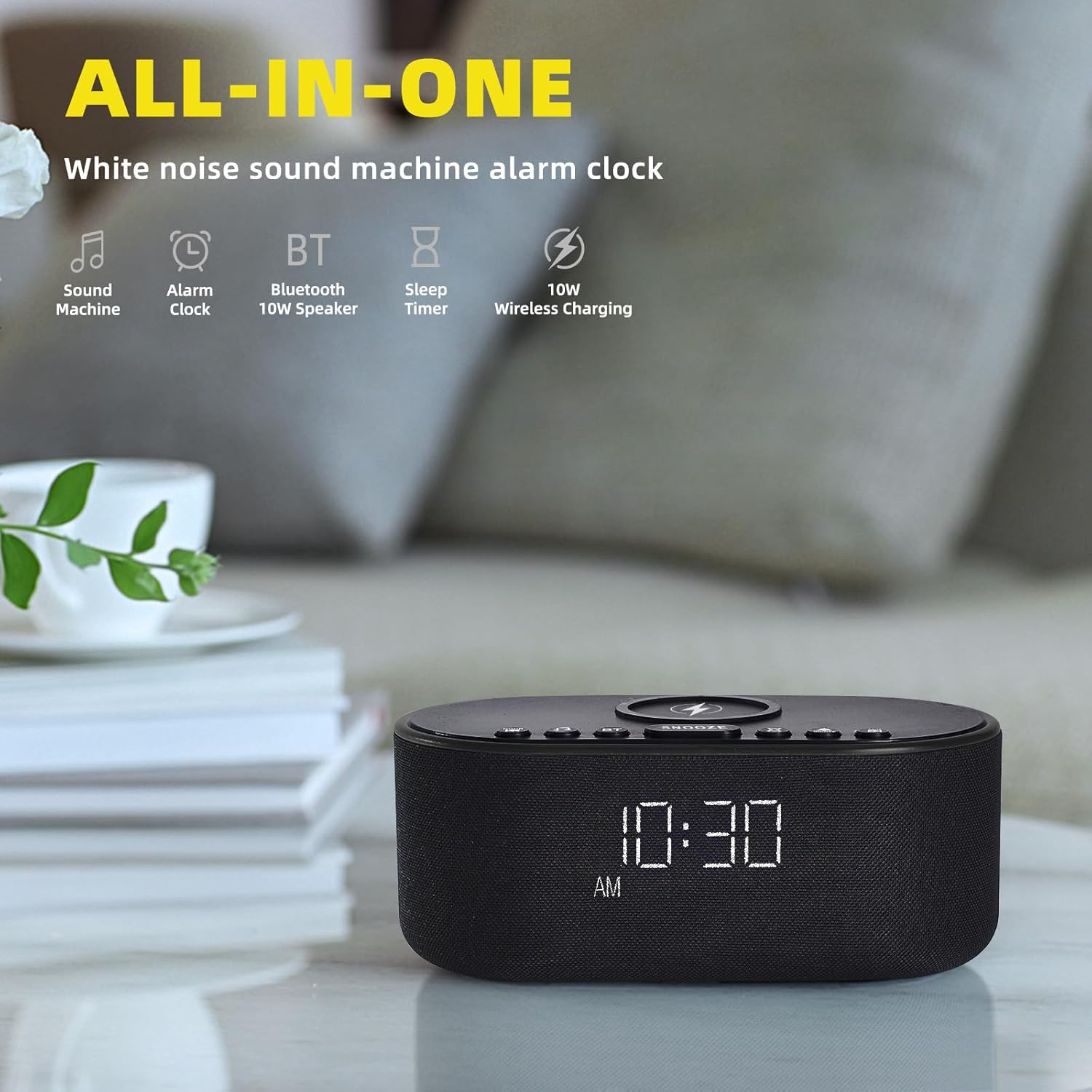
Thank you for choosing the Odokee Sound Machine Alarm Clock. This multi-functional device combines a white noise machine, alarm clock, Bluetooth speaker, and wireless charger, designed to enhance your sleep environment and daily routine. Please read this manual carefully to ensure proper use and optimal performance.

Informació de seguretat
- No exposeu el dispositiu a l'aigua ni a una humitat excessiva.
- Eviteu les temperatures extremes i la llum solar directa.
- No desmunteu ni intenteu reparar el dispositiu vosaltres mateixos. Poseu-vos en contacte amb personal de servei qualificat.
- Mantenir fora de l'abast dels nens.
- Utilitzeu només l'adaptador d'alimentació subministrat.
Contingut del paquet
- Odokee Sound Machine Alarm Clock
- Adaptador d'alimentació
- Manual d'usuari
Producte acabatview
Familiarize yourself with the various components and controls of your Odokee Sound Machine Alarm Clock.

Controls i ports:
- Coixinet de càrrega sense fil: Situat a la part superior per a dispositius compatibles.
- Botó Posposa: Activates snooze function for alarms.
- Botons de so: Select and cycle through soothing sounds.
- Alarm Buttons: Configurar i gestionar alarmes.
- Botó de configuració de l'hora: Ajusteu l'hora i la data.
- Atenuador de pantalla: Ajusta la brillantor de la pantalla.
- Botó Bluetooth (BT): Activa el mode d'emparellament Bluetooth.
- Port de càrrega USB: For charging other devices.
- Entrada DC 9V: Connexió d'alimentació.
- Control de volum: Adjusts sound output.
Configuració
1. Connexió d'alimentació
Connect the provided power adapter to the DC 9V input port on the back of the alarm clock and plug it into a wall outlet. The display will light up.
2. Configuració inicial de l'hora
- Manteniu premut el botó HORA CONFIGURADA button. The hour display will start flashing.
- Utilitza el +/- botons per ajustar l'hora.
- Premeu HORA CONFIGURADA de nou per confirmar l'hora i passar als minuts.
- Utilitza el +/- botons per ajustar els minuts.
- Premeu HORA CONFIGURADA per confirmar i sortir del mode de configuració de l'hora.
- To switch between 12/24-hour format, press the 12/24H botó.
- To enable/disable Daylight Saving Time (DST), press the DST ON / OFF botó.
3. Càrrega sense fil
Place your Qi-compatible smartphone centrally on the wireless charging pad located on top of the device. Ensure there are no metal objects or thick cases (over 3mm) between your phone and the charging pad. The charging indicator on your phone will confirm charging. This device supports 10W for Samsung and 7.5W for iPhone.


4. Càrrega USB
The built-in USB charging port on the back allows you to conveniently charge other electronic devices, such as smartwatches or earbuds, using their respective USB cables.

Instruccions de funcionament
1. Funcions del despertador
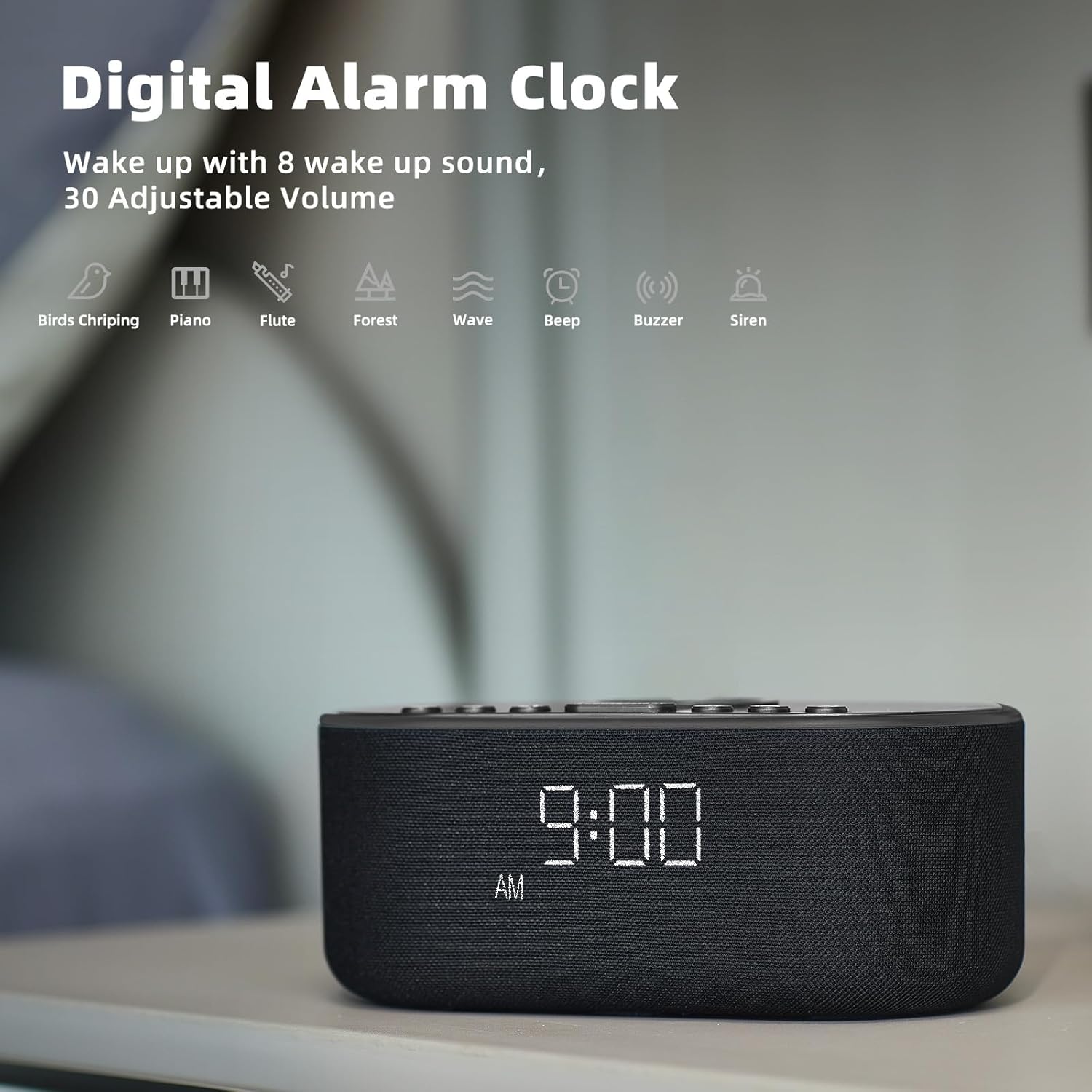
The alarm clock features 8 custom alarm sounds and a 9-minute snooze function.
- Configuració d'una alarma: Premeu el botó CONJUNT D'ALARMES button. The alarm time will flash. Use the +/- buttons to set the desired alarm time. Press CONJUNT D'ALARMES de nou per confirmar.
- Selecció del so de l'alarma: After setting the alarm time, use the So buttons to cycle through the 8 available alarm sounds (Beep, Birds Chirping, Wave, Piano, Flute, Forest, Buzzer, Siren).
- Activació/desactivació de l'alarma: Premeu el botó ALARMA ON / OFF botó per activar o desactivar l'alarma. Apareixerà una icona d'alarma a la pantalla quan estigui activa.
- Funció de posposar: Quan soni l'alarma, premeu el botó DORMITAR button to temporarily silence it for 9 minutes.

2. Sound Machine Functions
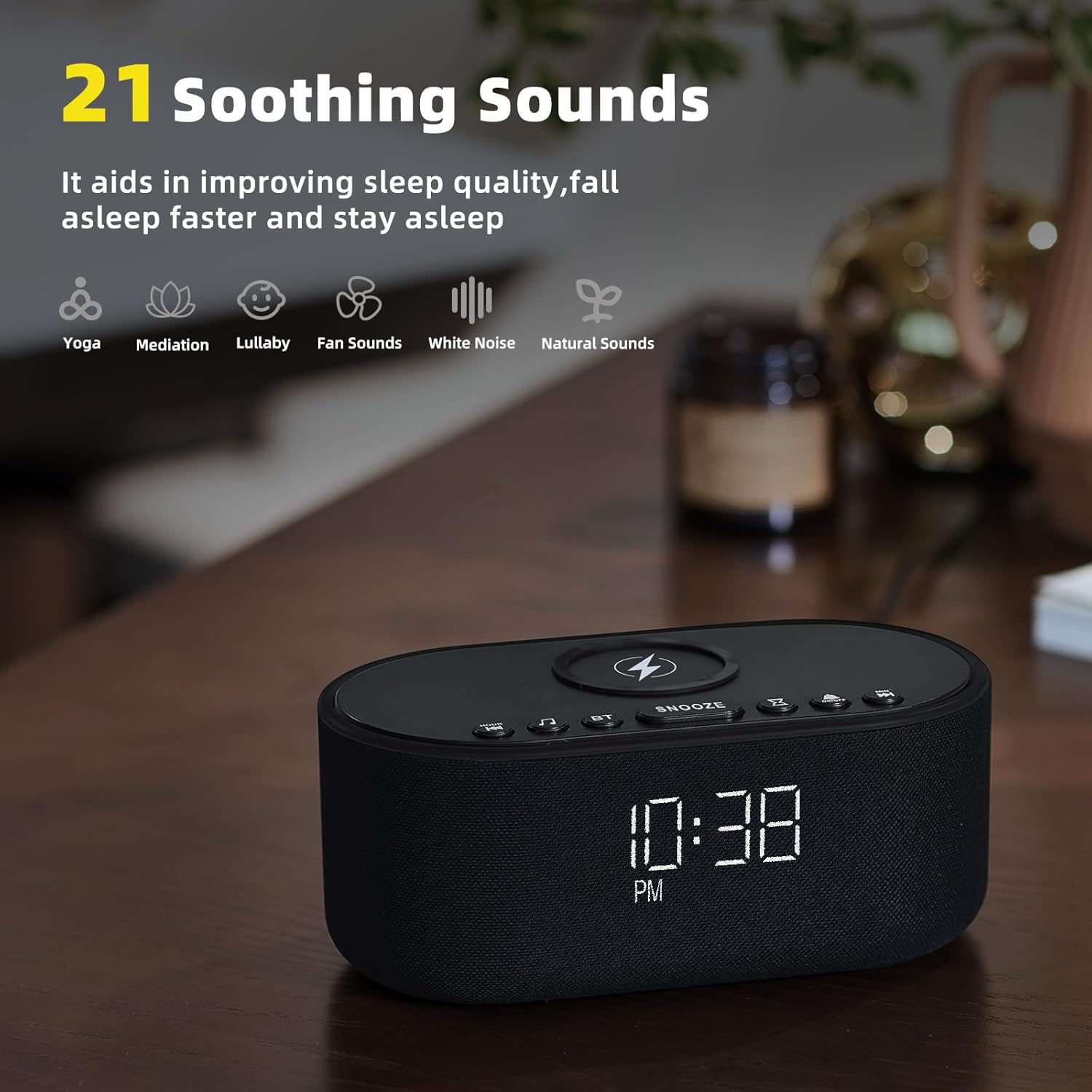
The device offers 21 soothing sounds to aid in sleep and relaxation.
- Selecció de sons: Premeu el botó So buttons to cycle through the 21 available sounds, including 5 white noise variations (Pink and Brown noise included), 4 fan sounds, 6 nature sounds (waves, rains, thunderstorms, brook, birds chirping, wind), 2 lullabies, Heart Beat, Sh Sound, Yoga, and Meditation.
- Ajust de volum: Utilitza el Volume HIGH/LOW switch on the back of the unit to adjust the sound output level.
3. Emparellatge d'altaveus Bluetooth
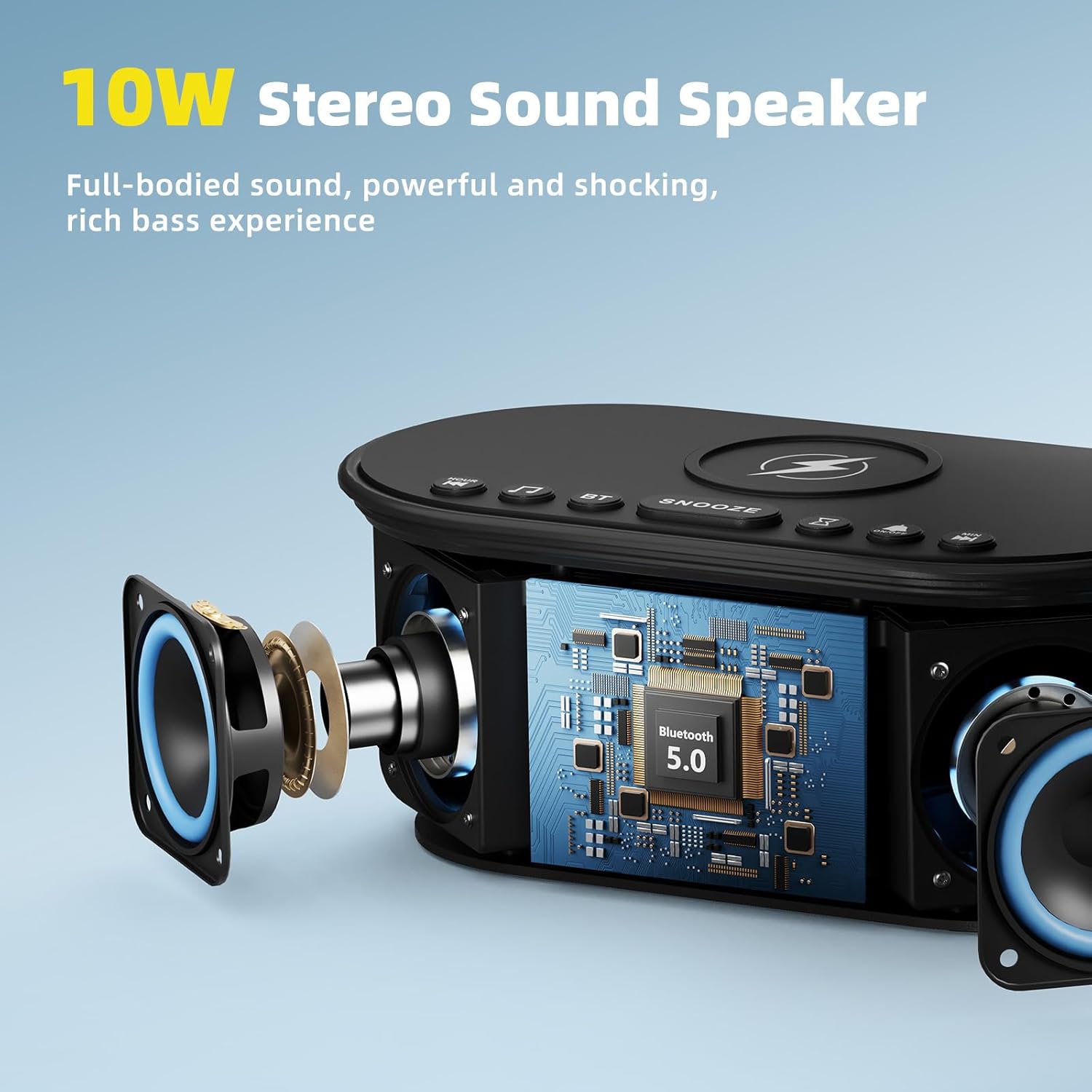
The 10W stereo Bluetooth 5.0 speaker provides high-quality audio for music playback.
- Premeu el botó BT button on the top of the device. The Bluetooth indicator on the display will flash, indicating pairing mode.
- On your smartphone or other Bluetooth-enabled device, go to Bluetooth settings and select "Odokee Sound Machine" from the list of available devices.
- Once connected, the Bluetooth indicator will stop flashing and remain solid. You can now play audio through the speaker.

4. Regulador d'intensitat de la pantalla
Adjust the display brightness from 0% to 100% to suit your preference and ambient lighting conditions.
- Premeu el botó Dimmer de la pantalla button repeatedly to cycle through brightness levels.
- The display will adjust instantly.

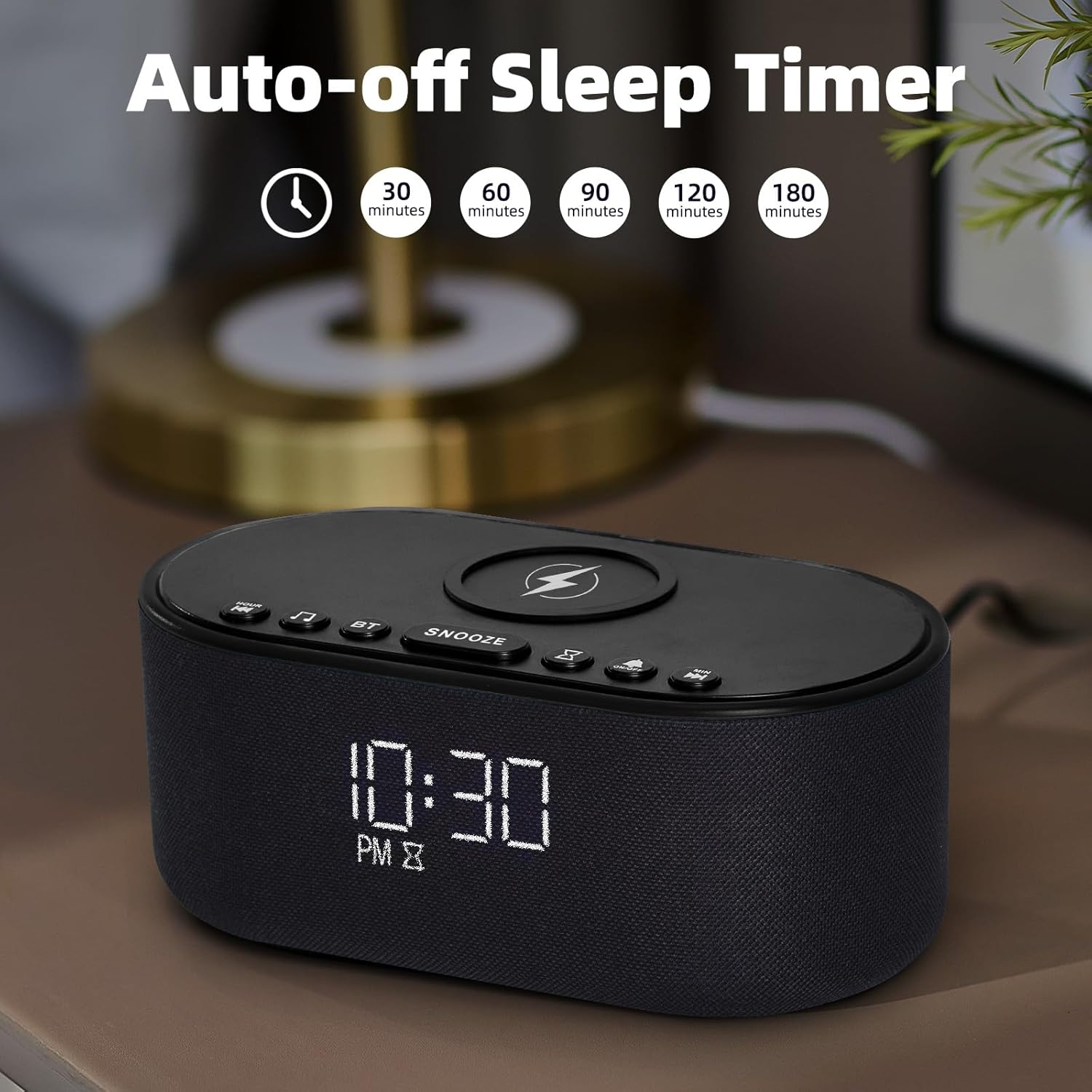
5. Temporitzador de son
The sleep timer allows you to set the sound machine to automatically turn off after a specified duration.
- While a soothing sound is playing, press the Temporitzador de dormir botó.
- Each press will cycle through available timer options: 30, 60, 90, 120, 180 minutes, or OFF.
- The selected timer duration will be displayed. The sound will automatically turn off after the set time.
Manteniment
- Netegeu el dispositiu amb un drap suau i sec. No utilitzeu productes de neteja abrasius ni dissolvents.
- Keep the wireless charging pad free of dust and debris to ensure efficient charging.
- Guardeu el dispositiu en un lloc fresc i sec quan no el feu servir durant períodes prolongats.
Resolució de problemes
| Problema | Causa possible | Solució |
|---|---|---|
| El dispositiu no s'encén. | L'adaptador de corrent no està connectat o la presa de corrent està defectuosa. | Ensure power adapter is securely connected and try a different power outlet. |
| La càrrega sense fil no funciona. | Phone not Qi-compatible, not centered, or thick case/metal objects. | Ensure phone supports Qi wireless charging. Reposition phone centrally. Remove thick cases or metal objects. |
| L'aparellament de Bluetooth ha fallat. | Device not in pairing mode, or too far from source. | Press the BT button to enter pairing mode. Ensure device is within 10 meters of the source. Forget device on your phone and re-pair. |
| No hi ha so de l'altaveu. | Volum massa baix o silenciat. | Adjust the volume switch on the back of the unit. Check volume on connected Bluetooth device. |
| L'alarma no sona. | L'alarma no està activada o el volum és massa baix. | Ensure alarm is set and activated (alarm icon visible). Increase alarm volume. |
Especificacions
- Nom del model: UE-268S-Black
- Marca: Odokee
- Material: Plàstic
- Dimensions del paquet: 9.57 x 5.12 x 4.09 polzades
- Pes de l'article: 1.16 lliures
- Entrada d'alimentació: DC 9V
- Sortida de càrrega sense fils: 10 W (màx.)
- Versió Bluetooth: 5.0
- Sortida de l'altaveu: So estèreo de 10 W
- Sons calmants: 21 (White Noise, Fan, Nature, Lullabies, etc.)
- Sons d'alarma: 8
- Atenuador de pantalla: 0-100%
- Bateries necessàries: No
Garantia i Suport
Odokee products are designed and manufactured to the highest quality standards. This product comes with a standard manufacturer's warranty. For detailed warranty information, please refer to the warranty card included in your package or visit the official Odokee website. If you encounter any issues or have questions regarding your device, please contact Odokee customer support for assistance. Please have your model number (UE-268S-Black) and purchase information ready when contacting support.
Assistència en línia: Visita el Odokee Store on Amazon per a preguntes freqüents i informació addicional sobre el producte.
Ask a question about this manual
Ask about setup, troubleshooting, compatibility, parts, safety, or missing instructions. Manuals+ will review the question and use this page’s manual context to help answer it.