
1. Introducció
Thank you for choosing the CHONCHOW G221 Wireless Gaming Keyboard. This keyboard is designed for an optimal gaming and office experience, featuring stable 2.4GHz wireless connectivity, a long-lasting rechargeable battery, customizable RGB backlighting, and an ergonomic, durable design. This manual provides detailed instructions for setup, operation, maintenance, and troubleshooting to ensure you get the most out of your device.

Image: The CHONCHOW G221 Wireless Gaming Keyboard showcasing la seva vibrant il·luminació RGB.
2. Configuració
2.1 Contingut del paquet
- CHONCHOW G221 Wireless Gaming Keyboard
- Receptor USB (2.4 GHz)
- Cable de càrrega USB tipus C
- Manual d'usuari
2.2 Connexió del teclat
The G221 keyboard supports both 2.4GHz wireless and wired USB connections.
Connexió sense fil (2.4 GHz)
- Locate the USB receiver. It is typically stored in a compartment on the keyboard or included separately in the packaging.
- Plug the USB receiver into an available USB port on your computer or game console.
- Turn on the keyboard using the power switch (usually located on the back or side of the keyboard).
- The keyboard should automatically connect to the receiver. No drivers are required for basic functionality.

Image: The CHONCHOW G221 keyboard emphasizing its 2.4GHz wireless capability.
Connexió per cable
Connect the keyboard to your device using the provided USB Type-C cable. The keyboard will function in wired mode and charge simultaneously.
2.3 Compatibilitat
The CHONCHOW G221 keyboard is widely compatible with various operating systems and gaming platforms:
- Sistemes operatius: Windows 10, Windows 8, Windows 7, Windows XP, Windows VISTA, macOS 10.12 Sierra and above.
- Consoles de jocs: PS4, PS5, Xbox (compatibility depends on individual game software).
Important Note for Console Gaming: While the keyboard hardware is compatible with consoles like PS4 and PS5, its functionality in games depends on whether the specific game software supports keyboard and mouse input. Before purchasing or using for console gaming, please verify within the game's settings if controls can be changed to keyboard and mouse input. If the game itself does not support this input method, the keyboard will likely not function for gameplay.

Image: The CHONCHOW G221 keyboard displaying its broad compatibility with various operating systems.
3. Instruccions de funcionament
3.1 Engegada/Apagada i Canvi de Mode
Use the power switch on the keyboard to turn it on or off. When connected via USB cable, the keyboard automatically operates in wired mode and charges.
3.2 Il·luminació de fons RGB
The G221 features customizable RGB backlighting with 16.78 million colors. You can adjust the lighting effects to enhance your gaming or work environment.
- Modes d'il·luminació: Choose from 3 distinct lighting modes.
- Ajust de brillantor: Ajusta la brillantor al teu gust.
- Breathing Light Intensity: The intensity of the breathing light effect can be freely adjusted.
- Turn Off Lighting: Lighting effects can be turned off completely if desired.
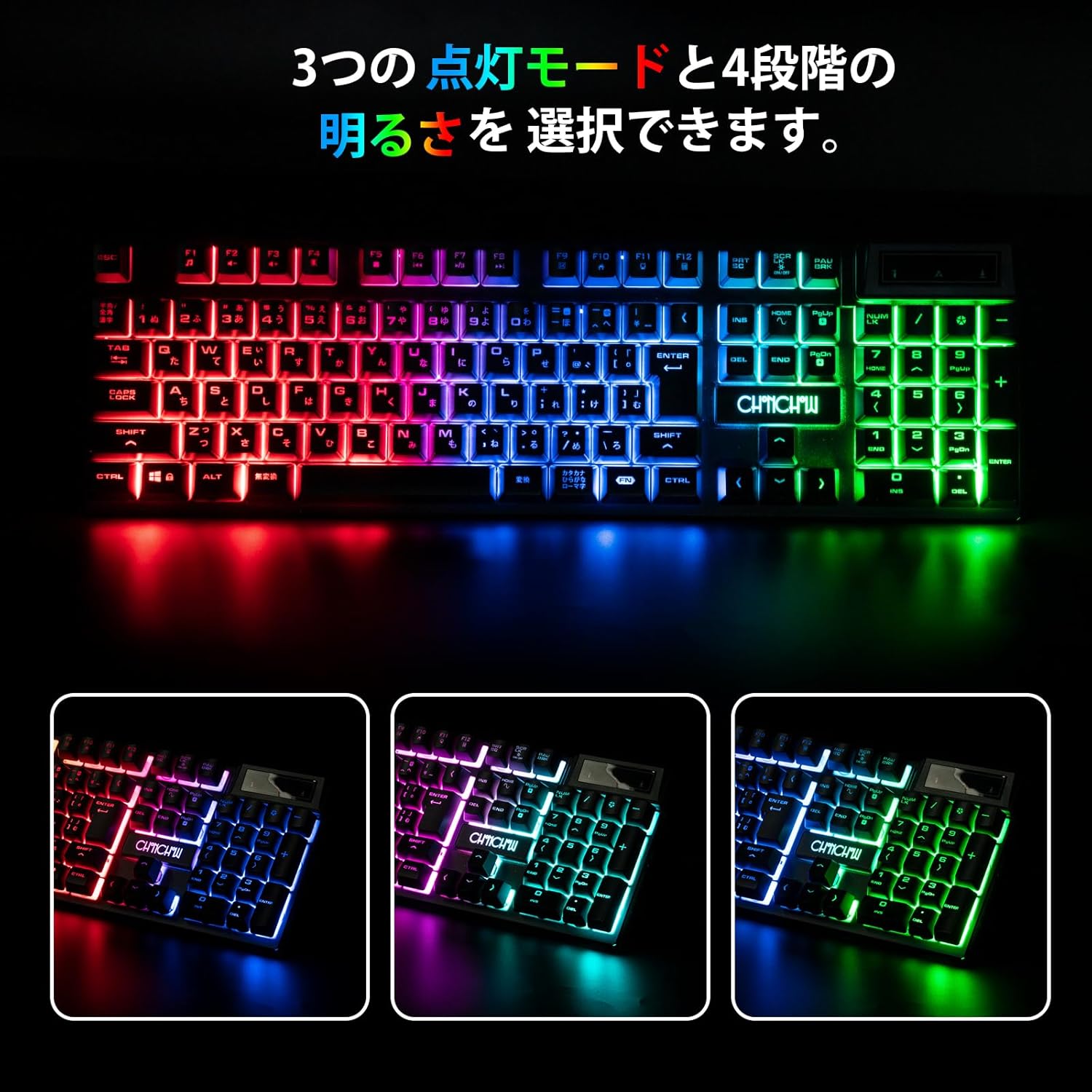
Image: The CHONCHOW G221 keyboard illustrating its three distinct RGB lighting modes.
3.3 Battery and Power Saving
The keyboard is equipped with a 2500mAh rechargeable battery and a power-saving chip to maximize battery life.
- Mode d'espera: After 3 minutes of inactivity, the keyboard enters standby mode.
- Mode de repòs: Després de 5 minuts d'inactivitat, el teclat entra en mode de repòs profund.
- Desperta: Press any key to wake the keyboard from standby or deep sleep mode.
- Càrrega: Use the provided Type-C cable to charge the keyboard. It can be used while charging.

Image: The CHONCHOW G221 keyboard highlighting its 2500mAh battery and power-saving capabilities.
4. Manteniment
4.1 Neteja
The CHONCHOW G221 keyboard is designed for easy maintenance:
- Removable Keycaps: The keycaps can be removed for convenient cleaning.
- Disseny impermeable: The keyboard features three drainage holes and is made with waterproof and dustproof materials. In case of accidental spills, simply wipe off the liquid.
4.2 Durabilitat
Constructed from high-quality ABS material, the keyboard offers excellent durability and wear resistance, designed to withstand tens of millions of keystrokes. The key legends are designed not to fade even after long-term use.

Image: Close-up of the CHONCHOW G221 keyboard keys, highlighting the durable ABS material.
5. Solució De Problemes
5.1 Connection or Wake-up Issues
If your keyboard is unresponsive, the backlight lights up for a few seconds and then turns off, or the battery is not charging, the USB receiver may have lost its pairing due to factors like long-term transportation or high temperatures. Follow these steps to re-establish the connection:
- Turn off the keyboard (if it's on).
- Unplug the USB receiver from your device.
- Al teclat, premeu i manteniu premuda la tecla ESC clau i la K key simultaneously for 3 seconds. The indicator light on the keyboard should start flashing.
- Reinsert the USB receiver into your device.
- Wait for approximately 3 seconds. The indicator light on the keyboard should turn off.
- Press any key on the keyboard to wake it up and test its functionality. You can also enable the backlight to confirm it's working.
5.2 General Troubleshooting Tips
- Assegureu-vos que el teclat estigui completament carregat.
- Verify the USB receiver is securely plugged into your device.
- Proveu de connectar el receptor USB a un port USB diferent.
- Restart your computer or game console.
- Assegureu-vos que no hi hagi altres dispositius sense fil que causin interferències.
6. Especificacions
| Marca | CHONCHOW |
| Model | G221 |
| Tecnologia de connectivitat | 2.4GHz Wireless (via USB receiver), Wired (USB Type-C) |
| Dispositius compatibles | PC, Game Consoles (PS4, PS5, Xbox - game software dependent) |
| Compatibilitat de sistemes operatius | Windows 10, 8, 7, XP, VISTA; macOS 10.12 Sierra+ |
| Disposició del teclat | QWERTY (106 tecles) |
| Tipus de canvi | Membrana |
| Material | ABS d'alta qualitat |
| Capacitat de la bateria | 2500 mAh |
| Característiques especials | Ergonomic Design, RGB Backlit (16.78M colors, 3 modes), Hotkeys & Media Keys, Rechargeable, Waterproof, Dustproof, Removable Keycaps |
| Components inclosos | Cable USB |
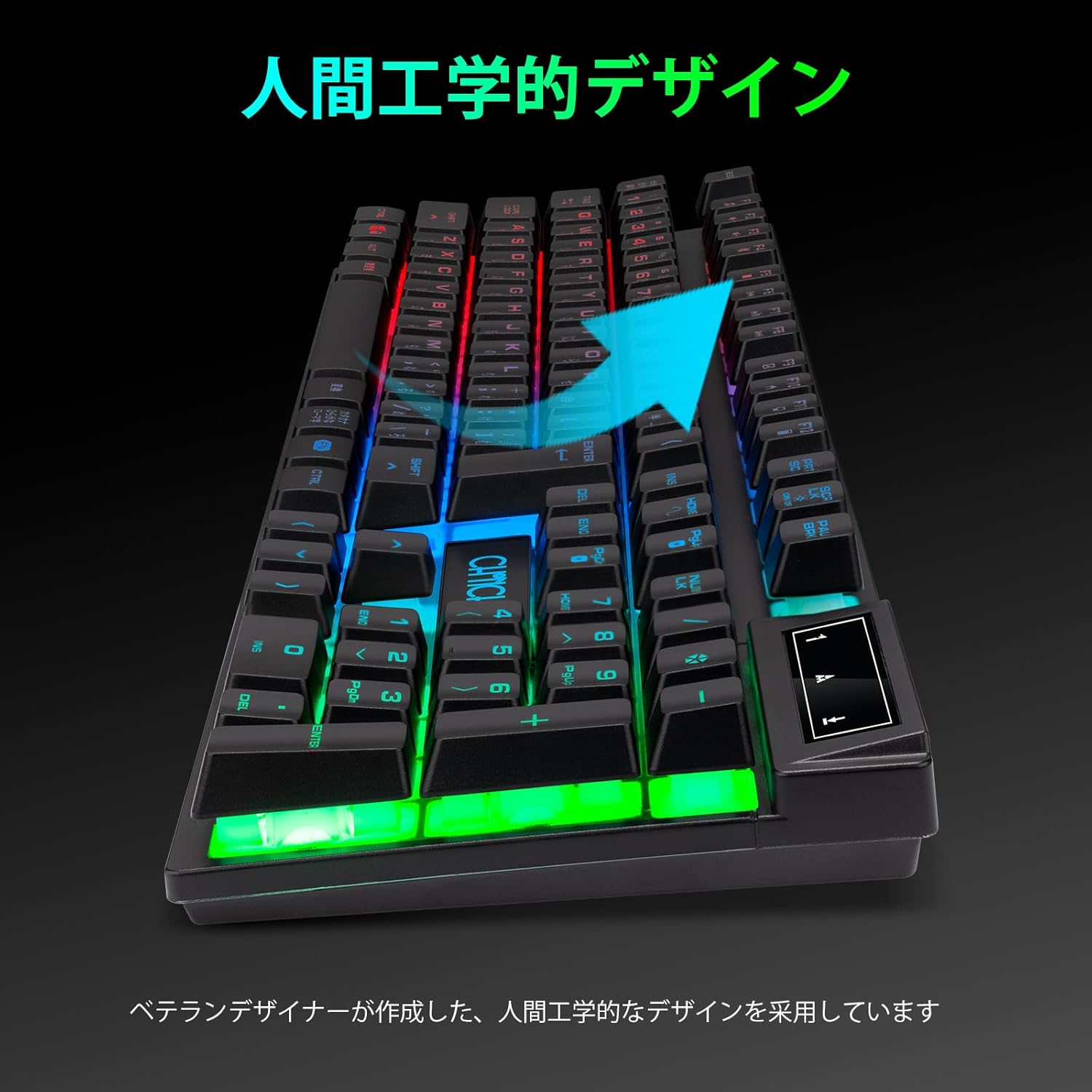
Image: The CHONCHOW G221 keyboard highlighting its ergonomic design for comfortable use.
7. Garantia
The CHONCHOW G221 Wireless Gaming Keyboard comes with a 1 any de garantia contra defectes de fabricant from the date of purchase. Please retain your proof of purchase for warranty claims. This warranty does not cover damage caused by misuse, accident, unauthorized modification, or normal wear and tear.
8. Suport
If you encounter any issues not covered in this manual or require further assistance, please contact CHONCHOW customer support. You can typically find contact information on the product packaging or the official CHONCHOW weblloc.
For the latest information and support, please visit the official CHONCHOW weblloc: www.chonchow.com (Note: This is a placeholder link. Please replace with the actual support URL si està disponible.)