
amazon basics AB-IBT-82ANC
Amazon Basics Pro Series Wireless Noise Cancelling ANC Over Ear Headphone
Model: AB-IBT-82ANC
Introducció
This manual provides detailed instructions for the setup, operation, maintenance, and troubleshooting of your Amazon Basics Pro Series Wireless Noise Cancelling ANC Over Ear Headphones. Please read this manual thoroughly before using the product to ensure proper function and longevity.

Image: The Amazon Basics Pro Series Wireless Noise Cancelling ANC Over Ear Headphone in black, showcasing el seu disseny elegant.
Contingut del paquet
Verifiqueu que tots els elements siguin presents al paquet:
- Amazon Basics Pro Series Wireless Noise Cancelling ANC Over Ear Headphone
- Cable de càrrega USB tipus C
- Cable auxiliar de 3.5 mm
- Manual d'usuari (aquest document)
Configuració
1. Càrrega inicial
Before first use, fully charge the headphones. Connect the supplied USB Type-C charging cable to the headphone's charging port and the other end to a USB power source (e.g., computer USB port or wall adapter). The LED indicator will show charging status and turn off or change color when fully charged.
A full charge provides up to 74 hours of playback at 50% volume with ANC off, or 34 hours with ANC on.
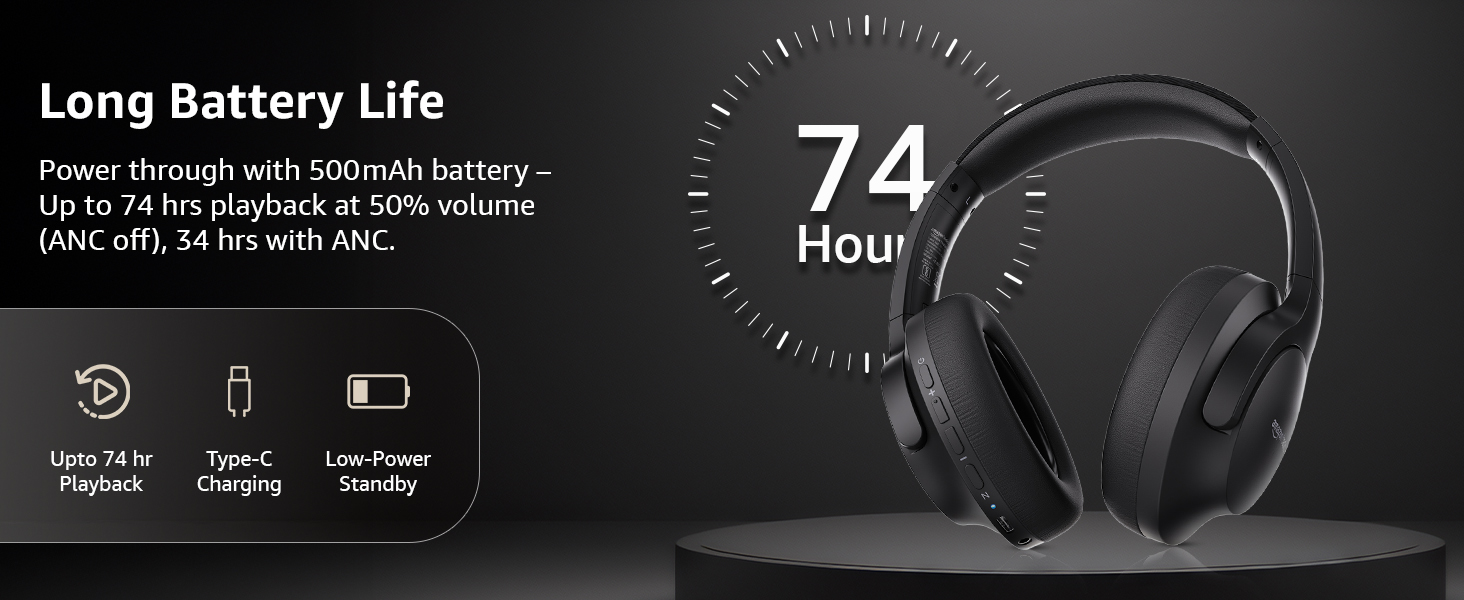
Image: An illustration highlighting the long battery life of the headphones, indicating up to 74 hours of playback.
2. Emparellament Bluetooth
- Assegureu-vos que els auriculars estiguin carregats i apagats.
- Premeu i manteniu premut el botó d'engegada fins que l'indicador LED parpellegi en blau i vermell, cosa que indica el mode d'emparellament.
- Al dispositiu (telèfon intel·ligent, tauleta, ordinador portàtil), activeu el Bluetooth i cerqueu els dispositius disponibles.
- Select "AB-IBT-82ANC" from the list of found devices.
- Once connected, the LED indicator will turn solid blue or flash slowly.
The headphones support dual pairing, allowing connection to two devices simultaneously for seamless switching.

Image: The headphones shown connected to both a smartphone and a laptop, illustrating the multi-pairing capability.
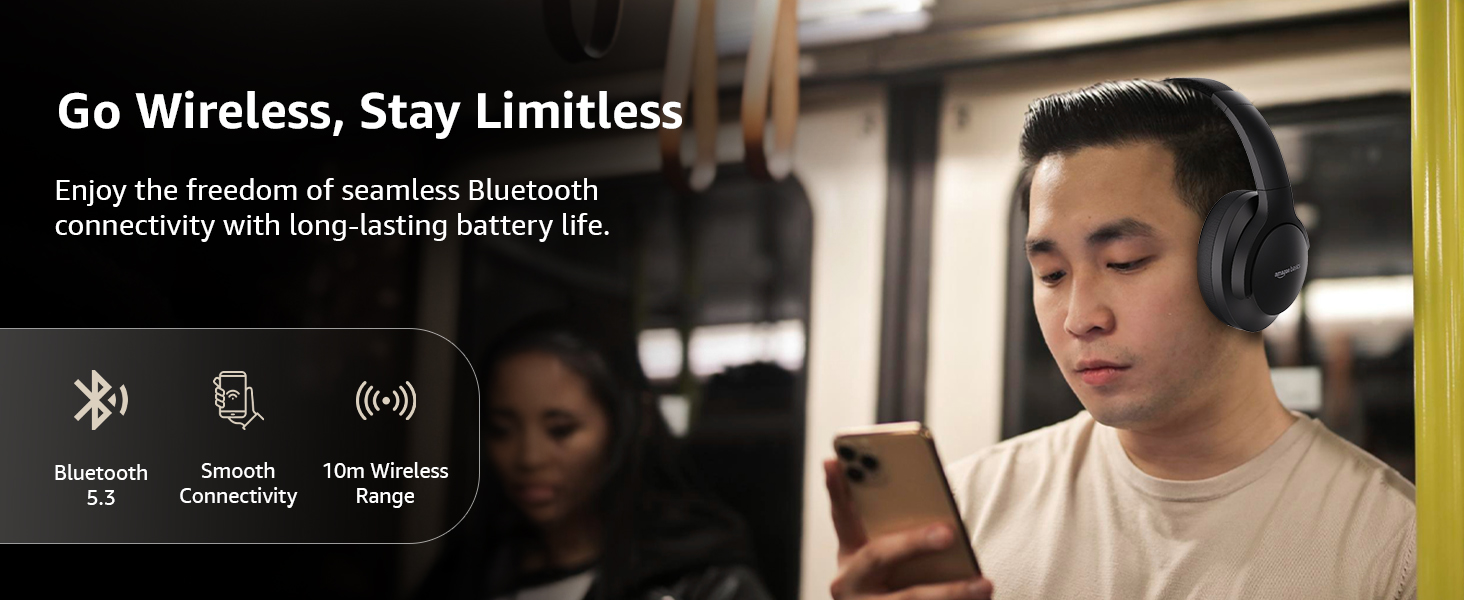
Image: A visual representation of the wireless capabilities, including Bluetooth 5.3 and a 10-meter wireless range.
3. Connexió per cable (mode AUX)
For a wired connection, plug the 3.5mm AUX cable into the headphone's AUX port and the other end into your audio device's 3.5mm jack. This mode does not require battery power.
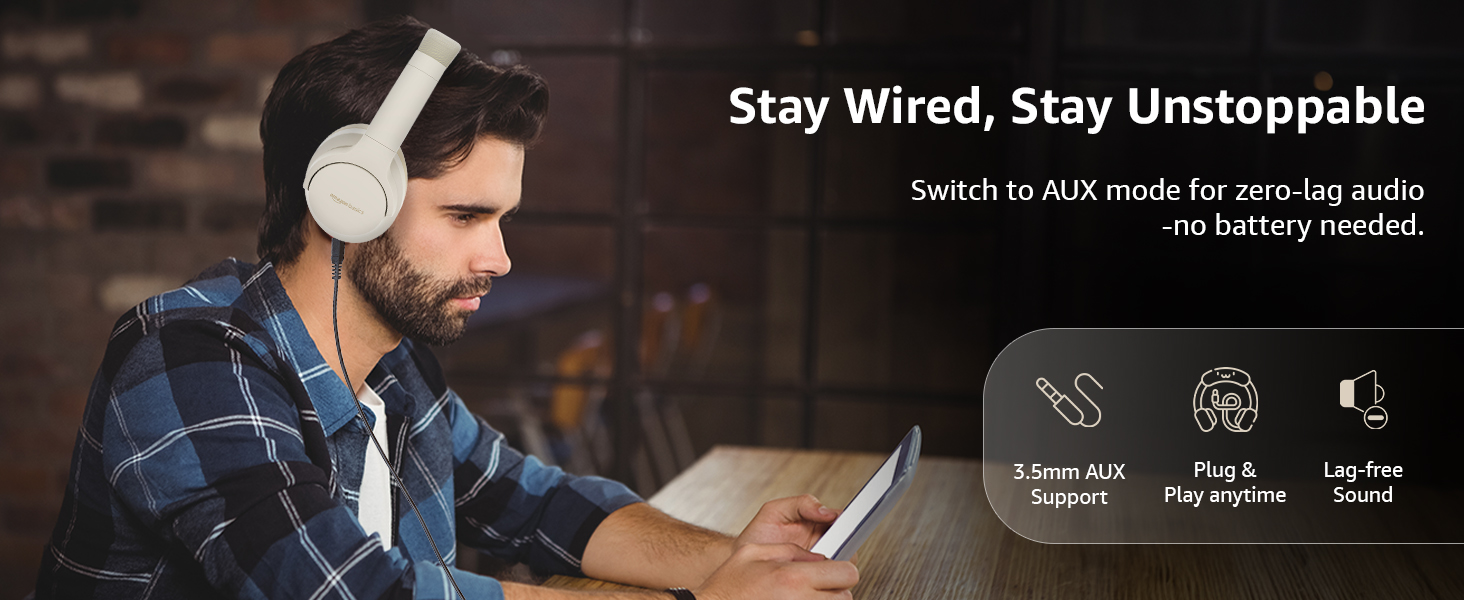
Image: A user demonstrating the wired AUX connection, emphasizing lag-free audio without needing battery power.
Instruccions de funcionament
1. Encendre/apagar
- Encès: Manteniu premut el botó d'engegada durant aproximadament 3 segons.
- Apagar: Manteniu premut el botó d'engegada durant aproximadament 5 segons.
2. Accessible Controls
Els auriculars tenen controls intuïtius situats als auriculars:
- Augment de volum / pista següent: Premeu curt per pujar el volum, premeu llargament per passar a la següent pista.
- Baixada de volum / pista anterior: Premeu curt per baixar el volum, premeu llargament per anar a la pista anterior.
- Reproducció/pausa/responent a una trucada: Premeu una sola vegada el botó multifunció.
- Finalitzar la trucada: Single press the multi-function button during a call.
- Rebutja la trucada: Premeu llargament el botó multifunció durant una trucada entrant.
- Activa l'assistent de veu (Siri/Assistent de Google): Premeu dues vegades el botó multifunció.
- ANC activat/desactivat: Dedicated ANC button to toggle Active Noise Cancellation.
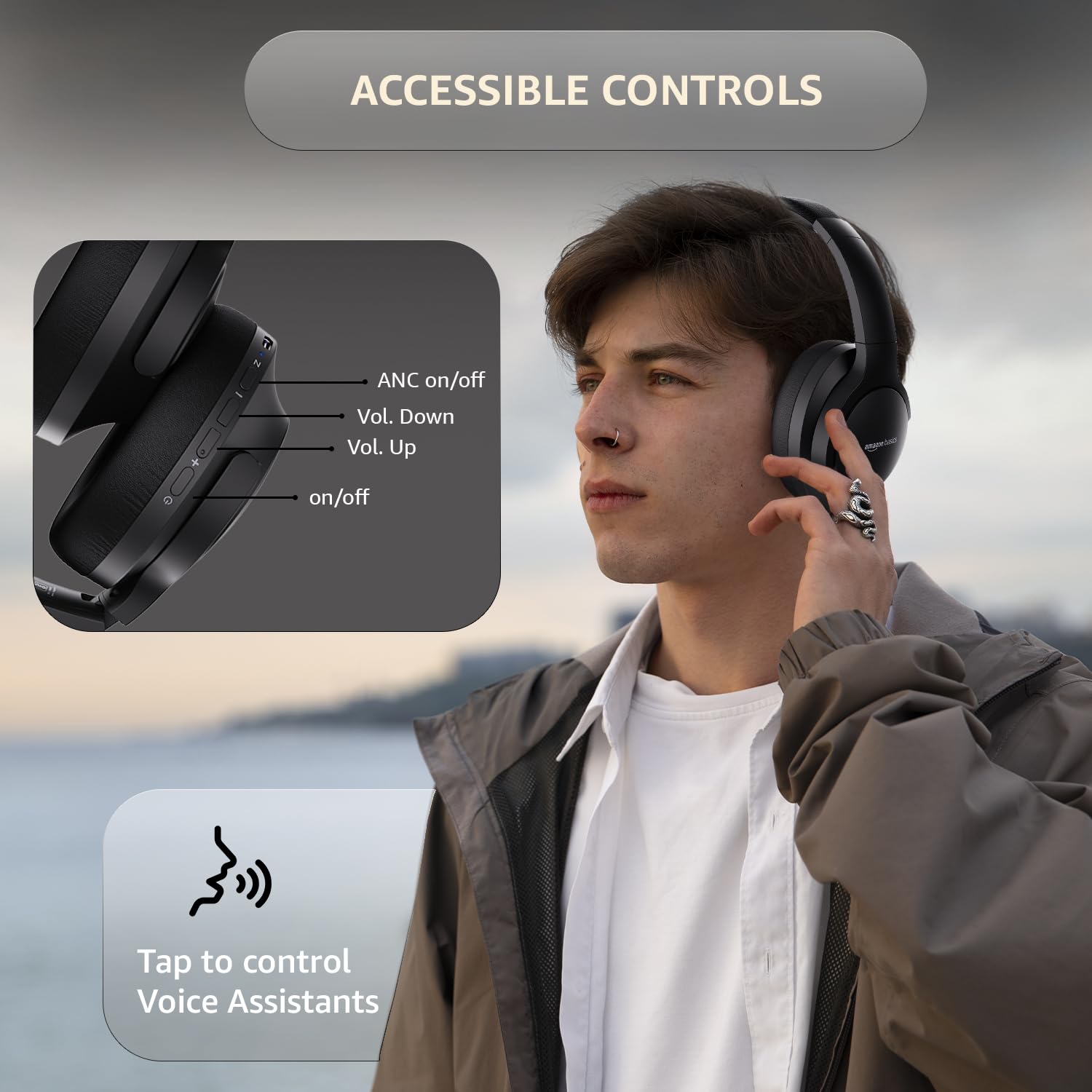
Image: A detailed diagram illustrating the location and function of the accessible controls on the headphone earcup.
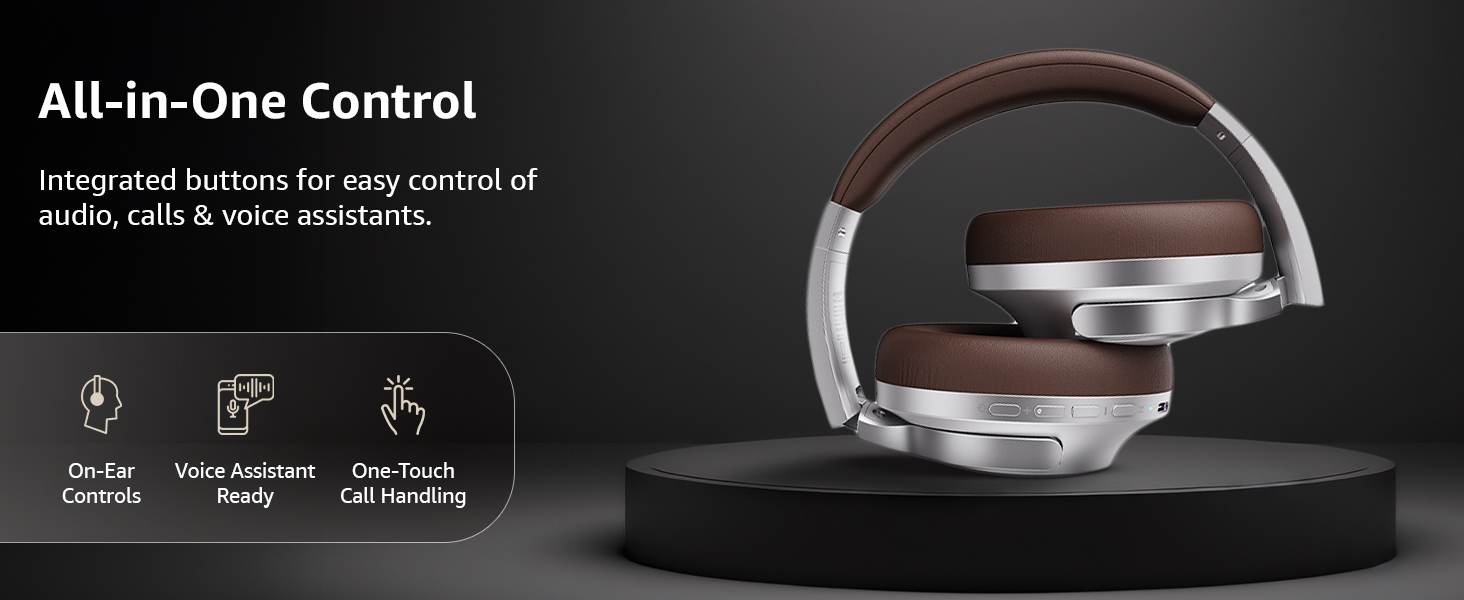
Imatge: Un cop mésview of the integrated controls, highlighting ease of use for audio, calls, and voice assistants.
3. Cancel·lació activa de soroll (ANC)
The Active Noise Cancellation feature reduces ambient noise, providing a more immersive listening experience. Press the dedicated ANC button to activate or deactivate this feature. Note that ANC functionality may slightly reduce overall battery life.

Image: A person wearing the headphones in a public setting, illustrating the effectiveness of Active Noise Cancellation in reducing distractions.
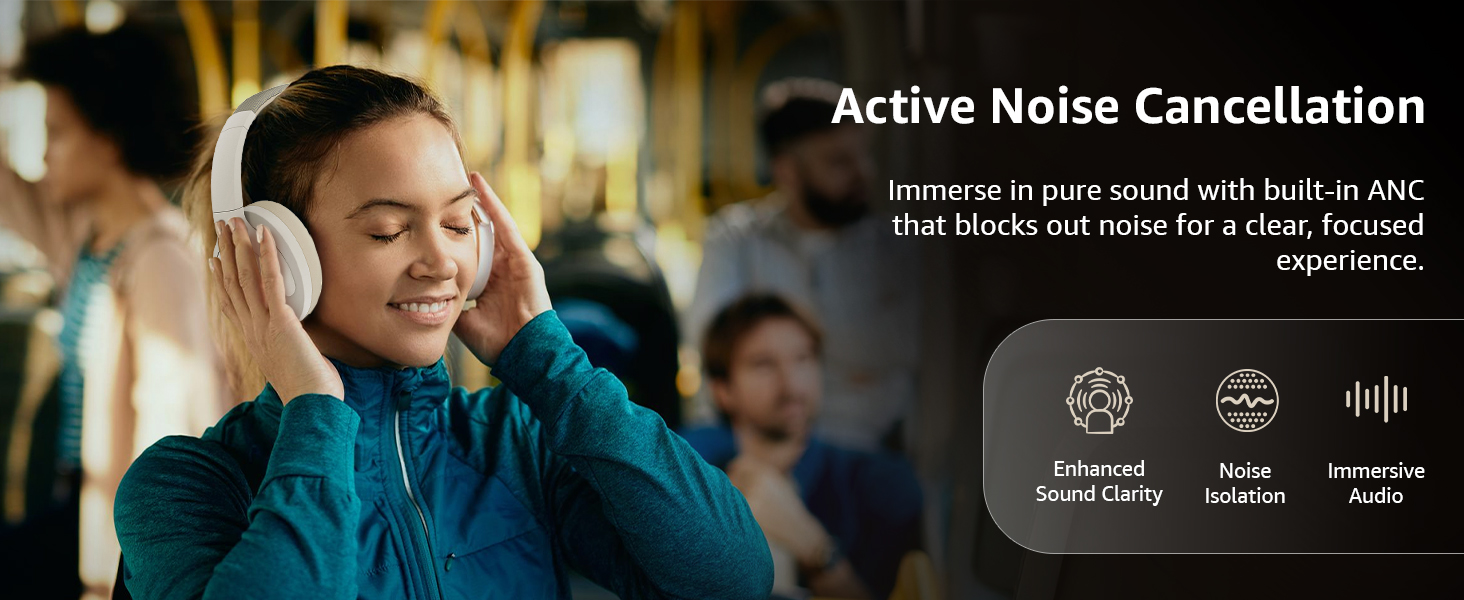
Image: A graphic emphasizing the benefits of Active Noise Cancellation, including enhanced sound clarity and immersive audio.
4. Audio Quality and Drivers
The headphones are equipped with 40mm drivers, designed to deliver rich bass, clear mids, and precise highs for a balanced audio experience.
Imatge: Una explosió view diagram illustrating the 40mm drivers, which are responsible for the headphone's sound output.
Manteniment
1. Neteja
- Netegeu els auriculars amb un drap suau, sec i sense borrissol.
- No utilitzeu netejadors abrasius, dissolvents ni netejadors en esprai directament sobre els auriculars.
- Clean the ear cushions gently with a damp drap si cal i deixeu-les assecar completament a l'aire abans d'utilitzar-les.
2. Emmagatzematge
When not in use, store the headphones in a cool, dry place, away from direct sunlight and extreme temperatures. The headphones feature a sleek and foldable design for convenient storage and portability.
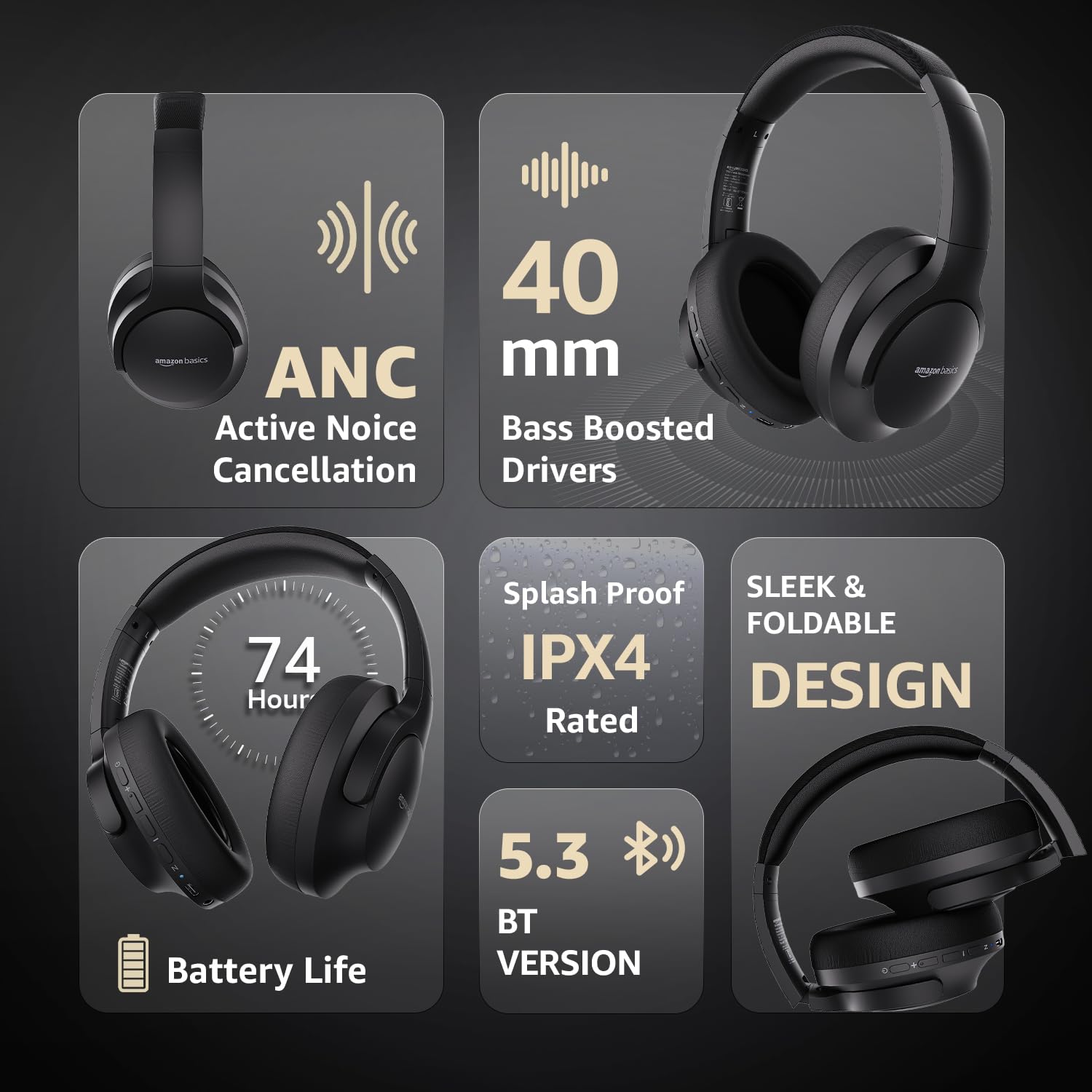
Image: An infographic highlighting key features, including the sleek and foldable design of the headphones for easy storage.
3. Cura de la bateria
- Eviteu descarregar completament la bateria amb freqüència.
- Charge the headphones regularly, even if not used for extended periods, to maintain battery health.
- No exposeu la bateria a altes temperatures.
Resolució de problemes
| Problema | Causa possible | Solució |
|---|---|---|
| Els auriculars no s'engeguen. | Bateria baixa. | Charge the headphones fully using the supplied USB Type-C cable. |
| No es pot emparellar per Bluetooth. | Auriculars no en mode d'emparellament; Bluetooth del dispositiu desactivat; massa lluny del dispositiu. | Ensure headphones are in pairing mode (flashing blue/red). Turn Bluetooth on your device. Move headphones closer to the device (within 10m). |
| Sense so. | Volum massa baix; font d'àudio incorrecta; auriculars no connectats. | Increase volume on headphones and device. Verify correct audio output on device. Re-pair Bluetooth or check AUX cable connection. |
| L'ANC no funciona eficaçment. | ANC no activat; soroll ambiental massa alt. | Press the ANC button to activate. ANC is most effective against low-frequency, constant noise. |
Especificacions
| Característica | Detall |
|---|---|
| Número de model | AB-IBT-82ANC |
| Tecnologia de connectivitat | Sense fil (Bluetooth 5.3), amb cable (AUX de 3.5 mm) |
| Mida del controlador | 40 mm |
| Capacitat de la bateria | Polímer de liti de 500 mAh |
| Durada de la bateria (ANC desactivat) | Fins a 74 hores (amb un 50% de volum) |
| Durada de la bateria (ANC activat) | Up to 34 hours (at 100% volume), 62 hours (at 50% volume) |
| Port de càrrega | USB tipus C |
| abast sense fils | Fins a 10 metres |
| Classificació de resistència a l'aigua | IPX4 (a prova d'esquitxades) |
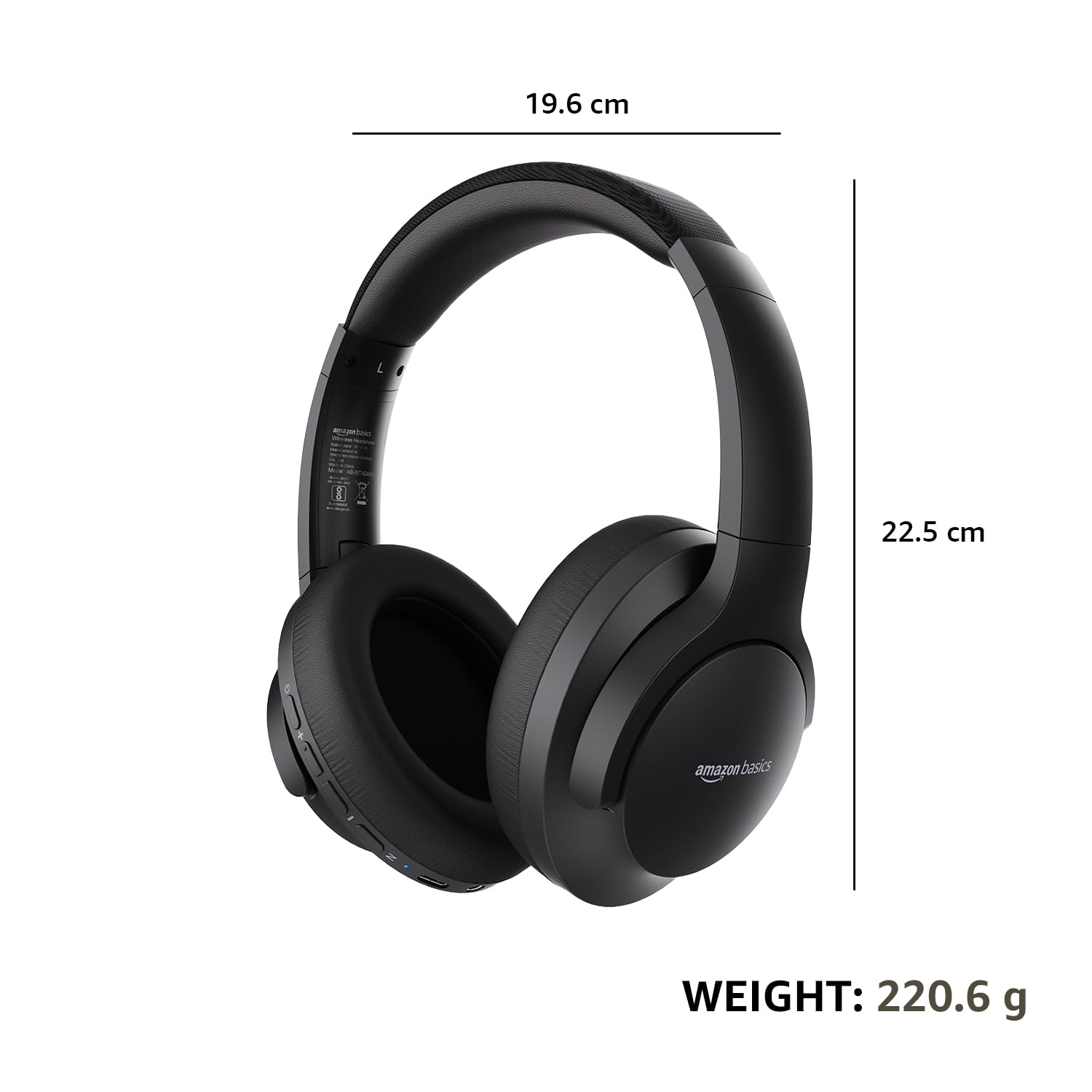
| Dimensions (auriculars) | 19.61 x 22.5 x 8.72 cm |
| Pes (auriculars) | 220.6 g |
| Material | Plàstic, Poliuretà (PU) |
| Dispositius compatibles | Cellphones, Gaming Consoles, Laptops, Tablets |

Image: A visual representation of the headphone's dimensions and weight for reference.
Comoditat i disseny
The headphones are designed for extended wear with an over-ear fit, soft ear cushions, and an adjustable headband, ensuring comfort during long listening sessions.

Image: A person wearing the headphones, demonstrating the comfortable over-ear fit.
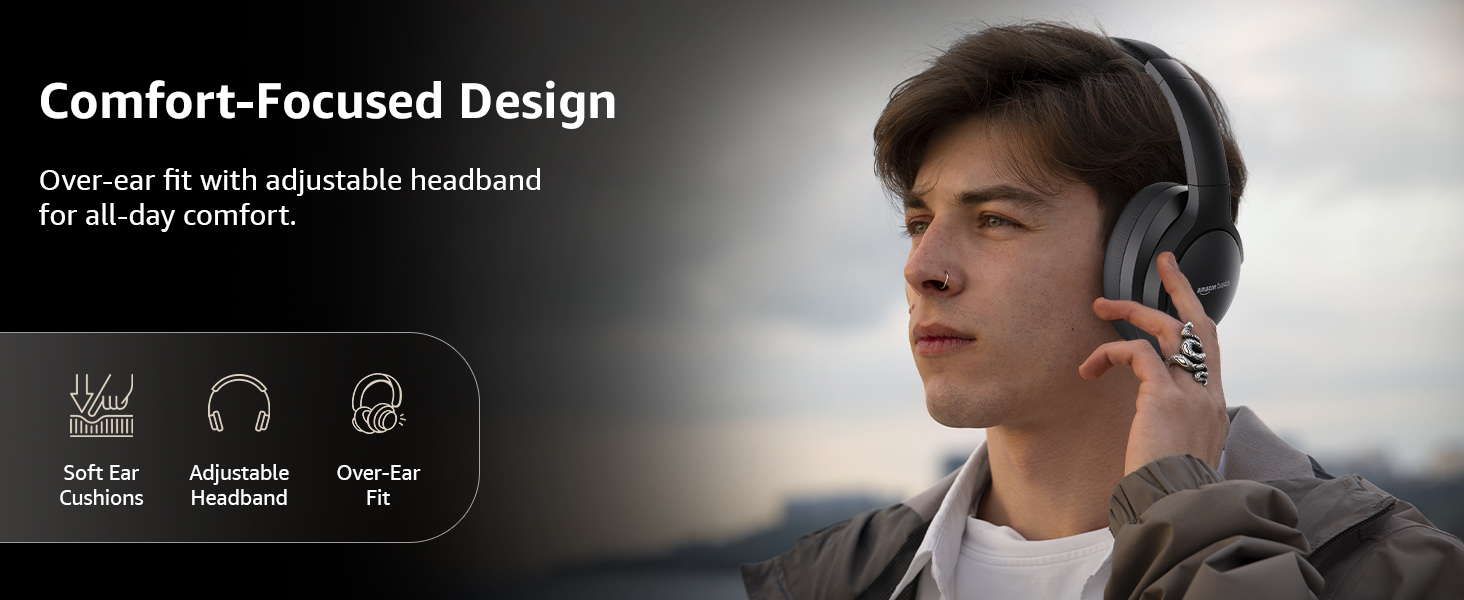
Image: A graphic detailing the comfort-focused design elements, including soft ear cushions and an adjustable headband.
Garantia i Suport
Warranty information for your Amazon Basics Pro Series Wireless Noise Cancelling ANC Over Ear Headphones is typically provided with the product packaging or can be found on the Amazon Basics official website. For technical support or warranty claims, please refer to the contact information provided with your purchase or visit the Amazon Basics support page.
Si us plau, conserveu el comprovant de compra per a qualsevol consulta relacionada amb la garantia.
Ask a question about this manual
Ask about setup, troubleshooting, compatibility, parts, safety, or missing instructions. Manuals+ will review the question and use this page’s manual context to help answer it.