
Introducció
The Jabra Engage 65 SE is a professional wireless headset designed for enhanced communication in office and call center environments. It offers industry-leading wireless performance, advanced noise-cancelling microphone technology, and extended battery life to support all-day use. This manual provides detailed instructions for setting up, operating, maintaining, and troubleshooting your headset.
Què hi ha a la caixa
Verifiqueu que tots els components siguin presents al vostre paquet:
- Jabra Engage 65 SE Headset (Dual-Ear)
- Unitat base
- USB-C to USB-A Cable (for PC connection)
- RJ-9 to RJ-9 Cable (for desk phone connection)
- Power Supply (US plug)
- Manual d'usuari (aquest document)
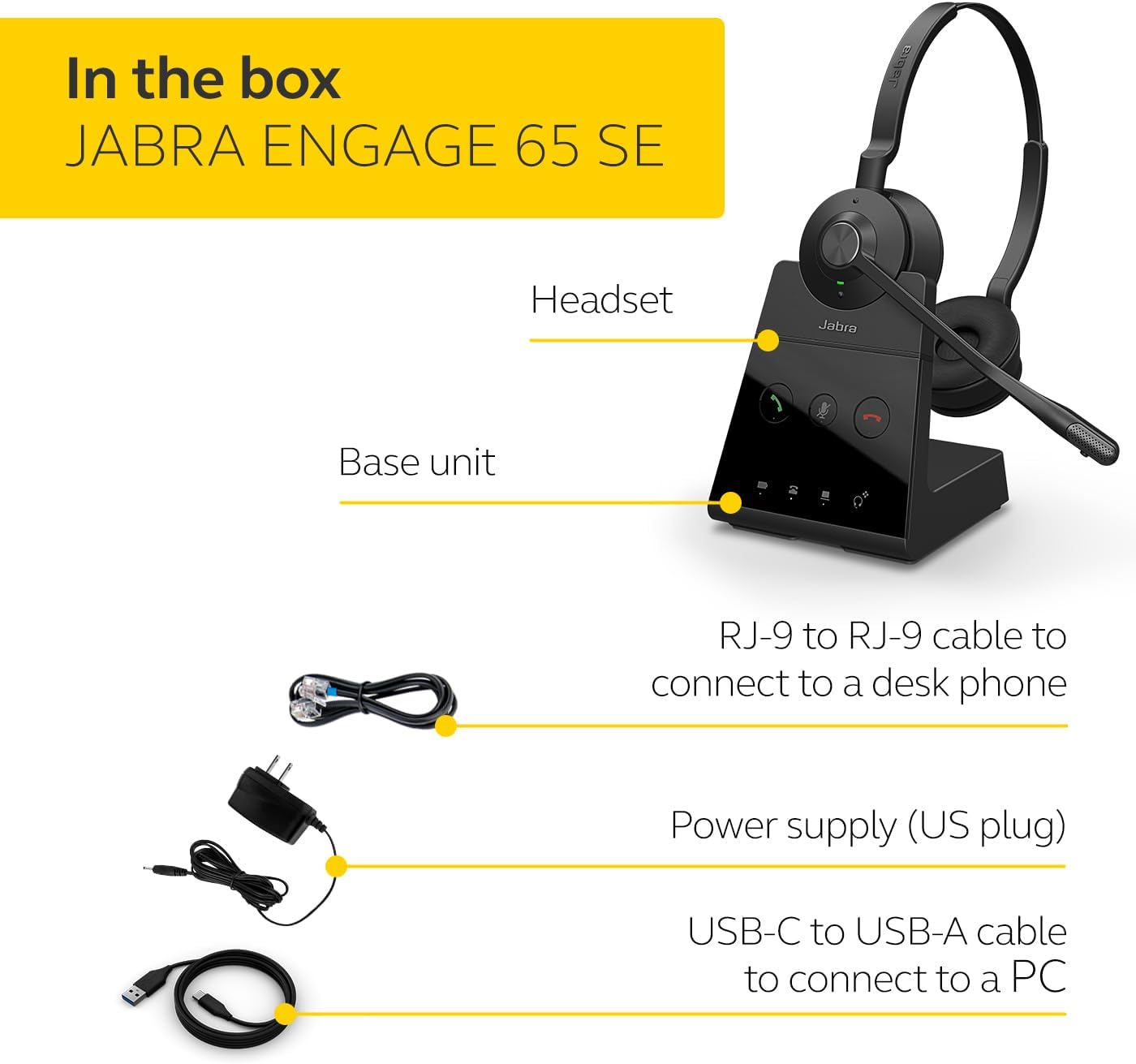
Image: The Jabra Engage 65 SE package contents, showing the headset, base unit, USB cable, RJ-9 cable, and power supply.
Configuració
1. Connect the Base Unit
- Connexió d'alimentació: Connect the power supply to the base unit and plug it into a power outlet.
- Connexió de PC: Use the provided USB-C to USB-A cable to connect the base unit to your computer's USB port.
- Desk Phone Connection: Use the provided RJ-9 to RJ-9 cable to connect the base unit to your desk phone's headset port. Consult your desk phone's manual for specific port identification.
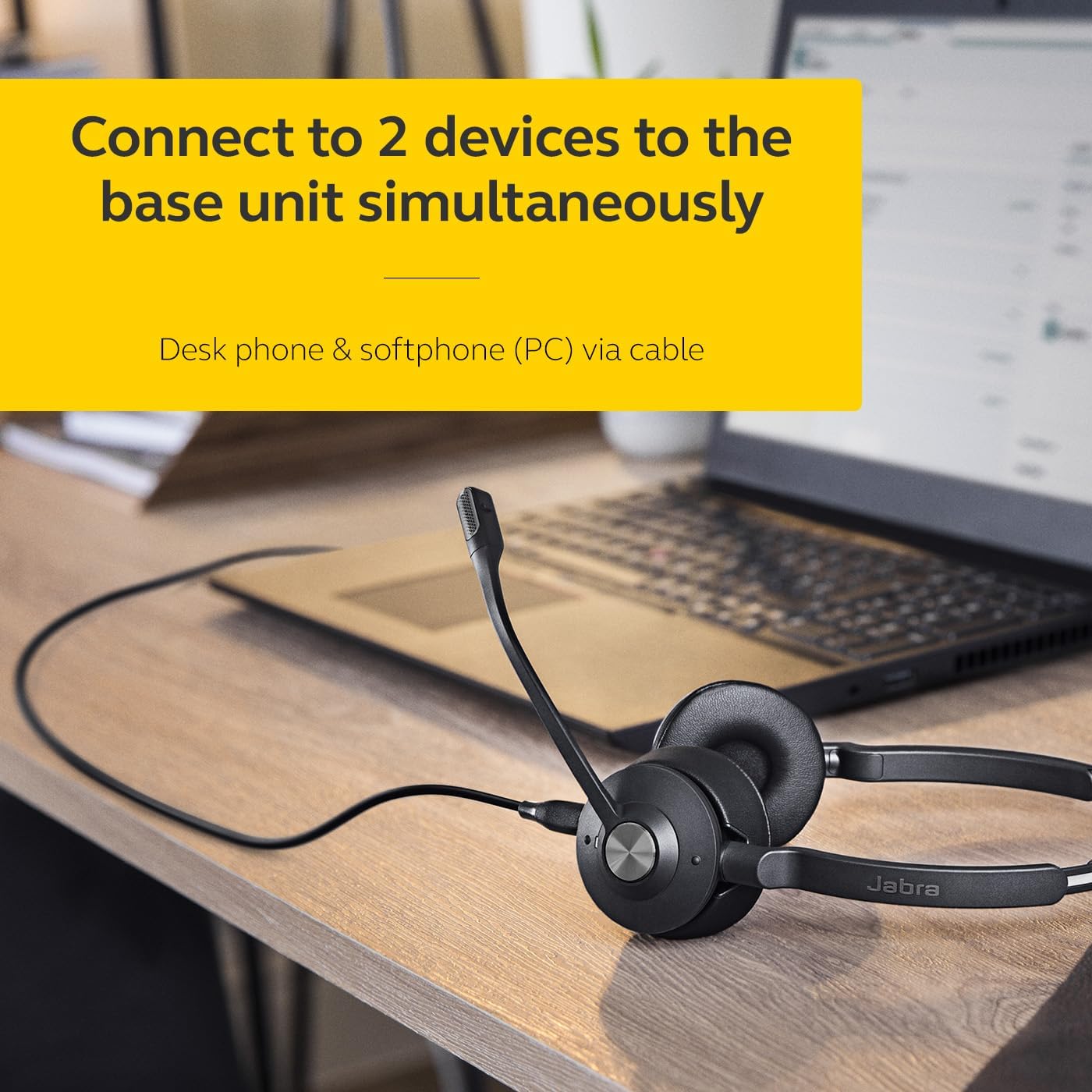
Image: The Jabra Engage 65 SE headset base unit connected to a laptop, illustrating PC connectivity.
2. Carregueu els auriculars
Place the headset onto the base unit. The headset will begin charging automatically. Ensure the headset is fully charged before first use for optimal battery performance.
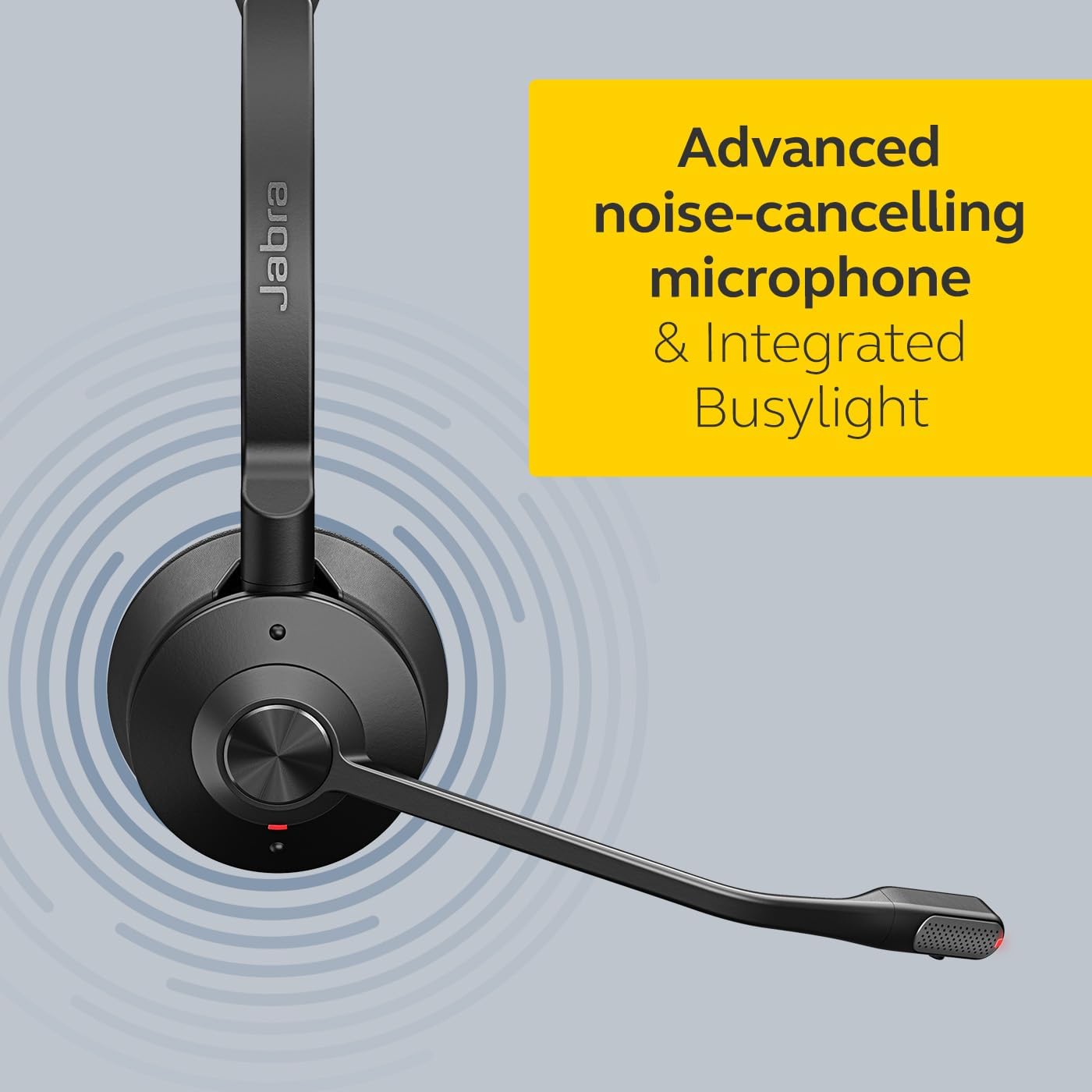
Image: The Jabra Engage 65 SE headset resting on its charging base, indicating proper docking for charging.
3. Maridatge inicial
The headset and base unit are pre-paired from the factory. If re-pairing is needed, follow the instructions in the full user manual available on the Jabra support weblloc.
Vídeo: Un funcionari ha acabatview of the Jabra Engage 65 SE Wireless Headset, demonstrating its features and setup.
Instruccions de funcionament
Portant els auriculars
Adjust the headband for a comfortable fit. Position the microphone boom approximately 2 cm (0.8 inches) from your mouth. The microphone boom is flexible and can be adjusted for optimal voice pickup.

Image: A user wearing the Jabra Engage 65 SE headset, highlighting its comfortable design and microphone placement for clear communication.
Control de trucades
The headset features intuitive controls for managing calls:
- Respondre/Finalitzar la trucada: Press the multi-function button on the earcup.
- Silencia/Activa el silenci: Press the mute button on the microphone boom or base unit.
- Ajust de volum: Use the volume up/down buttons on the earcup.

Imatge: Un primer pla view of the headset's earcup, illustrating the location of the call control buttons for easy access during use.
Indicador de llum ocupada
The integrated busylight on the headset automatically illuminates when you are on a call, signaling to colleagues that you are busy and should not be disturbed. This feature helps minimize interruptions and improve focus.
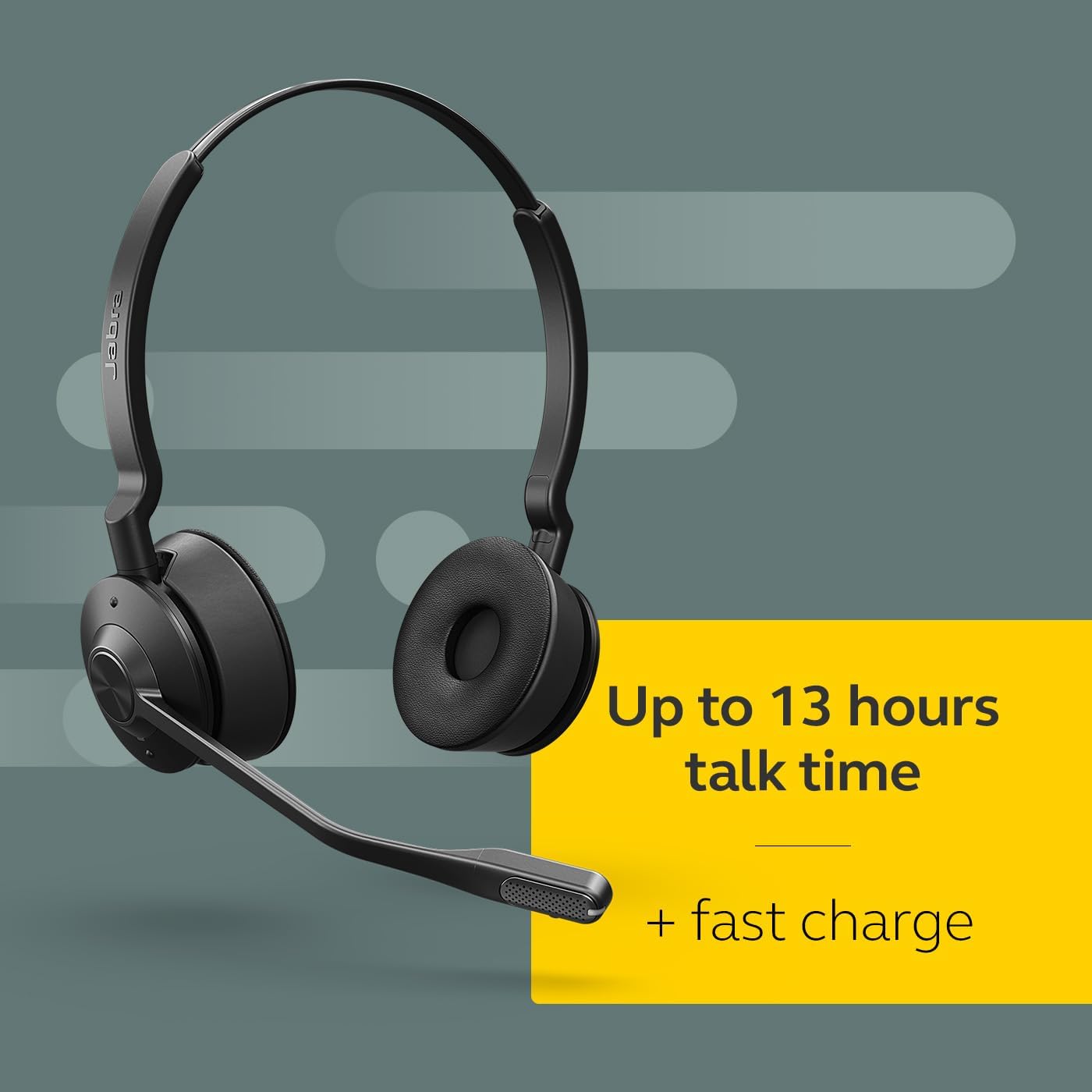
Image: The Jabra Engage 65 SE headset with its busylight active, indicating a user is currently on a call.
Wireless Range and Connectivity
The headset provides a wireless range of up to 150 meters (490 feet) from the base unit, allowing freedom of movement. It can connect to up to two devices simultaneously: a desk phone and a softphone (PC) via the base unit.
Manteniment
Neteja
- Wipe the headset and base unit with a soft, dry cloth.
- Eviteu utilitzar productes químics o materials abrasius.
- Ensure no moisture enters the charging port or microphone openings.
Cura de la bateria
- For optimal battery longevity, avoid fully discharging the headset frequently.
- Guardeu els auriculars en un lloc fresc i sec quan no els feu servir.
- The headset offers up to 13 hours of talk time and supports fast charging.
Resolució de problemes
If you encounter issues with your Jabra Engage 65 SE headset, refer to the following common solutions:
| Problema | Possible solució |
|---|---|
| Sense àudio / Mala qualitat d'àudio |
|
| Headset not connecting |
|
| Durada de la bateria curta |
|
For more detailed troubleshooting and support, please visit the official Jabra support weblloc.
Especificacions
| Característica | Detall |
|---|---|
| Marca | Jabra |
| Nom del model | Engage 65 SE |
| Número de model | 9659-553-125 |
| Tecnologia de connectivitat | Bluetooth, sense fil (DECT) |
| abast sense fils | Fins a 150 metres |
| Durada de la bateria (temps de conversa) | Fins a 13 hores |
| Temps de càrrega de la bateria | 90 minuts |
| Control de soroll | Cancel·lació activa del soroll |
| Micròfon | Cancel·lació avançada de soroll |
| Col·locació de l'orella | On Ear (Dual-Ear) |
| Pes | 1.2 lliures |
| Materials | Faux Leather, Polycarbonate (PC), Stainless Steel |
| Dispositius compatibles | Universal (Desk phone, PC) |
Garantia i Suport
Informació de la garantia
The Jabra Engage 65 SE headset comes with a 2 any de garantia del fabricantSi us plau, conserveu el comprovant de compra per a reclamacions de garantia.
Atenció al client
For further assistance, product registration, or to download the full user manual and software updates, please visit the official Jabra support weblloc: