
Introducció
Thank you for choosing the Kaiser KXB-5010 Bluetooth Speaker. This powerful and versatile speaker is designed to deliver high-quality audio with dynamic light effects, making it ideal for parties, events, karaoke, and general entertainment. Please read this manual carefully to ensure proper use and to maximize your enjoyment of the product.
Característiques clau
- Bluetooth 5.3: Offers enhanced energy efficiency, faster data transfer, and improved connection stability. It supports simultaneous connection with multiple devices, reducing interference and enhancing overall signal quality.
- Potència RMS de 60 W: Provides consistent and high-quality audio performance, ensuring clear and powerful sound for extended periods without quality degradation.
- Bateria recarregable: Enjoy up to 6 hours of continuous playback on a single charge. The 4500 mAh capacity (7.4 Vcc) ensures stable and efficient operation for portable use.
- Independent Knobs: Gain detailed control over various sound sources with dedicated knobs for volume, bass, treble, microphone volume, and echo.
- Flame Light Effects: Features 10 distinct light modes (5 music-synced, 5 standby) that simulate the appearance of a flame or fire. These LED lights create a warm and dynamic atmosphere with colors ranging from warm yellow to orange, red, or blue.
Configuració
Desembalatge
Carefully remove all components from the packaging. Ensure you have the main speaker unit, wireless microphone, power adapter, and this instruction manual.
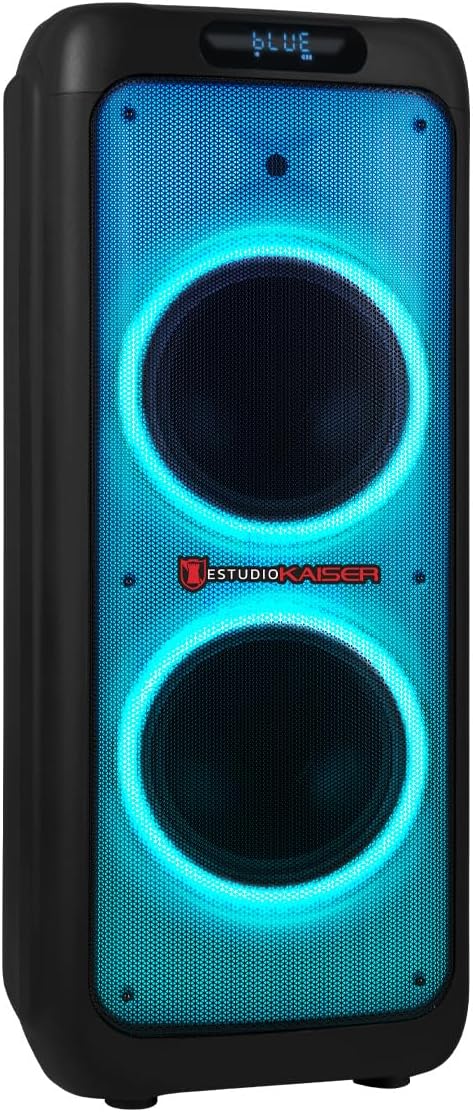
Figura 1: Frontal view of the Kaiser KXB-5010 speaker, showcasing its dual 10-inch woofers and vibrant blue LED lighting.
Carregant la bateria
Before first use, fully charge the speaker's internal battery. Connect the power adapter to the speaker's charging port and then to a power outlet. The charging indicator will show the charging status. A full charge provides up to 6 hours of playback.

Figure 2: Rear panel of the speaker, featuring various input ports and controls.
Configuració del micròfon
The KXB-5010 includes a wireless microphone. Ensure the microphone has fresh batteries (if applicable). Turn on the microphone and the speaker. The microphone should automatically pair with the speaker. Adjust microphone volume using the dedicated knob on the control panel.
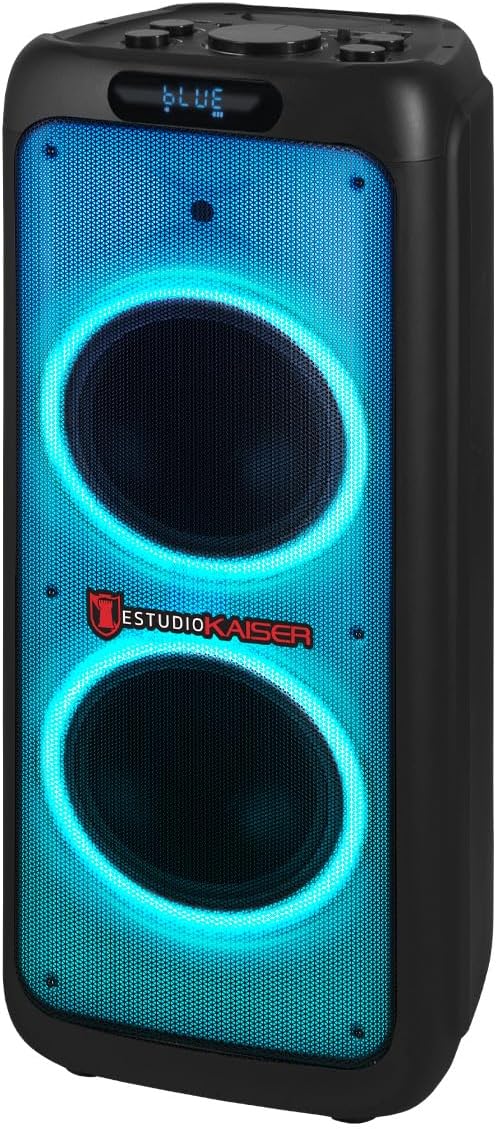
Figure 3: The wireless microphone provided with the speaker for karaoke and vocal performances.
Instruccions de funcionament
Tauler de control acabatview
The speaker's control panel is located on the top of the unit. It features independent knobs for volume, bass, treble, microphone volume, and echo, along with buttons for mode selection, playback control, and LED light effects.

Figura 4: Detallada view of the speaker's top control panel, showing volume, EQ, microphone, and playback controls.
Encès/Apagat
To turn the speaker on or off, use the power switch located on the control panel.
Connexió Bluetooth
- Turn on the speaker. The display will show "BLUE" or a similar indicator for Bluetooth mode.
- Al dispositiu mòbil (telèfon intel·ligent, tauleta, ordinador portàtil), activeu el Bluetooth i cerqueu els dispositius disponibles.
- Select "KXB-5010" from the list of devices.
- Once paired, you will hear a confirmation sound, and you can start playing audio from your device. The Bluetooth range is up to 10 meters.
Reproducció USB/Micro SD
- Inseriu una unitat flash USB o una targeta Micro SD (amb àudio MP3) files) al port corresponent del tauler de control.
- The speaker will automatically switch to USB/Micro SD mode and begin playing the audio files.
- Use the playback control buttons (Play/Pause, Previous, Next) to manage your music.
Ràdio FM
- Premeu el botó "MODE" fins que aparegui "FM" a la pantalla.
- Press and hold the Play/Pause button to automatically scan and save available FM radio stations.
- Use the Previous/Next buttons to navigate through the saved stations.
Entrada auxiliar (AUX)
Connect an external audio device (e.g., MP3 player, computer) using a 3.5mm audio cable to the AUX input port on the control panel. Press the "MODE" button to select AUX input.
Entrades de micròfon i guitarra
The speaker features dedicated 6.3mm inputs for microphones (MIC 1, MIC 2) and a guitar (GUITAR IN). Connect your wired microphones or guitar to these ports. Adjust their respective volumes and echo effects using the independent knobs.
Light Effects (Flame Light)
The KXB-5010 features 10 Flame Light modes (5 music-synced, 5 standby). Press the "LED MODE" button on the control panel to cycle through the different lighting effects and create a dynamic visual experience.
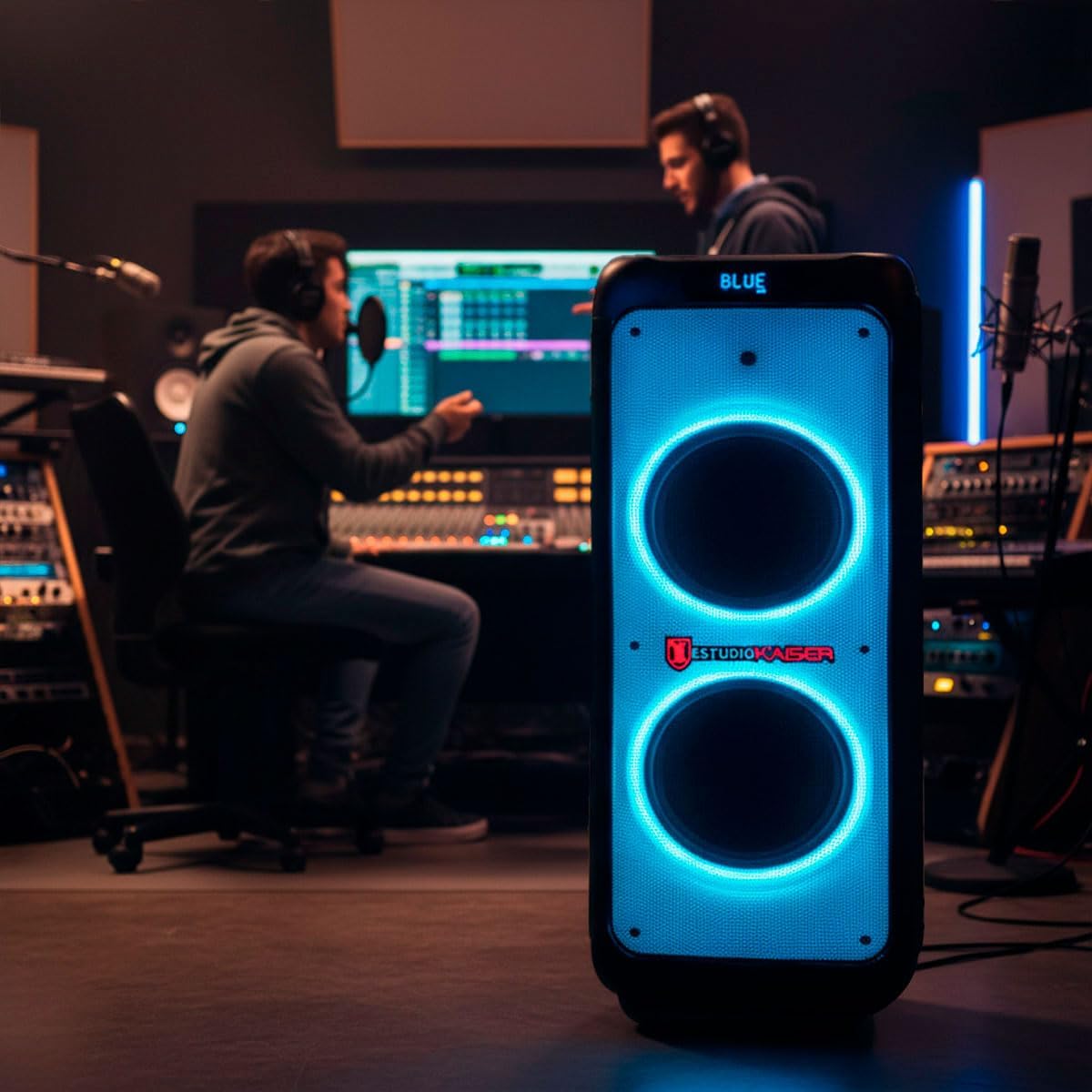
Figure 5: The speaker illuminating a party scene with its dynamic LED light effects.
Manteniment
Neteja
Wipe the speaker's exterior with a soft, dry cloth. Do not use abrasive cleaners or solvents. Keep the ports free of dust and debris.
Cura de la bateria
Per allargar la durada de la bateria, eviteu descarregar-la completament amb freqüència. Torneu a carregar l'altaveu regularment, fins i tot si no l'esteu fent servir, per mantenir la bateria en bon estat.
Emmagatzematge
Guardeu l'altaveu en un lloc fresc i sec, allunyat de la llum solar directa i de temperatures extremes quan no l'utilitzeu durant períodes prolongats.
Resolució de problemes
| Problema | Causa possible | Solució |
|---|---|---|
| Sense poder | La bateria està descarregada; l'interruptor està apagat. | Charge the battery; Turn on the power switch. |
| Sense so | El volum és massa baix; S'ha seleccionat un mode d'entrada incorrecte; El dispositiu no està connectat correctament. | Increase volume; Select the correct input mode (Bluetooth, USB, AUX); Reconnect your device. |
| La connexió Bluetooth falla | Speaker is not in pairing mode; Device is out of range; Interference. | Ensure speaker is in Bluetooth mode; Move device closer to speaker; Turn off other Bluetooth devices. |
| El micròfon no funciona | Microphone is off; Microphone volume is low; Batteries are dead. | Turn on microphone; Increase microphone volume; Replace microphone batteries. |
Especificacions
| Característica | Detall |
|---|---|
| Marca | Kaiser |
| Nom del model | KXB-5010 |
| Potència de sortida màxima dels altaveus | RMS de 60 Watts |
| Tecnologia de connectivitat | Bluetooth, USB |
| Mode de sortida d'àudio | estèreo |
| Tipus d'altaveu | Atmosfèric |
| Altres característiques | Bluetooth, portàtil |
| Usos recomanats | For parties, events, karaoke, and general entertainment |
| Mètode de control | Application (App) |
| Durada mitjana de la bateria | 6 hores |
| Impermeable | Fals |
| Tipus de garantia | Limitat |
| Mida de l'altaveu | 10 polzades |
| Diàmetre del woofer | 10 polzades |
| Interval Bluetooth | 10 metres |
| Capacitat de la bateria | 4500 mAh |
| Contingut de la Caixa | Micròfon sense fil |
| Item Dimensions (Depth x Width x Height) | 39 x 38 x 93.6 centímetres |
| Pes de l'article | 13 quilos |
| Dispositius compatibles | Telèfon intel·ligent, tauleta, ordinador portàtil, reproductor MP3 |
| Font d'alimentació | Bateria |
Garantia i Suport
Informació de la garantia
This product comes with a 90-day factory limited warranty. Please retain your proof of purchase for any warranty claims.
Atenció al client
For technical assistance, troubleshooting, or warranty inquiries, please contact Kaiser customer support. Refer to the product packaging or the official Kaiser weblloc per obtenir dades de contacte.