
1. Producte acabatview
The VILCORN Wireless Mobile Phone Controller is a versatile gamepad designed for an enhanced gaming experience across multiple platforms. It supports wireless connectivity with iOS, Android, PC, Nintendo Switch, PlayStation 3, and PlayStation 4 devices. This controller features a retractable design to accommodate various phone sizes, Hall effect joysticks for precision, six-axis somatosensory functionality, and adjustable vibration feedback.
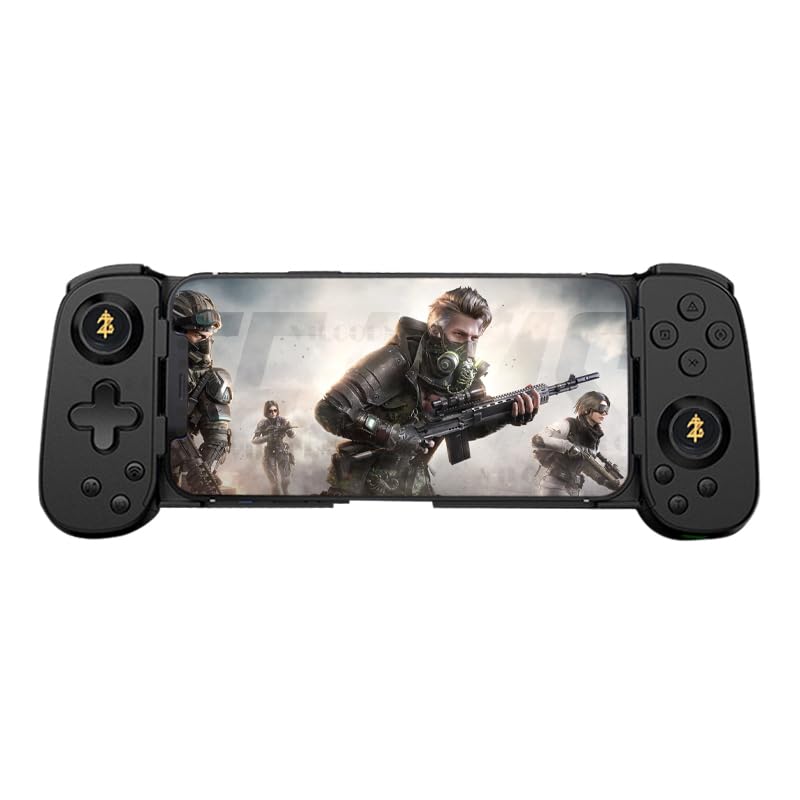
Image 1.1: The VILCORN Wireless Mobile Phone Controller in black, shown with a smartphone securely mounted, ready for gameplay.
2. Contingut del paquet
Si us plau, verifiqueu que tots els elements siguin presents al paquet:
- 1 x VILCORN Wireless Mobile Phone Controller
- 1 x Manual d'usuari
- 1 x cable de càrrega tipus C
3. Especificacions
| Característica | Descripció |
|---|---|
| Compatibilitat | iOS 13.0+, Android 6.0+, Windows 7.0+, Nintendo Switch, PlayStation 3, PlayStation 4, PlayStation 5 (via PS Remote Play), Xbox (via Xbox mobile app) |
| Connectivitat | Wireless Bluetooth (BT) |
| Capacitat de la bateria | 500mAh rechargeable Lithium Ion battery |
| Port de càrrega | Tipus-C |
| Característiques especials | Hall Effect Joysticks (No Drift), Six-axis Somatosensory, Adjustable Vibration (3 levels), Turbo Function, Macro Programming, Retractable Design |
| Dimensions | Aprox. 7.87 x 3.94 x 1.97 polzades (20 x 10 x 5 cm) |
| Pes | Aprox. 9.9 unces (280 grams) |
4. Configuració i connexió
4.1 Càrrega del controlador
Before first use, fully charge the controller. Connect the provided Type-C charging cable to the controller's charging port and the other end to a USB power source (e.g., computer USB port, USB wall adapter). The charging indicator light will show the charging status and turn off when fully charged.
4.2 Connexió a dispositius
The VILCORN controller supports wireless Bluetooth connection for various devices.
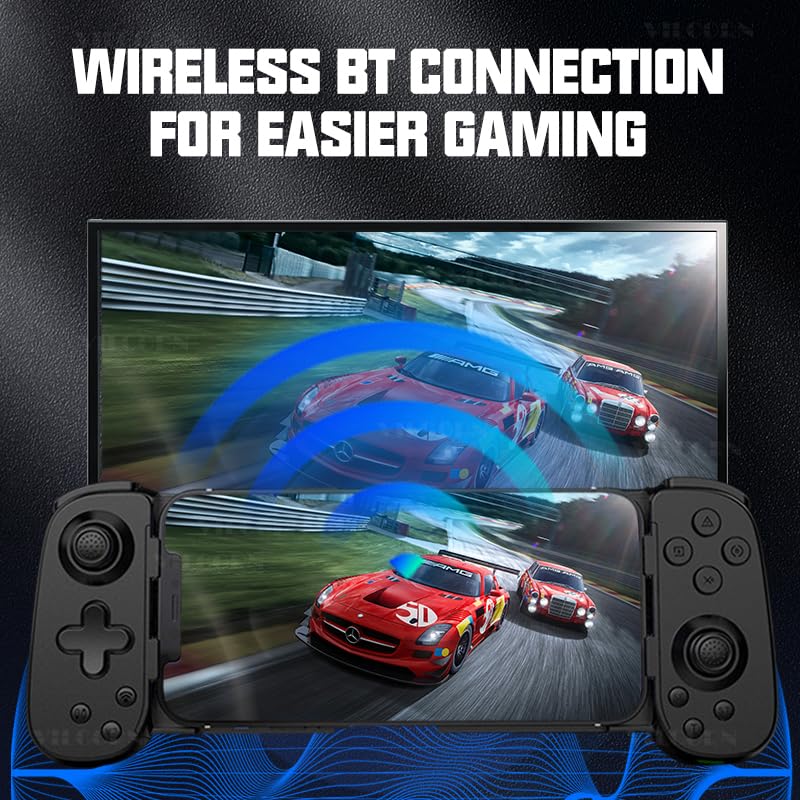
Image 4.2.1: Illustration of the controller's wireless Bluetooth connection capability, showing it connected to a larger display for gaming.
4.2.1 Android/iOS Mobile Devices
- Assegureu-vos que el controlador estigui apagat.
- Manteniu premut el botó Botó HOME (or specific pairing button as per manual) until the indicator light flashes rapidly, indicating pairing mode.
- Al dispositiu mòbil, vés a la configuració de Bluetooth i busca els dispositius disponibles.
- Select "VILCORN Gamepad" (or similar name) from the list to connect.
- Un cop connectat, l'indicador lluminós del controlador s'il·luminarà fixament.
4.2.2 Nintendo Switch
- On your Nintendo Switch, go to Configuració del sistema > Controladors i sensors > Canvia d'adherència/ordre.
- While on this screen, press and hold the Botó HOME (or specific pairing button) on the VILCORN controller until the indicator lights flash.
- The Switch will detect and pair with the controller.
4.2.3 PC (Windows)
- Assegureu-vos que el vostre ordinador tingui el Bluetooth habilitat.
- Vés a Configuració > Dispositius > Bluetooth i altres dispositius.
- Feu clic Afegeix Bluetooth o un altre dispositiu > Bluetooth.
- Manteniu premut el botó Botó HOME (or specific pairing button) on the VILCORN controller until the indicator light flashes rapidly.
- Select "VILCORN Gamepad" from the list of found devices.
4.2.4 PlayStation 3/4 (PS3/PS4)
For PS3/PS4, connect the controller using the Type-C cable first to register it. After initial wired connection, it may be used wirelessly. Refer to your console's manual for specific controller pairing instructions.
4.2.5 Cloud Gaming & Remote Play
The controller supports cloud gaming services like Xbox Cloud Gaming (Game Pass) and remote play applications such as PS Remote Play (for PS4/PS5) and Xbox mobile app (for Xbox consoles). Ensure your mobile device is connected to the controller via Bluetooth, then launch the respective cloud gaming or remote play application.
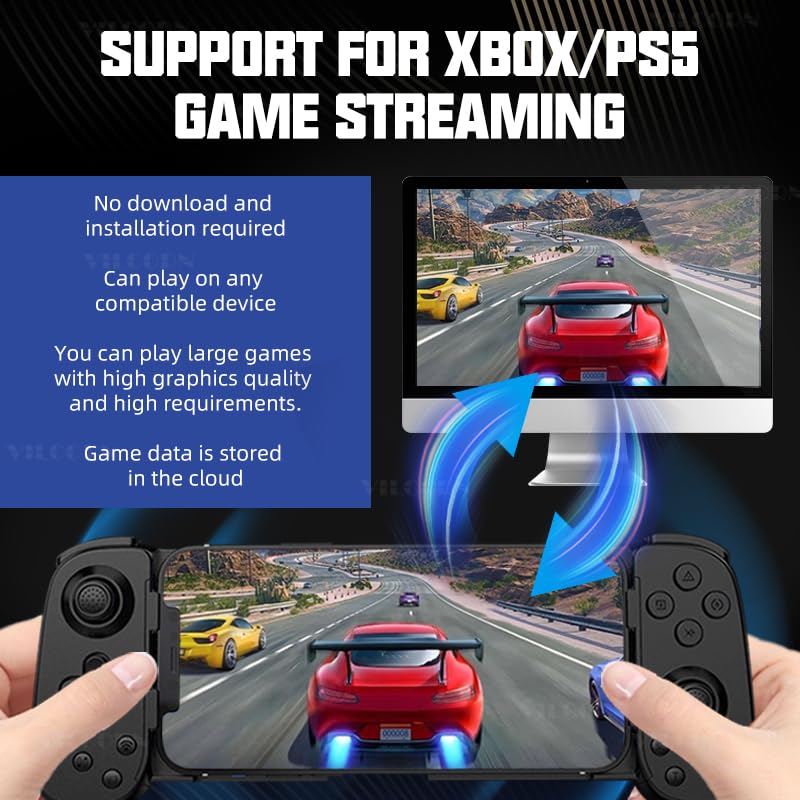
Image 4.2.5.1: Visual representation of the controller's compatibility with Xbox and PS5 game streaming, illustrating a mobile device connected to a larger screen for an immersive experience.
5. Instruccions d'ús i característiques
5.1 Retractable Design
The controller features a retractable design to securely hold various smartphone sizes. Gently pull the sides of the controller outwards to extend the phone holder, then place your smartphone in the center. Release the sides to allow them to retract and grip the phone firmly.
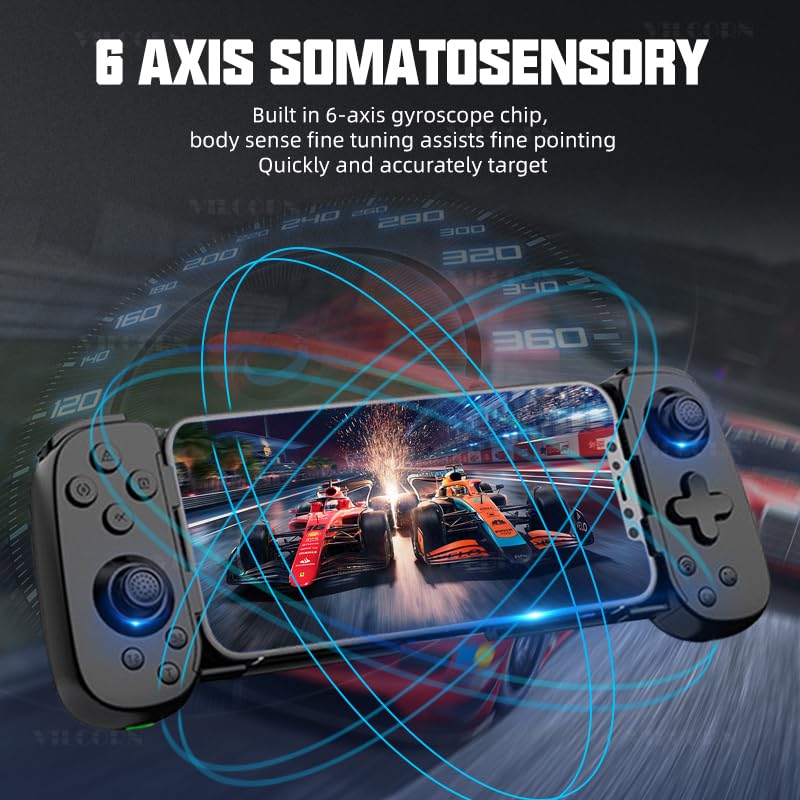
Image 5.1.1: Demonstration of the controller's retractable design, illustrating how it expands and contracts to fit different smartphone dimensions.
5.2 Hall Effect Joysticks (No Drift)
Equipped with Hall effect joysticks, the controller provides precise and drift-free control, ensuring stable and accurate in-game movements over time.
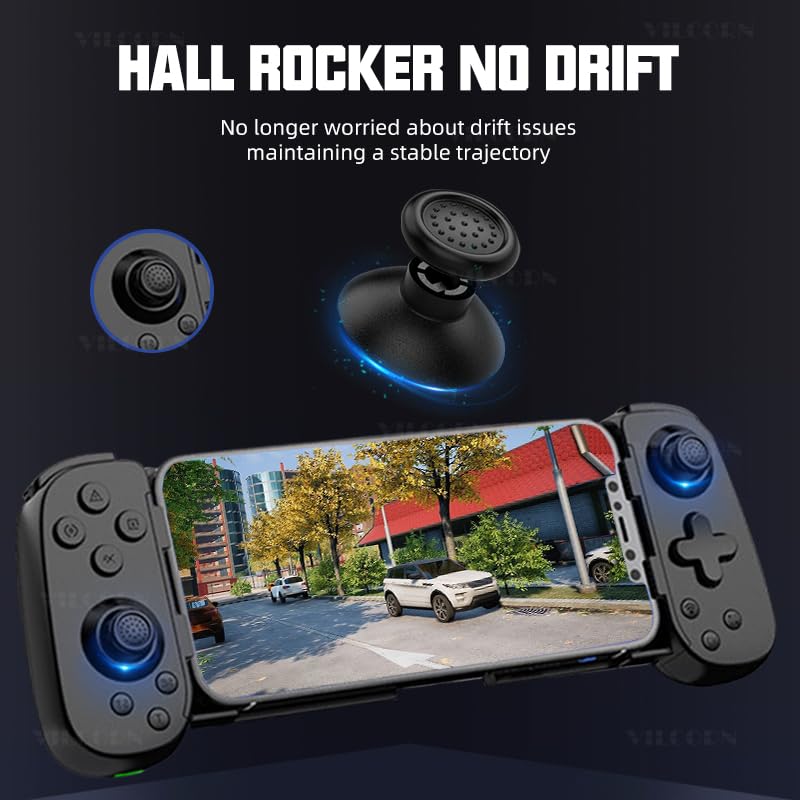
Imatge 5.2.1: Detallada view of the Hall effect joystick, highlighting its "no drift" technology for consistent performance.
5.3 Six-Axis Somatosensory Function
The built-in six-axis gyroscope chip allows for somatosensory control, providing fine-tuned body sense aiming and quick, accurate targeting in compatible games.
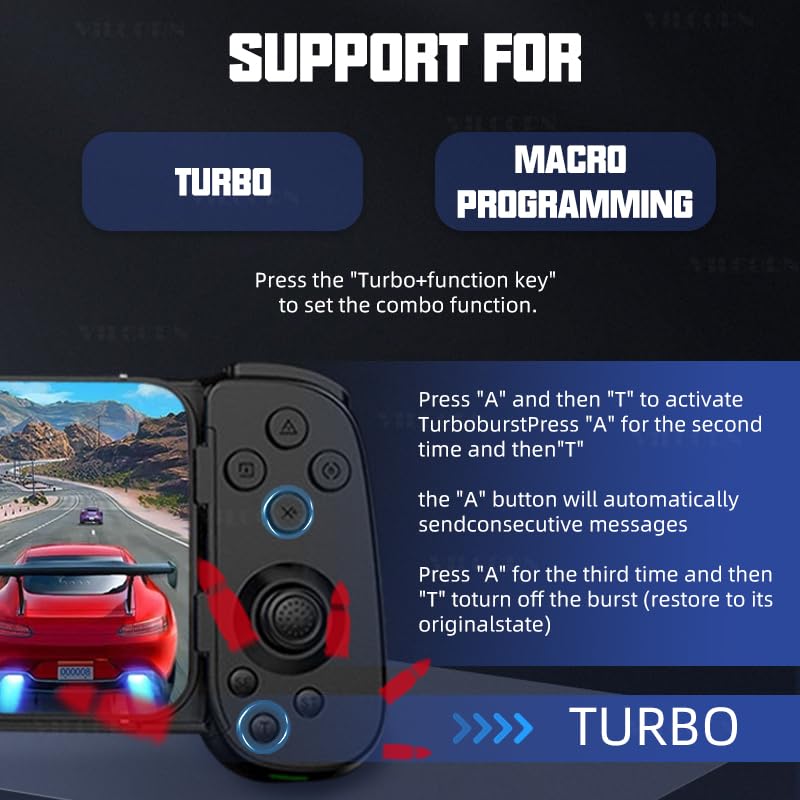
Image 5.3.1: Illustration of the six-axis somatosensory feature, depicting how motion input enhances gameplay, particularly in racing scenarios.
5.4 Retroalimentació de vibració ajustable
The controller features dual vibration motors in the left and right grips, offering three adjustable levels of vibration intensity. This provides realistic tactile feedback for an immersive gaming experience.
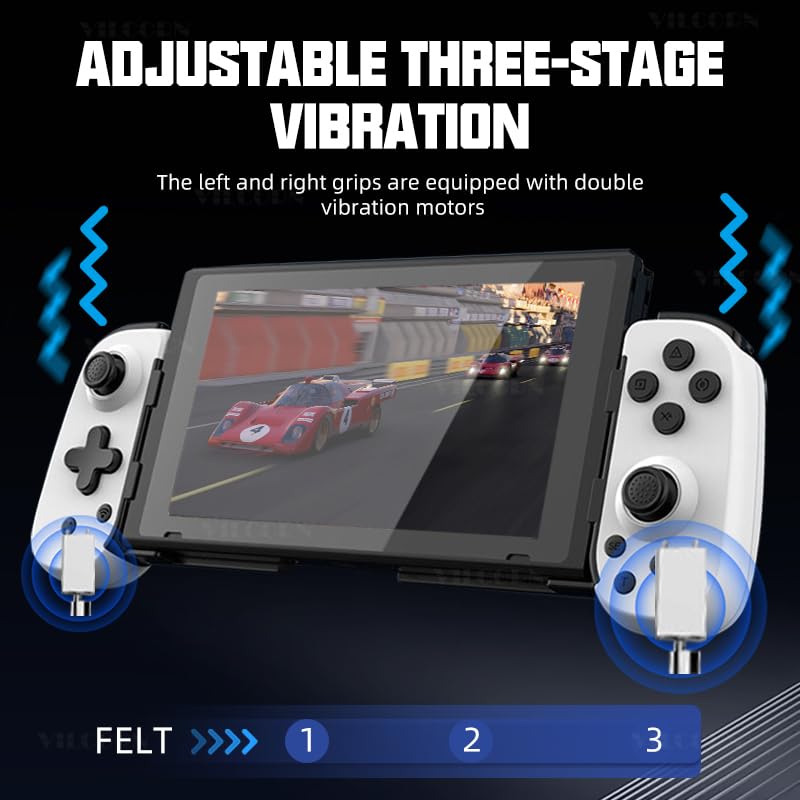
Image 5.4.1: Diagram illustrating the adjustable three-stage vibration feature, showing the location of the vibration motors in the controller grips.
5.5 Turbo Function and Macro Programming
The controller supports Turbo functionality for rapid button presses and macro programming for executing complex command sequences with a single button press.
5.5.1 Turbo Function Setup
- Premeu el botó Botó Turbo simultaneously with the desired tecla de funció (e.g., A, B, X, Y) to activate the combo function.
- To activate Turbo burst: Press the function key (e.g., "A") and then "T". Press "A" again and then "T" for the second time to enable continuous burst. The "A" button will automatically send consecutive messages.
- To turn off Turbo burst: Press "A" for the third time and then "T" to restore the button to its original state.
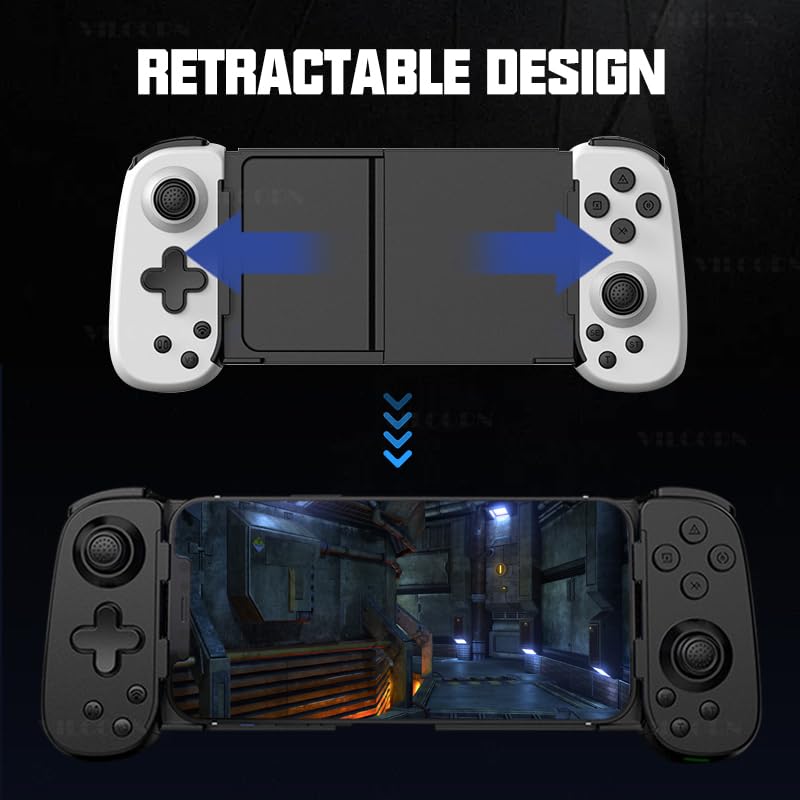
Image 5.5.1: Visual guide to setting up Turbo and Macro Programming functions on the controller, detailing button combinations.
5.5.2 Macro Programming Setup
Refer to the detailed instructions in the included physical manual for specific macro programming steps, as this feature often involves a sequence of button presses to record and assign macros.
6. Manteniment i cura
- Mantingueu el controlador sec i allunyat de la humitat.
- Eviteu exposar el controlador a temperatures extremes.
- Netegeu el controlador amb un drap suau i sec. No utilitzeu productes químics agressius ni netejadors abrasius.
- Guardeu el controlador en un lloc segur quan no l'utilitzeu per evitar danys.
- Do not attempt to disassemble or repair the controller yourself, as this will void the warranty.
7. Solució De Problemes
| Problema | Possible solució |
|---|---|
| El controlador no s'encén. | Assegureu-vos que el controlador estigui completament carregat. Connecteu-lo a una font d'alimentació amb el cable tipus C. |
| El controlador no es connecta per Bluetooth. |
|
| Retard d'entrada o controls que no responen. |
|
| Vibration function not working. |
|
| Controller drifts or has inaccurate joystick input. | The VILCORN controller uses Hall effect joysticks designed to prevent drift. If experiencing issues, try recalibrating the controller (refer to the physical manual for specific steps) or contact customer support. |
8. Garantia i Suport
The VILCORN Wireless Mobile Phone Controller comes with a standard manufacturer's warranty. Please refer to the warranty card included in your package for specific terms and conditions, including warranty duration and coverage details.
For technical support, troubleshooting assistance, or warranty claims, please contact VILCORN customer service through the contact information provided in your product packaging or on the official VILCORN website. When contacting support, please have your product model (B0DHCZKQ1D) and purchase date ready.
Manufacturer: Shenzhen Jiajue Technology Co.