
Introducció
This manual provides detailed instructions for the safe and effective replacement, operation, and maintenance of your W-KING T9 PRO speaker battery. Please read this manual thoroughly before proceeding with the battery replacement to ensure proper installation and to maximize the lifespan of your new battery.
The W-KING T9 PRO replacement battery is an original component designed specifically for the W-KING T9 PRO portable speaker, ensuring compatibility and optimal performance.
Informació important de seguretat
WARNING: Failure to follow these safety instructions could result in fire, electric shock, injury, or damage to the product or other property.
- Always power off the W-KING T9 PRO speaker and disconnect it from all power sources before attempting battery replacement.
- Use only the specified replacement battery for the W-KING T9 PRO speaker.
- No desmunteu, perforeu ni modifiqueu la bateria.
- Keep the battery away from water, fire, and extreme temperatures.
- Desfeu-vos de les piles velles d'acord amb la normativa local. No llenceu les piles a les escombraries domèstiques.
- Si no esteu segurs de cap pas, busqueu ajuda professional.
Setup: Battery Replacement
1. Desembalatge i inspecció inicial
Carefully remove the new W-KING T9 PRO replacement battery from its packaging. Inspect the battery for any visible damage. If the battery appears damaged, do not proceed with installation and contact customer support.
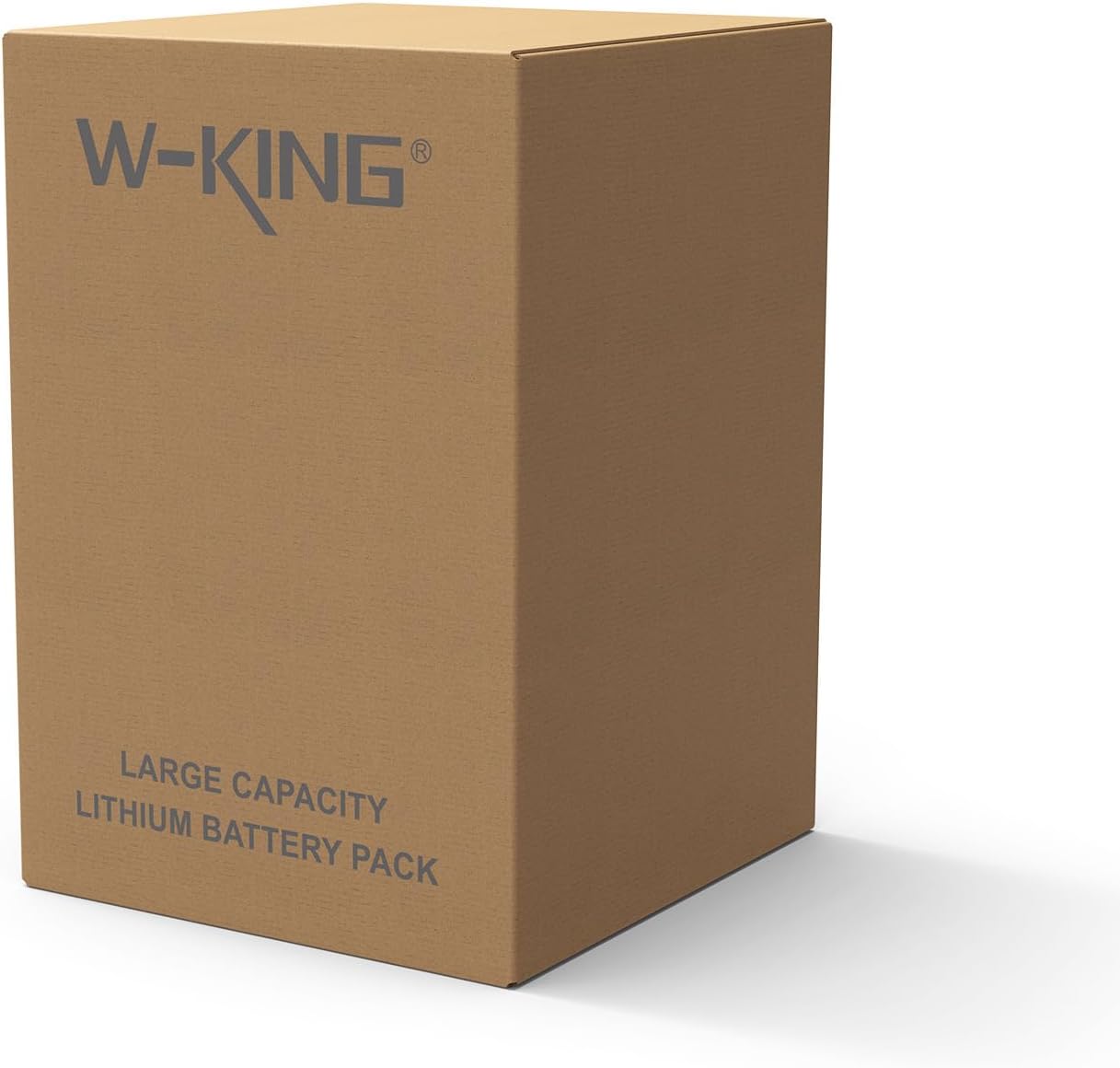
Figure 1: W-KING T9 PRO replacement battery packaging.
2. Preparing the Speaker
- Ensure the W-KING T9 PRO speaker is completely powered off.
- Disconnect the speaker from any charging cables or other connected devices.
- Place the speaker on a clean, stable surface to prevent damage during the replacement process.
3. Locating and Accessing the Battery Compartment
The battery compartment for the W-KING T9 PRO speaker is typically located on the rear or bottom panel. You may need a small Phillips head screwdriver to remove the screws securing the battery cover.

Figure 2: W-KING T9 PRO speaker and replacement battery.
Note: Refer to your W-KING T9 PRO speaker's original user manual for precise instructions on accessing its battery compartment.
4. Removing the Old Battery
- Once the battery compartment cover is removed, carefully disconnect the old battery's connector from the speaker's main board. This connector usually has a latch or clip that needs to be gently pressed or lifted.
- Traieu la bateria antiga del seu compartiment.
5. Installing the New Battery
- Align the new W-KING T9 PRO battery with the compartment.
- Connect the new battery's connector to the speaker's main board, ensuring it clicks securely into place. Do not force the connection.
- Gently place the new battery into the compartment. Ensure no wires are pinched.

Figure 3: W-KING T9 PRO replacement battery terminals.
6. Reassembling the Speaker
- Replace the battery compartment cover and secure it with the screws removed earlier.
- Ensure all screws are tightened appropriately, but do not overtighten.
7. Càrrec inicial
After installation, connect your W-KING T9 PRO speaker to its original charger and allow the new battery to fully charge before its first use. This helps calibrate the battery and optimize its performance.
Funcionament de la bateria
Carregant
- Always use the original W-KING T9 PRO speaker charger or a certified compatible charger.
- Avoid overcharging the battery. Disconnect the charger once the battery is full.
- Do not charge the battery in extreme temperatures (below 0°C / 32°F or above 45°C / 113°F).
Consells d'ús
- Per a una durada òptima de la bateria, eviteu descarregar-la completament amb freqüència.
- If the speaker will not be used for an extended period, charge the battery to approximately 50-70% before storing.
Manteniment i emmagatzematge
- Neteja: Keep the battery and its contacts clean and dry. Use a soft, dry cloth to wipe away any dust or debris.
- Emmagatzematge: Guardeu la bateria en un lloc fresc i sec, allunyat de la llum solar directa i de temperatures extremes.
- Emmagatzematge a llarg termini: If storing the speaker with the battery for an extended period (more than three months), it is recommended to charge the battery to about 50-70% every 3-6 months to prevent deep discharge and maintain battery health.
- Temperatura: Avoid exposing the battery to temperatures below -10°C (14°F) or above 60°C (140°F).
Resolució de problemes
| Problema | Causa possible | Solució |
|---|---|---|
| Speaker does not power on after battery replacement. | Battery not properly connected. La bateria no està carregada. Bateria defectuosa. |
|
| La bateria no s'està carregant. | Problema amb el carregador. Problema amb el port de càrrega. Falla de bateria. |
|
| Durada de la bateria reduïda. | Desgast normal. Ús d'alt volum. Temperatures extremes. |
|
Especificacions
| Característica | Detall |
|---|---|
| Nom del producte | W-KING T9 PRO Replacement Battery |
| Compatibilitat de models | W-KING T9 PRO Speaker |
| Composició de les cèl·lules de la bateria | Ió de liti |
| Nombre de cel·les | 9 Nonstandard Battery cells required (as per product listing) |
| Dimensions del producte | 3.66 x 2.64 x 2.56 polzades |
| Pes de l'article | 1.26 lliures |
| Fabricant | SHENZHEN WEIKING TECHNOLOGY CO., LTD. |
Informació de la garantia
This W-KING T9 PRO replacement battery is an original part manufactured by SHENZHEN WEIKING TECHNOLOGY CO., LTD. For specific warranty terms and conditions, please refer to the warranty documentation provided with your original W-KING T9 PRO speaker or contact W-KING customer support directly. Warranty coverage typically applies to manufacturing defects and does not cover damage caused by misuse, accidents, or unauthorized modifications.
Atenció al client
If you encounter any issues or have questions regarding the W-KING T9 PRO replacement battery that are not addressed in this manual, please contact W-KING customer support for assistance.
You can typically find contact information on the official W-KING weblloc web o a través del venedor on vau comprar el producte.
Recursos en línia: Visit the W-KING Store on Amazon