
1. Producte acabatview
The Redmi Pad SE 4G is a versatile tablet designed for connectivity and entertainment. It features 4G+4G calling capabilities, an 8.7-inch display with a 90Hz refresh rate, and a large 6650mAh battery. Enjoy rich audio with dual speakers and Dolby Atmos. This manual provides essential information to help you get started and make the most of your device.
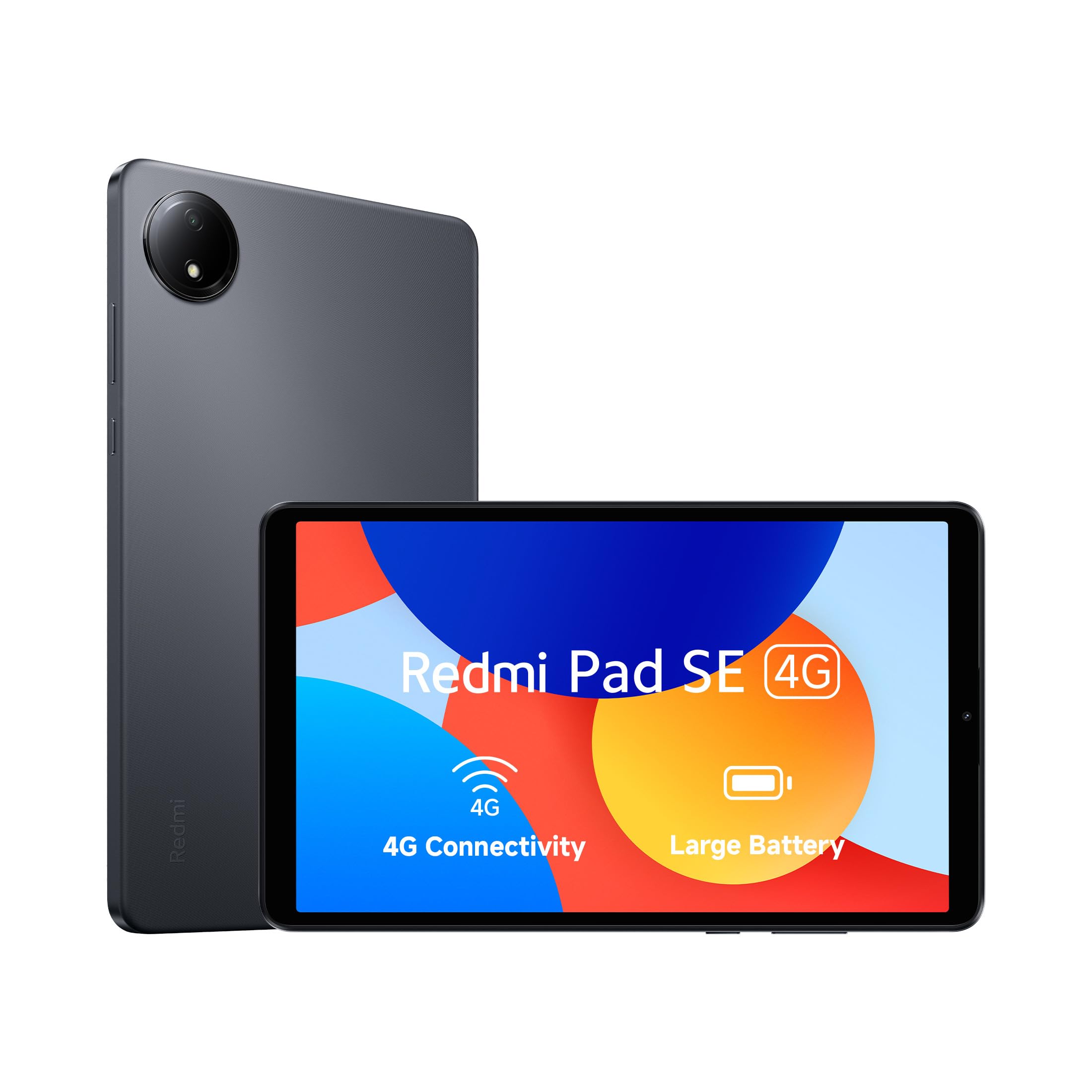
Image 1.1: Redmi Pad SE 4G tablet, showcasing el seu disseny elegant.

Imatge 1.2: Frontal view of the Redmi Pad SE 4G, highlighting the display.
2. Configuració inicial
2.1 Desembalatge i contingut
Carefully unbox your Redmi Pad SE 4G. The package should contain the following items:
- Redmi Pad SE 4G Tablet
- Carregador
- Protective Cover (may vary by region/bundle)
2.2 Engegada i configuració inicial
- Press and hold the power button located on the side of the tablet until the Redmi logo appears.
- Segueix les instruccions que apareixen a la pantalla per seleccionar l'idioma i la regió i connectar-te a una xarxa Wi-Fi.
- Sign in with your Google account or create a new one to access Android services and the Google Play Store.
2.3 SIM Card Installation (for 4G Models)
The Redmi Pad SE 4G supports 4G+4G calling. To use cellular data and make calls:
- Localitza la safata de la targeta SIM al lateral de la tauleta.
- Feu servir l'eina d'expulsió de la SIM proporcionada per obrir la safata.
- Insert your 4G SIM card(s) into the designated slots. Ensure the gold contacts face downwards.
- Torneu a inserir la safata a la tauleta amb cura.
2.4 Col·locació de la coberta protectora
If included, attach the protective cover to safeguard your tablet. The cover often doubles as a stand for convenient viewing.

Image 2.1: Redmi Pad SE 4G with its protective cover, demonstrating its use as a stand.
3. Com utilitzar la tauleta
3.1 Navegació i visualització bàsiques
The Redmi Pad SE 4G features an 8.7-inch display with a 90Hz smooth refresh rate for fluid visuals. Navigate using touch gestures: tap to select, swipe to scroll, pinch to zoom.

Image 3.1: The Redmi Pad SE 4G held in hand, illustrating its large display within a compact form factor.

Image 3.2: A visual demonstrating the smooth 90Hz refresh rate of the display.
3.2 4G Connectivity and Calling
With 4G+4G calling support, your tablet can function as a communication device. Insert your SIM card as described in Section 2.3 to make and receive calls, and access mobile data.

Image 3.3: The Redmi Pad SE 4G used for navigation, demonstrating its 4G capabilities on the go.
3.3 Experiència d'àudio
The tablet is equipped with dual speakers and Dolby Atmos technology, providing an immersive audio experience for media consumption.

Image 3.4: Close-up of the Redmi Pad SE 4G speakers, highlighting Dolby Atmos audio.
3.4 Gestió de la bateria
The 6650mAh battery provides extended usage. To optimize battery life, adjust screen brightness, close unused applications, and enable power-saving modes when needed.

Image 3.5: An illustration of the large 6650mAh battery integrated into the Redmi Pad SE 4G.
3.5 Xiaomi HyperOS
Your Redmi Pad SE 4G runs on Xiaomi HyperOS, offering a streamlined and intuitive user experience. Regular software updates will provide new features and security enhancements.

Image 3.6: The Redmi Pad SE 4G displaying the Xiaomi HyperOS branding.
4. Cura i Manteniment
4.1 Neteja de la tauleta
Per netejar la tauleta, feu servir un drap suau i sense borrissol. Per a taques difícils, fregueu-la lleugerament.ampNetegeu el drap amb aigua o un netejador de pantalles. Eviteu productes químics agressius o materials abrasius.
4.2 Dust and Splash Resistance
The Redmi Pad SE 4G is IP53 dust and splash resistant. This means it is protected against limited dust ingress and water spray from any angle. However, it is not waterproof. Avoid submerging the device in water or exposing it to heavy rain.

Image 4.1: The Redmi Pad SE 4G demonstrating its IP53 dust and splash resistance.
4.3 Actualitzacions de programari
Regularly check for and install software updates to ensure optimal performance, security, and access to the latest features. You can usually find this option in the tablet's settings menu under 'About tablet' or 'System updates'.
5. Solució De Problemes
If you encounter issues with your Redmi Pad SE 4G, refer to the following common solutions:
| Problema | Possible solució |
|---|---|
| El dispositiu no s'encén | Assegureu-vos que la bateria estigui carregada. Connecteu el carregador i espereu uns minuts abans d'intentar tornar-lo a engegar. |
| Rendiment lent o bloquejos de l'aplicació | Close unused applications. Restart the tablet. Clear cache for problematic apps. Ensure sufficient storage space. |
| No 4G signal or calls | Check if the SIM card is correctly inserted. Ensure mobile data is enabled in settings. Verify your plan with your service provider. Try restarting the tablet. |
| Problemes de connexió Wi-Fi | Restart your Wi-Fi router and the tablet. Forget the network and reconnect. Ensure you are within range. |
| Carregant lentament | Use the original charger and cable. Ensure the charging port is clean and free of debris. Avoid using the tablet heavily while charging. |
6. Especificacions tècniques
| Característica | Detall |
|---|---|
| Marca | Redmi |
| Nom del model | Redmi Pad SE 4G |
| Capacitat d'emmagatzematge de memòria | 128 GB |
| Memòria RAM instal·lada | 4 GB |
| Mida de la pantalla | 8.7 polzades (22.09 cm) |
| Resolució de visualització | 1340 x 800 Pixels (1 Billion Colours) |
| Mostra la taxa d'actualització | 90 Hz |
| Processador | Mediatek Helio G55 (2 GHz) |
| Sistema operatiu | Android (Xiaomi HyperOS) |
| Tecnologia cel·lular | 4G (4G+4G Calling) |
| Tecnologia sense fils | Wi-Fi, Bluetooth |
| Capacitat de la bateria | 6650 mAh |
| Càmera posterior | 8 MP |
| Funcions d'àudio | Dual Speakers, Dolby Atmos |
| Característiques especials | IP53 Dust and Splash Resistant |
| Pes de l'article | 0.6 quilos |
| Dimensions (L x A x A) | 21L x 2W x 12Th Centimeters |
7. Informació de la garantia
The Redmi Pad SE 4G comes with a Garantia limitada d'1 any from the date of purchase. This warranty covers manufacturing defects under normal use. Please retain your proof of purchase for warranty claims. For detailed terms and conditions, refer to the warranty card included in your product packaging or visit the official Redmi weblloc.
8. Atenció al client
For technical assistance, service inquiries, or further information regarding your Redmi Pad SE 4G, please contact Redmi customer support:
- Correu electrònic: service.in@xiomi.com
- Visit the official Redmi weblloc web per a preguntes freqüents i recursos de suport.


