
TOUCAN LBP08
Manual d'usuari de la càmera de seguretat exterior sense fil TOUCAN 2K
Model: LBP08
Marca: TOUCAN
Introducció
This manual provides comprehensive instructions for the installation, operation, and maintenance of your TOUCAN 2K Wireless Outdoor Security Camera (Model LBP08). This camera is designed to enhance your home security with features such as 2K QHD video, two-way audio, PIR motion detection, and night vision, all within a durable, weatherproof design.
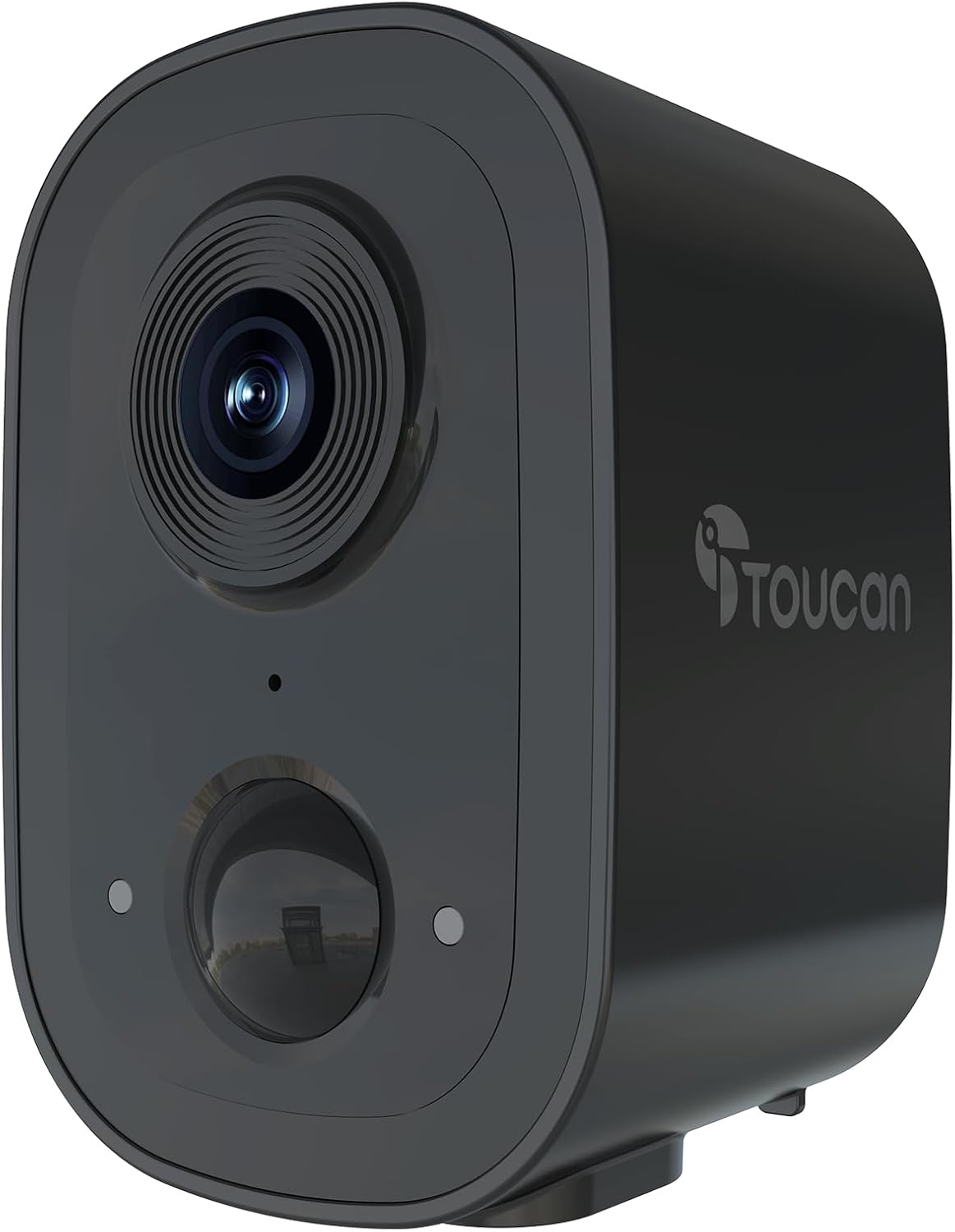
Imatge: Frontal view of the TOUCAN 2K Wireless Outdoor Security Camera, showcasing el seu elegant disseny i lent negres.
Què hi ha a la caixa
Si us plau, verifiqueu que hi hagi tots els components abans de continuar amb la instal·lació:
- TOUCAN 2K Wireless Outdoor Security Camera
- Charging Cable (1m)
- Suport de muntatge a la paret
- 3 x cargols de paret
- 3 x Ancoratges de paret
- Guia d'inici ràpid (QSG)
Guia de configuració
1. Càrrega inicial
Before first use, fully charge the camera using the provided charging cable. Connect the cable to the camera's charging port and a standard USB power adapter (not included). The charging indicator light will provide status.
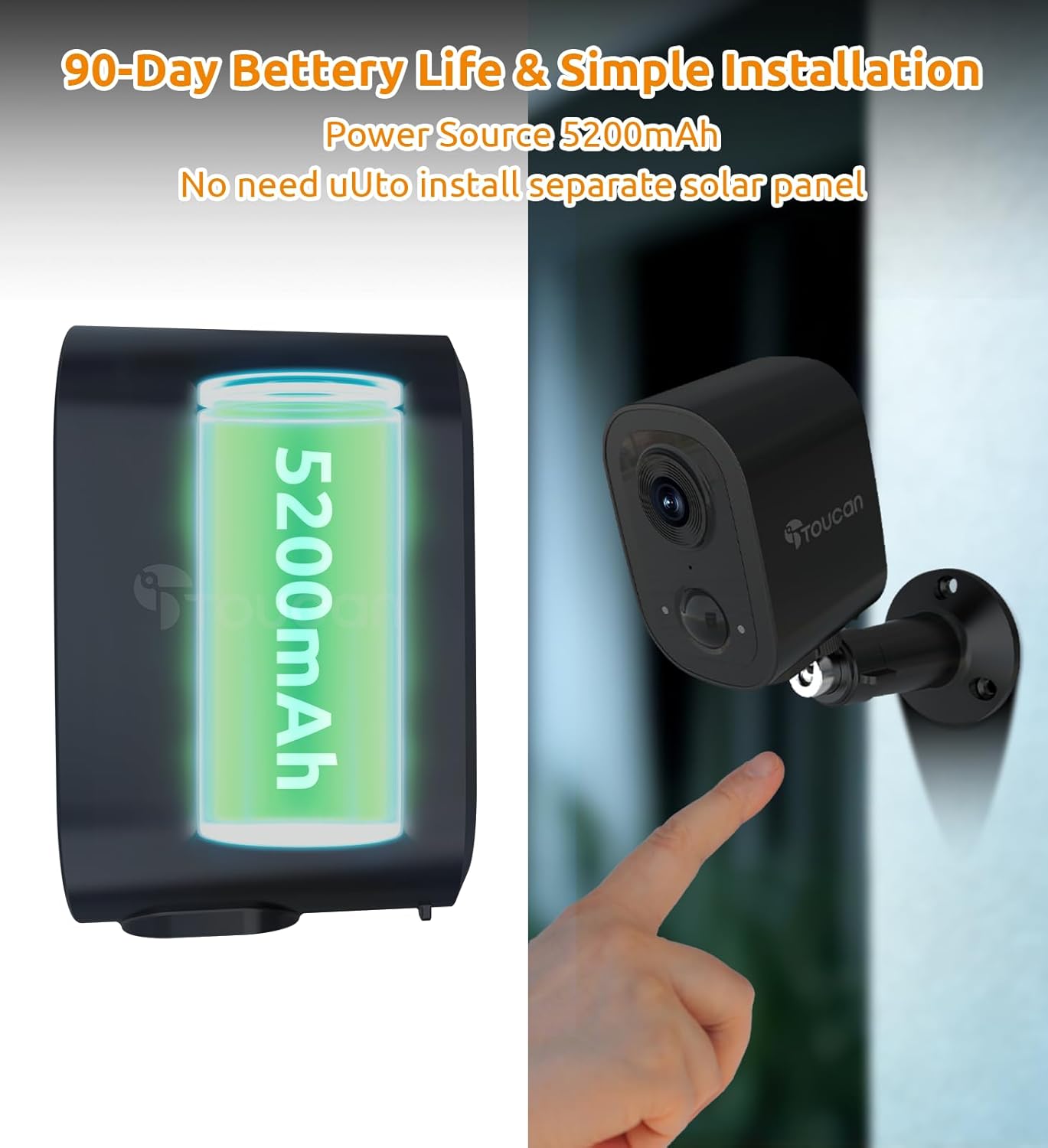
Image: Illustration showing the camera's internal 5200mAh battery and a finger pointing to the camera's mounting point, indicating simple installation.
2. Descàrrega de l'aplicació i creació de compte
Descarrega't el TOUCAN Smart Home App from your device's app store (iOS 11.0 or Above, Android 7 or above). Follow the in-app instructions to create an account and log in.
3. Vinculació de dispositius
- Open the TOUCAN Smart Home App and tap "Add Device" or the "+" icon.
- Seleccioneu el model de la càmera de la llista.
- Seguiu les instruccions que apareixen a la pantalla per connectar la càmera a la xarxa Wi-Fi de 2.4 GHz. Assegureu-vos que el senyal Wi-Fi sigui fort a la ubicació d'instal·lació.
- The app will generate a QR code. Hold your camera's lens approximately 6-8 inches (15-20 cm) in front of your phone screen until you hear a confirmation sound.
- Once paired, you can name your camera and begin live viewing.

Image: A four-panel graphic illustrating the setup process: 1) Downloading the Toucan Smart Home app, 2) Powering on the camera, 3) Scanning a QR code on the phone with the camera, and 4) Successful pairing. Below this, a three-panel graphic illustrates the mounting process: 1) Attaching the wall mount to the surface, 2) Screwing the camera onto the mount, and 3) Adjusting the camera angle.
4. Muntatge de la càmera
The camera can be mounted indoors or outdoors. Choose a location that provides the desired viewangle d'ing i té un senyal Wi-Fi estable.
- Mark the desired drilling points using the wall mount bracket as a template.
- Drill holes and insert the wall anchors if mounting on drywall or masonry.
- Secure the wall mount bracket to the surface using the provided screws.
- Attach the camera to the wall mount bracket by screwing it onto the threaded post.
- Ajusteu l'angle de la càmera per a una cobertura òptima.
Instruccions de funcionament
Viu View i Enregistrament
Access live video feed through the TOUCAN Smart Home App. You can manually record video or capture screenshots directly from the live view. The camera provides a wide 140-degree field of view per a una cobertura integral.

Image: A split image comparing 1080P video quality on the left with 2K HD video quality on the right, demonstrating the enhanced detail of 2K resolution in an outdoor setting.

Image: An illustration showing the TOUCAN camera mounted on a house, with a 140-degree wide-angle view highlighted, indicating broad coverage of the surrounding area.
Àudio bidireccional
The camera features a built-in microphone and speaker for real-time two-way communication. Tap the microphone icon in the app's live view to speak through the camera. Noise-cancelling audio ensures clear conversations.
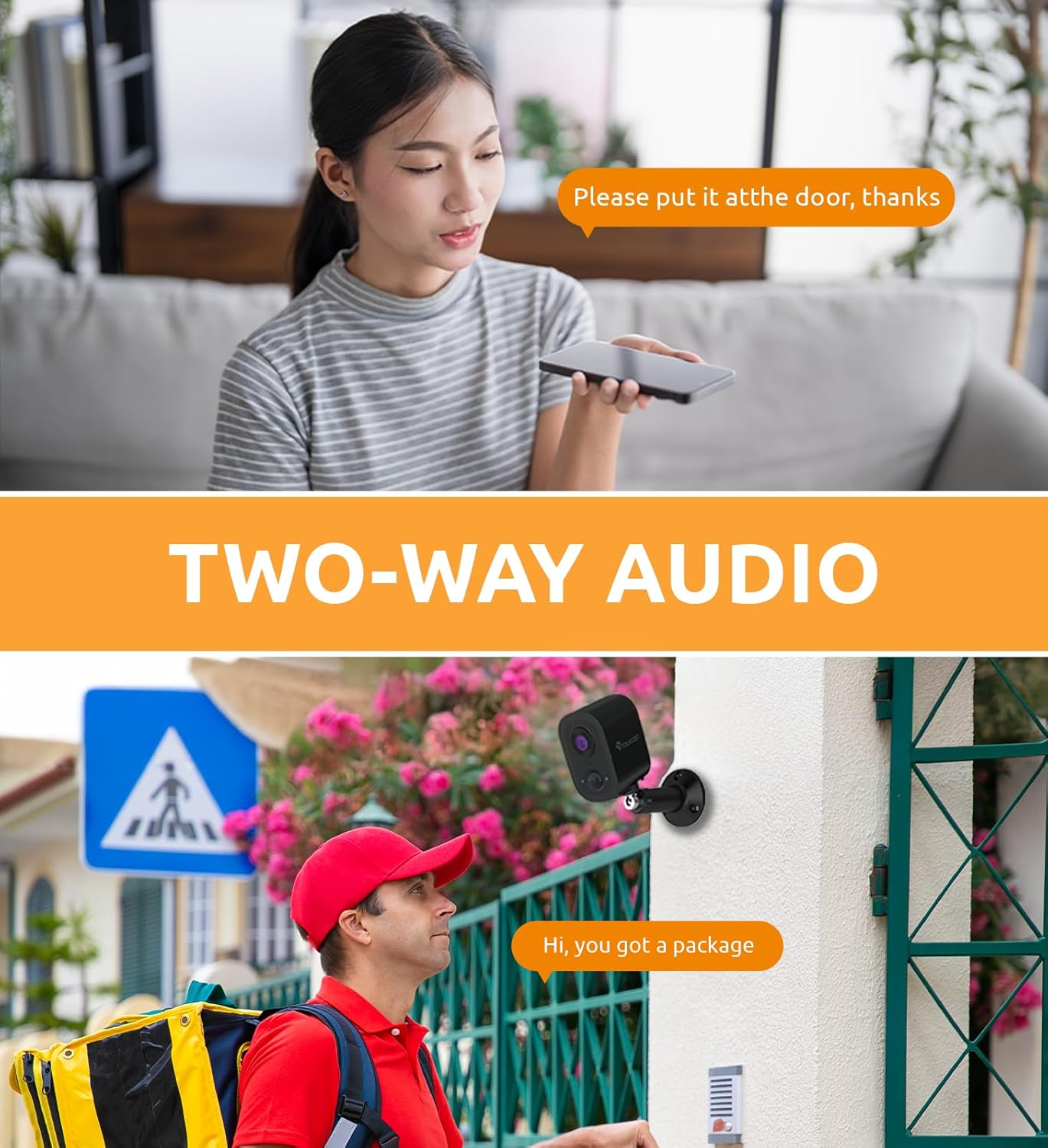
Image: A two-panel image demonstrating two-way audio. The top panel shows a woman speaking into her phone, with a speech bubble "Please put it at the door, thanks". The bottom panel shows a delivery person outside a house, with a speech bubble "Hi, you got a package", implying communication through the camera.
Detecció de moviment PIR
The integrated Passive Infrared (PIR) sensor detects heat signatures from people or animals, triggering instant alerts to your phone via the TOUCAN app. You can customize detection zones and sensitivity settings within the app to minimize false alarms.

Image: An outdoor scene with a person walking, highlighted by an orange detection box, demonstrating the PIR motion detection feature. A red alarm icon is visible in the corner.

Image: An outdoor scene with three children playing, with orange boxes highlighting customizable motion detection zones. A smartphone screen overlay shows a "Person Detection" notification from the Toucan app.
Visió nocturna
The camera automatically switches to night vision mode in low-light conditions, providing clear visibility up to a certain distance. This ensures round-the-clock protection for your property.
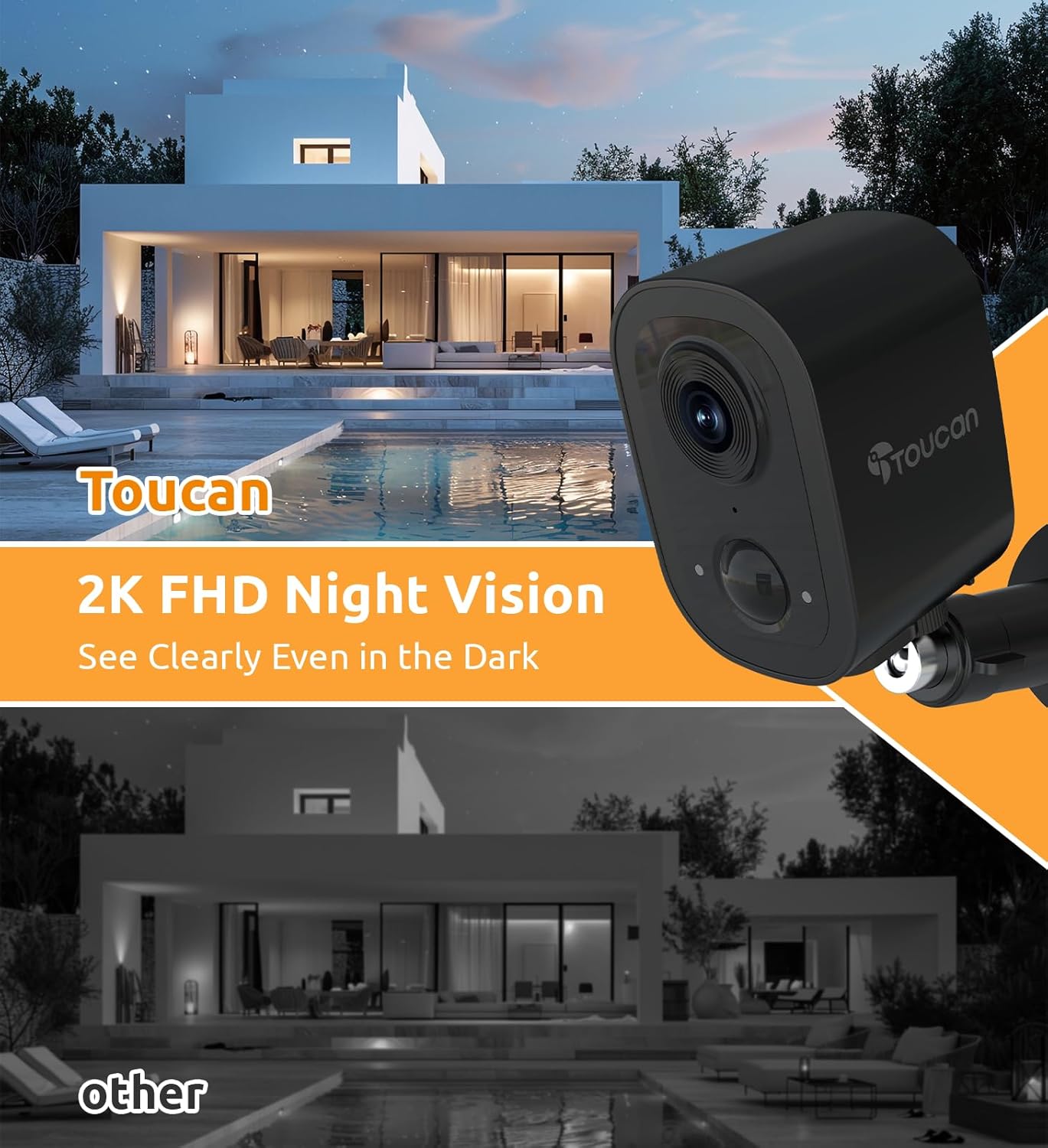
Image: A night scene of a house and pool area, with an overlay showing the TOUCAN camera and text "2K FHD Night Vision See Clearly Even in the Dark", contrasting with a darker "other" image below.
Opcions d'emmagatzematge
Tot el vídeo footage is encrypted. You can choose between secure cloud storage (subscription required for extended history) or local storage (if a microSD card slot is available and utilized, though not explicitly mentioned in specs for this model, it's a common feature for such cameras).
Integració de la llar intel·ligent
The TOUCAN camera is compatible with Alexa and Google Home. Follow the instructions in your respective smart home app to link your TOUCAN account and enable voice commands for live view o altres funcions.
Manteniment
Gestió de la bateria
The camera operates on a built-in rechargeable battery. Battery life varies based on motion activity, recording frequency, and Wi-Fi signal strength. Monitor battery levels via the TOUCAN app and recharge as needed using the provided USB cable.
Neteja
Netegeu la lent i el cos de la càmera amb un drap suau iamp cloth to remove dust and debris. Do not use harsh chemicals or abrasive cleaners. Ensure the charging port cover is securely closed when not charging to maintain IP65 weather resistance.

Image: The TOUCAN camera mounted outdoors in the rain, demonstrating its IP65 weatherproof design. Icons below indicate Long Battery Life, AI Motion Detection, 1080P Color Night Vision, Cloud/SD Storage, and Multi-Users Share.
Resolució de problemes
| Problema | Possible causa/solució |
|---|---|
| La càmera no s'encén. | Battery may be depleted. Charge the camera for several hours. |
| No es pot connectar a la Wi-Fi. |
|
| Les alertes de detecció de moviment són massa freqüents/poc freqüents. | Adjust motion detection sensitivity and customize detection zones within the TOUCAN app. Ensure the camera lens is clean. |
| Poca qualitat de vídeo. |
|
| Two-way audio is unclear. | Ensure there is no obstruction near the microphone or speaker. Reduce background noise if possible. Check app volume settings. |
Especificacions
| Característica | Detall |
|---|---|
| Nom del model | LBP08 |
| Ús interior/exterior | Interior, Exterior |
| Resolució de captura de vídeo | 1440p (2K QHD) |
| Tecnologia de connectivitat | Sense fil (només Wi-Fi 2.4GHz) |
| Font d'alimentació | Alimentat per piles (12 piles de liti-ió incloses) |
| Característica especial | 2-Way Audio, PIR Motion Detection, Night Vision, IP65 Weatherproof |
| Dispositius compatibles | Desktop, Laptop, Smartphone (iOS 11.0+, Android 7+) |
| Tipus de muntatge | Muntatge de paret |
| Dimensions del producte | 3.23 x 2.19 x 2.18 polzades |
| Pes de l'article | 10.2 unces |
Garantia i Suport
TOUCAN products are designed for reliability and performance. For warranty information, technical support, or customer service inquiries, please refer to the official TOUCAN website or contact their customer support team directly. Contact details are typically found in the Quick Start Guide or on the brand's official weblloc.
Per obtenir la informació i els recursos de suport més recents, visiteu: www.toucansolution.com
Ask a question about this manual
Ask about setup, troubleshooting, compatibility, parts, safety, or missing instructions. Manuals+ will review the question and use this page’s manual context to help answer it.