
1. Introducció
The Elitech LogEt5TE is a reusable USB digital temperature data logger designed for precise and reliable temperature monitoring. Featuring an external probe, shadow data function, and automatic PDF/CSV report generation, it is ideal for applications in life science, food cold chain, and industrial fields. This manual provides detailed instructions for setting up, operating, and maintaining your LogEt5TE data logger.

Figure 1: Elitech LogEt5TE Data Logger with External Probe
2. Característiques del producte
- Upgraded with Shadow Data Function: Ensures data integrity even if the logger is stopped or started inadvertently.
- Auto PDF & CSV Report: Generates reports with embedded data automatically, requiring no additional software for access.
- Visualització de dades: Displays current temperature, maximum/minimum values, MKT value, current date, and record points on the screen. Fahrenheit/Celsius units are switchable.
- Parameter Settable: Allows configuration of temperature unit, alarm range, and logging interval. Advanced functions are available via Elitechlog software.
- Reusable Temperature Data Logger: Offers a wide temperature measuring range of -22℉~158℉ (-30°C ~70°C) with high accuracy (±0.1℃/±0.1℉). Complies with FDA 21 CFR Part 11 standard.
3. Especificacions
| Especificació | Valor |
|---|---|
| Marca | Elitech |
| Model | LogEt5TE External-Temp Blue 1 |
| Interval de temperatura | -22℉~158℉ (-30°C ~70°C) |
| Precisió de la temperatura | ± 0.1 ℃ / ± 0.1 ℉ |
| Capacitat d’emmagatzematge de dades | 32,000 punts |
| Format d'informe | Auto PDF & CSV |
| Connectivitat | USB |
| Dimensions | 4 x 3 x 1 polzades (paquet) |
| Pes | 4.8 unces (paquet) |
| Compliment | FDA 21 CFR Part 11 |
4. Components mésview
Familiarize yourself with the key components of your LogEt5TE data logger:

Figure 2: LogEt5TE Component Diagram
- Sensor intern: Mesura la temperatura ambient.
- Pantalla LCD: Displays current readings, status, and other data.
- Buttons (START/STOP): Used for initiating and terminating logging, and navigating display modes.
- Port USB: For connecting to a computer to export data and configure settings.
- Sensor extern: Probe for measuring temperature in specific environments (e.g., inside a refrigerator).
5. Configuració
5.1 Engegada inicial
The device typically comes with a pre-installed battery. If the device does not power on, ensure the battery is correctly inserted. The battery compartment is located at the back of the device.
5.2 Software Installation (Elitechlog)
While the LogEt5TE can generate PDF/CSV reports without software, the Elitechlog software is required for advanced parameter settings, such as temperature unit switching, alarm range configuration, and logging interval adjustments. It also offers additional data export features.
- Download the Elitechlog software from the official Elitech weblloc: www.i-elitech.net.
- Install the software on your Windows or macOS computer by following the on-screen instructions.
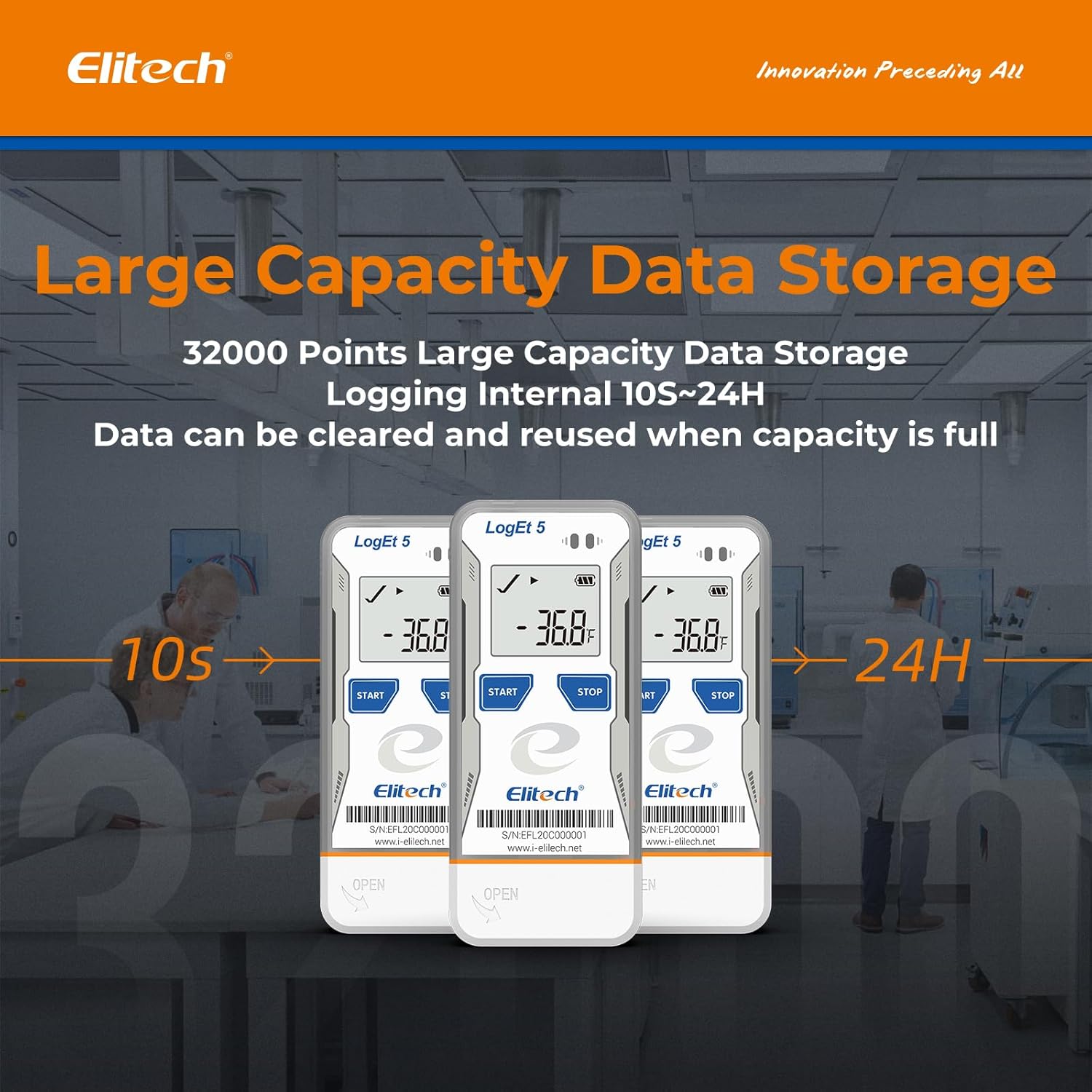
Figure 3: USB Plug and Play for Data Export
6. Funcionament
6.1 Starting and Stopping Logging
To start recording data:
- Manteniu premut el botó COMENÇA button (left button) for 5 seconds.
- Recording begins when a triangle symbol appears in the upper left corner of the LCD screen.
To stop recording data:
- Manteniu premut el botó STOP button (right button) for 5 seconds.
- Recording stops when a square symbol appears in the upper left corner of the LCD screen.
6.2 Viewing Data on Device
While the device is logging or after it has stopped, you can short press the COMENÇA button to cycle through various display modes:
- Current Date (Month and Day)
- Hora actual
- First Record Time
- First Recorded Value
- Maximum Recorded Value
- Minimum Recorded Value
- Number of Data Items Recorded Since Switch-on
- Average (AVG) Value of Recorded Data
- Mean Kinetic Temperature (MKT) Value of Recorded Data
6.3 Exportació de dades
The LogEt5TE supports direct data export in PDF and CSV formats without the need for special software. Simply plug the device into a USB port on your computer.
- Connect the data logger to your computer's USB port.
- The device will appear as a removable drive.
- Locate and open the generated PDF and/or CSV files a view les teves dades.
- For advanced analysis, parameter settings, or to clear data for reuse, use the Elitechlog software.

Figure 4: Auto-Generated PDF & CSV Files
6.4 Operation Guide Video
For a visual demonstration of the LogEt5TE's operation, please watch the official Elitech operation guide video:
Video 1: Elitech Operation Guide for LogEt5. This video demonstrates how to start and stop logging, and how to cycle through various data displays on the device's screen, including current date, time, recorded values, and statistical data like maximum, minimum, and average.
7. Manteniment
- Neteja: Netegeu el dispositiu amb un drap suau i sec. No utilitzeu productes de neteja abrasius ni submergiu el dispositiu en aigua.
- Substitució de la bateria: If the battery indicator shows low power, replace the battery promptly to ensure continuous operation and data integrity. Refer to the device's back for battery type (typically a coin cell battery).
- Emmagatzematge: Store the data logger in a cool, dry place away from direct sunlight and extreme temperatures when not in use.
- Gestió de dades: Regularly back up important data to your computer and clear the logger's memory using the Elitechlog software if needed, especially before starting new long-term logging sessions.
8. Solució De Problemes
- El dispositiu no respon: Ensure the battery is charged and properly inserted. If issues persist, try replacing the battery.
- Software Not Running/Connecting: Verify that you have downloaded the correct Elitechlog software version for your operating system (Windows/macOS) from the official website. Ensure your USB drivers are up to date. Try running the software as an administrator.
- Data Corruption/Loss: Always ensure the device is properly stopped before disconnecting it from a computer or removing the battery. The shadow data function helps mitigate some data loss, but proper handling is crucial.
- Lectures inexactes: Ensure the external probe is securely connected and positioned correctly in the environment being monitored. Avoid placing the logger near heat sources or in direct sunlight if measuring ambient temperature.
9. Garantia i Suport
Elitech products are designed for reliability and performance. For warranty information, technical support, or further assistance, please visit the official Elitech weblloc web o poseu-vos en contacte amb el seu departament d'atenció al client. Conserveu el rebut de compra com a comprovant de compra per a reclamacions de garantia.
Oficial Weblloc: www.i-elitech.net


