
Introducció
This manual provides essential information for setting up, operating, maintaining, and troubleshooting your HP 15.6" HD BrightView Touchscreen Laptop. Designed for clarity and ease of use, it covers key features such as the Intel Pentium Gold 7505 processor, 8GB RAM, 672GB storage (512GB SSD + 160GB Docking Station Set), numeric keypad, HD camera, HD audio, and Wi-Fi 5 connectivity, running on Windows 11 Home.
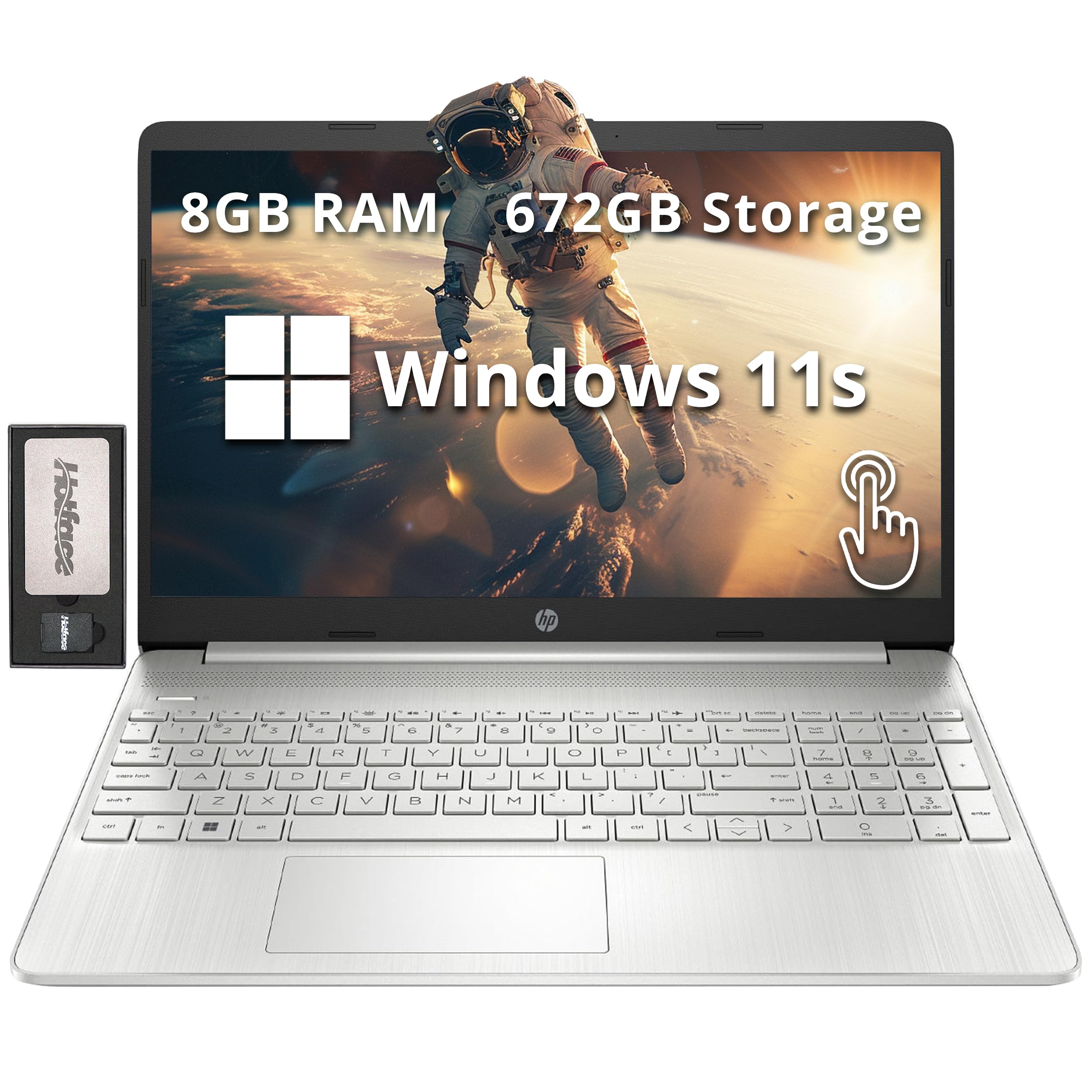
Image: The HP 15.6" HD BrightView Touchscreen Laptop, showcasing its sleek silver design and full-size keyboard.
Què hi ha a la caixa
Verifiqueu que tots els elements estiguin presents a l'embalatge del producte:
- HP 15.6" HD BrightView Portàtil amb pantalla tàctil
- Adaptador d'alimentació
- Estació d'acoblament 7 en 1 amb 128 GB d'emmagatzematge
- Targeta MicroSD de 32 GB amb adaptador
- Cable de dades tipus C
- Cable de càrrega 3 en 1
- Drap de neteja de camussa

Image: A visual representation of the included accessories, highlighting the 7-in-1 docking station, 32GB MicroSD card, various cables, and a suede cleaning cloth.
Configuració
- Desempaquetar el portàtil: Traieu amb cura el portàtil i tots els accessoris de l'embalatge.
- Connectar l'alimentació: Plug the power adapter into the laptop's power port and then into a wall outlet. Allow the battery to charge fully before first use.
- Encesa inicial: Open the laptop lid and press the power button. Follow the on-screen instructions to complete the Windows 11 Home setup, including language selection, network connection, and user account creation.
- Connect Docking Station (Optional): Connect the 7-in-1 docking station to a USB-C port on your laptop. You can then connect external displays, USB devices, and memory cards to the docking station.

Imatge: Una imatge detallada view of the laptop's side, illustrating the various ports including USB Type-A, SD media card reader, Headphone/Microphone Combo, USB Type-C, and HDMI for connecting peripherals.
Instruccions de funcionament
Basic Interaction
- Pantalla tàctil: Use gestures like tap, swipe, pinch-to-zoom directly on the 15.6" HD BrightView display for intuitive navigation.
- Keyboard and Numeric Keypad: Utilize the full-size keyboard for typing and the integrated numeric keypad for efficient data entry.
- Touchpad: The precision touchpad supports multi-touch gestures for scrolling, zooming, and navigating.
Connectivitat
- Wi-Fi 5: Connecteu-vos a xarxes sense fil per accedir a Internet. Aneu a Configuració > Xarxa i Internet > Wi-Fi per gestionar connexions.
- Bluetooth: Pair with Bluetooth-enabled devices like headphones, mice, or speakers. Access via Configuració > Bluetooth i dispositius.
- Ports USB: Use the USB 3.2 Gen 1 Type-C and Type-A ports for connecting external storage, peripherals, and charging devices.
- HDMI: Connect to external monitors or TVs using the HDMI port for extended display options.
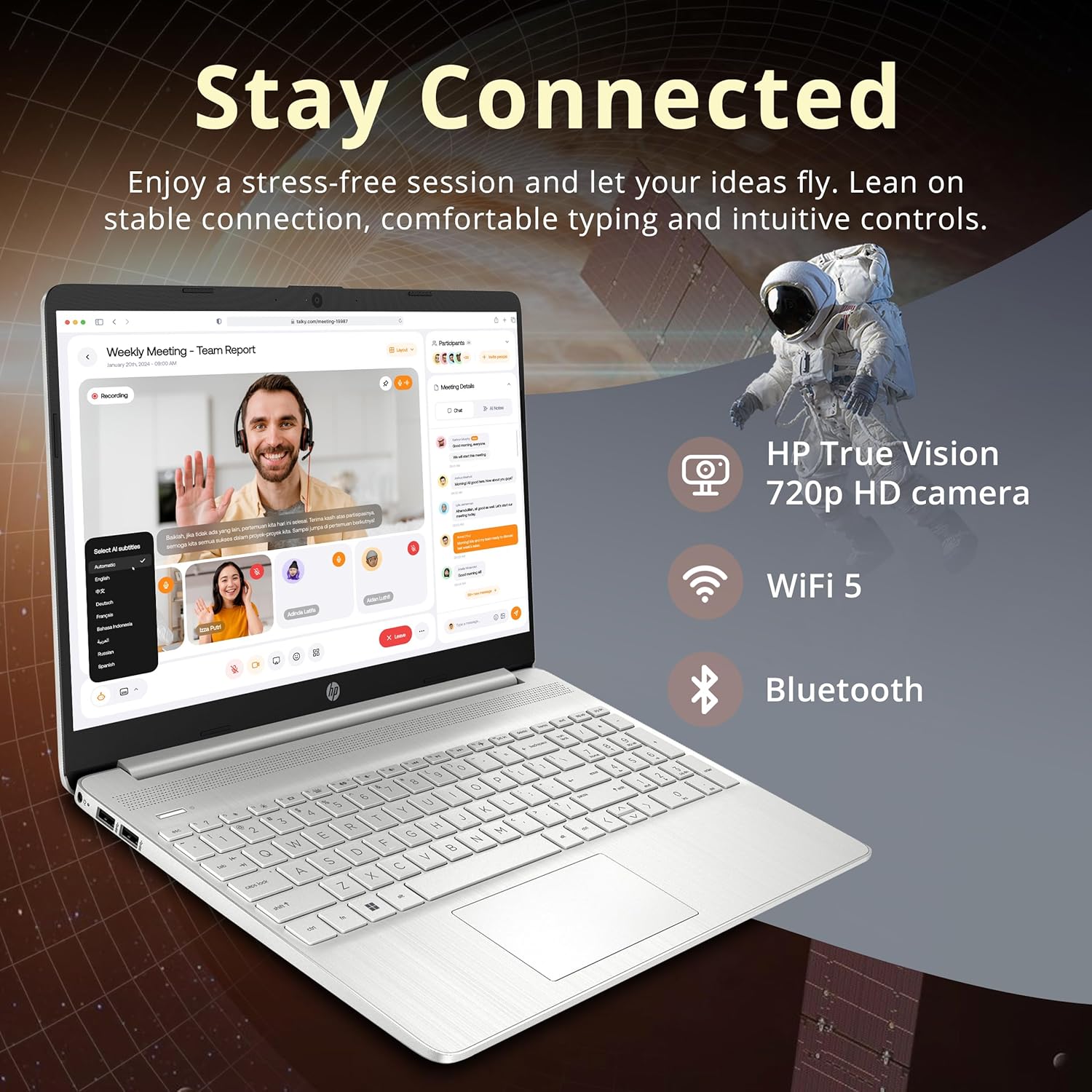
Image: The HP laptop open, displaying a video conference call, emphasizing its HD camera, Wi-Fi 5, and Bluetooth capabilities for staying connected.

Image: The HP laptop displaying several open applications simultaneously, demonstrating its capability for effortless multitasking.
Manteniment
- Neteja: Utilitzeu un drap suau i sense pelusa lleugerament dampNetegeu la pantalla amb aigua o un netejador de pantalles. Per al teclat i el xassís, utilitzeu un drap sec i suau. Eviteu productes químics agressius.
- Cura de la bateria: To prolong battery life, avoid extreme temperatures. It is recommended to occasionally discharge the battery below 20% and then fully recharge it.
- Actualitzacions de programari: Regularly check for and install Windows updates and HP driver updates to ensure optimal performance and security. Go to Configuració > Actualització de Windows.
- Gestió d'emmagatzematge: Netegeu periòdicament allò innecessari files i aplicacions per mantenir la velocitat del sistema i alliberar espai d'emmagatzematge.
Resolució de problemes
| Problema | Possible solució |
|---|---|
| El portàtil no s'encén | Ensure the power adapter is securely connected and the outlet is functional. Check if the battery is charged. |
| La pantalla està en blanc o parpelleja | Restart the laptop. Check display settings. If connected to an external monitor, ensure the cable is secure. |
| Problemes de connexió Wi-Fi | Restart your router and modem. Check Wi-Fi settings on the laptop and ensure Wi-Fi is enabled. Try forgetting and re-connecting to the network. |
| Rendiment lent | Close unnecessary applications. Check for background processes. Ensure sufficient free storage space. Run a system scan for malware. |
| La pantalla tàctil no respon | Reinicieu el portàtil. Assegureu-vos que els controladors de pantalla estiguin actualitzats. |
If you encounter issues not covered here, please refer to the support section for further assistance.
Especificacions

Image: A graphic detailing the key specifications of the HP laptop, including processor, graphics, RAM, and storage.
| Característica | Detall |
|---|---|
| Marca | HP |
| Nom del model | HP |
| Mida de la pantalla | 15.6 Inches HD BrightView Pantalla tàctil |
| Resolució | 1366 x 768 píxels |
| Processador | Intel Pentium Gold 7505 (2 GHz, 2 Cores) |
| Gràfics | Gràfics Intel UHD (integrats) |
| RAM | 8 GB de DDR4 (3200 MHz) |
| Emmagatzematge | 512GB PCIe SSD + 160GB Docking Station Set |
| Sistema operatiu | Windows 11 Home |
| Connectivitat | Wi-Fi 5 (802.11ac), Bluetooth |
| Ports | 1x USB 3.2 Gen 1 Type-C, 2x USB 3.2 Gen 1 Type-A, 1x Headphone/mic combo, 1x HDMI, Media Card Reader |
| Característiques especials | Numeric Keypad, HD Camera |
| Dimensions (L x A x A) | 14.11 x 9.53 x 0.71 polzades |
| Pes | 3.75 lliures |
Informació de la garantia
Your HP laptop comes with a 1 any de garantia del fabricant on original components. Additionally, any upgraded RAM/SSD components provided by Snow Bell are covered by a separate 1-Year Warranty from Snow BellSi us plau, conserveu el comprovant de compra per a reclamacions de garantia.
For extended coverage, optional protection plans are available for purchase separately. Refer to your retailer for details on 2-Year or 4-Year protection plans.
Suport
Per obtenir assistència tècnica, descàrregues de controladors o més informació sobre el producte, visiteu el lloc web d'assistència oficial d'HP. website. You can typically find support resources by searching for your specific model number (HP) on their weblloc.
For issues related to the upgraded RAM/SSD components, please contact Snow Bell directly through your purchase platform or their provided contact information.