
1. Configuració
1.1 Desembalatge i inspecció inicial
Carefully remove the ACCT Digital Kitchen Scale from its packaging. Inspect the scale for any signs of damage. Ensure all components are present: the scale unit and 2 AAA batteries.
1.2 Instal·lació de la bateria
- Localitzeu el compartiment de la bateria a la part inferior de la bàscula.
- Obriu la tapa del compartiment de la bateria.
- Insert the 2 AAA batteries, ensuring correct polarity (+/-) as indicated inside the compartment.
- Tanqueu bé la tapa del compartiment de la bateria.
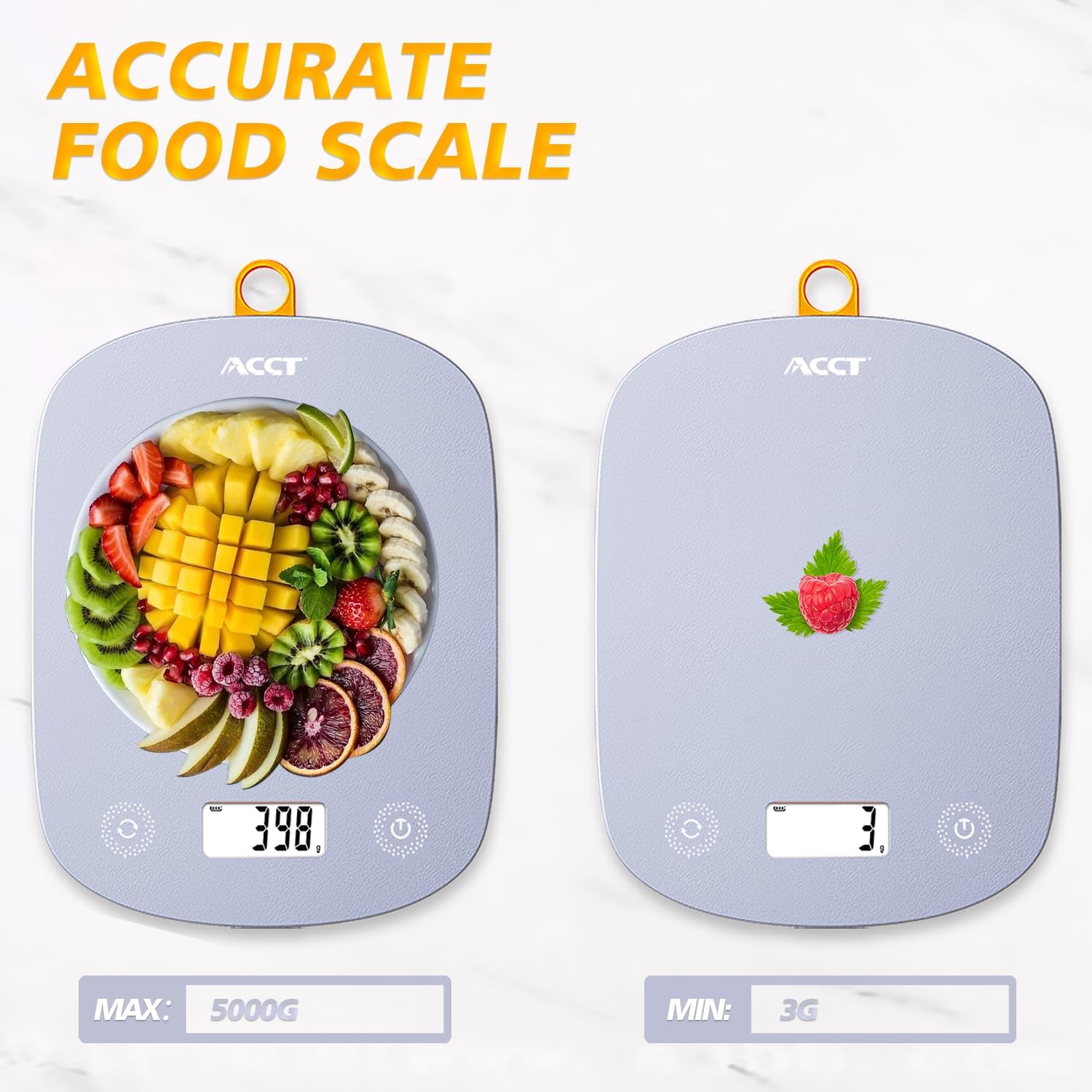
Image: The ACCT Digital Kitchen Scale in purple, showing its sleek design and LCD display. This is the main unit of the scale.
1.3 Col·locació
Place the scale on a flat, stable, and level surface to ensure accurate measurements. Avoid placing it on soft or uneven surfaces, or near strong electromagnetic fields.
2. Instruccions de funcionament
2.1 Encès/Apagat
- Per encendre: premeu el botó Poder botó (normalment marcat amb un símbol d'engegada ⏻). The display will show "0.0" or "0g" when ready.
- Per apagar: premeu i manteniu premut el botó Poder durant uns segons. La bàscula també s'apagarà automàticament després d'un període d'inactivitat per estalviar bateria.
2.2 Conversió d'unitats
The scale supports multiple units of measurement. To switch between units:
- Amb la bàscula engegada, premeu el botó UNITAT button (often labeled "UNIT" or "U").
- Each press will cycle through the available units: g (grams), kg (kilograms), ml (milliliters), lb (pounds), oz (ounces), lb:oz (pounds and ounces).
- Seleccioneu la unitat de mesura desitjada.

Image: The digital kitchen scale displaying various unit options like grams, kilograms, pounds, ounces, and milliliters, highlighting the ease of switching between them.
2.3 Funció de tara
The tare function allows you to subtract the weight of a container or previous ingredients, enabling you to measure subsequent items accurately.
- Place an empty container on the center of the scale platform. The display will show the container's weight.
- Premeu el botó TARA button (often labeled "T" or "TARE"). The display will reset to "0.0" or "0g".
- Add the item(s) you wish to weigh into the container. The display will now show only the net weight of the added item(s).

Image: A step-by-step visual guide demonstrating the tare function: placing a container, pressing the tare button to zero the display, and then adding ingredients for accurate measurement.
2.4 General Weighing
To weigh items directly:
- Ensure the scale is on a flat surface and powered on, displaying "0.0".
- Place the item(s) directly onto the center of the scale platform.
- Llegeix el pes que es mostra a la pantalla LCD.
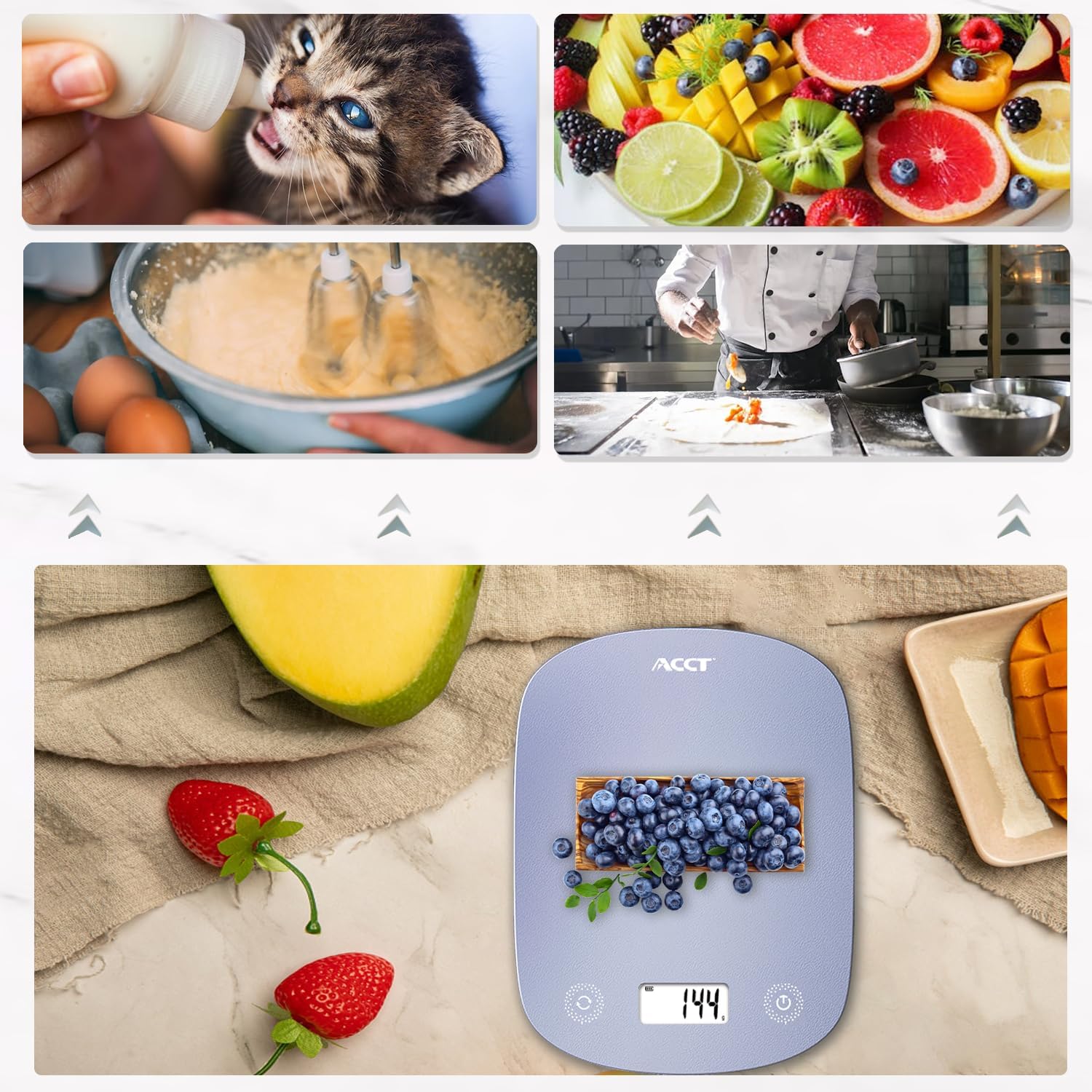
Image: The digital kitchen scale being used to weigh various food items, including fruits and ingredients for baking, demonstrating its versatility in kitchen tasks.

Imatge: Un primer pla view of the scale's bright LCD display, showing a clear reading of "0.0" grams, indicating it is ready for use.
2.5 Vídeo instructiu
Video: An official product video demonstrating the ACCT Colorful 11lb Kitchen Scale in action, including unit conversion, tare function, and general weighing of various items. This video provides a visual guide to the scale's main features and operation.
3. Manteniment
3.1 Neteja
- Netegeu la superfície de la bàscula amb un drap suau iamp tela.
- No utilitzeu productes de neteja abrasius ni submergiu la bàscula en aigua.
- Assegureu-vos que la bàscula estigui completament seca abans de guardar-la o utilitzar-la el següent cop.
3.2 Emmagatzematge
Store the scale in a cool, dry place. Its thin design allows for convenient storage in drawers or hanging on a hook.

Image: The digital kitchen scale demonstrating its convenient storage options, showing it neatly placed inside a kitchen drawer and also hanging on a wall hook by its integrated loop.
3.3 Substitució de la bateria
If the display shows "Lo" or becomes dim, it's time to replace the batteries. Follow the battery installation steps in Section 1.2.
4. Solució De Problemes
| Problema | Causa possible | Solució |
|---|---|---|
| L'escala no s'encén | Piles gastades o instal·lades incorrectament. | Comproveu la polaritat de la bateria o substituïu-la per piles AAA noves. |
| Es mostra "Lo" | Potència de bateria baixa. | Substituïu les piles. |
| Es mostra "O-Ld" | Overload. Weight exceeds maximum capacity (11lb / 5kg). | Traieu els objectes immediatament per evitar danys. |
| Lectures inexactes | Unstable surface, scale not tared, or external interference. | Place on a flat, stable surface. Use the tare function. Avoid strong electromagnetic fields. |
5. Especificacions
- Marca: ACCT
- Model: AC-KS02
- Color: Lila
- Tipus de visualització: LCD
- Límit de pes: 11 lliures (5 kg)
- Precisió de lectura: 0.1 unces (1 gram)
- Unitats: g, kg, ml, lb, oz, lb:oz
- Font d'alimentació: 2 piles AAA (incloses)
- Pes de l'article: 9.9 unces (0.28 quilograms)
- Dimensions del paquet: 11.34 x 6.34 x 0.83 polzades
6. Garantia i Suport
For warranty information or technical support, please refer to the contact details provided with your purchase or visit the official ACCT weblloc web. Conserveu el rebut de compra com a comprovant de compra per a reclamacions de garantia.
Fabricant: ACCT