
1. Primers passos
1.1. Què hi ha a la caixa
Si us plau, comproveu el contingut del paquet en desempaquetar-lo:
- 1 x artfone G6 Mobile Phone
- 1 bateria de 1300 mAh
- 1 x cable de càrrega USB
- 1 x Base de càrrega
- 1 x Manual d'usuari
1.2. Instal·lació de la bateria
Per instal·lar la bateria:
- Traieu la coberta posterior del telèfon.
- Alineeu els contactes de la bateria amb els terminals del telèfon.
- Premeu suaument la bateria al seu lloc.
- Torneu a col·locar la coberta posterior, assegurant-vos que faci clic correctament.
1.3. Instal·lació de la targeta SIM
The artfone G6 supports Nano SIM cards (2G, 3G, or 4G). To install your SIM card:
- Assegureu-vos que el telèfon estigui apagat.
- Traieu la coberta posterior i la bateria.
- Locate the SIM card slot(s). The phone supports dual SIM.
- Insert the Nano SIM card(s) into the slot(s) with the gold contacts facing down, following the diagram near the slot.
- Torneu a instal·lar la bateria i la coberta posterior.
1.4. Carregant el telèfon
Abans del primer ús, carregueu completament la bateria del telèfon.
- Ús de la base de càrrega: Place the phone into the charging dock. Connect the USB charging cable to the dock and then to a power adapter.
- Càrrega directa per USB-C: Connect the USB-C cable directly to the phone's USB-C port and then to a power adapter.
The charging indicator will show the charging status. A full charge typically takes a few hours.
1.5. Encès / apagat
- Per encendre: Press and hold the red 'End Call' button until the screen lights up.
- Per apagar: Press and hold the red 'End Call' button until the power off options appear, then select 'Power Off'.
2. Operacions bàsiques
2.1. Teclat numèric desactivatview
The artfone G6 features a large, backlit keypad for easy dialing and navigation, especially in low-light conditions.

Image: The artfone G6 phone open, displaying its large, easy-to-read keypad.
2.2. Dual Display Functionality
The phone features a 2.4-inch main HD screen and a 1.8-inch external display. The external screen allows you to quickly check the time, date, battery status, and incoming call notifications without opening the phone.

Image: The artfone G6 demonstrating its dual display feature, showing the external screen and the internal screen.
2.3. Fer i rebre trucades
- Per fer una trucada: Open the phone, dial the number using the keypad, and press the green 'Call' button.
- Per rebre una trucada: When the phone rings, open the phone and press the green 'Call' button. You can also answer by opening the flip.
- Per finalitzar una trucada: Press the red 'End Call' button or close the flip.
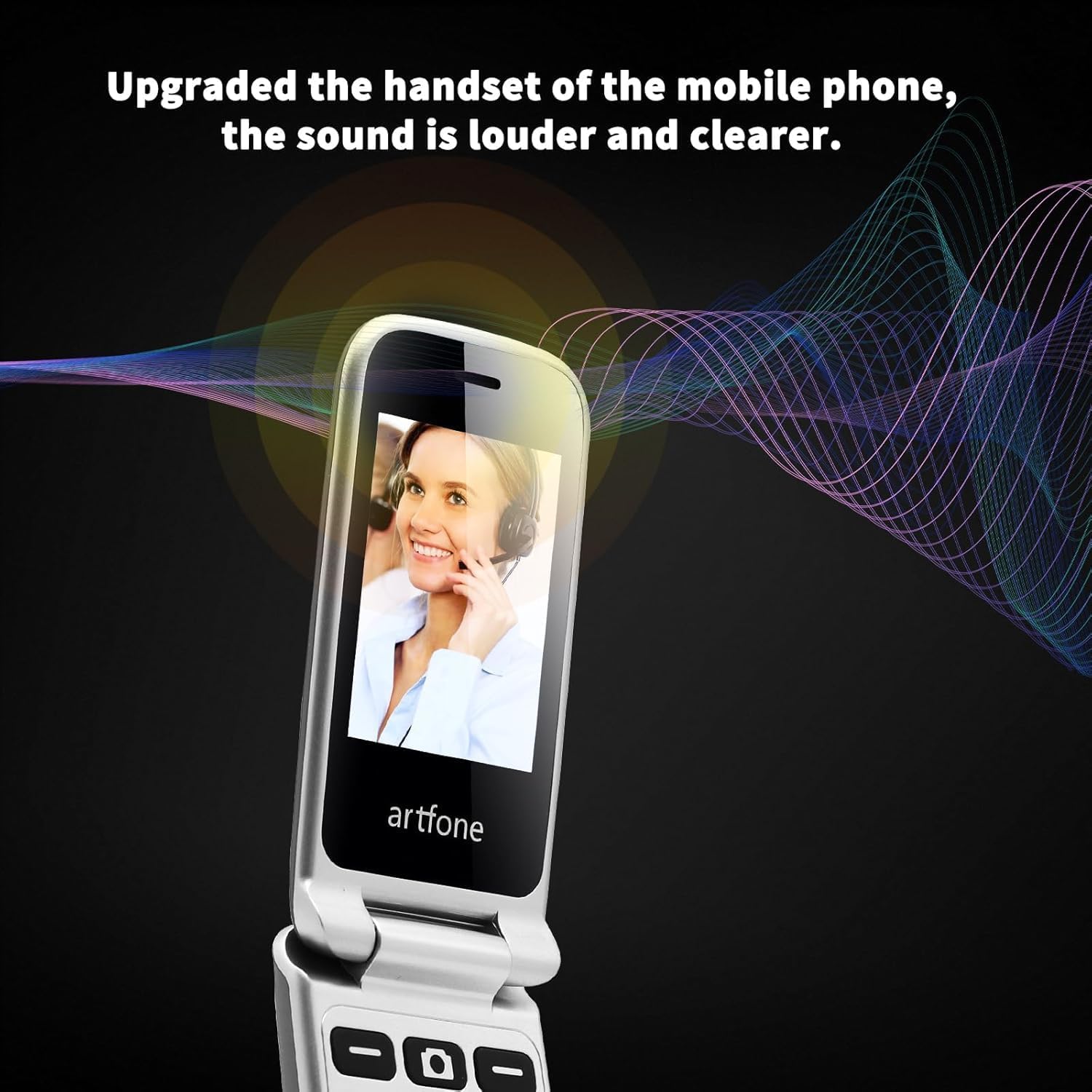
Image: The artfone G6 in use during a call, highlighting its clear audio quality.
2.4. Enviament i recepció de missatges
Navigate to the 'Messages' menu to compose new messages or read incoming ones. Use the keypad to type your message.
2.5. Using Speed Dial
The artfone G6 allows you to set up speed dial contacts for quick access to important numbers.
- Go to 'Settings' or 'Contacts' to assign numbers to speed dial keys (e.g., keys 2-9, A, B).
- To use, simply press and hold the assigned speed dial key.
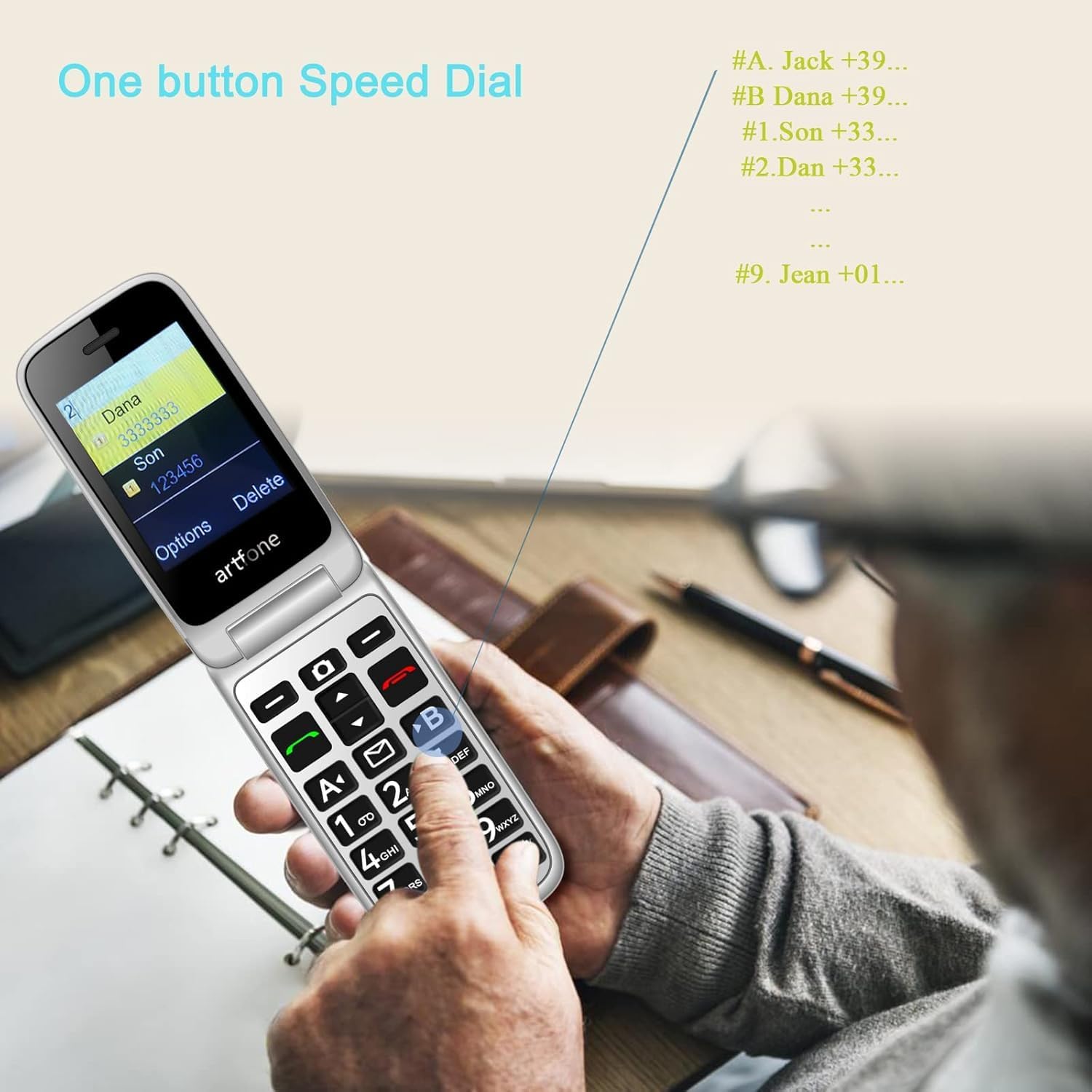
Image: A user activating the speed dial feature on the artfone G6.
2.6. Botó d'emergència SOS
For enhanced safety, the artfone G6 includes a dedicated SOS button.
- Configuració: In the 'SOS Settings' menu, you can configure up to five emergency contacts.
- Ús: In an emergency, press and hold the SOS button on the back of the phone. The phone will automatically call these numbers in sequence until one answers. It will also send an emergency SMS to these contacts.

Imatge: La part posterior view of the artfone G6, showing the SOS emergency button and side controls.
2.7. Time Reporting Feature
The phone offers a multilingual voice time announcement feature, beneficial for users with visual impairments.
- Press the dedicated time reporting button (often located on the side or keypad) to hear the current time announced aloud.

Image: Activating the time reporting feature on the artfone G6.
2.8. Ajust de volum
Use the dedicated volume buttons located on the side of the phone to adjust call volume, ringtone volume, and media volume.
2.9. Blacklist Feature
To block unwanted calls, the artfone G6 includes a blacklist feature. You can add up to 50 numbers to this list, preventing them from contacting you.
- Navigate to 'Call Settings' or 'Security Settings' to access and manage the blacklist.
3. Manteniment
3.1. Atenció general
- Mantingueu el telèfon sec. La humitat pot danyar els circuits electrònics.
- Eviteu les temperatures extremes. Les temperatures altes poden escurçar la vida útil dels dispositius electrònics i danyar les bateries.
- Do not drop, knock, or shake the phone. Rough handling can break internal circuit boards.
- No utilitzeu productes químics forts, dissolvents de neteja o detergents forts per netejar el telèfon.
3.2. Neteja
Use a soft, dry cloth to wipe the phone's surface. For stubborn dirt, a slightly damp es pot fer servir un drap, assegurant-se que no entri líquid a les obertures.
3.3. Cura de la bateria
The 1300 mAh battery provides extended talk and standby times. To maximize battery life:
- Avoid overcharging; disconnect the charger once the battery is full.
- If not using the phone for an extended period, store it with a partial charge (around 50%).
4. Solució De Problemes
If you encounter issues with your artfone G6, please refer to the following common problems and solutions:
| Problema | Possible solució |
|---|---|
| El telèfon no s'encén | Ensure the battery is correctly installed and charged. Try charging the phone for at least 30 minutes. |
| No puc fer ni rebre trucades | Check if the SIM card is properly inserted and activated. Ensure you have network coverage. Verify that the number is not on the blacklist. |
| Poca qualitat de trucada | Move to an area with better network reception. Check the volume settings. |
| La bateria no es carrega | Check the charging cable and adapter for damage. Ensure the phone is correctly placed in the charging dock or the USB-C cable is fully inserted. |
| El botó SOS no funciona | Verify that emergency contacts are correctly set up in the SOS settings. |
Si el problema persisteix, poseu-vos en contacte amb l'atenció al client.
5. Especificacions
Detailed technical specifications for the artfone G6:
| Característica | Detall |
|---|---|
| Marca | artfone |
| Nom del model | G6 |
| Sistema operatiu | artfone Mocor RTOS |
| Mida de la pantalla principal | 2.4 polzades |
| External Screen Size | 1.8 polzades |
| Resolució de pantalla | 480 x 320 |
| RAM | 48 MB |
| Capacitat d'emmagatzematge | 128 MB |
| Model de CPU | MTK 8121 |
| Velocitat de la CPU | 1000 MHz |
| Capacitat de la bateria | 1300 mAh |
| Connectivitat | Bluetooth, USB Type C, 3.5 mm Jack |
| Característiques especials | Dual SIM, Dual Display, SOS Button, Speed Dial, Blacklist |
6. Informació de la garantia
The artfone G6 comes with a manufacturer's warranty of 2 anysSi us plau, conserveu el comprovant de compra per a reclamacions de garantia. La garantia cobreix defectes de materials i fabricació en condicions d'ús normal.
For specific terms and conditions, please refer to the warranty card included in your product packaging or contact artfone customer service.
7. Suport
For further assistance, technical support, or inquiries regarding your artfone G6 phone, please visit the official artfone weblloc web o poseu-vos en contacte amb el seu departament d'atenció al client. Normalment, podeu trobar les dades de contacte a la fitxa del fabricant. weblloc o a l'embalatge del producte.
Always ensure you have your product model number (G6) and purchase details ready when contacting support.