
1. Introducció
This manual provides essential instructions for setting up, operating, and maintaining your Tecno Spark 30C 5G smartphone. Please read this manual thoroughly to ensure proper use and to maximize the device's features.
The Tecno Spark 30C 5G is a feature-rich smartphone equipped with a D6300 5G Processor, a 48MP Sony AI Camera, a 5000mAh battery with 18W fast charging support, NFC, IR Remote, and Dolby Atmos sound. It operates on Android 14 and offers IP54 dust and splash resistance.
2. Dispositiu acabatview
Familiarize yourself with the physical components of your Tecno Spark 30C 5G.

Imatge 2.1: Davant view of the Tecno Spark 30C 5G smartphone, showing the display, front camera, and speaker grille.
The device features a large display, a front-facing camera, and various sensors. The rear houses the main camera module and flash.
3. Guia de configuració
3.1. Desembalatge i contingut del paquet
Comproveu que el vostre paquet contingui els elements següents:
- Tecno Spark 30C 5G Smartphone
- Cable USB
- Expulsor de la safata SIM
- Funda de telèfon
Note: A power adapter may not be included and might need to be purchased separately. The device supports 18W fast charging.
3.2. Inserció de la targeta SIM i la targeta de memòria
- Localitza la safata de la targeta SIM al lateral del dispositiu.
- Introduïu l'eina d'expulsió de la safata de la SIM al forat petit que hi ha al costat de la safata i premeu suaument fins que la safata surti.
- Place your Nano-SIM card(s) and/or microSD card (if applicable) into the designated slots on the tray. Ensure the gold contacts face downwards.
- Torneu a inserir la safata amb cura al telèfon fins que encaixi al seu lloc.
3.3. Càrrega del dispositiu
Before first use, fully charge your Tecno Spark 30C 5G.
- Connecteu el cable USB al port de càrrega del telèfon.
- Connect the other end of the USB cable to a compatible 18W power adapter (not included) and plug it into a power outlet.
- La icona de la bateria a la pantalla indicarà l'estat de càrrega.
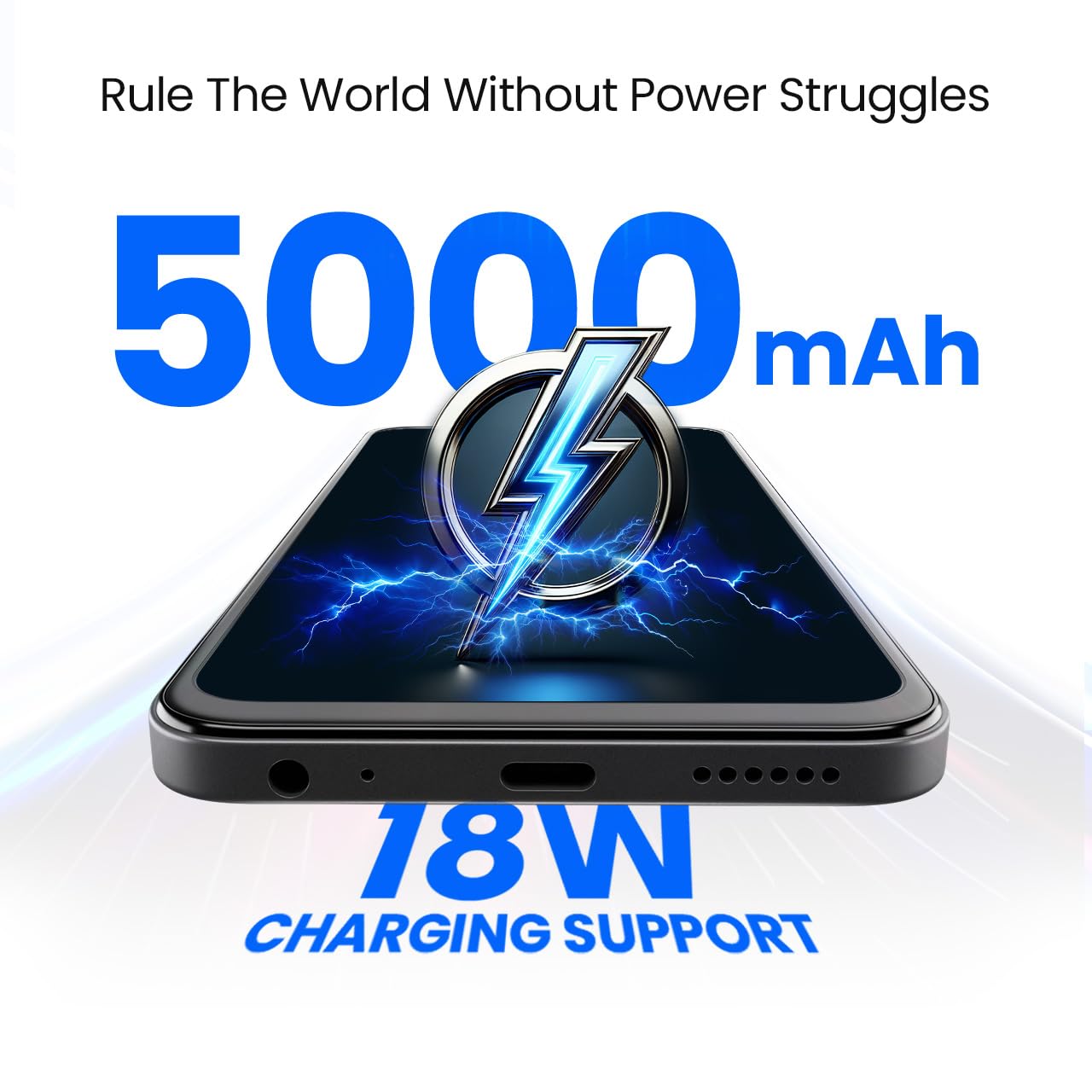
Imatge 3.1: A baix view of the Tecno Spark 30C 5G, showing the USB-C charging port and speaker grille.
3.4. Engegada i configuració inicial
- Press and hold the Power button until the Tecno logo appears.
- Seguiu les instruccions que apareixen a la pantalla per completar la configuració inicial, inclosa la selecció d'idioma, la connexió Wi-Fi, la configuració del compte de Google i la configuració de seguretat.
4. Funcionament del vostre dispositiu
4.1. Navegació bàsica
Your Tecno Spark 30C 5G uses a touchscreen interface. Common gestures include tapping, swiping, pinching, and long-pressing.

Imatge 4.1: The Tecno Spark 30C 5G display showcasing its punch-hole design and 120Hz refresh rate capability.
4.2. Fer trucades i enviar missatges
- Trucades: Toqueu la icona Telèfon, introduïu el número i toqueu el botó de trucada.
- Missatges: Toca la icona Missatges, inicia una conversa nova, introdueix el destinatari i el missatge i, a continuació, envia.
4.3. Ús de la càmera
The Tecno Spark 30C 5G features a 48MP Sony AI Camera for high-quality photography.
- Obriu l'aplicació Càmera.
- Select your desired mode (e.g., Photo, Video, Portrait).
- Toqueu el botó de l'obturador per capturar una imatge o iniciar/aturar la gravació.

Imatge 4.2: Close-up of the Tecno Spark 30C 5G's rear camera module, highlighting the 48MP Sony AI Camera lens.
4.4. Característiques de connectivitat
- Xarxa 5G: Enjoy high-speed internet connectivity. Ensure your SIM card and plan support 5G.
- Wi-Fi: Connecteu-vos a xarxes sense fil mitjançant Configuració > Xarxa i Internet > Wi-Fi.
- Bluetooth: Pair with other Bluetooth devices via Settings > Connected devices > Bluetooth.
- NFC: Use Near Field Communication for contactless payments and quick data transfer. Enable NFC in Settings > Connected devices > Connection preferences > NFC.
- Comandament IR: Utilize the built-in IR Blaster to control compatible home appliances. Access the IR Remote app to set up and manage devices.
4.5. Audio Settings (Dolby Atmos)
Enhance your audio experience with Dolby Atmos. Access settings via Settings > Sound & vibration > Dolby Atmos to customize sound profiles for music, movies, and games.
5. Manteniment i cura
5.1. Neteja del dispositiu
Use a soft, lint-free cloth to clean the screen and body of your phone. Avoid abrasive materials or harsh chemicals. Do not spray cleaners directly onto the device.
5.2. Cura de la bateria
Per allargar la durada de la bateria:
- Eviteu temperatures extremes.
- No deixeu que la bateria es descarregui completament regularment.
- Use the provided or a compatible 18W charger.
5.3. Actualitzacions de programari
Comproveu i instal·leu regularment si hi ha actualitzacions de programari per garantir un rendiment i una seguretat òptims. Aneu a Configuració > Sistema > Actualització del sistema.
5.4. IP54 Dust and Splash Resistance
The Tecno Spark 30C 5G is rated IP54 for dust and splash resistance. This means it is protected against limited dust ingress and water splashes from any direction. It is not waterproof. Avoid submerging the device in water or exposing it to high-pressure water jets.
6. Solució De Problemes
Si teniu problemes amb el dispositiu, proveu les solucions següents:
| Problema | Solució |
|---|---|
| El dispositiu no s'encén | Assegureu-vos que la bateria estigui carregada. Premeu i manteniu premut el botó d'engegada durant almenys 10-15 segons. |
| Senyal de xarxa pobre | Comproveu la inserció de la targeta SIM. Moveu-vos a una zona amb millor cobertura de xarxa. Reinicieu el dispositiu. |
| Les aplicacions es bloquegen o es bloquegen | Close background apps. Clear app cache (Settings > Apps > [App Name] > Storage & cache). Restart the device. |
| La bateria s'esgota ràpidament | Reduce screen brightness. Disable unused features like Wi-Fi, Bluetooth, GPS. Check battery usage in Settings to identify power-hungry apps. |
| La càmera no funciona | Restart the camera app. Clear camera app cache. Restart the phone. |
If problems persist, contact customer support or visit an authorized service center.
7. Especificacions
Key technical specifications for the Tecno Spark 30C 5G:
| Característica | Detall |
|---|---|
| Sistema operatiu | Android 14 |
| Processador | 6nm D6300 5G Processor |
| RAM | 4 GB (Up to 8GB with Memory Fusion) |
| Emmagatzematge intern | 64 GB (ampliable amb microSD) |
| Càmera posterior | 48MP Sony AI Camera |
| Capacitat de la bateria | 5000 mAh |
| Carregant | 18W Fast Charging Support |
| Connectivitat | 5G, Wi-Fi, Bluetooth, NFC, USB |
| Característiques especials | IR Remote, Dolby Atmos, IP54 Dust and Splash Resistance |
| Dimensions | 16.5 x 7.7 x 0.8 cm |
| Pes | 189 g |
8. Garantia i Suport
8.1. Informació de la garantia
Your Tecno Spark 30C 5G is covered by a limited manufacturer's warranty. Please refer to the warranty card included in your product packaging for specific terms and conditions, including warranty period and coverage details. Keep your proof of purchase for warranty claims.
8.2. Atenció al client
For technical assistance, service, or further inquiries, please contact Tecno customer support. You can find contact information on the official Tecno website or through the support section of your device settings.
Manufacturer: G Mobiles India
Per a més informació, visiteu l'oficial Tecno Store.