
Producte acabatview
The Statik Aktive Open Ear Bluetooth Earbuds are designed to provide high-quality audio while maintaining situational awareness. Their open-ear design ensures comfort for all-day usage and allows you to hear your surroundings. These wireless earphones feature fast charging, a long-lasting battery, and an IPX5 waterproof rating, making them suitable for various activities.
- Disseny d'orella oberta: Audio transmitted without blocking your ears, enhancing awareness.
- Consciència de la situació: Safely hear your environment during activities like walking, jogging, or working out.
- Fast Charging & Long-Lasting Battery: Charging case rapidly recharges earbuds, providing extended audio playback.
- Resistent a l'aigua IPX5: Designed to withstand sweat, rain, and dirt.
- Ajust còmode: Engineered for all-day wear without discomfort.
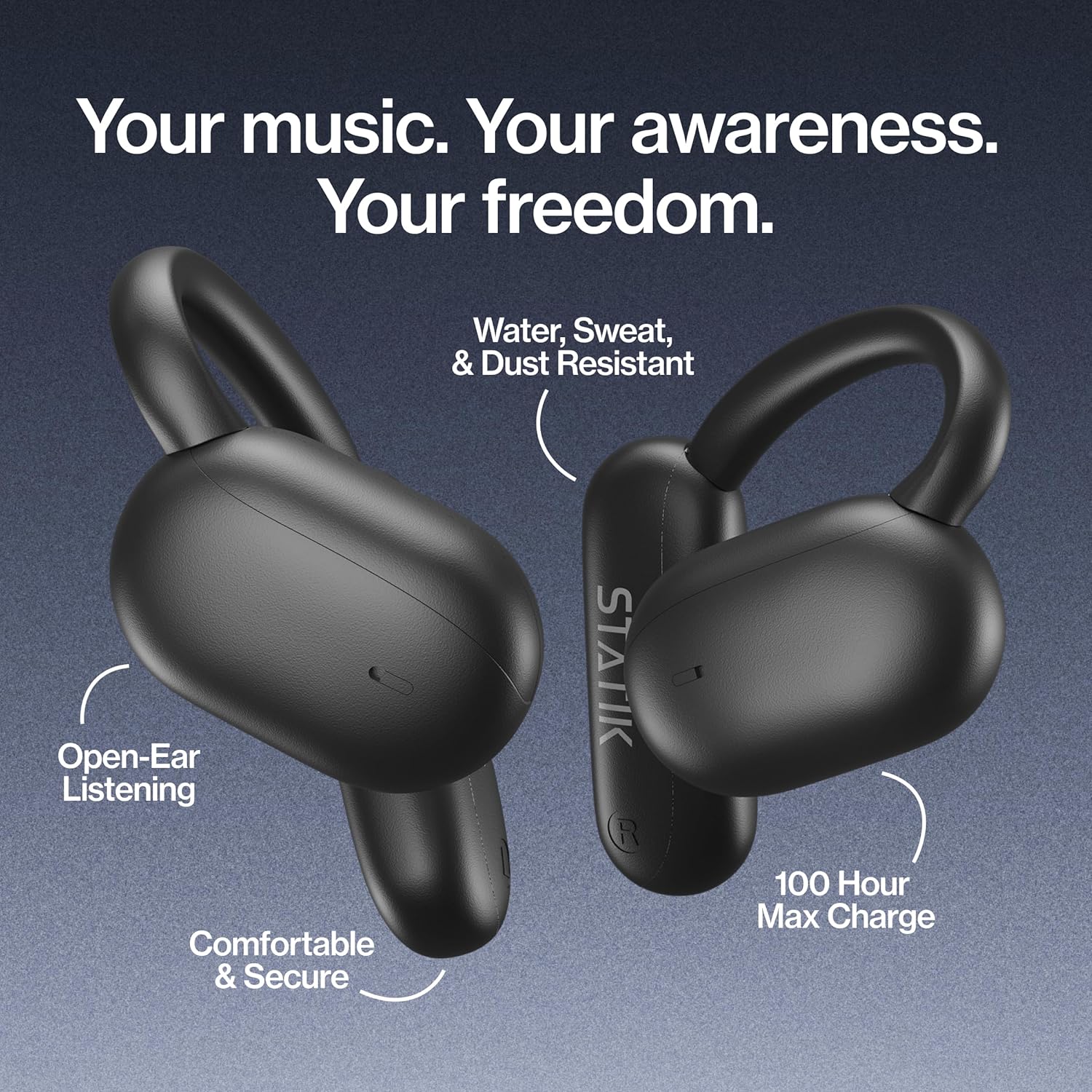
Figure 1: Statik Aktive Open Ear Bluetooth Earbuds and their charging case, highlighting key features like open-ear listening, water resistance, comfortable fit, and 100-hour max charge.
Configuració
1. Desembalatge i càrrega inicial
Upon unboxing, ensure all components are present: the Statik Aktive Earbuds, the charging case, and the USB-C charging cable. It is recommended to fully charge the earbuds and case before first use. Connect the charging case to a power source using the provided USB-C cable.

Figure 2: The Statik Aktive Earbuds resting in their charging case, which displays the battery level. The case provides up to 100 hours of battery life, with 10 hours on a single earbud charge and 2 hours after a 10-minute charge.
2. Emparellament amb el dispositiu
- Obre l'estoig de càrrega. Els auriculars entraran automàticament en mode d'emparellament, cosa que s'indicarà amb un llum LED intermitent.
- Al telèfon intel·ligent o a un altre dispositiu amb Bluetooth, aneu a la configuració de Bluetooth.
- Select "Statik Aktive" from the list of available devices to connect.
- Un cop connectat, un missatge de veu confirmarà l'emparellament correcte.
Vídeo 1: Un breu resumview of the STATIK Aktive Open Earbuds, demonstrating the product and its charging case. This video shows the earbuds being removed from the case and worn, highlighting their design and ease of use.
Instruccions de funcionament
1. Posar-se els auriculars
The Statik Aktive Earbuds feature an open-ear design with ear hooks for a secure and comfortable fit. Gently place the earbud over your ear, ensuring the speaker rests just outside your ear canal. Adjust the ear hook for optimal comfort and stability.
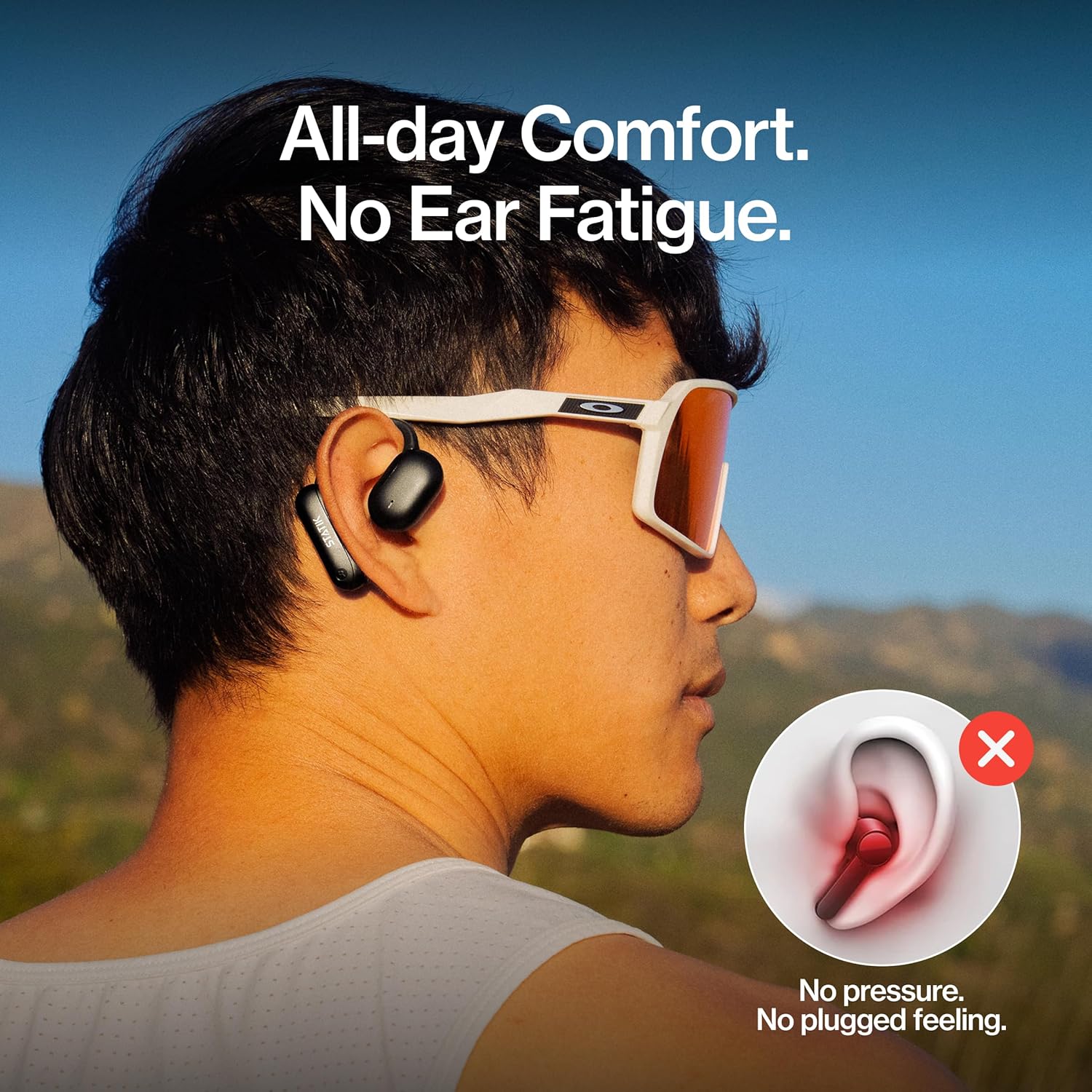
Figure 3: A person wearing the Statik Aktive Open Ear Bluetooth Earbuds, demonstrating the comfortable, no-pressure fit that avoids ear fatigue and a plugged feeling.
2. Toqueu Controls
The earbuds are equipped with touch-sensitive controls for easy management of audio and calls:
- Reproduir/pausa: Un sol toc a qualsevol dels auriculars.
- Pista següent: Toca dues vegades l'auricular dret.
- Pista anterior: Toca dues vegades l'auricular esquerre.
- Respondre/Finalitzar la trucada: Toqueu un sol cop a qualsevol dels auriculars durant una trucada entrant o activa.
- Rebutja la trucada: Premeu i manteniu premut qualsevol dels auriculars durant 2 segons durant una trucada entrant.
- Activa l'Assistent de veu: Toqueu tres vegades qualsevol dels auriculars.
- Control de volum: Ajusta el volum directament des del dispositiu connectat.
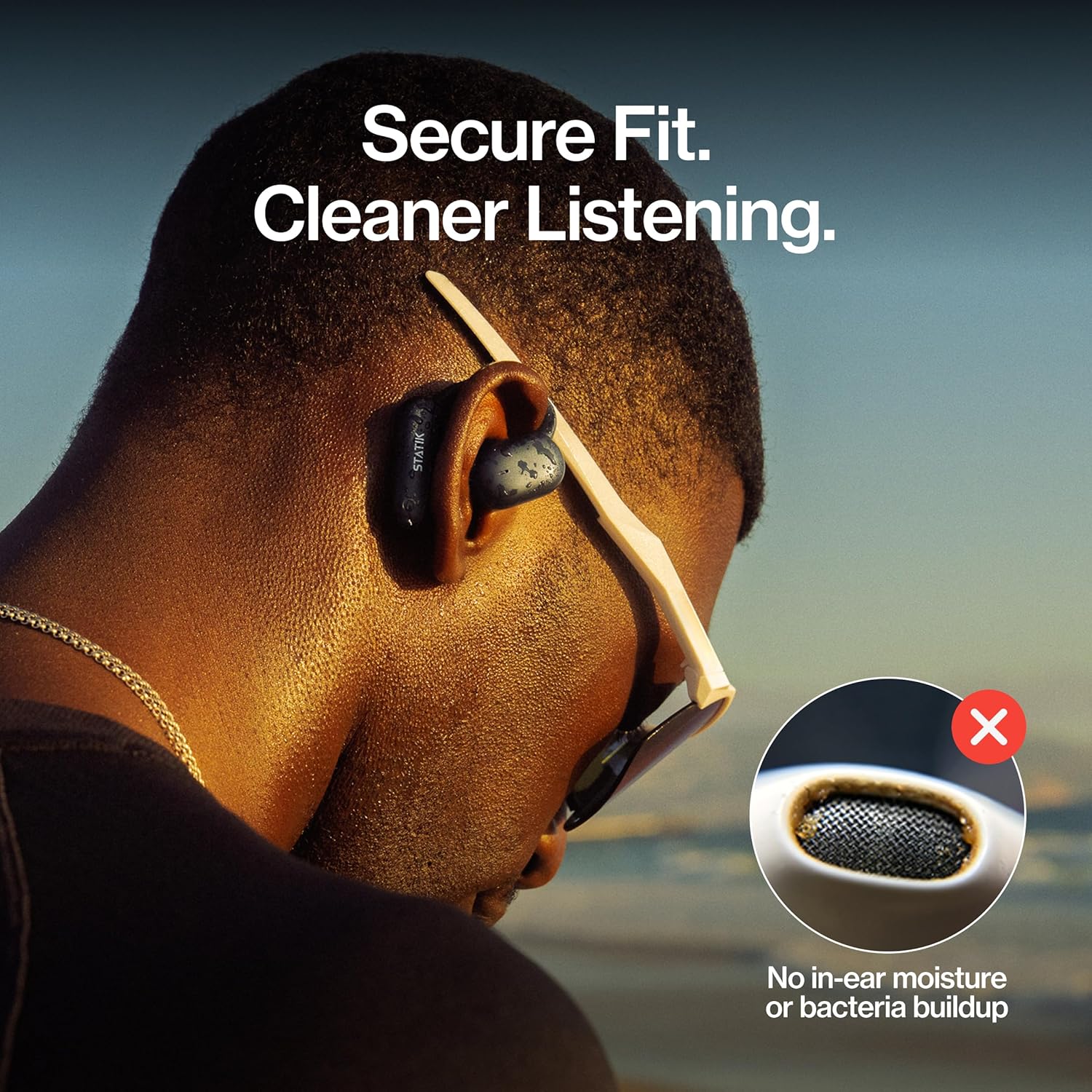
Figure 4: A close-up of a person wearing the Statik Aktive Open Ear Bluetooth Earbuds, illustrating the secure fit and the hygienic benefit of no in-ear moisture or bacteria buildup.
Manteniment
1. Neteja
To maintain optimal performance and hygiene, regularly clean your earbuds. Use a soft, dry, lint-free cloth to wipe the earbuds and charging case. Avoid using abrasive materials or harsh chemicals. Do not submerge the charging case in water.
2. Resistència a l'aigua
The Statik Aktive Earbuds are IPX5 water-resistant, meaning they can withstand splashes, sweat, and light rain. They are not designed for submersion in water. Ensure the charging port cover is securely closed before exposing the earbuds to moisture.

Figure 5: A woman wearing Statik Aktive Open Ear Bluetooth Earbuds while running outdoors, demonstrating the ability to listen to music while remaining aware of her surroundings.
Resolució de problemes
- Auriculars que no s'emparellan: Ensure earbuds are charged and within range of your device. Turn off and on your device's Bluetooth, then try pairing again.
- Sense so: Check the volume levels on both your device and the earbuds. Ensure the earbuds are properly connected to your device.
- Problemes de càrrega: Verify the USB-C cable is securely connected to both the case and the power source. Ensure the charging contacts on the earbuds and inside the case are clean and free of debris.
- Connexió inestable: Move closer to your connected device and away from potential interference sources (e.g., other wireless devices, microwaves).
Especificacions
| Tecnologia de connectivitat | Sense fil |
| Components inclosos | Estació de càrrega |
| Pes de l'article | 3.84 unces |
| Número de model de l'article | PUP-0705-BLK |
| Bateries | 3 bateries no estàndard necessàries. (inclòs) |
| Marca | Statik |
| Color | Negre |
| Col·locació de l'orella | Orella oberta |
| Factor de forma | Orella oberta |
| Nom del model | Aktive Earbuds |
Garantia i Suport
For warranty information and customer support, please refer to the documentation included with your product or visit the official Statik weblloc web. Conserveu el comprovant de compra per a qualsevol reclamació de garantia.