
Introducció
The SVBONY SX31 Night Vision Binoculars are designed for observing objects in low light or complete darkness. Featuring 4K video recording, 36MP photo capture, 8X digital zoom, and a 4.3-inch display, this device is suitable for various outdoor activities such as night hunting, patrol detection, camping, and wildlife observation. This manual provides detailed instructions for proper use and maintenance of your device.

The SVBONY SX31 Night Vision Binoculars allow for clear observation of nighttime details.
Contingut del paquet
Si us plau, comproveu el contingut del paquet en desembalar-lo per assegurar-vos que hi hagi tots els elements:
- 1x SVBONY SX31 Night Vision Binoculars
- 1x cable USB
- 1x Corretja per al coll
- 1x drap de neteja
- 1 x manual d'usuari
- 1 targeta TF de 32 GB

All items included in the SVBONY SX31 Night Vision Binoculars package.
Característiques del producte
- 7-Level Infrared Illumination: Adjustable 3W 850nm infrared spotlight allows clear viewing of animals up to 250m in complete darkness.
- High-Resolution Capture: Record 4K, FHD, or HD videos and capture up to 36-megapixel photos day or night.
- 3.2-inch TFT HD Display: Features 15 levels of brightness adjustment for comfortable viewen diferents condicions d'il·luminació.
- Zoom digital 8X: Easily observe distant targets and capture fine details.
- Bateria recarregable: Integrated 5000mAh lithium battery provides up to 14 hours of operation. Type-C charging interface is compatible with most power banks.
- Emmagatzematge ampliable: Includes a 32GB TF card, expandable up to 128GB.
- Construcció duradora: Made with silicone material for enhanced durability and water resistance.

Large 3.2-inch TFT LCD screen with 15 brightness levels.

8X digital zoom for detailed observation.
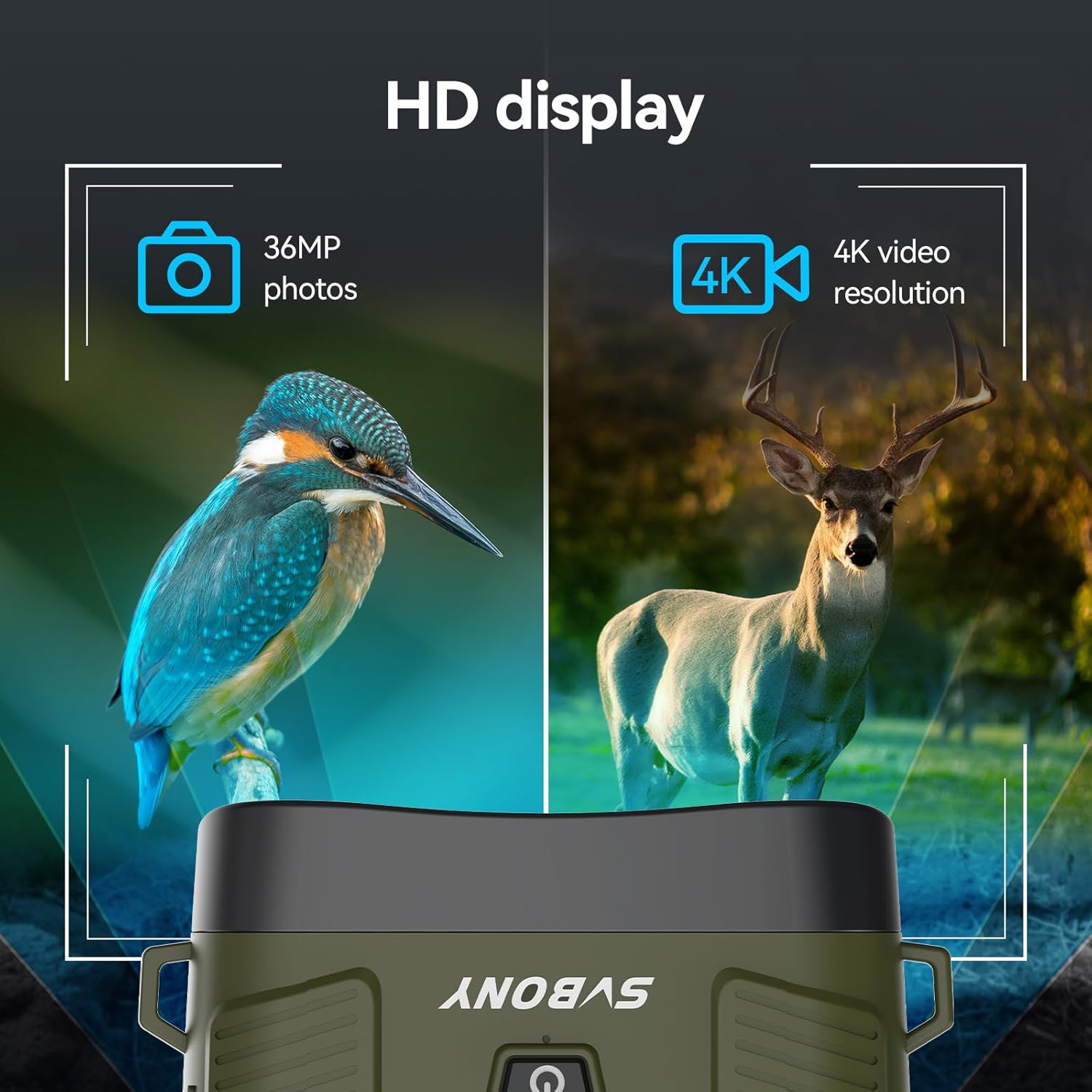
Capture 36MP photos and 4K HD videos.

Bateria recarregable de 5000 mAh de llarga durada.

Adjustable 7-level 3W 850nm infrared illumination.
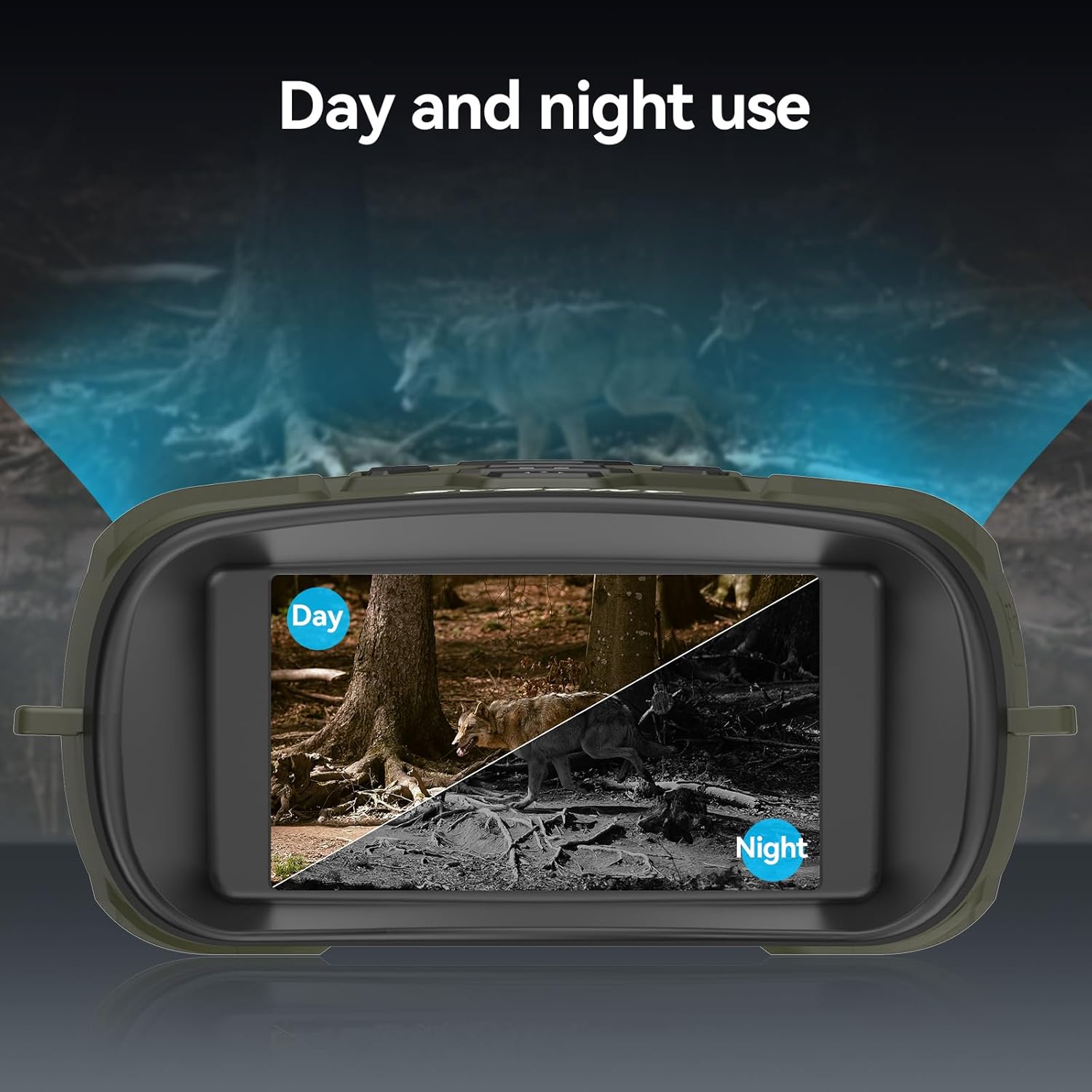
Versatile for both day and night use.

Ampli camp de view with 10° lens angle and 25mm aperture.

Effective observation distance up to 300m (984ft).

Durable silicone material for water resistance.
Configuració
1. Càrrega del dispositiu
Before first use, fully charge the built-in 5000mAh lithium battery. Connect the provided USB Type-C cable to the device's charging port and the other end to a compatible USB power source (e.g., wall adapter, power bank, computer USB port). The charging indicator will show the charging status.
2. Inserció de la targeta TF
Locate the TF card slot on the side of the device. Insert the included 32GB TF card (or an optional card up to 128GB) into the slot until it clicks into place. Ensure the card is inserted in the correct orientation to avoid damage.

Insert the TF card and connect the device for data transfer or charging.
3. Encès / apagat
To power on the device, press and hold the power button (usually marked with a power symbol) for a few seconds until the display illuminates. To power off, press and hold the power button again until the display turns off.
Instruccions de funcionament
1. Navegació del menú
Use the 'MENU' button to access the device settings. Navigate through options using the directional buttons (up/down/left/right) and confirm selections with the 'OK' or 'MODE' button. Refer to the on-screen menu for specific settings like resolution, date/time, and auto-power off.
2. Adjusting IR Levels
In night mode, press the 'IR' button to cycle through the 7 infrared intensity levels (IR1 to IR7). Adjust the IR level based on ambient light conditions and observation distance for optimal clarity. Higher IR levels provide brighter illumination but consume more battery.
3. Zoom digital
Use the zoom in (+) and zoom out (-) buttons to adjust the digital magnification from 1X to 8X. For stable viewing at higher zoom levels, consider using a tripod.
4. Captura de fotos i vídeos
Press the 'MODE' button to switch between photo and video modes. In photo mode, press the 'Capture' button (often marked with a camera icon) to take a picture. In video mode, press the 'Capture' button to start recording, and press it again to stop. Recorded files are saved to the TF card.
5. Ajust de brillantor de la pantalla
Access the display settings through the menu to adjust the screen brightness. There are 15 levels of brightness. Lower brightness settings can help preserve your natural night vision and extend battery life.
6. Ajust del focus
Rotate the focus wheel located on the objective lens barrels to achieve a sharp image. Adjust until the target appears clear on the display.

Adjust the focus wheel for a clear image.
7. Mode dia i nit
The device automatically adapts to ambient light conditions. In sufficient light, it operates in full-color day mode. As light diminishes, it transitions to black-and-white night vision mode, utilizing the infrared illuminator.
Manteniment
1. Neteja
- Use the provided cleaning cloth to gently wipe the lenses. For stubborn smudges, use a lens cleaning solution specifically designed for optical surfaces.
- Clean the device body with a soft, damp tela. Eviteu productes químics agressius o materials abrasius.
2. Cura de la bateria
- Recarrega la bateria regularment, fins i tot si el dispositiu no s'utilitza amb freqüència, per mantenir-ne l'estat.
- Eviteu descarregar completament la bateria durant períodes prolongats.
3. Emmagatzematge
- Store the binoculars in a cool, dry place, away from direct sunlight and extreme temperatures.
- Use the included storage bag to protect the device from dust and scratches.
Resolució de problemes
| Problema | Causa possible | Solució |
|---|---|---|
| El dispositiu no s'encén. | Bateria baixa; el botó d'engegada no s'ha mantingut premut prou estona. | Charge the battery; Press and hold the power button for several seconds. |
| La imatge és borrosa. | Improper focus; Dirty lenses. | Adjust the focus wheel; Clean the lenses with the provided cloth. |
| No es poden gravar fotos/vídeos. | TF card full or not inserted correctly; Incorrect mode. | Check TF card insertion and available space; Ensure device is in photo/video mode. |
| 36MP photos appear corrupted. | Potential firmware bug. | Try a lower resolution setting for photos. Check SVBONY's weblloc per a actualitzacions de firmware. |
| Display is too bright at night. | Display brightness set too high. | Adjust the display brightness to a lower level via the menu settings. |
Especificacions
| Característica | Detall |
|---|---|
| Marca | SVBONY |
| Model | SX31 |
| Color | Verd |
| Pes | 500 grams |
| Material | Cautxú |
| Ampliació màxima | 8X (Digital Zoom) |
| Diàmetre objectiu | 25 mil·límetres |
| Il·luminador d'infrarojos | 3W 850nm, 7 levels adjustable |
| Mostra | 3.2-inch TFT HD, 15 levels brightness |
| Resolució fotogràfica | Fins a 36MP |
| Resolució de vídeo | 4K, FHD, HD |
| Bateria | Liti integrat de 5000 mAh |
| Emmagatzematge | 32GB TF card included, supports up to 128GB |
| Número de model | FCAFDB24010501 |
Garantia i Suport
For warranty information, technical support, or further inquiries, please refer to the official SVBONY weblloc web o contacteu directament amb el seu servei d'atenció al client. També podeu visitar el SVBONY Store on Amazon for product updates and additional resources.