
Producte acabatview
The Lion Energy Cub is a portable power bank designed to keep your USB-powered devices charged on the go. It features multiple charging ports and a built-in floodlight, making it suitable for various environments, including outdoor use. Its durable construction ensures reliability.

Imatge: Frontal view of the Lion Energy Cub Portable Power Bank, showcasing its integrated floodlight and power indicator lights at the bottom.
- Recharge USB-based devices quickly and easily.
- Equipped with two USB-A ports and one USB-C port for versatile charging.
- Integrated floodlight for illumination in various situations.
- C duradorasing designed for rugged environments.
- Lightweight design, weighing approximately 10.2 oz.
Configuració
Before initial use, it is recommended to fully charge your Cub Portable Power Bank. This ensures optimal performance and battery longevity.
- Càrrega inicial: Connect the Cub to a power source using a compatible USB-C cable (not included). The power indicator lights will illuminate to show the charging progress. All lights will be solid when fully charged.
- Compatibilitat del dispositiu: Ensure your device uses USB-A or USB-C for charging. The Cub is compatible with most smartphones, headphones, and other small USB-powered electronics.

Imatge: Una imatge detallada view of the top of the Lion Energy Cub, showing the two USB-A ports and the central USB-C port, which are used for charging and recharging the device.
Instruccions de funcionament
The Cub Portable Power Bank is designed for straightforward operation.
Dispositius de càrrega
- Connecteu el vostre dispositiu: Plug your device's USB-A or USB-C charging cable into the corresponding port on the Cub.
- Iniciar la càrrega: The Cub will automatically begin charging your device. The power indicator lights will show the remaining battery level of the power bank.
- Càrrega del monitor: Observe your device's screen to confirm it is charging.

Image: The Lion Energy Cub Portable Power Bank connected via a white USB cable to a black smartphone, both resting on a speckled countertop, demonstrating its charging capability.
Using the Floodlight
- Activa la llum: Press the power button located on the front of the Cub to turn on the floodlight.
- Ajusta la brillantor: Subsequent presses of the power button may cycle through different brightness levels or modes (if applicable). Refer to the power indicator lights for battery status while the light is active.
- Apagar la llum: Continue pressing the power button until the floodlight turns off.

Image: A hand holding the Lion Energy Cub Portable Power Bank outdoors, with its integrated floodlight illuminated, demonstrating its use in an open environment.
Manteniment
Proper maintenance will extend the life and performance of your Cub Portable Power Bank.
- Neteja: Use a soft, dry cloth to wipe the exterior of the power bank. Avoid using harsh chemicals or abrasive materials.
- Emmagatzematge: Store the Cub in a cool, dry place away from direct sunlight and extreme temperatures. For long-term storage, ensure the battery is charged to approximately 50-70% to preserve battery health.
- Cura de la bateria: Avoid fully discharging the battery frequently. Recharge the unit when the power indicator lights show a low charge.
Resolució de problemes
If you encounter issues with your Cub Portable Power Bank, refer to the following common solutions:
| Problema | Causa possible | Solució |
|---|---|---|
| El dispositiu no es carrega. | Low power bank battery; faulty cable; incompatible device. | Recharge the Cub; try a different charging cable; ensure device is USB-compatible. |
| Floodlight not turning on. | Low power bank battery; power button not pressed correctly. | Recharge the Cub; press the power button firmly. |
| Càrrega lenta. | Qualitat del cable; límit d'entrada de càrrega del dispositiu. | Use a high-quality charging cable; some devices charge slower due to their design. |
Especificacions
| Característica | Detall |
|---|---|
| Dimensions del producte | 6.4 x 3.4 x 0.83 polzades |
| Número de model de l'article | 50172039 |
| Pes | 10.2 oz |
| Color | Negre |
| Tipus de connector | USB tipus A, USB tipus C |
| Capacitat de la bateria | 10000 milionsamp Hores |
| Característiques especials | Slim, Integrated Floodlight |
| Fabricant | L'energia del lleó |
Garantia i Suport
The Lion Energy Cub Portable Power Bank comes with a 5 anys de garantia, garantint la tranquil·litat pel que fa a la seva qualitat i rendiment.
For technical support, warranty claims, or further assistance, please visit the official Lion Energy weblloc web o poseu-vos en contacte amb el seu departament d'atenció al client. Conserveu el rebut de compra com a comprovant de compra a efectes de garantia.
Note: Warranty terms and conditions may apply. Please refer to the official Lion Energy warranty policy for complete details.
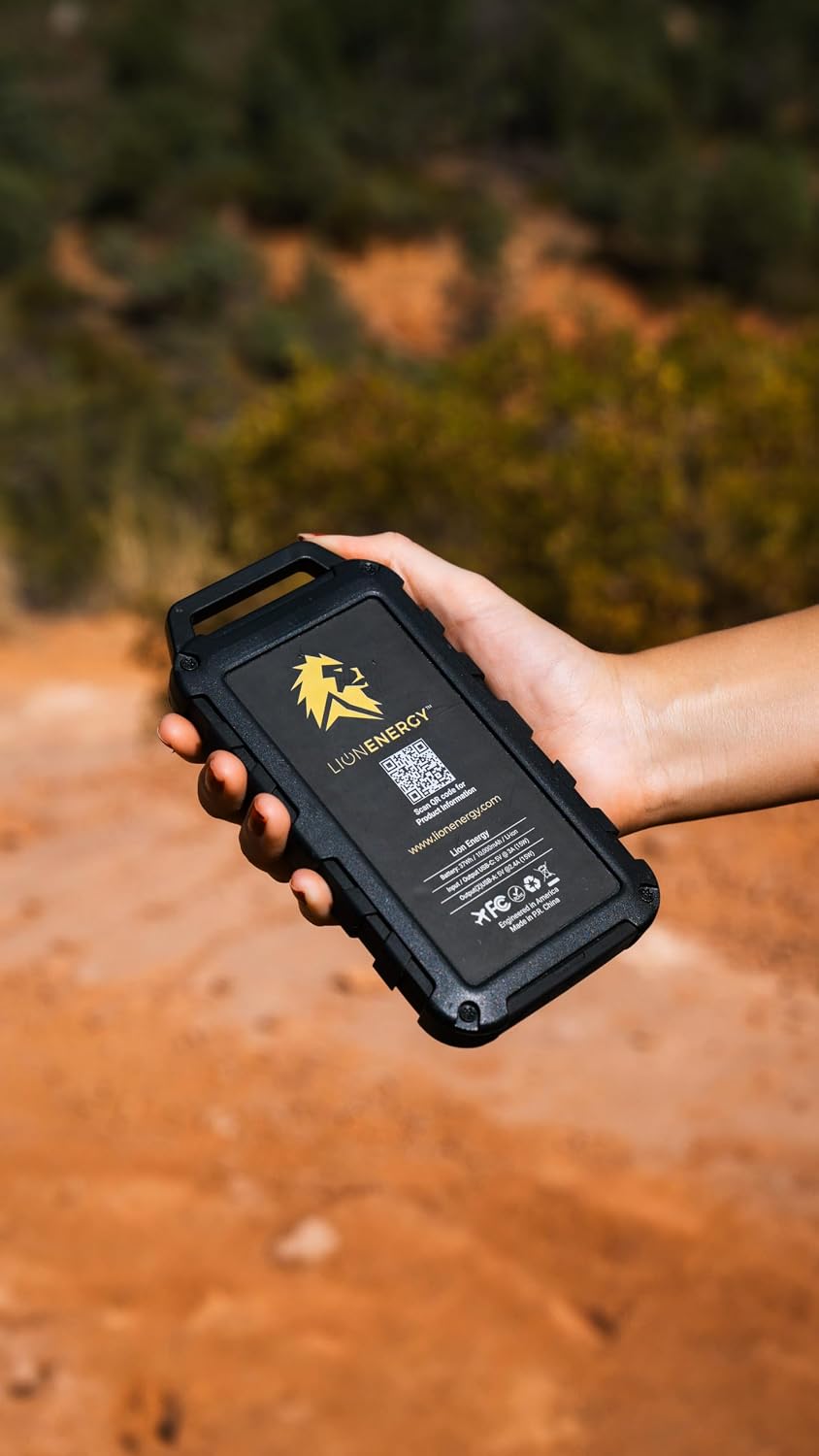
Image: The back of the Lion Energy Cub Portable Power Bank, displaying the Lion Energy logo, a QR code for product information, and regulatory markings.