
Sheawasy SH-D50
Sheawasy SH-D50 Underwater Camera User Manual
Model: SH-D50
Your guide to capturing stunning underwater memories.
1. Introducció
The Sheawasy SH-D50 is a versatile and durable underwater camera designed for capturing high-resolution photos and videos in various environments, including underwater up to 33 feet. Featuring a dual-screen design, 4K video recording, 48MP photo capability, and anti-shake technology, it is an ideal companion for your adventures.

Figure 1.1: Sheawasy SH-D50 Underwater Camera
2. Què hi ha a la caixa
Si us plau, comproveu el contingut del paquet per assegurar-vos que hi hagi tots els elements:
- Sheawasy SH-D50 Underwater Camera (with 64GB memory card installed)
- Cable USB
- Corda
- Bossa de la càmera
- Guia de l'usuari (aquest manual)

Figura 2.1: Contingut del paquet
3. Configuració
3.1 Instal·lació i càrrega de la bateria
The camera comes with a pre-installed Lithium Polymer battery. Before first use, ensure the camera is fully charged.
- Localitzeu el compartiment de la bateria a la càmera.
- Inseriu la pila, assegurant-vos de la polaritat correcta.
- Connect the camera to a USB power source using the provided USB cable. The charging indicator will illuminate.
- Charging is complete when the indicator light changes or turns off (refer to camera display for status). A full charge provides approximately 100 minutes of battery life.

Figure 3.1: Battery Information
3.2 Targeta de memòria
A 64GB memory card is included and pre-installed, providing ample storage for approximately 8000 photos or 3 hours of video. No additional setup is required for the memory card.
4. Instruccions de funcionament
4.1 Encès/Apagat
Press and hold the Power button (usually marked with a power symbol) to turn the camera on or off.
4.2 Captura de fotos i vídeos
The camera supports 48MP still photos and 4K video recording. Use the mode button to switch between photo and video modes. Press the Shutter button to capture a photo or start/stop video recording.
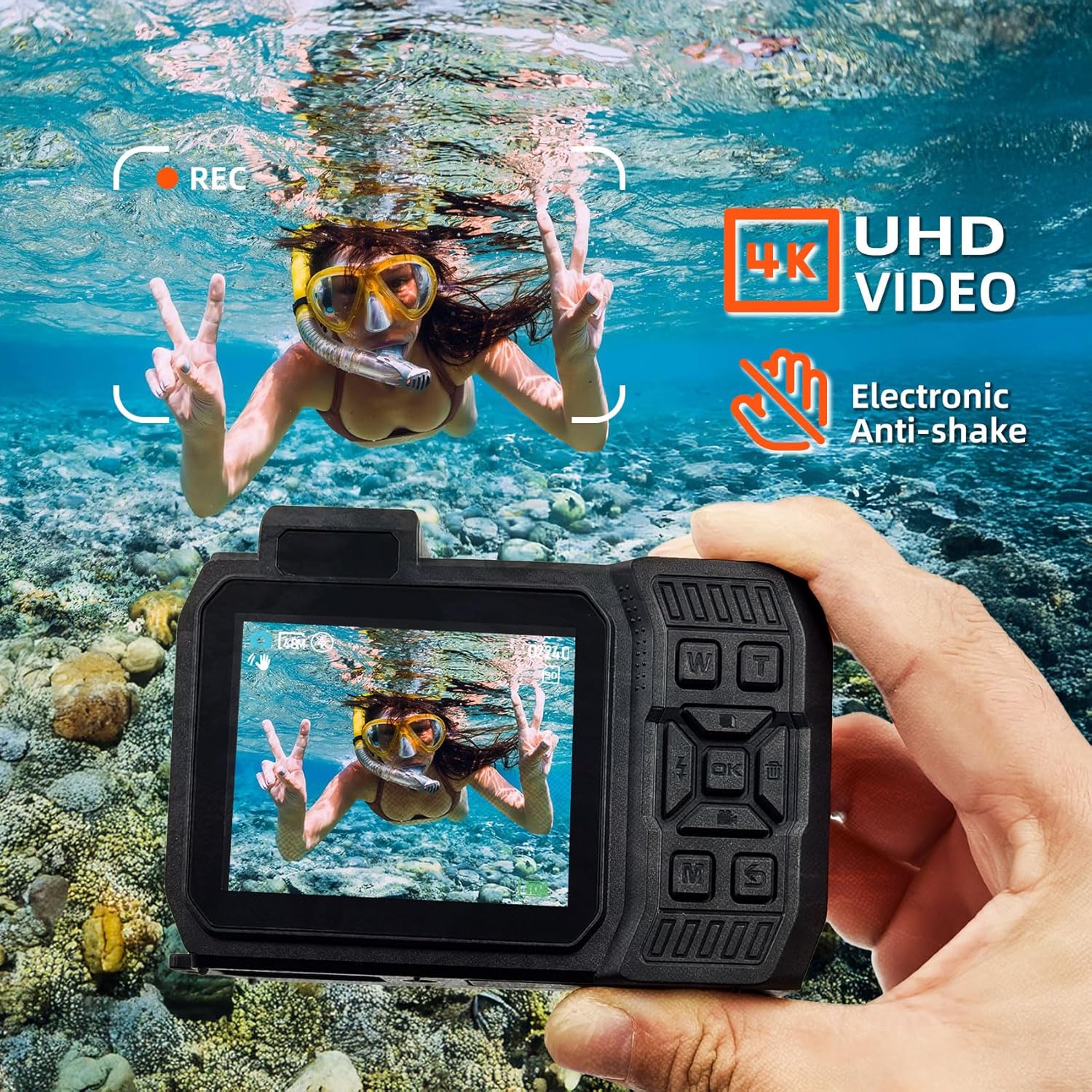
Figure 4.1: 4K UHD Video and Anti-Shake
4.3 Dual Screen Operation
The SH-D50 features a 2.8-inch main LCD screen and a 1.4-inch front LCD screen. This allows for easy framing of shots, especially for selfies. Refer to the camera's on-screen prompts or dedicated button (if available) to switch between screens.
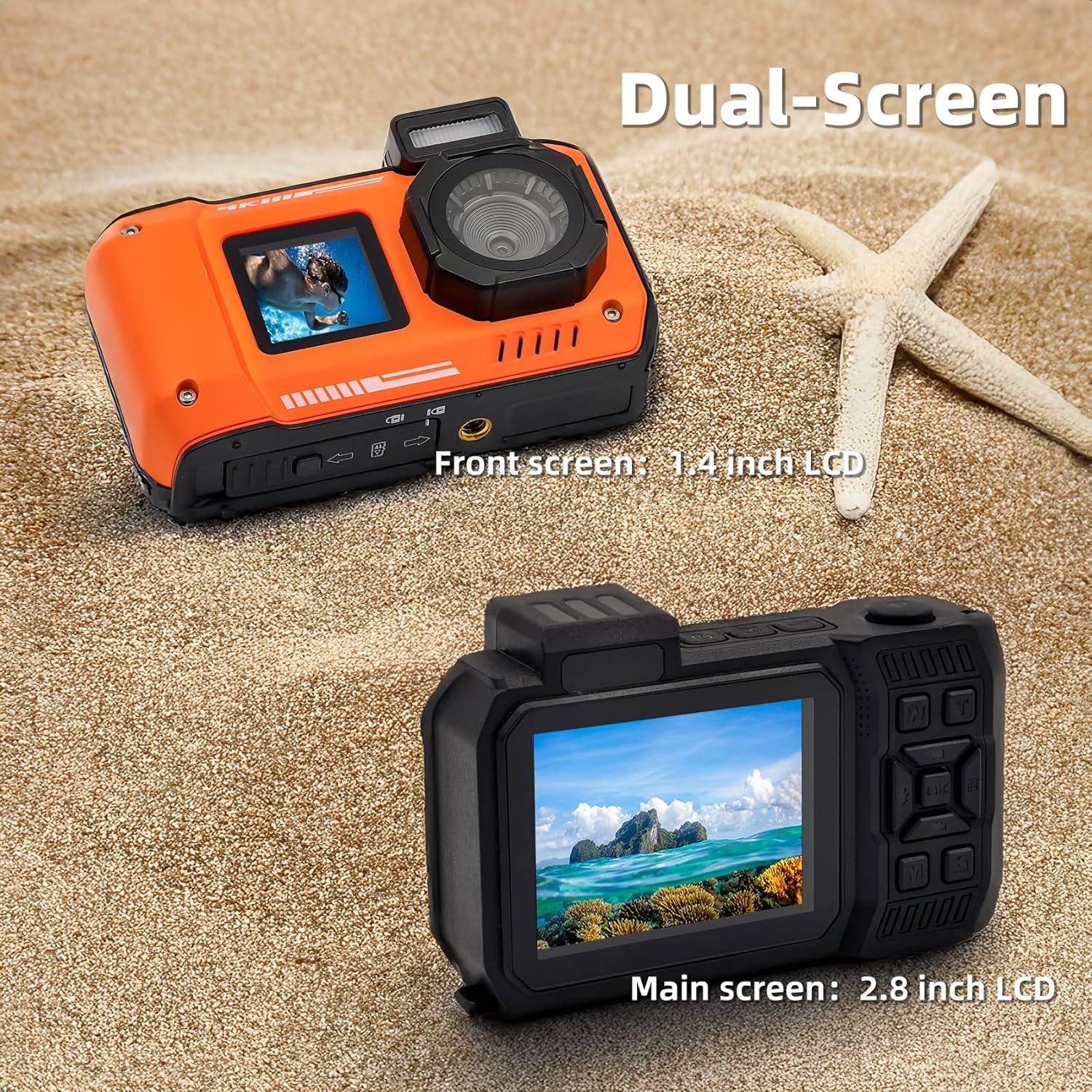
Figure 4.2: Dual Screen Functionality
4.4 Ús impermeable
The camera is waterproof up to 33 feet (10 meters) and is suitable for snorkeling and swimming. It is also dust-proof. Ensure all ports and covers are securely closed before submerging the camera in water.

Figure 4.3: Waterproof and Dust-proof Capabilities
4.5 Funció SOS
In dark environments, activating the SOS function will cause the camera's flash to blink continuously, which can help in signaling your location.

Figure 4.4: SOS Function in Dark Environments
4.6 Transferència Files a l'ordinador
To transfer photos and videos from your camera to a computer:
- Connect the digital camera to your laptop or computer via the provided USB cable.
- On the camera's screen, select the
Ask a question about this manual
Ask about setup, troubleshooting, compatibility, parts, safety, or missing instructions. Manuals+ will review the question and use this page’s manual context to help answer it.