
Pard FD1-850 no LRF
Manual d'instruccions del telescopi de visió nocturna PARD FD1
Model: FD1-850 no LRF | Brand: Pard
1. Producte acabatview
The PARD FD1 is a versatile front-mounted clip-on night vision scope designed to enhance your optical scope with advanced night vision capabilities. It can also function as a standalone digital night vision monocular or a digital riflescope, offering precision and adaptability in various low-light conditions.
Característiques principals:
- Three-in-one Functionality: Front clip-on, digital night vision monocular, and digital riflescope.
- Connexió/desconnexió ràpida: Includes a 63mm adapter for swift transitions.
- Ballistics Calculator: Integrated system for precise aiming point calculation.
- Pantalla d'alta resolució: OLED screen (1440*1080) and CMOS sensor (1920*1080) for clear imaging.
- Il·luminador IR ajustable: 6 levels with 350m range, 850nm/940nm options.
- VLEA & PIP Mode: Visible Light Enhancement Algorithm and Picture-in-Picture for enhanced clarity and target identification.
- Enregistrament automàtic: Intelligent 20-second video recording upon action detection.
- Durabilitat: 6000J Recoil resistance and IP67 waterproof rating.
- Connectivitat Wi-Fi: Connects to PardVision app for viewcrear imatges i vídeos.

Figure 1.1: PARD FD1 Night Vision Scope, main view.
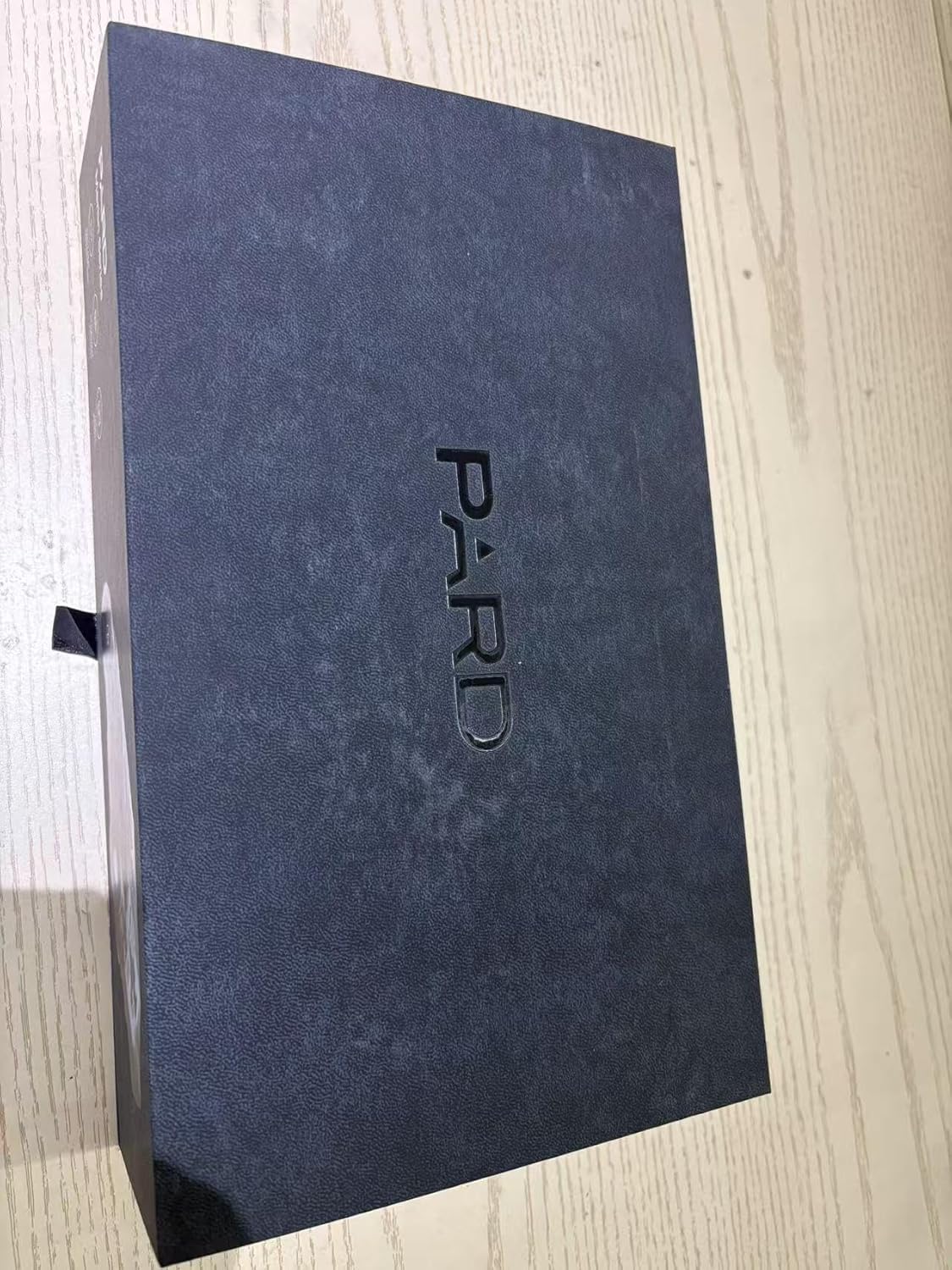
Figure 1.2: The PARD FD1 offers versatile 3-in-1 functionality as a clip-on, monocular, or riflescope.
Video 1.1: Official PARD FD1/LRF product overview demonstrating key features and quick attachment.
2. Guia de configuració
2.1 Desembalatge i inspecció inicial
- Obriu amb cura l'embalatge i retireu tots els components.
- Verifiqueu que hi hagi tots els elements que figuren al contingut del paquet.
- Inspect the device for any visible damage. If damage is found, contact customer support immediately.

Figure 2.1: PARD FD1 Night Vision Scope and included accessories.
2.2 Attaching the FD1 as a Clip-on
The FD1 can be quickly attached to your existing optical scope using the provided 63mm adapter.
- Ensure your optical scope is securely mounted and zeroed.
- Attach the 63mm adapter to the objective lens of your optical scope. Tighten securely but do not overtighten.
- Align the PARD FD1 with the adapter and slide it into place until it clicks securely.
- Verify the FD1 is firmly attached and stable before use.

Figure 2.2: The quick attach and detach mechanism of the PARD FD1.
2.3 Engegada i configuració inicial
- Introduïu una bateria carregada al compartiment de la bateria.
- Press and hold the power button (usually marked with Ⓘ) until the display illuminates.
- Follow on-screen prompts for initial language and time settings.
- Adjust the diopter for a clear view a través de l'ocular.
3. Instruccions de funcionament
3.1 Controls bàsics
The PARD FD1 features intuitive controls for easy operation. Refer to the image below for button layout.

Figura 3.1: lateral view of PARD FD1 showing control buttons.
| Botó/Control | Funció |
|---|---|
| Power Button (Ⓘ) | Press and hold to power on/off. Short press for display sleep mode. |
| Botó D'acord | Confirm selection in menus, take photo/start recording. |
| Botó de menú | Access main menu. |
| Up/Down/Left/Right Buttons | Navigate menus, adjust settings (e.g., IR intensity, zoom). |
| Botó IR | Activate/adjust Infrared (IR) illuminator intensity. |
3.2 Mode de visió nocturna
The FD1 automatically switches to night vision mode in low light. Adjust the IR illuminator for optimal visibility.
- Premeu el botó IR button to cycle through IR intensity levels (Level 1-6).
- Choose between 850nm (brighter, longer range) and 940nm (less visible to animals) IR wavelengths via the menu.

Figure 3.2: Adjustable IR Illuminator with multiple levels for varying conditions.
3.3 Ballistics Calculator (If LRF model)
For models with LRF (Laser Rangefinder), the integrated ballistics calculator assists in precise shot placement.
- Access the Ballistics Calculator from the main menu.
- Input parameters such as projectile velocity, weight, and zero range.
- The system will calculate and display the precise aiming point.

Figure 3.3: The integrated Ballistics Calculator helps improve accuracy.
3.4 Rangefinder (If LRF model)
The FD1-850 no LRF model does not include a laser rangefinder. For models with LRF, follow these steps:
- Point the device at the target.
- Activate the rangefinder function (refer to specific button in menu).
- The distance to the target will be displayed on the screen.

Figure 3.4: Rangefinder in action, displaying target distance.
3.5 Enregistrament i reproducció de vídeo
The FD1 can record high-resolution videos and automatically capture 20-second clips upon detecting action.
- Premeu el botó Registre button (usually marked with a camera icon) to start/stop manual recording.
- Access recorded videos via the Playback menu.
- Ensure a Micro SD card is inserted for recording.
Connectivitat Wi-Fi 3.6
Connect your FD1 to a smartphone via Wi-Fi using the PardVision app for remote viewing i file gestió.
- Descarrega't el PardVision aplicació des de la botiga d'aplicacions del dispositiu.
- Enable Wi-Fi on your FD1 via the system menu.
- Connect your smartphone to the FD1's Wi-Fi network (SSID and password displayed on the FD1 screen).
- Obre l'aplicació PardVision per a view live feed, photos, and videos.

Figure 3.5: Wi-Fi connectivity allows remote control and media access.
4. Manteniment i cura
- Neteja: Use a soft, lint-free cloth to clean the lenses. For stubborn dirt, use a lens cleaning solution specifically designed for optics. Do not use abrasive materials.
- Emmagatzematge: Store the device in a cool, dry place away from direct sunlight and extreme temperatures. Remove the battery if storing for extended periods.
- Cura de la bateria: Use only recommended batteries. Ensure batteries are fully charged before use and properly disposed of when depleted.
- Impermeable: The FD1 is IP67 rated, meaning it is protected from dust and can withstand immersion in water up to 1 meter for 30 minutes. Ensure all covers and caps are securely closed before exposure to water.
5. Solució De Problemes
| Problema | Causa possible | Solució |
|---|---|---|
| El dispositiu no s'encén. | Low or depleted battery; incorrectly inserted battery. | Charge or replace the battery. Ensure battery is inserted with correct polarity. |
| La imatge és borrosa o poc clara. | Diopter not adjusted; dirty lens; focus ring not adjusted. | Adjust the diopter. Clean the lens. Adjust the focus ring on the objective lens. |
| Night vision performance is poor. | IR illuminator off or low intensity; insufficient ambient light. | Activate or increase IR illuminator intensity. Ensure there is some ambient light for the sensor to pick up. |
| No es pot connectar a la Wi-Fi. | Wi-Fi not enabled on device; incorrect password; app not updated. | Enable Wi-Fi in device settings. Double-check Wi-Fi password. Update PardVision app. |
| La gravació no funciona. | No SD card; full SD card; corrupted SD card. | Insert a compatible SD card. Delete old files or format SD card (backup data first). Try a different SD card. |
6. Especificacions tècniques
| Especificació | Detall |
|---|---|
| Nom del model | FD1-850 no LRF |
| Resolució del sensor | 1920*1080 CMOS |
| Resolució de visualització | 1440*1080 OLED |
| Longitud d'ona de l'il·luminador IR | 850nm (Adjustable) |
| Gamma d'il·luminadors IR | Fins a 350 m |
| Recoil Resistance | 6000J |
| Classificació impermeable | IP67 |
| Dimensions (LxWxH) | 4.53"L x 2.95"W x 2.05"H (115*75*52mm) |
| Pes de l'article | 328 grams |
| Material | Alumini |
| Dispositius compatibles | Rifle, Shotgun, Handgun |
| Emmagatzematge | Targeta Micro SD (no inclosa) |
7. Garantia i Suport
7.1 Informació de la garantia
The PARD FD1 Night Vision Scope comes with a 1 any de garantia des de la data de compra. Aquesta garantia cobreix defectes de fabricació i avaries en condicions d'ús normal. Conserveu el comprovant de compra per a reclamacions de garantia.
7.2 Atenció al client
For technical assistance, warranty claims, or any other inquiries, please contact PARD customer support:
- Visita l'oficial Botiga Pard a Amazon per obtenir informació sobre productes i recursos.
- Refer to the contact information provided in your product packaging or on the official PARD weblloc.
Ask a question about this manual
Ask about setup, troubleshooting, compatibility, parts, safety, or missing instructions. Manuals+ will review the question and use this page’s manual context to help answer it.