
1. Introducció
The Xigmatek Aqua V AIR is a high-performance mid-tower PC case designed for gaming enthusiasts. It features a spacious interior, optimized airflow, and tempered glass panels on the front and side to showcase your components. Equipped with seven 120mm ARGB fans, it supports graphics cards up to 410mm in length and is compatible with motherboards featuring hidden connectors for a clean build.
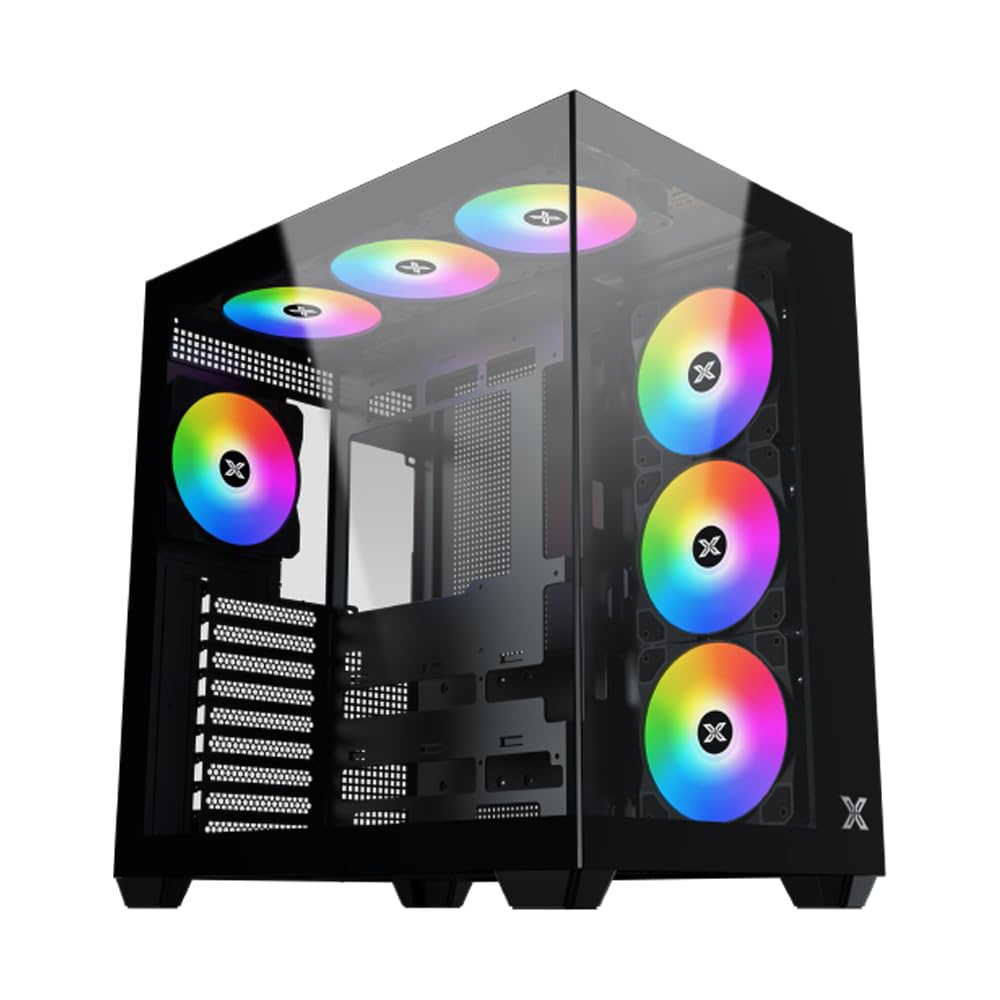
Figura 1: global view of the Xigmatek Aqua V AIR PC Case.
2. Característiques clau
- Material: Constructed from high-quality steel for durability and reliability.
- Dimensions: 427 x 285 x 455 mm (L x W x H), offering a spacious interior.
- Sistema de refrigeració: Supports up to three 120mm or two 140mm fans for optimal cooling performance.
- Suport del radiador: Compatible with 240/280/360mm radiators on the top, bottom, and rear for versatile cooling options.
- Panell d'E/S: Features 2x USB 3.0 ports, 1x USB-C port, and HD audio for convenient connectivity.
- Compatibilitat de la placa base: Supports ATX, Micro ATX, and Mini ITX motherboards, including those with hidden connectors.
- Longitud de la GPU: Accommodates graphics cards up to 410mm in length.
- Suport d'emmagatzematge: Proporciona ample space for multiple storage drives.
3. Especificacions
| Característica | Detall |
|---|---|
| Marca | Xigmatek |
| Número de model | EN45820 |
| Sèrie | Aqua V AIR BLACK |
| Color | Negre |
| Dimensions (L x A x A) | 42.7 x 28.5 x 45.5 cm |
| Pes del producte | 8.8 quilos |
| Material | Acer d'aliatge, vidre temperat |
| Compatibilitat amb la placa base | ATX, Micro ATX, Mini ITX |
| Tipus de cas | Mitjana Torre |
| Usos recomanats | Gaming, High-Performance Computing |
| Ports USB 3.0 | 2 |
| Ports USB-C | 1 |
| Mètode de refrigeració | Water (Liquid Cooling Support) |
| Mida del ventilador | 120 Millimeters (Pre-installed ARGB fans) |
| Tipus de muntatge de la font d'alimentació | Muntatge inferior |
4. Configuració i instal·lació
This section provides general guidance for installing components into your Xigmatek Aqua V AIR PC case. Always refer to the specific manuals for your motherboard, power supply, and other components for detailed instructions.
4.1 Preparació del cas
- Unpack the PC case and remove all packaging materials.
- Carefully remove the tempered glass side panel(s) and front panel (if applicable) to access the interior. Store them safely to prevent damage.
- Identify the accessory box, which typically contains screws, cable ties, and other small parts.
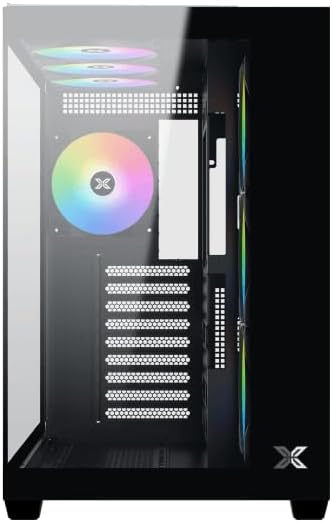
Figura 2: Interior view amb el panell lateral retirat.
4.2 Instal·lació de la placa base
- Instal·leu la protecció d'E/S (si no està preinstal·lada a la placa base) a l'obertura posterior de la carcassa.
- Align your ATX, Micro ATX, or Mini ITX motherboard with the standoffs inside the case. Ensure all standoffs match the screw holes on your motherboard.
- Secure the motherboard with the appropriate screws provided in the accessory kit.

Figure 3: Motherboard tray and cable management area.
4.3 Instal·lació de la unitat d'alimentació (PSU).
- Localitzeu la zona de muntatge de la font d'alimentació a la part inferior posterior de la carcassa.
- Slide your PSU into position, ensuring the fan faces downwards (if the case has a bottom vent) or upwards.
- Fixeu la font d'alimentació amb els cargols de la part posterior de la carcassa.
4.4 Instal·lació de la unitat d'emmagatzematge
The case supports various storage configurations. Refer to the case diagram for specific drive bay locations.
- Install 2.5" SSDs or 3.5" HDDs into the designated drive bays or mounting brackets.
- Secure the drives with screws.
4.5 Instal·lació de la targeta gràfica (GPU)
- Traieu les cobertes de les ranures PCIe necessàries de la part posterior de la carcassa.
- Inseriu la targeta gràfica a la ranura PCIe adequada de la placa base.
- Fixeu la targeta gràfica amb cargols.
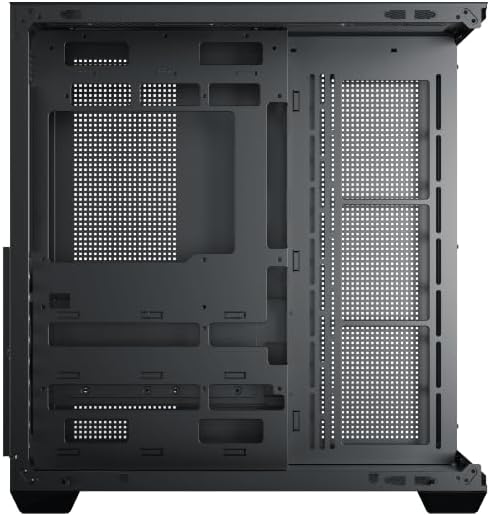
Figure 4: Components installed inside the case.
4.6 Gestió de cables
Utilitzeu els retalls de cablejat i els punts d'amarratge que hi ha darrere de la safata de la placa base per gestionar els cables i millorar el flux d'aire i l'estètica.
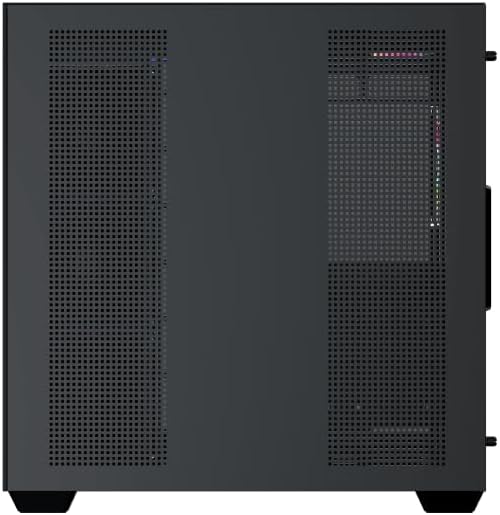
Figure 5: Top panel and I/O ports.
5. Instruccions de funcionament
5.1 Encès
Once all components are securely installed and connected, close the side panels. Connect your power cable to the PSU and press the power button on the case's front I/O panel.
Control del ventilador 5.2 ARGB
The Xigmatek Aqua V AIR comes with pre-installed ARGB fans. These fans can typically be controlled via:
- Programari de la placa base: If your motherboard supports ARGB synchronization, connect the fan's ARGB cables to the motherboard's 3-pin 5V ARGB header and use the motherboard's software (e.g., ASUS Aura Sync, MSI Mystic Light, Gigabyte RGB Fusion) to customize lighting effects.
- Controlador integrat: If your case includes a built-in ARGB controller, use the dedicated button on the I/O panel to cycle through various lighting modes and colors.
6. Manteniment
Un manteniment regular ajuda a garantir un rendiment òptim i una llarga vida útil dels components del teu PC.
6.1 Neteja del filtre de pols
The Xigmatek Aqua V AIR case is equipped with dust filters to prevent dust buildup. Locate and gently remove the dust filters (typically on the top, front, and bottom). Clean them with compressed air or by rinsing with water. Ensure they are completely dry before reattaching.
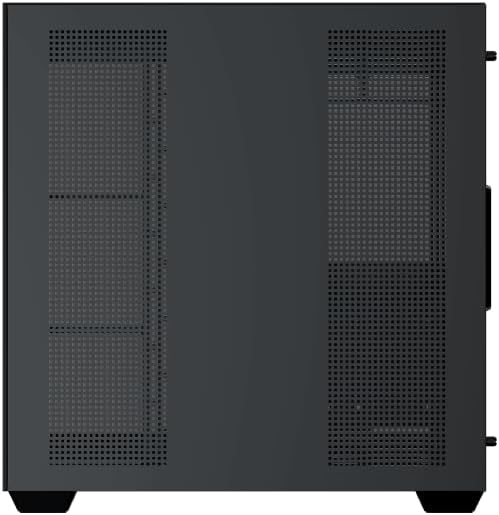
Figure 6: Bottom dust filter.
6.2 Neteja general
Use a soft, dry cloth to wipe down the exterior of the case. For tempered glass panels, use a glass cleaner and a microfiber cloth to avoid streaks. Avoid using abrasive cleaners or solvents.
7. Solució De Problemes
Si teniu problemes, tingueu en compte els passos habituals següents per resoldre'ls:
- Sense energia:
- Assegureu-vos que la font d'alimentació estigui engegada i connectada correctament a la presa de corrent i a la placa base.
- Check all power connections to components (motherboard, CPU, GPU, drives).
- Verify the front panel power switch cable is correctly connected to the motherboard.
- Els ventiladors no giren / Els RGB no funcionen:
- Check if fan power cables are securely connected to the motherboard or fan controller.
- Ensure ARGB cables are connected to the correct 3-pin 5V ARGB header (not 4-pin 12V RGB).
- If using a controller, ensure it has power and is functioning correctly.
- Sobreescalfament:
- Ensure all fans are spinning and oriented correctly for optimal airflow (intake/exhaust).
- Netegeu els filtres de pols i els components interns.
- Verifiqueu que el refrigerador de la CPU i el refrigerador de la GPU estiguin correctament instal·lats i funcionin.
8. Garantia i Suport
The Xigmatek Aqua V AIR PC Case comes with a Garantia del fabricant de 2 anys. For technical support, warranty claims, or further assistance, please contact Xigmatek customer service or visit their official weblloc.
Si us plau, conserveu el comprovant de compra per motius de garantia.
