
1. Introducció
Thank you for choosing the DEVAISE ASJZ026 L-Shaped Electric Standing Desk. This manual provides essential information for the safe assembly, operation, and maintenance of your new adjustable height desk. This desk is designed to offer a versatile workspace, allowing seamless transitions between sitting and standing positions to promote a healthier work environment.
Si us plau, llegiu aquest manual detingudament abans del muntatge i l'ús, i conserveu-lo per a futures consultes.
2. Instruccions de seguretat
- Assegureu-vos que tots els components siguin presents i no estiguin danyats abans del muntatge. No utilitzeu el producte si hi falta alguna peça o si està danyada.
- Mantingueu els nens i les mascotes allunyats de l'escriptori durant el funcionament per evitar lesions per les peces mòbils.
- Do not place hands or other body parts near the lifting columns or crossbars during height adjustment to avoid pinching.
- Ensure the power cord is properly connected and not damaged. Do not operate the desk with a damaged cord or plug.
- The maximum weight capacity for this desk is 220 lbs (100 kg). Do not exceed this limit.
- Eviteu col·locar líquids directament sobre el tauler de control o a prop de components elèctrics.
- Desconnecteu l'alimentació abans de netejar o realitzar qualsevol manteniment.
- Aquest escriptori està pensat només per a ús interior.
3. Contingut del paquet
Verify that all the following components are included in your package. If any parts are missing or damaged, please contact customer support.
- Desktop Panels (L-shaped, typically 2-3 sections)
- Lifting Columns (Legs with motors)
- Foot Pads/Adjustable Feet
- Crossbars/Frame Components
- Caixa de control
- Tauler de control
- Cable i adaptador d'alimentació
- Headphone Hooks (x2)
- Clips de cable
- Assembly Hardware (screws, Allen wrenches, etc.)
4. Muntatge i muntatge
Assembly typically requires two people. Follow the included graphical instructions for detailed steps. Ensure you have adequate space for assembly.
4.1 Desembalatge i preparació
- Carefully unpack all components and lay them out on a soft, clean surface to prevent scratches.
- Identify all parts against the package contents list.
4.2 Muntatge del marc
- Attach the lifting columns to the crossbars and frame components using the provided hardware. Ensure all connections are secure.
- Install the adjustable feet onto the bottom of the lifting columns. These can be adjusted later to level the desk.
4.3 Instal·lació d'escriptori
- Carefully place the desktop panels onto the assembled frame. The L-shaped design allows for flexible left or right orientation during installation to suit your workspace.
- Secure the desktop panels to the frame using the designated screws.
4.4 Connexions elèctriques
- Connect the motor cables from the lifting columns to the control box.
- Connect the control panel cable to the control box.
- Connect the power adapter to the control box, then plug the power cable into a wall outlet.
4.5 Instal·lació d'accessoris
- Attach the headphone hooks to the underside of the desk as desired.
- Use the provided cable clips to manage and organize power and peripheral cables, ensuring a tidy and safe workspace.
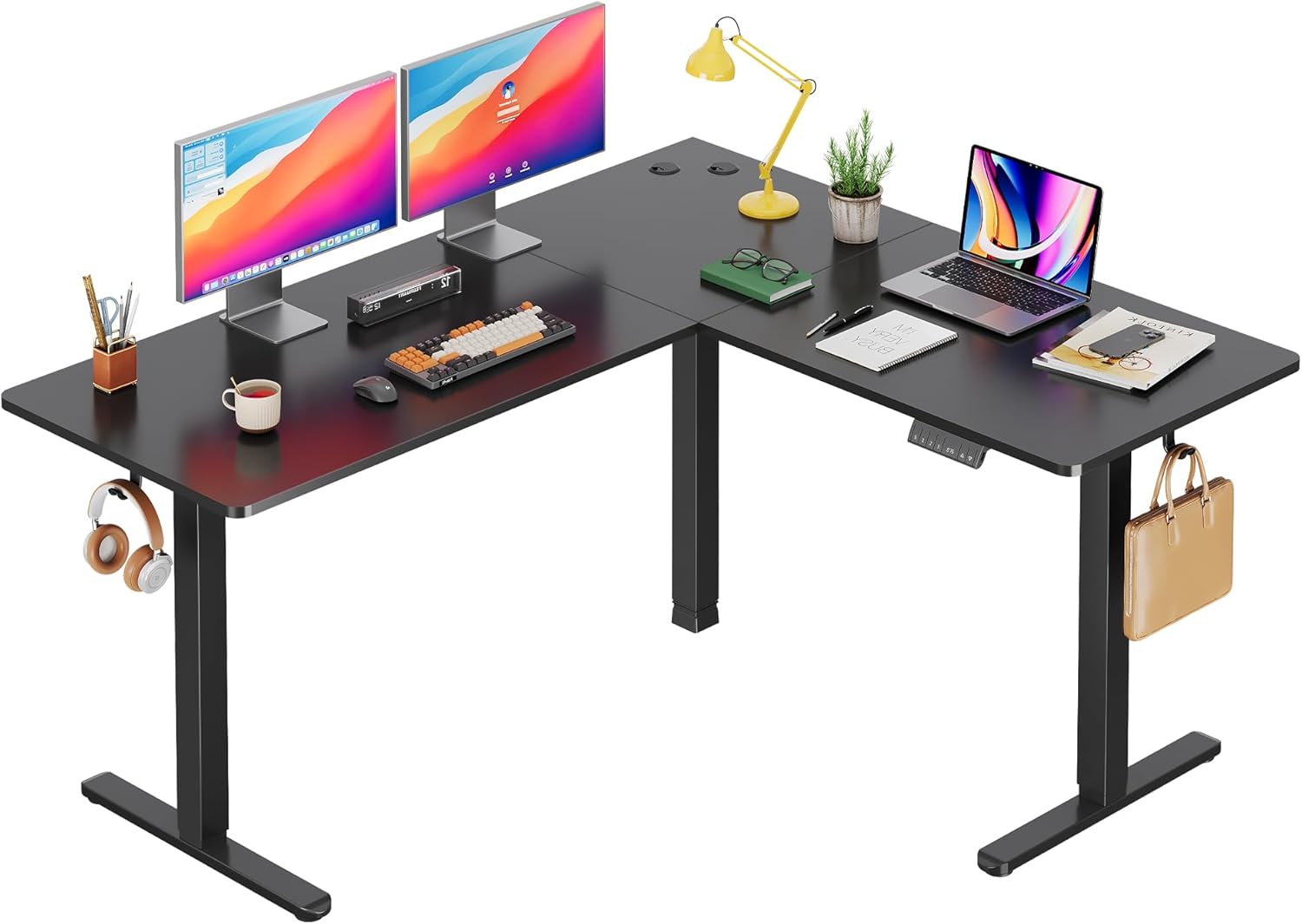
Image: The DEVAISE ASJZ026 L-Shaped Electric Standing Desk fully assembled in a modern home office environment, showcasing its spacious design and functionality.

Image: A detailed diagram illustrating the desk dimensions (63x55 inches) and its load capacity of up to 180 lbs, highlighting the robust construction.

Image: Visual representation of the desk's adjustable height feature, showing the range from a minimum of 28.35 inches to a maximum of 46.45 inches, suitable for various user preferences.
5. Instruccions de funcionament
5.1 Tauler de control acabatview
The desk is operated via a multi-function control panel, typically located on the front edge of the desk. It features an LED display, up/down buttons, and memory preset buttons.

Imatge: Una imatge detallada view of the desk's control panel, highlighting the 'S' button for saving presets, three memory height buttons (1, 2, 3), the LED display showing current height, and the up/down adjustment buttons.
5.2 Ajust d'alçada
- Botons amunt / avall: Manteniu premut el botó Amunt (▲) or Avall (▼) button to raise or lower the desk to your desired height. Release the button to stop movement. The LED display will show the current height.
5.3 Preajustos de memòria
The desk allows you to save up to three preferred height settings for quick adjustments.
- Per desar una configuració predefinida: Ajusteu l'escriptori a l'alçada desitjada amb els botons Amunt/Avall. Premeu el botó S button, then immediately press one of the memory buttons (1, 2, o 3). The LED display will confirm the setting is saved.
- Per utilitzar una configuració predefinida: Premeu el botó de memòria corresponent (1, 2, o 3). L'escriptori es mourà automàticament a l'alçada desada.
5.4 Anti-Collision Feature
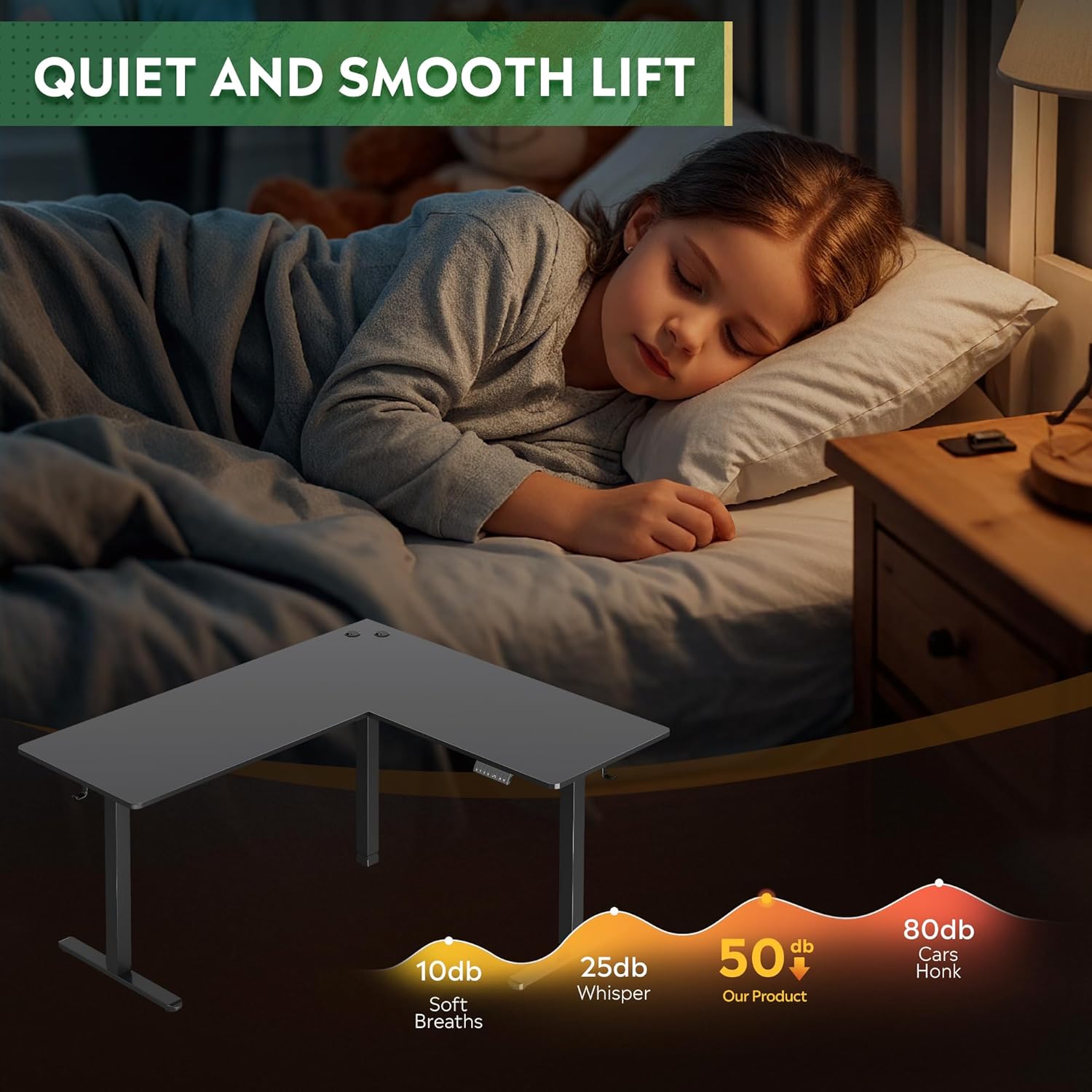
L'escriptori està equipat amb un sistema anticol·lisió. Si l'escriptori troba un obstacle durant l'ajust d'alçada, s'aturarà automàticament i girarà lleugerament per evitar danys o lesions.
5.5 port de càrrega USB
Some models may include a USB charging port on the control panel for convenient charging of small electronic devices.

Imatge: Una imatge interna view diagram highlighting the dual motor system, which provides stable and efficient power for the desk's height adjustment mechanism.
Imatge: Detallada views of additional features: two desk hooks for headphones or bags, adjustable feet for leveling on uneven surfaces, and cable clips for organized cable management.
6. Manteniment
- Neteja: Netegeu la superfície i el marc de l'escriptori amb un drap suau iamp cloth. Avoid harsh chemicals or abrasive cleaners. Ensure the desk is unplugged before cleaning.
- Inspeccions: Reviseu periòdicament tots els cargols i connexions per assegurar-vos que romanen ajustats. Torneu a apretar-los si cal.
- Gestió de cables: Regularly check power and motor cables for any signs of wear or damage. Ensure cables are not pinched or tangled.
7. Solució De Problemes
If you encounter issues with your DEVAISE ASJZ026 desk, refer to the following common problems and solutions:
| Problema | Causa possible | Solució |
|---|---|---|
| L'escriptori no es mou. | Power cable disconnected; motor cables loose; control box malfunction. | Check all power and motor connections. Ensure the power outlet is functional. Reset the desk by unplugging for 30 seconds and plugging back in. |
| L'escriptori es mou de manera irregular o fa sorolls estranys. | Càrrega desigual; connexions fluixes; obstrucció. | Ensure weight is evenly distributed. Check all frame connections for tightness. Clear any obstructions. Perform a reset. |
| LED display shows an error code (e.g., E01, E02). | Overload; motor fault; sensor issue. | Refer to the specific error code in the detailed manual (if provided) or perform a reset. Reduce desk load if an overload is suspected. |
| Anti-collision feature is too sensitive or not working. | Sensor calibration issue; obstruction. | Ensure no constant pressure is applied to the desk. Perform a reset. If adjustable, refer to the full manual for sensitivity settings. |
If these solutions do not resolve the issue, please contact DEVAISE customer support.
8. Especificacions
- Marca: DEVAISAR
- Número de model: ASJZ026
- Dimensions del producte: 23.62 "P x 62.99" W x 25.84" H
- Interval d'alçada ajustable: 28.5" to 47.2" (Minimum Height: 28.5 Inches, Maximum Height: 47 Inches)
- Tipus de material superior: Fusta d'enginyeria
- Material base: Ferro
- Capacitat de pes: 220 lbs (Maximum Weight Recommendation: 2.2E+2 Pounds)
- Tipus de motor: Dual Motor Electric
- Característiques especials: Adjustable Height, Electric, L-shaped, Anti-collision Technology, Cable Management, Headphone Hook
- Pes de l'article: 80.74 lliures
- Color: Negre
- Muntatge requerit: Sí
9. Garantia i assistència
The DEVAISE ASJZ026 L-Shaped Electric Standing Desk comes with a Lifetime Warranty, as specified by the manufacturer. This warranty covers defects in materials and workmanship under normal use.
For warranty claims, technical assistance, or any questions regarding your product, please contact DEVAISE customer support through their official channels. Please have your model number (ASJZ026) and proof of purchase available when contacting support.
