
1. Configuració
1.1 Desembalatge i inspecció inicial
Carefully remove all items from the packaging. Verify that all components are present and undamaged. The box contents typically include:
- Telèfon intel·ligent OnePlus 13
- Funda de telèfon
- Adaptador d'alimentació
- Expulsor de la safata SIM
- Protector de pantalla (preaplicat o en caixa)
- Cable USB (tipus C)
1.2 Inserció de la targeta SIM
The OnePlus 13 supports Dual Nano SIM cards. Follow these steps to insert your SIM card(s):
- Localitza la safata de la targeta SIM al lateral del dispositiu.
- Introduïu l'eina d'expulsió de la safata de la SIM al forat petit que hi ha al costat de la safata i premeu fermament fins que la safata surti.
- Col·loqueu la targeta o targetes Nano SIM a la safata amb els contactes daurats cap avall, assegurant-vos que estiguin correctament orientades.
- Torneu a inserir amb cura la safata de la targeta SIM al telèfon fins que encaixi al seu lloc.

lateral view of the OnePlus 13 smartphone, showing volume and power buttons, and SIM tray.
1.3 Engegada i configuració inicial
Press and hold the Power button until the OnePlus logo appears. Follow the on-screen instructions to complete the initial setup, which includes selecting your language, connecting to Wi-Fi, setting up your Google account, and configuring security features like fingerprint recognition.

OnePlus 13 smartphone, front view, displaying the screen.
2. Funcionament del vostre dispositiu
2.1 Navegació bàsica
The OnePlus 13 features a responsive touchscreen for all interactions. Swipe, tap, and pinch gestures are used for navigation, app interaction, and content manipulation. Familiarize yourself with the OxygenOS 15 interface, based on Android 15, for a smooth user experience.
2.2 Característiques de la càmera
The device is equipped with a 5th-Gen Hasselblad Camera for Mobile, featuring a triple 50MP rear camera system (Wide, 3X Telephoto, Ultra-wide) and a 32MP front camera. Key camera modes include:
- Automàtic: Standard mode for everyday photos.
- Paisatge: Optimitzat per a fotografies panoràmiques amples.
- Macro: For close-up photography of small subjects.
- Mode nocturn: Millora les fotos fetes en condicions de poca llum.
- Retrat: Creates a depth-of-field effect for subjects.
- Telefoto: Utilizes the 3X optical zoom lens for distant subjects.
- Ràfega neta: Captures multiple frames rapidly to select the best shot.
OnePlus 13 screen showing the Clear Burst camera feature capturing multiple frames.
2.3 AI Features and OxygenOS 15
OxygenOS 15 integrates advanced AI capabilities, including:
- Cerca intel·ligent: Quickly find information on your device or the web.
- AI Imaging Power: Features like AI Reflection Eraser, AI Unblur, and AI Detail Boost enhance your photos.
- Assistent d'IA de Gemini: Google's AI assistant for various tasks and queries.

OnePlus 13 screen showing the Intelligent Search feature with an AI answer.

OnePlus 13 screen showing the Gemini AI Assistant interface.
2.4 Connectivitat
The OnePlus 13 supports various connectivity options:
- Cel·lular: 5G, LTE (Unlocked)
- Sense fil: Wi-Fi, Bluetooth, NFC
- Amb cable: USB tipus C
3. Manteniment
3.1 Cura de la bateria
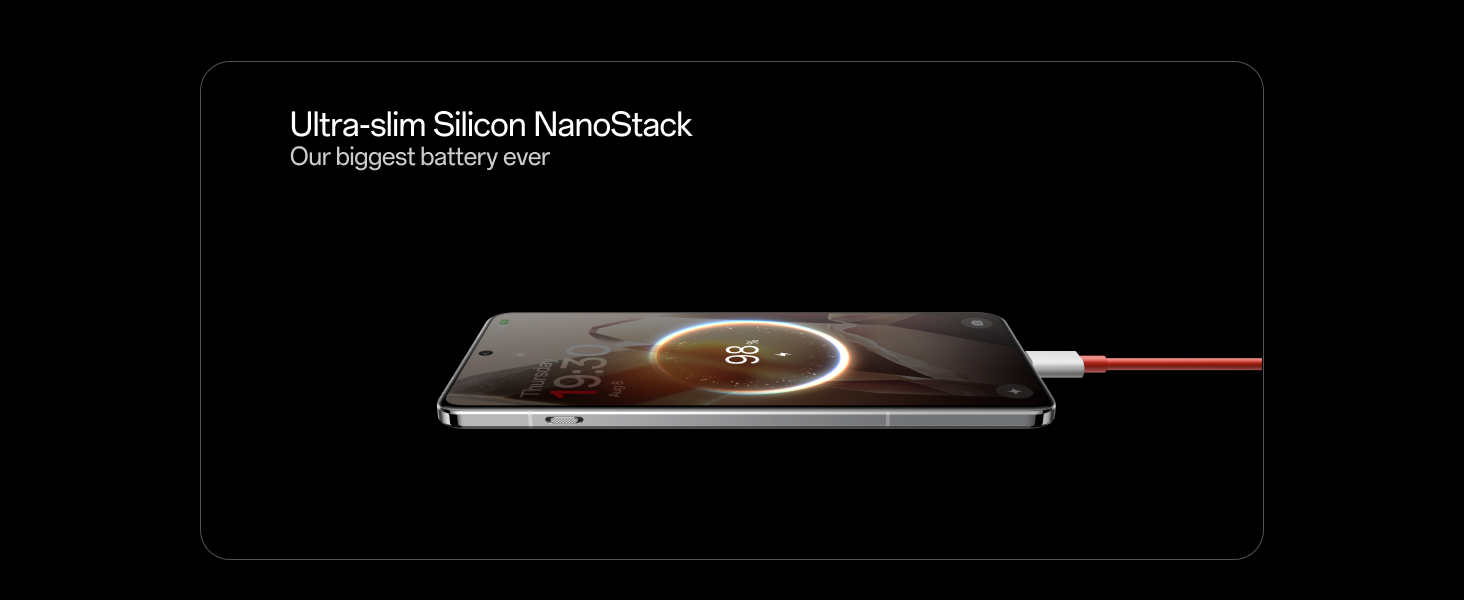
The OnePlus 13 is equipped with a 6000 mAh silicon-carbon battery. To maximize battery life and performance:
- Use the provided Power Adapter and USB Cable for optimal 100W wired fast charging.
- Eviteu temperatures extremes.
- No deixeu que la bateria es descarregui completament regularment.
lateral view of the OnePlus 13 showing the ultra-slim Silicon NanoStack battery.
3.2 Resistència a l'aigua i la pols
The device features an IP69 and IP68 rating for water and dust resistance. While designed to withstand splashes and brief immersion, it is not fully waterproof. Avoid intentional submersion, exposure to pressurized water, or use in extreme conditions. If the device gets wet, dry it thoroughly before charging or using the USB port.
Two OnePlus 13 phones submerged in water, illustrating IP68/69 water resistance.
3.3 Neteja del vostre dispositiu
Use a soft, lint-free cloth to clean the screen and body of your phone. Avoid abrasive materials or harsh chemicals. For stubborn smudges, a slightly damp es pot utilitzar un drap amb aigua i assecar-lo immediatament.
4. Solució De Problemes
4.1 Problemes comuns i solucions
- El dispositiu no s'encén: Assegureu-vos que la bateria estigui carregada. Connecteu-la a l'adaptador de corrent i espereu uns minuts abans d'intentar tornar-la a engegar.
- La pantalla no respon: Perform a forced restart by holding the Power button and Volume Down button simultaneously for about 10 seconds.
- Problemes de connectivitat (Wi-Fi/Bluetooth/5G): Try toggling the respective connection off and on. If the issue persists, restart the device. For network issues, ensure your SIM card is properly inserted and your plan is active.
- Les aplicacions es bloquegen: Esborra la memòria cau i les dades de l'aplicació problemàtica a Configuració > Aplicacions. Si el problema continua, desinstal·la i torna a instal·lar l'aplicació.
- Rendiment lent: Close unnecessary background apps, clear cache, and ensure your device has sufficient storage space.
4.2 Restabliment de fàbrica
Si teniu problemes de programari persistents, pot ser necessari restablir les dades de fàbrica. Avís: This will erase all data on your device. Back up important information before proceeding. To perform a factory reset, go to Settings > System > Reset options > Erase all data (factory reset).
5. Especificacions
| Característica | Especificació |
|---|---|
| Marca | OnePlus |
| Sèrie Model | OnePlus 13 |
| Sistema operatiu | Android 15, OxygenOS |
| Model de CPU | Snapdragon 8 Elite |
| Velocitat de la CPU | 3.2 GHz |
| RAM | 12 GB |
| Emmagatzematge intern | 256 GB (variant dependent) |
| Tipus de visualització | AMOLED |
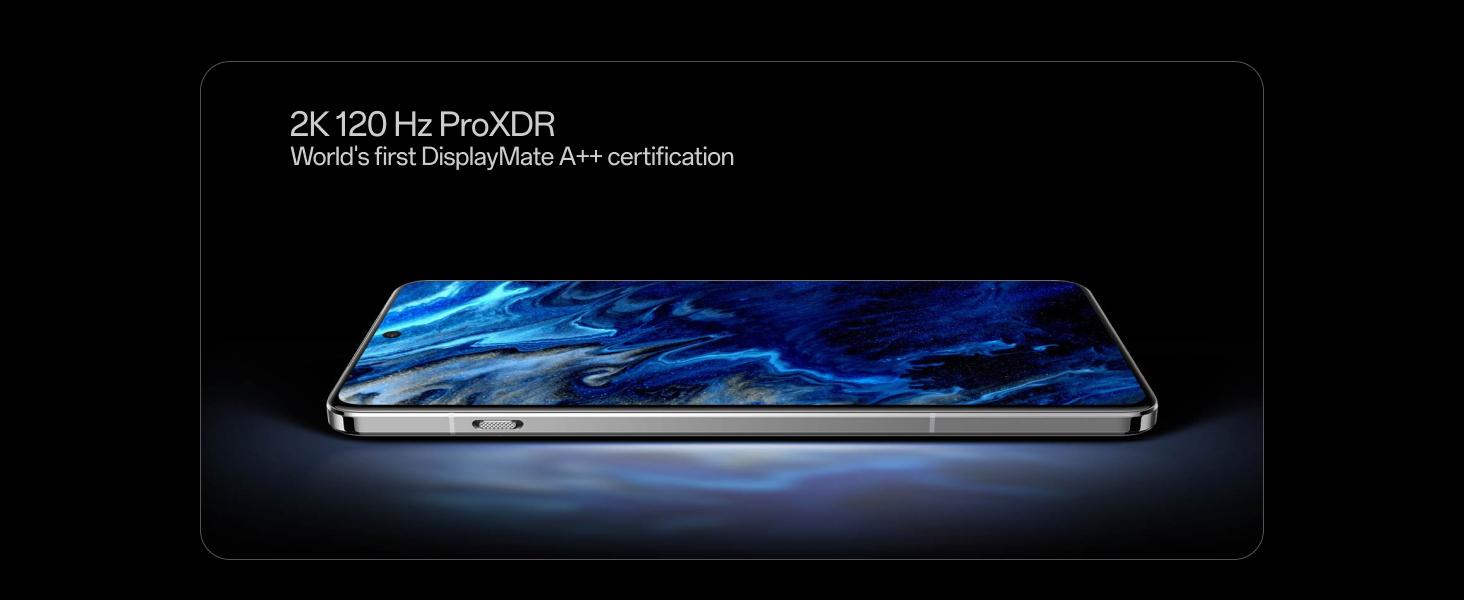
| Resolució de visualització | 3168 x 1440 Pixels (2K ProXDR) |
| Freqüència d'actualització | 120 Hz |
| Sistema de càmeres posteriors | Triple 50MP (Wide, 3X Telephoto, Ultra-wide) |
| Càmera frontal | 32 MP |
| Resolució de captura de vídeo | 4K |
| Capacitat de la bateria | 6000 mAh |
| Càrrega ràpida amb cable | 100W (36 minutes for 100% charge) |
| Dimensions (L x A x A) | 16.3 x 7.7 x 0.9 centímetres |
| Pes | 210 grams |
| Tipus de targeta SIM | Nano SIM dual |
| Resistència a l'aigua | IP69 i IP68 |
| Seguretat biomètrica | Reconeixement d'empremtes digitals |

OnePlus 13 smartphone, Midnight Ocean color, front view.
6. Informació de la garantia
6.1 Standard Manufacturer Warranty
The OnePlus 13 comes with a 1 any de garantia del fabricant for the device itself and 1 any de garantia del fabricant for in-box accessories, including batteries, from the date of purchase. This warranty covers manufacturing defects under normal use.
6.2 Garantia de pantalla de per vida
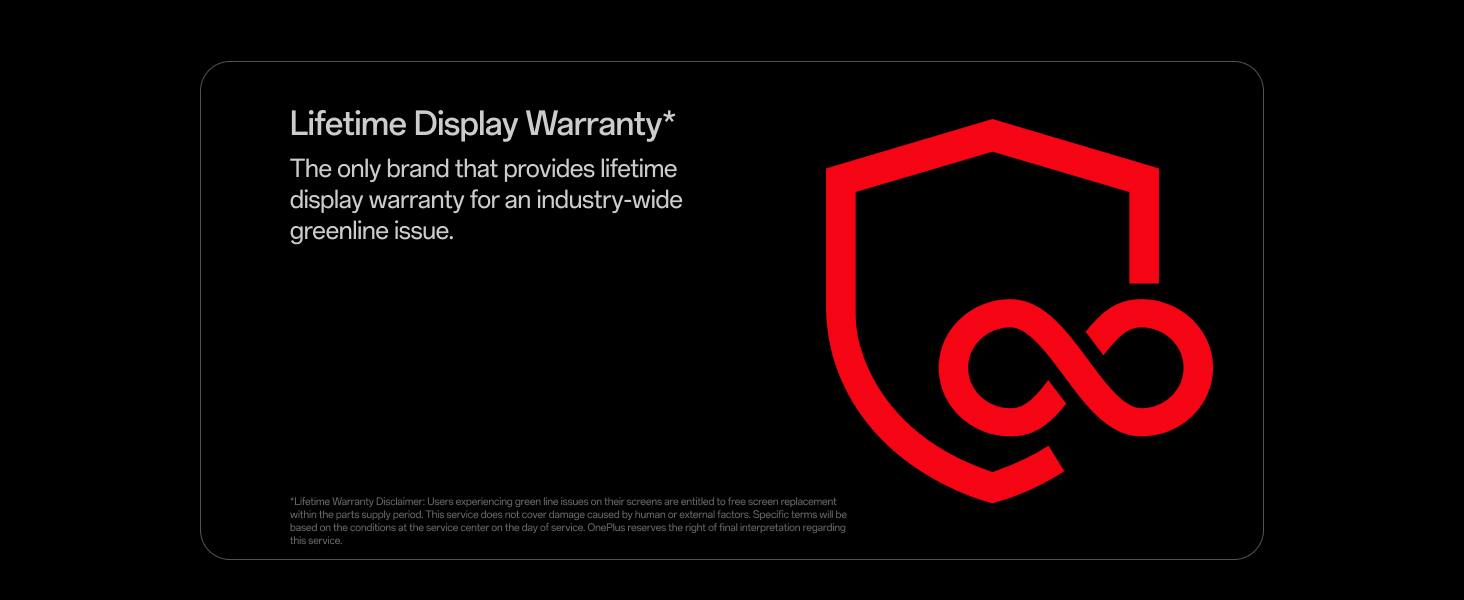
OnePlus provides a Garantia de pantalla de per vida specifically for industry-wide greenline issues. This warranty ensures free screen replacement for eligible issues within the product's supply period. This service does not cover damage caused by human error or external factors. Specific terms and conditions apply and are available from OnePlus customer service.
OnePlus 13 screen displaying the Lifetime Display Warranty logo and text.
7. Suport
7.1 Contactar amb el servei d'atenció al client
For technical assistance, warranty claims, or any other support inquiries, please contact OnePlus Customer Service:
- Número d'atenció al client: 1800 102 8411
- Suport de WhatsApp: +91-9289606888
Manufacturer Address: OPPO Mobiles India Private Limited, PLOT-NO.1, SECTOR ECOTECH-VII, GREATER, NOIDA, UTTAR PRADESH, India-201306