
1. Introducció
Thank you for choosing the Mophie powerstation prime20. This ultra-compact portable power bank is designed to provide reliable power for your mobile devices on the go. With a 20,000mAh internal battery, 18W USB-C PD fast charging, and the ability to charge up to three devices simultaneously, it ensures you stay connected throughout your day. This manual provides essential information for the safe and efficient use of your powerstation prime20.
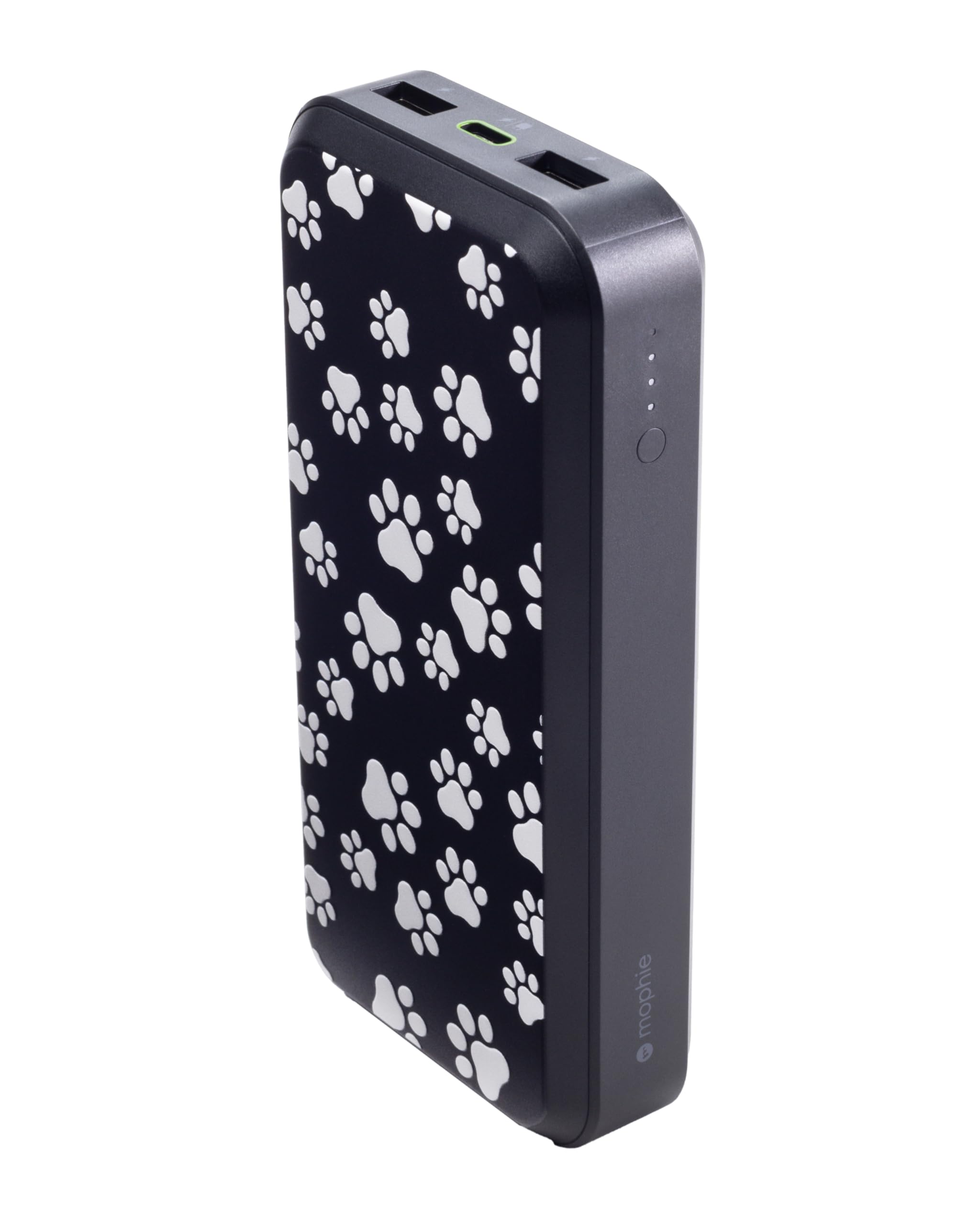
Image 1: Mophie powerstation prime20 with Dog Paws design.
2. Producte acabatview
The Mophie powerstation prime20 features multiple ports and an LED indicator for convenient power management.
- 20,000mAh Internal Battery: Provides extended battery life for your devices.
- 18W USB-C PD Fast Charging: Rapidly charges compatible devices.
- Càrrega multidispositiu: One USB-C port and two USB-A ports allow simultaneous charging of up to three devices.
- Indicador LED d'alimentació: Displays charging status and current battery level.
- Disseny sostenible: Fabricat amb fins a un 50% de plàstics reciclats postconsum.

Imatge 2: Frontal view of the powerstation prime20, highlighting its ports and LED indicators.
3. Contingut del paquet
Assegureu-vos que tots els elements siguin presents al paquet:
- Mophie powerstation prime20
- 1M USB-C to USB-C 60W TPE Cable
- Guia d'inici ràpid (no inclosa en aquest manual)
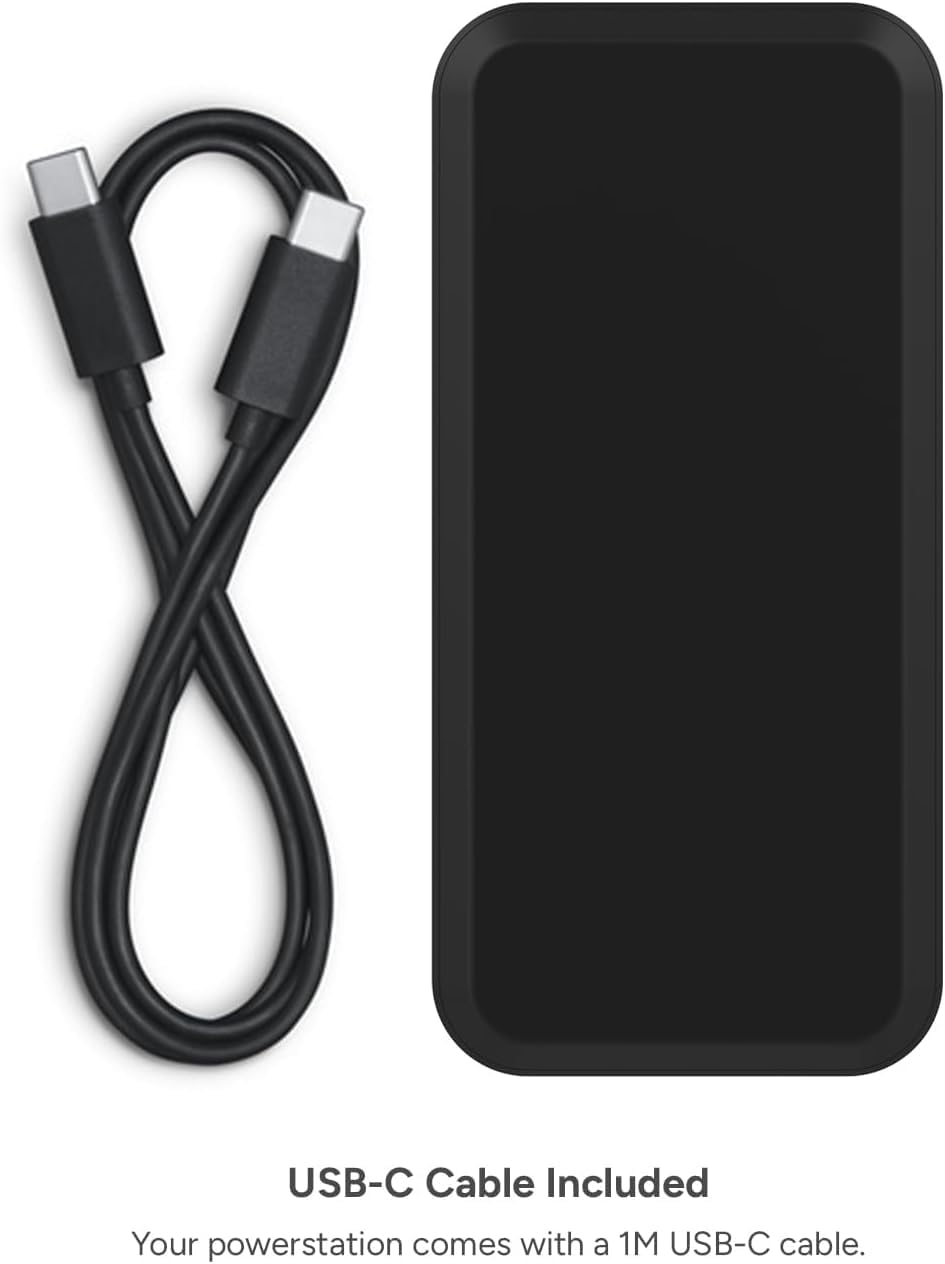
Image 3: The powerstation prime20 alongside its included 1M USB-C cable.
4. Configuració i càrrega inicial
Before using your powerstation prime20 for the first time, it is recommended to fully charge it.
- Connect the included USB-C cable to the USB-C PD port on the power bank.
- Connecteu l'altre extrem del cable USB-C a un adaptador de paret USB-C compatible (no inclòs).
- The LED power indicator lights will illuminate, indicating the charging progress. All four lights will be solid when fully charged.
Nota: For optimal charging speed, use an 18W or higher USB-C PD wall adapter.
5. Instruccions de funcionament
5.1 Càrrega dels vostres dispositius
La Powerstation Prime20 pot carregar fins a tres dispositius simultàniament.
- Connect your device's charging cable to one of the available USB-C PD or USB-A ports on the power bank.
- Connecteu l’altre extrem del cable al dispositiu.
- El banc d'energia començarà a carregar el dispositiu automàticament. Si no ho fa, prem el botó d'engegada una vegada per iniciar la càrrega.

Image 4: The powerstation prime20 charging an iPad, iPhone, and AirPods at the same time.
The USB-C PD port offers 18W fast charging for compatible devices, while the two USB-A ports provide standard charging. When all ports are used, the combined output is 15W.
5.2 LED indicador d'alimentació
The four LED lights on the side of the power bank indicate the battery level and charging status.
- Premeu el botó d'encesa una vegada: To check the current battery level.
- LEDs sòlids: Indiqueu la capacitat restant de la bateria.
- LEDs intermitents: Indicate the power bank is currently charging.
- All LEDs off: Power bank is off or fully discharged.

Imatge 5: Primer pla view of the LED power indicator lights on the powerstation prime20.
6. Informació de seguretat
- No exposeu el banc d'energia a temperatures extremes (superiors a 45 °C o inferiors a 0 °C).
- No desmunteu ni intenteu reparar el dispositiu.
- Mantenir allunyat de l'aigua i de la humitat elevada.
- Do not drop, puncture, or apply excessive force to the power bank.
- Desfeu-vos del banc d'energia de manera responsable d'acord amb la normativa local.
- Mantenir fora de l'abast dels nens.
7. Manteniment
- Netegeu el banc d'energia amb un drap suau i sec. No utilitzeu productes químics agressius ni materials abrasius.
- Guardeu el banc d'energia en un lloc fresc i sec quan no l'utilitzeu.
- For optimal battery life, fully charge and discharge the power bank at least once every three months.
8. Solució De Problemes
| Problema | Causa possible | Solució |
|---|---|---|
| El banc d'energia no es carrega | Cable or adapter issue; power bank fully charged. | Check cable and adapter connections. Try a different cable/adapter. Ensure power bank is not already full. |
| El dispositiu no es carrega des del banc d'energia | Power bank discharged; incorrect cable; device not compatible. | Recharge power bank. Use a compatible charging cable for your device. Ensure device is compatible with USB charging. Press power button to initiate charging. |
| Càrrega lenta | Non-fast charging cable/adapter; multiple devices connected. | Use an 18W USB-C PD adapter and cable for fast charging. Disconnect other devices for faster single-device charging. |
9. Especificacions
| Característica | Detall |
|---|---|
| Número de model | PS-PRIME-20 |
| Capacitat de la bateria | 20,000 mAh |
| Tipus de pila de bateria | Ió de liti |
| Tipus de connector | USB tipus A, USB tipus C |
| Nombre de Ports | 3 (1x USB-C PD, 2x USB-A) |
| Sortida USB-C PD | 18W |
| Sortida combinada | 15W (when all ports are used) |
| Característiques especials | Fast Charging, LED Indicator Lights |
| Dimensions (L x A x A) | 6.93" x 3.94" x 1.77" |
| Pes de l'article | 14.81 unces (aproximadament 420 grams) |
| Material | Up to 50% post-consumer recycled plastics |
10. Garantia i Suport
The Mophie powerstation prime20 comes with a Garantia del fabricant de 2 anys.
For warranty claims or technical support, please visit the official Mophie weblloc web o poseu-vos en contacte amb el servei d'atenció al client. Conserveu el comprovant de compra per validar la garantia.
Assistència en línia: www.mophie.com/support
11. Vídeo del producte
Watch the official product video for a visual guide on the Mophie powerstation prime20's features and usage.
Video 1: Official Mophie powerstation prime20 product overview. This video demonstrates the power bank's charging capabilities and features.


