Introducció
Gràcies per la compraasing the Generic Bluetooth True Wireless Earbuds. This manual provides detailed instructions on how to set up, operate, and maintain your earbuds to ensure optimal performance and longevity. Please read this manual carefully before use and keep it for future reference.
Informació de seguretat
Per garantir un ús segur i correcte, si us plau, observeu les precaucions següents:
- No exposeu els auriculars ni l'estoig de càrrega a temperatures extremes, humitat ni substàncies corrosives.
- Eviteu deixar caure, colpejar o desmuntar el dispositiu.
- Mantenir allunyat de nens i animals de companyia.
- No utilitzeu els auriculars a volums excessivament alts durant períodes prolongats per evitar danys auditius.
- Clean the earbuds with a soft, dry cloth only. Do not use liquids or abrasive cleaners.
- Eliminar el producte de manera responsable segons la normativa local.
Contingut del paquet
Si us plau, comproveu el paquet per veure si hi ha els elements següents:
- Generic True Wireless Earbuds (Left and Right)
- Estoig de càrrega
- Cable de càrrega USB
- Manual d'usuari
Producte acabatview
Familiarize yourself with the components of your new earbuds and charging case.

Image: The white wireless earbuds are securely placed inside their compact, transparent charging case. The case features a small loop string for easy portability. The earbuds themselves are sleek, with visible microphone grilles and indicator lights.
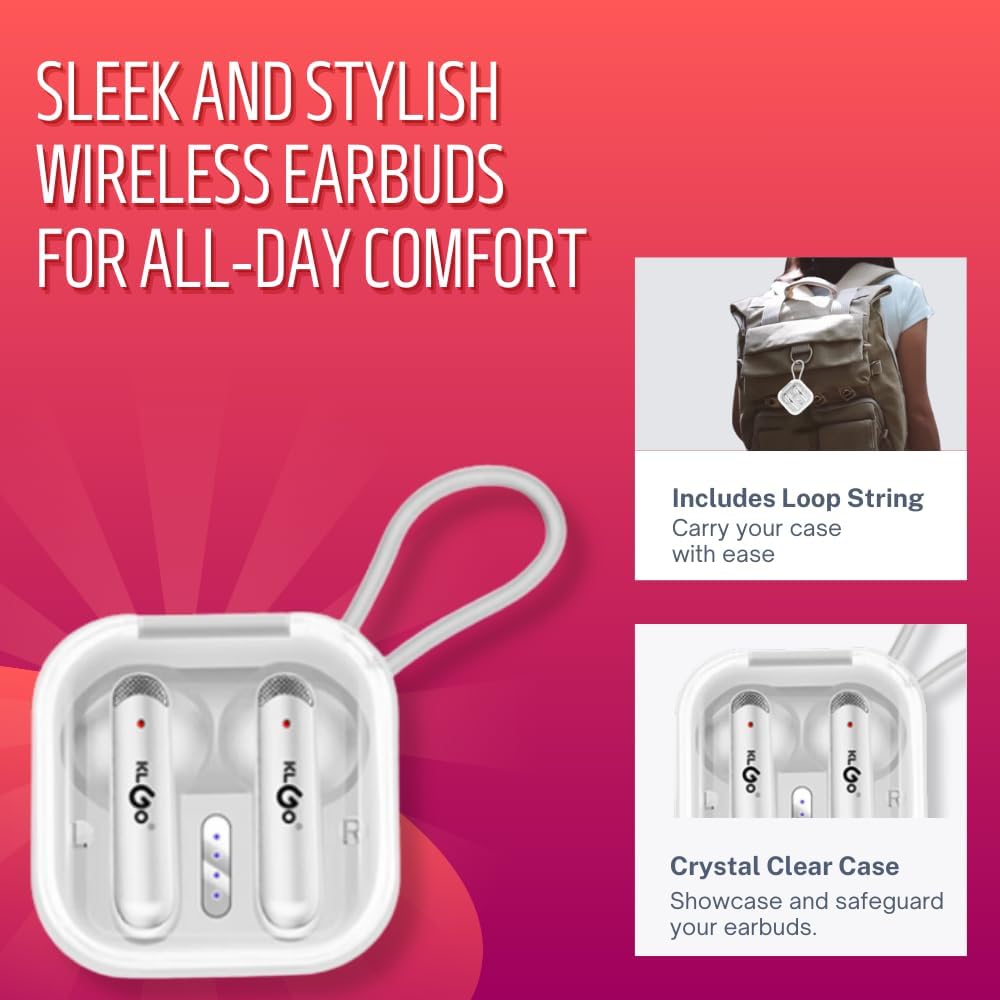
Image: A close-up of the white wireless earbuds in their clear charging case, highlighting the integrated loop string for convenient carrying and the transparent design of the case.
Configuració
1. Càrrega dels auriculars i l'estoig
Abans del primer ús, carregueu completament els auriculars i l'estoig de càrrega.
- Connect the USB charging cable to the charging port on the case and a power source (e.g., computer USB port, wall adapter).
- The indicator lights on the case will show charging status. Once fully charged, the lights will indicate completion or turn off.
- Col·loca els auriculars a l'estoig de càrrega. Començaran a carregar-se automàticament.

Image: The earbuds are shown within their charging case, with text overlays indicating a 230mAh charging case battery, 6-8 hours of call/music time, and a full charging duration of 1-1.5 hours.
2. Vinculació amb un dispositiu Bluetooth
Segueix aquests passos per connectar els auriculars al teu telèfon intel·ligent o a un altre dispositiu amb Bluetooth:
- Assegureu-vos que els auriculars estiguin carregats i col·locats a l'estoig de càrrega.
- Obre l'estoig de càrrega. Els auriculars entraran automàticament en mode d'emparellament i els seus indicadors lluminosos parpellejaran.
- Al dispositiu, vés a la configuració de Bluetooth i activa el Bluetooth.
- Cerca available devices. Select "HK-55BL-White" or similar name from the list.
- Once connected, the earbud indicator lights will stop flashing, and your device will confirm the connection.
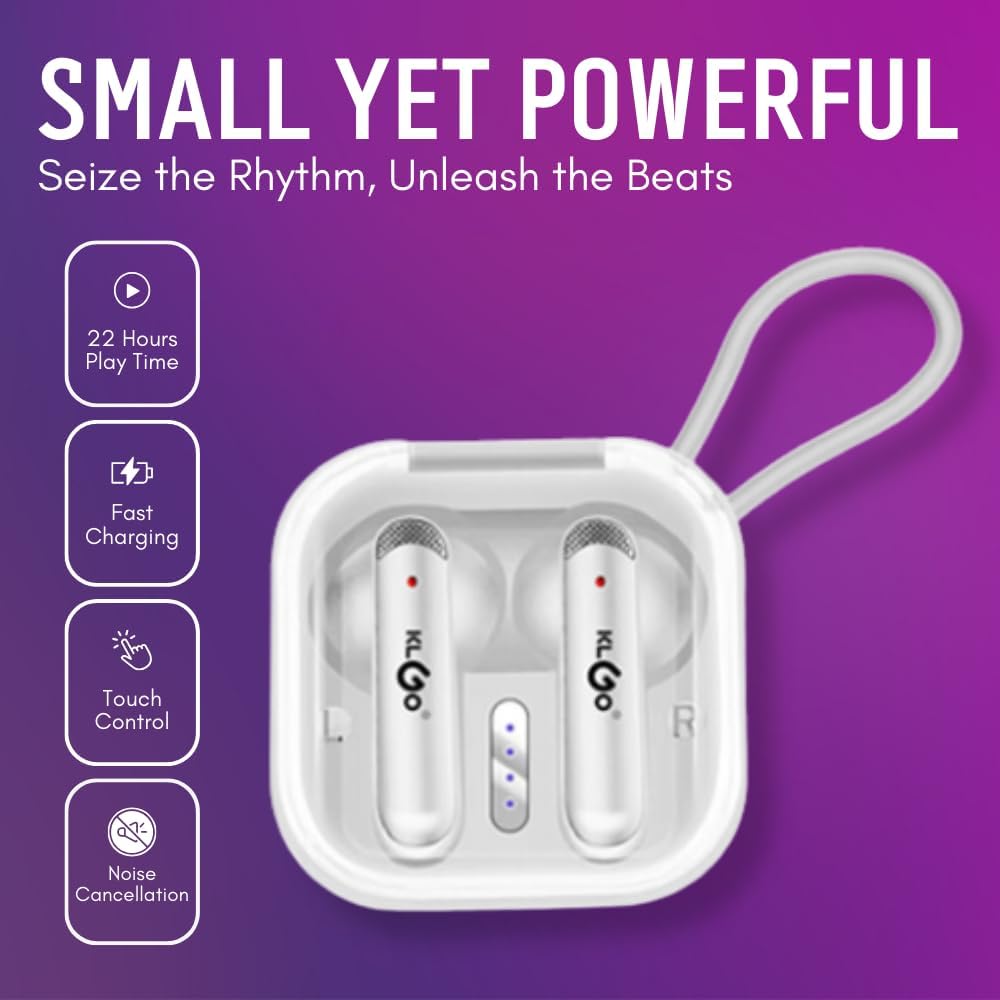
Image: The earbuds in their charging case, accompanied by icons and text indicating key features such as 22 hours of playtime, fast charging capability, touch control functionality, and noise cancellation.
Instruccions de funcionament
1. Encendre/apagar
- Encès: Open the charging case, and the earbuds will automatically power on. Alternatively, long-press the touch area on both earbuds for 3 seconds.
- Apagar: Place the earbuds back into the charging case and close the lid. They will automatically power off. Alternatively, long-press the touch area on both earbuds for 5 seconds.
2. Music Playback Controls (Touch Control)
| Acció | Control |
|---|---|
| Reproduir/Pausa | Un sol toc a qualsevol dels auriculars |
| Pista següent | Toqueu dues vegades l'auricular dret |
| Pista anterior | Toqueu dues vegades l'auricular esquerre |
| Puja el volum | Toqueu tres vegades l'auricular dret |
| Baixa el volum | Toqueu tres vegades l'auricular esquerre |
3. Call Management (Touch Control)
| Acció | Control |
|---|---|
| Respondre/Finalitzar la trucada | Un sol toc a qualsevol dels auriculars |
| Rebutja la trucada | Long press on either earbud for 2 seconds |
4. Assistent de veu
To activate your device's voice assistant (Siri, Google Assistant, etc.), long-press the touch area on either earbud for 3 seconds until you hear a prompt.
5. Mono Mode and Twin Stereo Mode
These earbuds support both mono and twin stereo modes:
- Mode estèreo doble: Use both earbuds together for a full stereo audio experience. This is the default mode when both earbuds are connected.
- Mode mono: Use a single earbud (either left or right) independently. Simply take one earbud out of the case, and it will connect to your device. The other earbud can remain in the case or be used by another person.
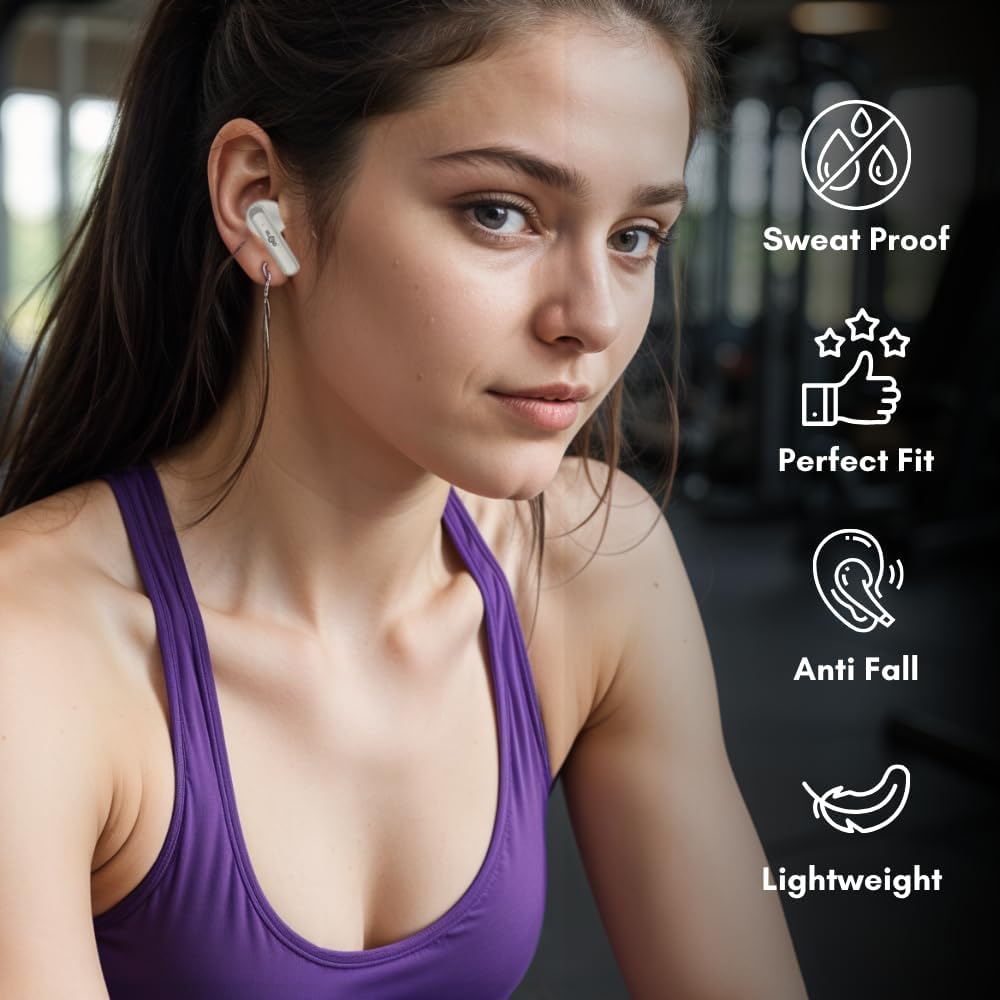
Image: A woman is shown wearing one of the white wireless earbuds during a workout, illustrating the comfortable and secure fit, as well as the sweat-proof design suitable for active use.
Manteniment
1. Neteja
Una neteja regular ajuda a mantenir la qualitat del so i la higiene:
- Feu servir un drap suau, sec i sense borrissol per netejar els auriculars i l'estoig de càrrega.
- No utilitzeu productes químics aggressivs, dissolvents de neteja o detergents forts.
- Traieu suaument qualsevol cerumen o restes de la malla dels auriculars amb un raspall petit i suau o un bastonet de cotó.
2. Emmagatzematge
Quan no els utilitzeu, guardeu els auriculars a la seva funda de càrrega per protegir-los i mantenir-los carregats. Guardeu la funda en un lloc fresc i sec, allunyat de la llum solar directa.
3. Resistència a l'aigua (IPX4)
The earbuds are rated IPX4 waterproof, meaning they are resistant to splashing water from any direction. This makes them suitable for workouts and light rain. However, they are not designed for submersion in water or for use during swimming or showering. Do not expose the charging case to water.

Image: The earbuds in their charging case, with icons and text emphasizing features such as crystal-clear sound, a sleek pocket design, and an IPX4 waterproof rating.
Resolució de problemes
If you encounter any issues, please refer to the following table for common problems and solutions:
| Problema | Possible solució |
|---|---|
| Els auriculars no s'aparellen |
|
| Només funciona un auricular |
|
| Sense so |
|
| La funda de càrrega no es carrega |
|
Especificacions
Key technical specifications for your Generic Bluetooth True Wireless Earbuds:
| Característica | Detall |
|---|---|
| Nom del model | Auriculars Bluetooth sense fil |
| Tecnologia de connectivitat | Sense fil (Bluetooth) |
| Tecnologia de comunicació sense fils | Bluetooth |
| Tipus de control | Control tàctil |
| Durada de la bateria | 22 hores (total amb estoig de càrrega) |
| Caixa de càrrega de la bateria | 230 mAh |
| Call/Music Time (per charge) | 6-8 hores |
| Full Charging Duration | 1-1.5 hores |
| Classificació de resistència a l'aigua | IPX4 |
| Micròfon | Built-in (CVC noise reduction) |
| Col·locació de l'orella | A l'orella |
| Factor de forma | A l'orella |
| Impedància | 4 ohms |
| Material | Plàstic |
| Pes de l'article | 1 pounds (product + packaging) |
| Color | Blanc |
| Fabricant | Yiwu Better Culture Co.Ltd |
| País d'origen | Xina |
Garantia i Suport
For warranty information or technical support, please refer to the contact details provided with your purchase or visit the manufacturer's official weblloc web. Conserveu el comprovant de compra per a qualsevol reclamació de garantia.


