
1. Producte acabatview
The Philips S1108 is a compact and portable Bluetooth speaker designed for versatile audio playback. It features 3W RMS mono sound, TWS stereo pairing capability, vibrant LED light effects, and convenient USB-C charging. This manual provides essential information for setting up, operating, and maintaining your speaker.
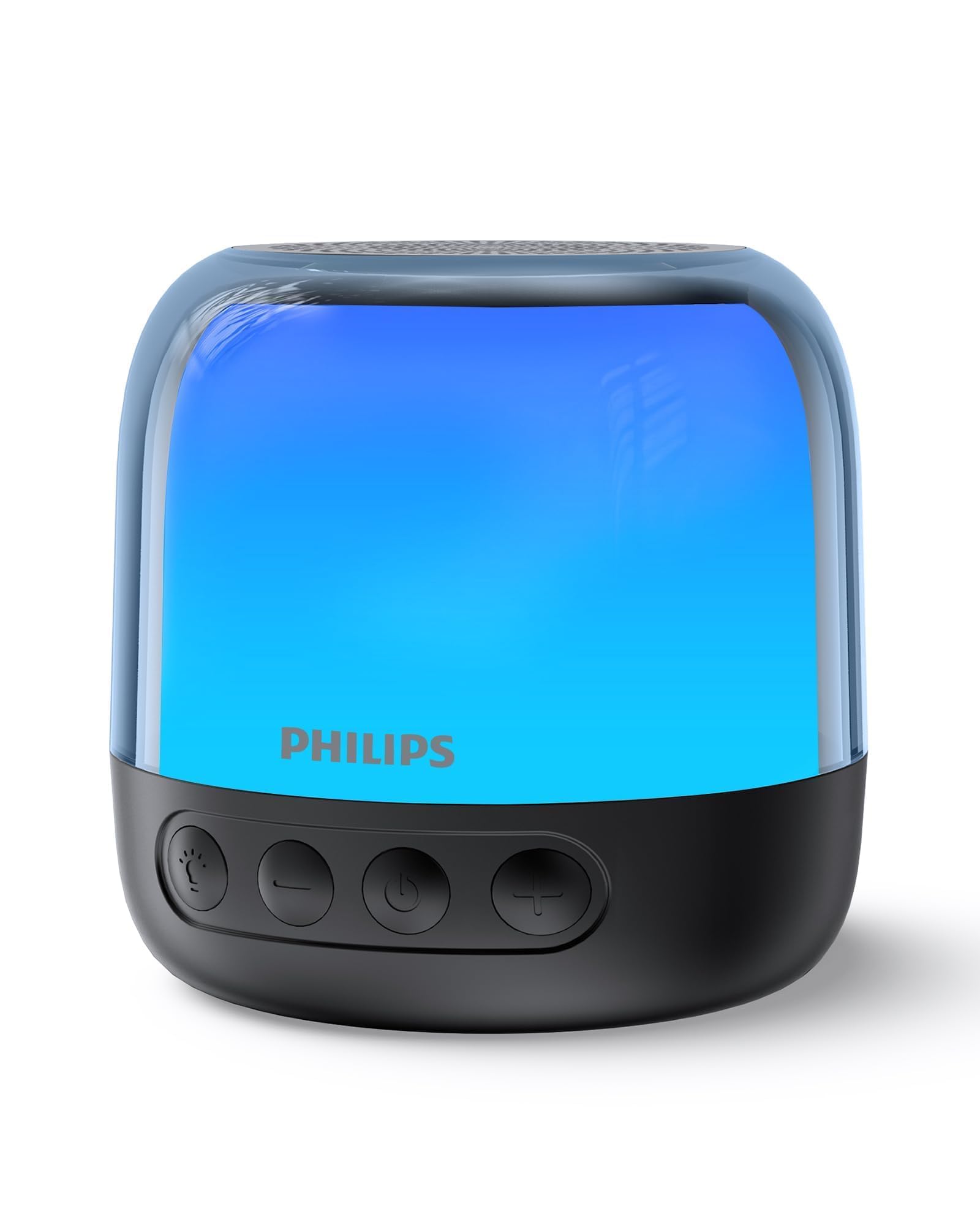
Figure 1: Philips S1108 Portable Bluetooth Speaker
2. Què hi ha a la caixa
Carefully unpack the contents of the box. Ensure all items are present and in good condition.
- Philips S1108 Portable Bluetooth Speaker
- Guia d'instal·lació ràpida
- Full de garantia de seguretat
- Corretja de transport
- Cable de càrrega USB (USB-C)
3. Característiques del producte
- Immersive 3W RMS Mono Sound: Experience clear and rich audio with a 52mm full-range driver.
- Emparellament estèreo TWS: Connect two identical S1108 speakers for a true stereo sound experience.
- Vibrant LED Light Effects: Choose from multiple lighting modes, including multi-colored lights and a soft white night light.
- Long-lasting 9-Hour Playtime: Gaudeix de sessions d'escolta prolongades amb una sola càrrega.
- Convenient USB-C Charging: Quickly recharge the speaker with the included USB-C cable.
- Bluetooth & TF Card Playback: Stream music wirelessly or play directly from a TF card.
4. Configuració
4.1 Càrrec inicial
Before first use, fully charge the speaker. Connect the provided USB-C cable to the speaker's charging port and the other end to a USB power adapter (not included).
4.2 Encès/Apagat
Manteniu premut el botó d'encesa (⏻) located on the front of the speaker to turn it on or off.
4.3 Vinculació Bluetooth
- Assegureu-vos que l'altaveu estigui encès i en mode d'emparellament (l'indicador LED parpellejarà).
- Al dispositiu mòbil, activeu el Bluetooth i cerqueu els dispositius disponibles.
- Select "Philips S1108" from the list to connect.
- Once connected, the speaker will emit an audible confirmation, and the LED indicator will show a steady light.

Figure 2: Connecting to the speaker via Bluetooth.
4.4 TWS (True Wireless Stereo) Emparellament
To achieve a true stereo sound experience, you can pair two identical Philips S1108 speakers.
- Assegureu-vos que els dos altaveus S1108 estiguin encesos i no connectats a cap dispositiu Bluetooth.
- On one speaker (this will be the primary speaker), press and hold the TWS button (often indicated by a chain link icon or similar) until you hear a pairing tone.
- L'altaveu principal cercarà automàticament l'altaveu secundari.
- Once successfully paired, both speakers will emit a confirmation tone, and their LED indicators will synchronize.
- Connect your mobile device to the primary speaker via Bluetooth as described in section 4.3.
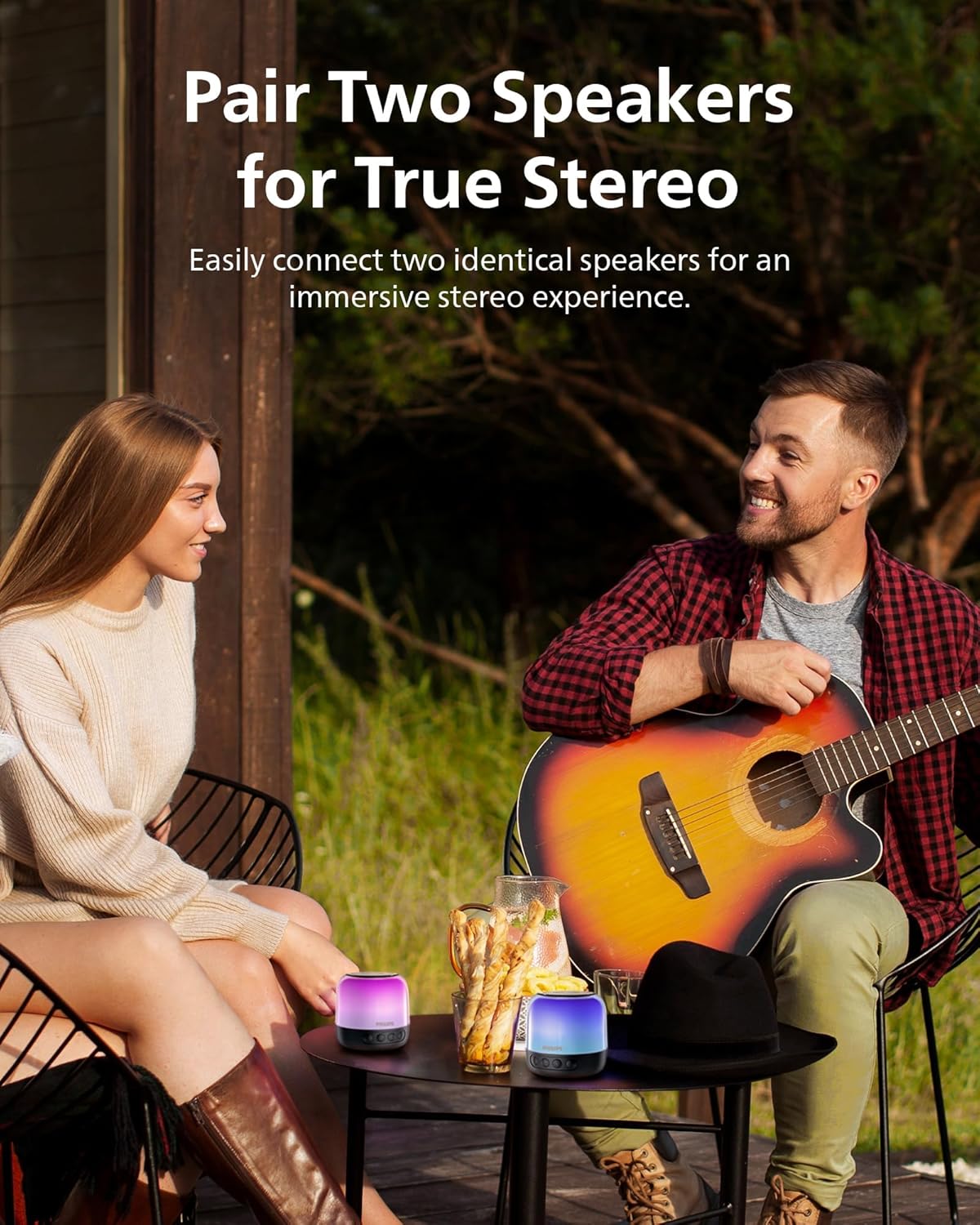
Figure 3: Two speakers paired for TWS stereo sound.
5. Instruccions de funcionament
5.1 Controls bàsics
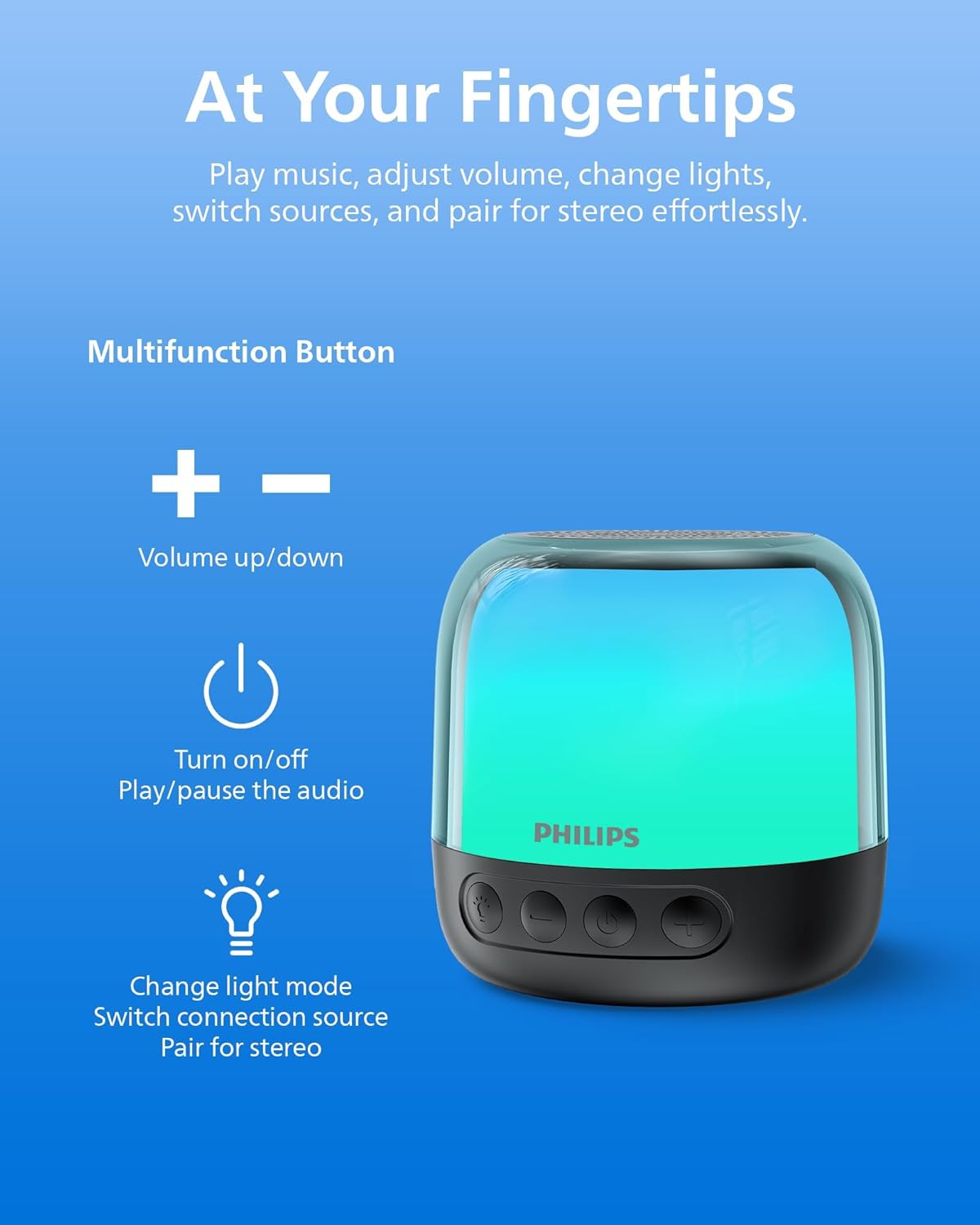
Figure 4: Speaker control buttons.
| Botó | Funció |
|---|---|
| ⏻ (Potència) | Press and hold to Power On/Off. Short press to Play/Pause audio. |
| + (Pujar el volum) | Premeu curt per augmentar el volum. Premeu llargament per passar a la següent pista. |
| - (Baixar el volum) | Premeu curt per baixar el volum. Premeu llargament per anar a la pista anterior. |
| Botó Llum/Mode | Short press to cycle through LED light modes. Long press to switch between Bluetooth and TF Card modes. |
| Botó TWS | Press and hold to initiate TWS pairing (for two identical speakers). |
5.2 modes de llum LED
The speaker offers various LED light modes to enhance your listening experience. Short press the Light/Mode button to cycle through the available options, including multi-colored effects and a soft white night light.
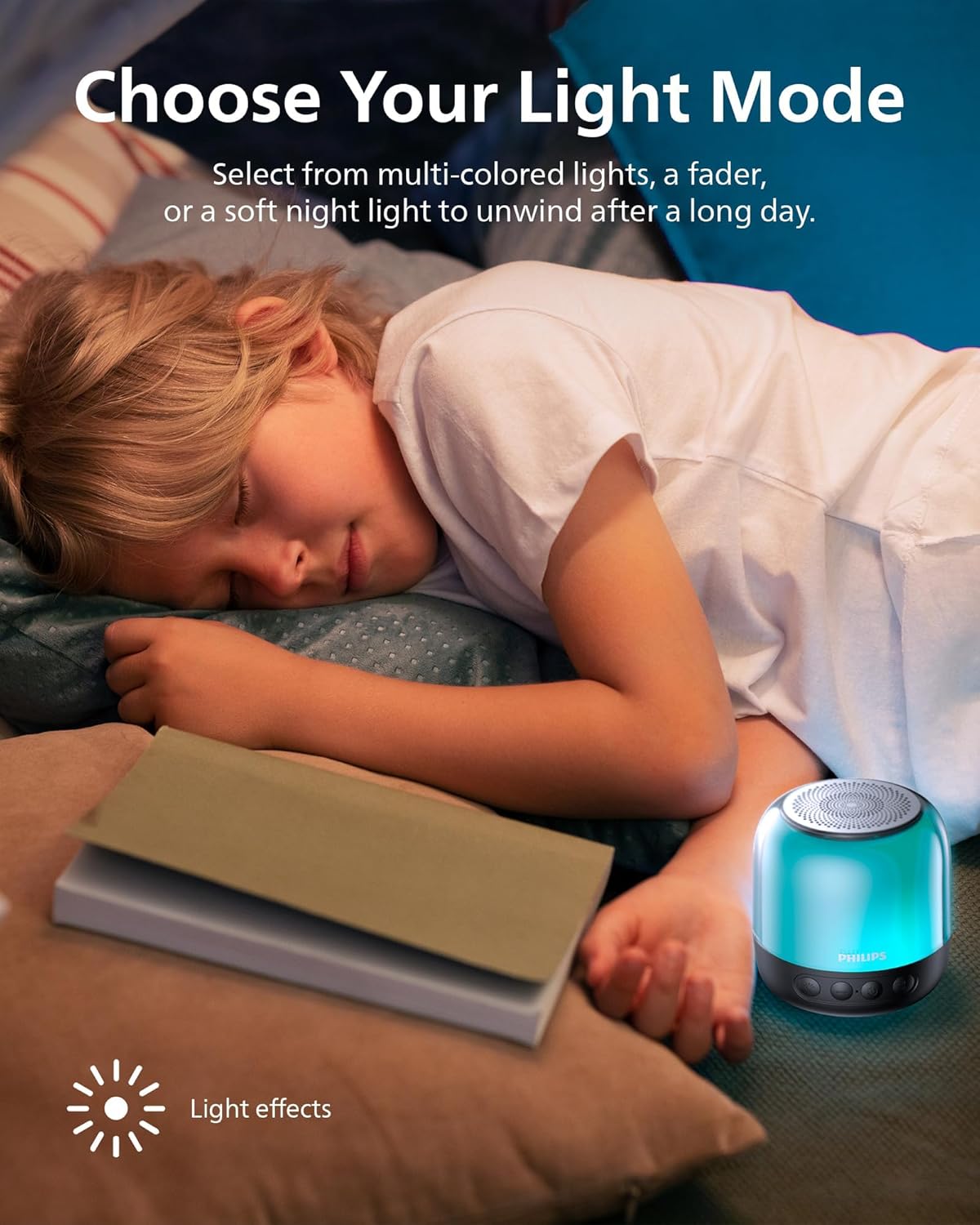
Figura 5: Presentació del ponentasing different LED light modes.
Reproducció de targetes TF 5.3
Insert a TF (MicroSD) card with your desired audio files into the designated slot on the speaker. The speaker will automatically switch to TF Card mode. If it does not, long press the Light/Mode button to switch input sources.

Figure 6: TF card slot and USB-C charging port.
6. Carregant l’altaveu
The Philips S1108 speaker is equipped with a built-in rechargeable battery providing up to 9 hours of playtime. When the battery is low, the LED indicator may change or flash, and an audible alert might sound.
- Connect the provided USB-C cable to the speaker's USB-C charging port.
- Connecteu l'altre extrem del cable USB-C a una font d'alimentació USB compatible (per exemple, un adaptador de paret, un port USB de l'ordinador).
- The LED indicator will show charging status (e.g., solid red while charging, off or green when fully charged).

Figure 7: Speaker indicating 9 hours of playtime on a full charge.
7. Especificacions
| Característica | Detall |
|---|---|
| Marca | Philips |
| Número de model | TAS1108BK/37 |
| Tipus d'altaveu | Altaveu Bluetooth portàtil |
| Tecnologia de connectivitat | Bluetooth 5.3 |
| Mode de sortida d'àudio | Estèreo (amb emparellament TWS) |
| Potència de sortida màxima dels altaveus | 6 watts |
| Diàmetre del woofer | 52 mil·límetres |
| Resposta de freqüència | 16 kHz |
| Durada mitjana de la bateria | 9 hores |
| Font d'alimentació | Funciona amb bateria (necessita 1 bateria de ions de liti) |
| Mètode de control | Toqueu els botons |
| Característiques addicionals | LED Light, Stereo Pairing, USB Port (for charging) |
| Dimensions de l'article (D x W x H) | 3.07 "P x 3.19" W x 3.19" H |
| És impermeable | Fals |
8. Manteniment
- Neteja: Feu servir un drap suau i sec per netejar l'exterior de l'altaveu. No utilitzeu productes de neteja abrasius ni dissolvents.
- Emmagatzematge: Guardeu l'altaveu en un lloc fresc i sec, allunyat de la llum solar directa i de temperatures extremes.
- Cura de la bateria: Per allargar la durada de la bateria, eviteu descarregar-la completament amb freqüència. Carregueu l'altaveu regularment, fins i tot si no l'utilitzeu durant períodes prolongats.
- Exposició a l'aigua: Aquest altaveu no és impermeable. Eviteu exposar-lo a l'aigua o a una humitat excessiva.
9. Solució De Problemes
| Problema | Causa possible | Solució |
|---|---|---|
| L'altaveu no s'encén. | La bateria està esgotada. | Carregueu l'altaveu amb el cable USB-C proporcionat. |
| No es pot emparellar per Bluetooth. | L'altaveu no està en mode d'emparellament o ja està connectat a un altre dispositiu. | Ensure the speaker is powered on and the LED indicator is flashing. Disconnect from other devices if necessary. Restart Bluetooth on your mobile device. |
| Sense so o amb un volum baix. | El volum de l'altaveu o del dispositiu connectat és massa baix. | Augmenta el volum tant de l'altaveu com del dispositiu connectat. |
| L'emparellament TWS falla. | Speakers are not identical or too far apart. | Ensure both speakers are Philips S1108 models. Place them within close proximity (within 1 meter) during pairing. |
| TF Card not recognized. | Card is not inserted correctly or is corrupted. | Reinsert the TF card. Ensure the card is formatted correctly and contains compatible audio files. Long press the Light/Mode button to switch to TF Card mode. |
10. Garantia i Suport
This Philips S1108 Portable Bluetooth Speaker comes with a 1 anys de garantia del fabricant. Please refer to the included Safety Warranty Sheet for detailed terms and conditions.
For technical support or warranty claims, please contact Philips customer service or visit their official support weblloc web. Conserveu el comprovant de compra per validar la garantia.
11. Vídeos de productes
11.1 Portable Bluetooth Speaker Overview
Vídeo 1: Un overview of the Philips S1108 Portable Bluetooth Speaker, highlighting its portability, LED light features, and ease of use for various environments.
11.2 Speaker Features and Connectivity
Video 2: Demonstrates the compact size, durability, Bluetooth pairing process, LED light mode changes, and the ability to answer calls through the speaker.