
1. Introducció
This manual provides detailed instructions for the installation, operation, and maintenance of your Eonon Android 14 Car Stereo Navigation system, model DGRMX7. Please read this manual thoroughly before use to ensure proper functionality and to maximize your user experience. This unit is designed to enhance your vehicle's infotainment capabilities with advanced navigation, multimedia, and connectivity features.

Figure 1.1: Eonon Android 14 Car Stereo Navigation DGRMX7 unit with included accessories.
2. Vehicles compatibles
The Eonon DGRMX7 car stereo is specifically designed for the following vehicle models:
- Dodge RAM 1500/2500/3500 (2013-2018) with Manual AC
- Dodge RAM 1500 Classic (2019-2024) with Manual AC
Important Note: This car stereo is only suitable for installation in vehicles equipped with manual air conditioning. It is not compatible with models that have automatic air conditioning.

Figure 2.1: Compatible vehicle dashboards with manual AC controls.
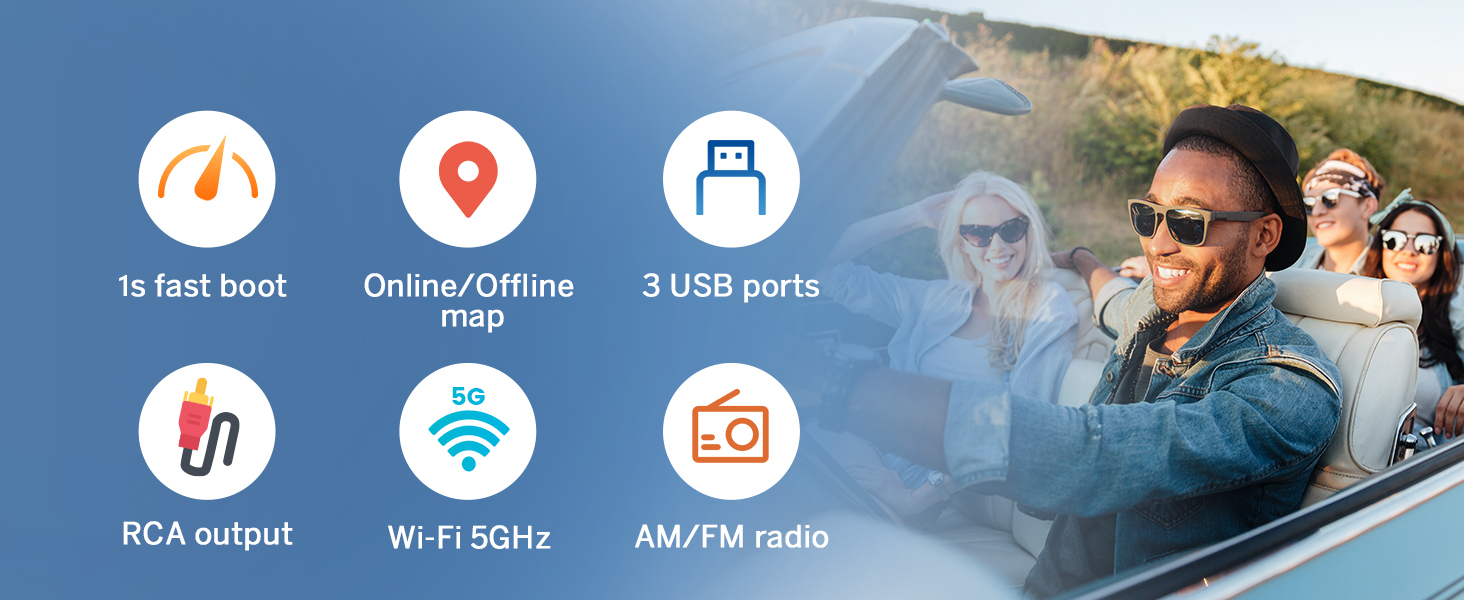
Figure 2.2: Incompatible vehicle dashboards with automatic AC controls.
3. Què hi ha a la caixa
The following components are included with your Eonon DGRMX7 unit:

Figure 3.1: Contents of the Eonon DGRMX7 package.
- Eonon DGRMX7 Head Unit
- Audio Video Adapter Cables (x2)
- CarPlay & Android Auto USB Adapter Cable (x1)
- USB Adapter Cable (x1)
- Backup Camera Video Input Cable (x1)
- Radio Antenna Adapter Cable (x1)
- Cable d'alimentació (x1)
- GPS Antenna (x1)
- External Microphone (x1)
- Altaveu (x1)
- USB Adapter Cable (x1)
- CAN Bus (x1)
- Spare Fuse (x1)
- Adhesive Pad (x1)
- Manual d'usuari (x1)
- Backup Camera (A0125)
4. Configuració i instal·lació
Installation of the Eonon DGRMX7 unit requires careful attention to wiring and vehicle disassembly. It is recommended to consult a professional if you are unfamiliar with car stereo installations.
4.1. Passos generals d'instal·lació
- Desconnecta la bateria: Before starting, disconnect both positive and negative terminals of your vehicle's battery to prevent electrical shorts.
- Treure la ràdio de fàbrica: Carefully remove the dashboard trim and the existing factory radio unit. Refer to your vehicle's service manual for specific instructions on trim removal.
- Connecteu l'arnès de cablejat: Connect the provided wiring harness to the vehicle's factory harness. Ensure all connections are secure.
- Instal·leu la unitat principal: Mount the Eonon DGRMX7 head unit into the dashboard opening. Secure it with screws.
- Torneu a connectar la bateria: Once all connections are made and the unit is secured, reconnect the vehicle's battery.
- Funcionalitat de prova: Power on the unit and test all functions, including audio, navigation, Bluetooth, and steering wheel controls.
4.2. Esquema de cablejat

Figure 4.1: Eonon DGRMX7 Wiring Diagram.
4.3. Guia de vídeo d'instal·lació
Per obtenir una guia visual del procés d'instal·lació, consulteu el vídeo següent:
Vídeo 4.1: Instal·lació acabadaview for the Eonon car stereo in a Dodge RAM 1500. This video demonstrates the removal of the stock radio, installation of the new head unit, wiring connections, and testing of features like the backup camera and audio equalizer.
5. Instruccions de funcionament
5.1. Funcionament bàsic
- Encès/apagat: Premeu i manteniu premut el botó d'engegada de la unitat o feu servir el contacte del vehicle.
- Interfície de pantalla tàctil: The 9-inch IPS HD touchscreen (1280x720 resolution) provides a responsive and clear interface for all functions.
- Control de volum: Use the physical buttons or on-screen controls to adjust volume.

Figure 5.1: 9-inch IPS HD Touchscreen display.
5.2. Smartphone Integration (CarPlay & Android Auto)
The DGRMX7 supports both wireless and wired Apple CarPlay and Android Auto.
5.2.1. Wireless Apple CarPlay Connection
- Click the Zlink5 app on the car stereo.
- Turn on Wi-Fi and Bluetooth on your iPhone.
- Find 'EONON' in your phone's Bluetooth device list and pair it.
- Once connected, tap 'Use CarPlay' and wait a few seconds for the connection to complete.

Figure 5.2: Wireless Apple CarPlay connection steps.
5.2.2. Connexió automàtica d'Android sense fil
- Click the Zlink5 app on the car stereo.
- Turn on Wi-Fi and Bluetooth on your Android phone.
- Find 'EONON' in your phone's Bluetooth device list and pair it.
- Wait a few seconds for the connection to complete.

Figure 5.3: Wireless Android Auto connection steps.
5.3. Mirall de pantalla
Project your phone's screen onto the car stereo display.
5.3.1. Screen Mirroring for iOS
- Click the Zlink5 app on the car stereo. Set the car stereo to iPhone wireless screen mirroring mode.
- Turn on the iPhone hotspot and connect to the car stereo.
- Turn on the iPhone screen mirroring function and select "zj-airplay".
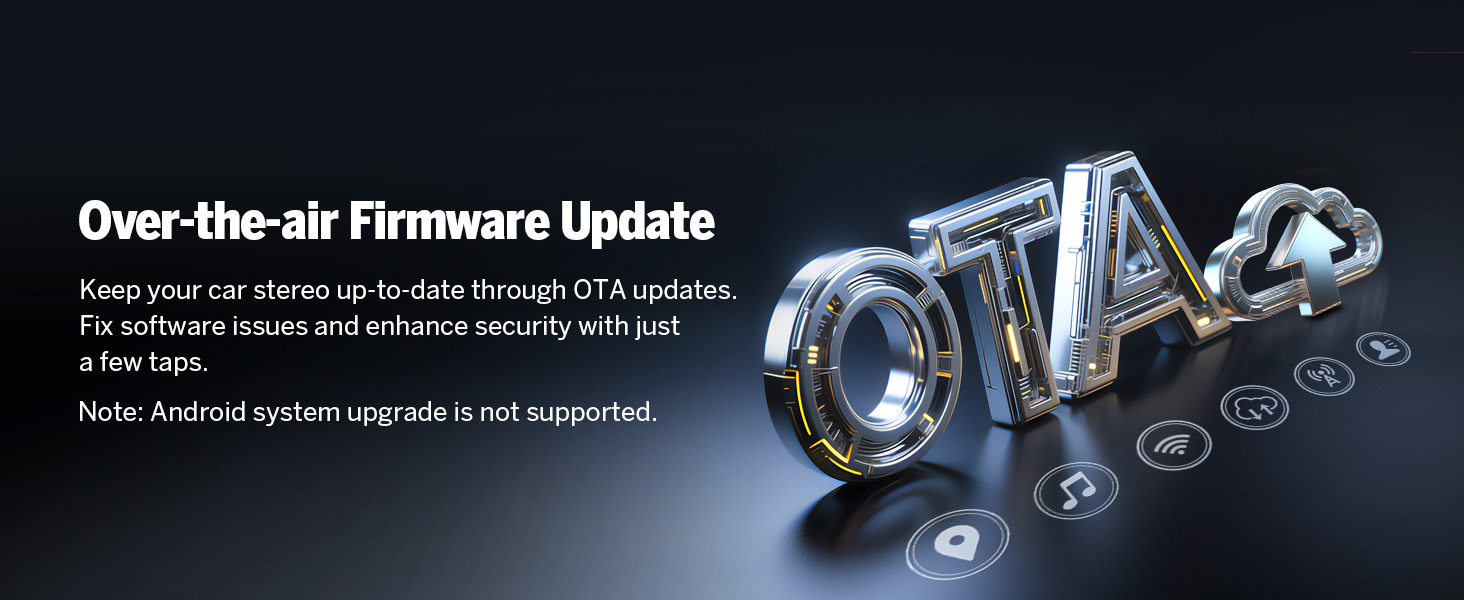
Figure 5.4: iOS Screen Mirroring steps.
5.3.2. Screen Mirroring for Android
- Click the Zlink5 app on the car stereo. Set the car stereo to Android wireless screen mirroring mode.
- Turn on your phone's hotspot and connect to the car stereo.
- Install the Zplus app on your phone. Turn on the app and select "wireless connection".

Figure 5.5: Android Screen Mirroring steps.
5.4. Audio Settings and Equalizer
The unit features a professional 32-bit DSP with FFT Acceleration and a 48-band EQ with 3D Surround & Virtual Bass for optimized sound. You can customize audio profiles a la vostra preferència.

Figure 5.6: Audio Equalizer interface with preset modes.
5.5. Navegació
The unit supports both online and offline GPS navigation. You can use pre-installed maps or download your preferred navigation apps from the Google Play Store.
5.6. Connectivitat Bluetooth
Equipped with an independent Bluetooth module and an extra Bluetooth antenna, the DGRMX7 offers quick and stable connections, noise reduction, crystal-clear call quality, and high-quality music streaming via Bluetooth 5.4.
- Trucades mans lliures: Feu i rebeu trucades directament des de l'equip de música.
- Sincronització de contactes: Sync your phone's contacts for easy access.
- Reproducció de música: Stream audio from your Bluetooth-enabled device.

Figure 5.7: Bluetooth connectivity features.
5.7. Ràdio
The unit includes a high-quality FM/AM radio with RDS support.
5.8. Personalització
Personalize your stereo's appearance and functionality:
- Temes d'IU: Choose from 3 customizable UI themes.
- Boot Logo: Customize the startup logo.
- Color del botó: Adjust the color of the physical buttons.
- Fons de pantalla: Set custom wallpapers.

Figure 5.8: Customization options for the user interface.
5.9. Característiques OEM conservades
The DGRMX7 is designed for plug-and-play installation, retaining several factory features of your Dodge RAM:
- Comandaments del volant
- Door Information Display
- Driving Data Display
- AC Information Display

Figure 5.9: Retained factory features.
6. Manteniment
6.1. Actualitzacions de programari (OTA)
The Eonon DGRMX7 supports Over-The-Air (OTA) firmware updates. These updates help fix software issues and enhance security, ensuring your head unit remains up-to-date. Updates are for software improvements and do not upgrade the Android system version.

Figure 6.1: Over-The-Air (OTA) Firmware Update process.
7. Solució De Problemes
- Sense energia: Ensure all power cables are securely connected and the vehicle's battery is properly reconnected. Check the fuse.
- Sense so: Verify speaker connections and audio settings. Check the equalizer settings.
- Backup Camera 'No Signal': If your vehicle has a factory backup camera and you see 'no signal' when in reverse, you may need to sync it with the new unit. While in reverse and the 'no signal' message is displayed, press and hold your finger on the screen until a new smaller screen appears. This interface allows you to pair the rear camera. Remember to save any changes.
- Problemes de connectivitat Bluetooth: Assegura't que el Bluetooth estigui activat tant a l'equip de música com al telèfon. Prova de desvincular i tornar a vincular els dispositius.
- Pèrdua de senyal GPS: Assegureu-vos que l'antena GPS estigui instal·lada correctament i que tingui una línia de visió clara cap al cel.
8. Especificacions
| Característica | Especificació |
|---|---|
| Sistema operatiu | Android 14 |
| Processador | Rockchip (High performance, low power consumption) |
| RAM | 3 GB |
| ROM (emmagatzematge intern) | 32 GB |
| Mida de la pantalla | 9 polzades |
| Tipus de visualització | IPS HD Touchscreen |
| Resolució | 1280 x 720 |
| CarPlay i Android Auto | Sense fil/per cable |
| Versió Bluetooth | 5.4 |
| Connectivitat Wi-Fi | Yes (5GHz support) |
| GPS | Online/Offline Navigation (Worldwide map type) |
| Ràdio | FM/AM with RDS |
| Potència de sortida d'àudio | ST 4 x 45W Amp |
| DSP | Professional 32-bit with FFT Acceleration |
| Equalitzador | 48-Band EQ with 3D Surround & Virtual Bass |
| Ports USB | 3 |
| Suport de càmera de seguretat | 720P AHD (A0125 included) |
| Dashcam Support | Eonon A100 (not included) |
| Suport OBD2 | V0056 (not included) |
| Pes de l'article | 5.1 lliures (2.32 quilograms) |
| Dimensions del paquet | 13.62 x 12.52 x 6.65 polzades |
9. Garantia i Suport
The Eonon DGRMX7 comes with a 2 any de garantia del fabricant. For technical support, troubleshooting assistance, or warranty claims, please contact Eonon customer service through their official weblloc web o el venedor on es va comprar el producte.
Hi ha plans de protecció addicionals disponibles per a la compra:
- Pla de protecció de 2 anys
- Pla de protecció de 3 anys
- Protecció completa (subscripció mensual)