
Introducció
This manual provides detailed instructions for the setup, operation, and maintenance of your GOBOULT Rover Pro Smartwatch. Please read this manual thoroughly before using your device to ensure proper functionality and to maximize your user experience.

Image: GOBOULT Rover Pro Smartwatch, showcasing its sleek design and digital time display.
Contingut del paquet
Upon opening your GOBOULT Rover Pro Smartwatch package, verify that all items listed below are present:
- GOBOULT Rover Pro Smartwatch
- Cable de càrrega
- Manual d'usuari (aquest document)
Configuració
1. Càrrega del rellotge intel·ligent
Before initial use, fully charge your GOBOULT Rover Pro Smartwatch. Connect the provided charging cable to the charging port on the back of the smartwatch and to a standard USB power adapter (not included). A full charge typically takes approximately 150 minutes (2.5 hours).

Image: Illustration of the smartwatch charging, highlighting battery life and charging duration.
2. Encès / apagat
- Encès: Premeu i manteniu premut el botó lateral fins que la pantalla s'il·lumini.
- Apagar: Mantingueu premut el botó lateral i, a continuació, seleccioneu "Apagar" a la pantalla.
3. Instal·lació i emparellament de l'aplicació
To unlock the full potential of your smartwatch, download and install the companion application on your smartphone. The application can typically be found by scanning a QR code in the watch's settings or by searching for "GloryFit" in your smartphone's app store. Once installed:
- Activa el Bluetooth al teu telèfon intel·ligent.
- Open the companion app and follow the on-screen instructions to add your device.
- Select "GOBOULT Rover Pro" from the list of available devices to pair.
- Confirma la sol·licitud d'emparellament tant al teu telèfon intel·ligent com al rellotge intel·ligent.
For app download, visit: Descàrrega de l'aplicació GloryFit
Funcionament del rellotge intel·ligent
Visualització i navegació
The GOBOULT Rover Pro features a 1.43-inch AMOLED display with 1000 nits brightness, ensuring clear visibility even in direct sunlight. The display supports an Always-on mode for continuous time display.

Imatge: Detallada view of the smartwatch's 1.43-inch round AMOLED curved display.

Image: Visual comparison highlighting the superior brightness and clarity of the Rover Pro's AMOLED display.
- Llisca amunt/avall/esquerra/dreta: Navega pels menús, les notificacions i la configuració ràpida.
- Toca: Seleccioneu un element o obriu una aplicació.
- Botó lateral: Press to return to the home screen or access the app list.
Vigilància de la salut
The GOBOULT Rover Pro Smartwatch offers comprehensive health tracking features to help you monitor your well-being:
- Monitorització de la freqüència cardíaca les 24 hores del dia: Registra contínuament la teva freqüència cardíaca durant tot el dia.
- SpO2 Blood Oxygen Saturation: Measures the oxygen level in your blood.
- Monitorització del son: Analitza els teus patrons de son, incloent-hi el son profund, el son lleuger i les hores de despertar.
- Seguiment del cicle menstrual femení: Provides insights and predictions for menstrual cycles.
- Seguiment d'activitats: Registra els passos, la distància i les calories cremades.
- Recordatoris: Inclou recordatoris per beure aigua i mantenir-se actiu.
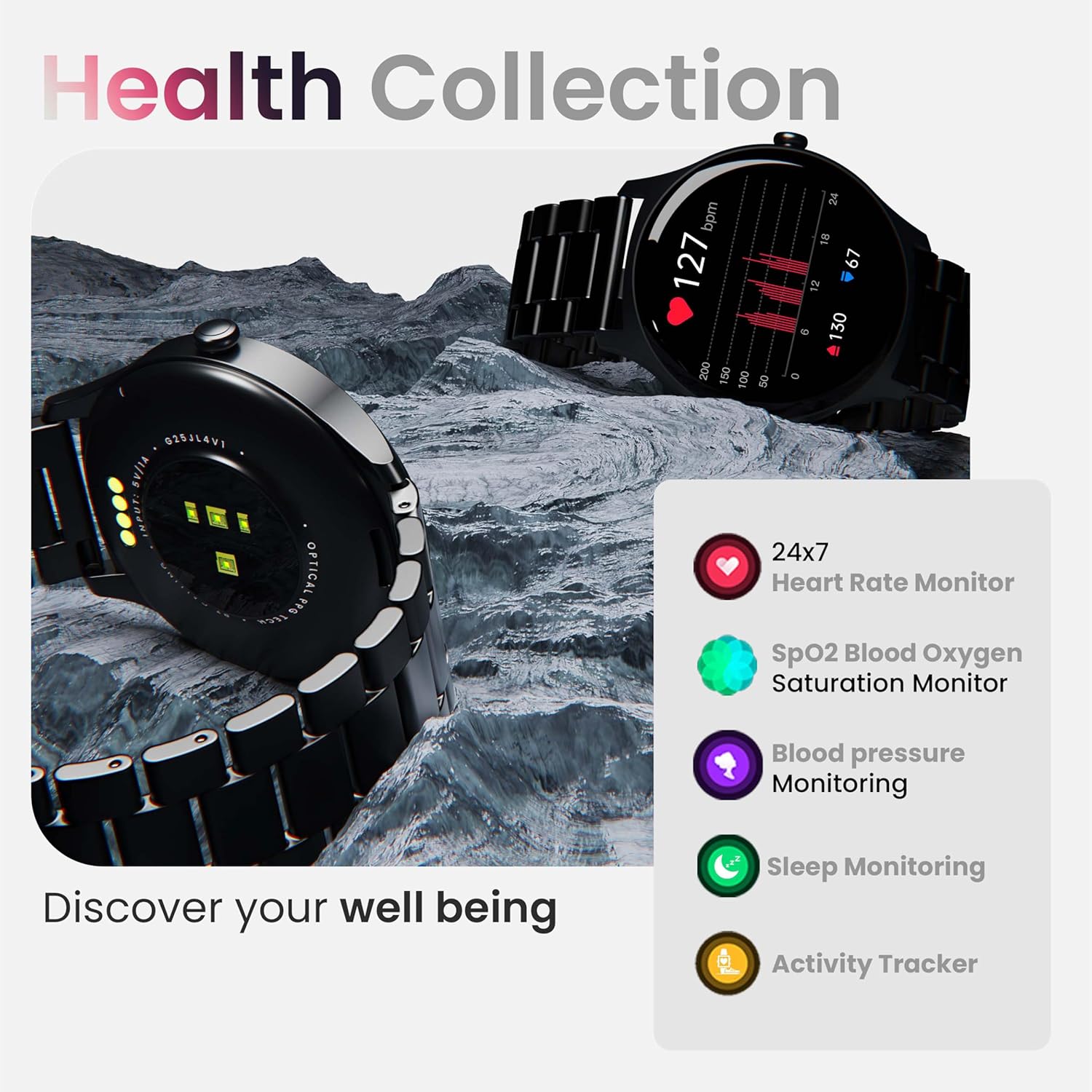
Imatge: Més deview of the smartwatch's health monitoring capabilities.
Nota: This device is not a medical instrument. Health data is for reference only and should not be used for medical diagnosis or treatment.
Modes esportius
With over 120 sports modes, the GOBOULT Rover Pro Smartwatch is designed to track a wide range of physical activities. Select your desired sport from the watch's menu to record specific metrics such as duration, calories burned, and heart rate during your workout.

Image: Display of various sports modes available on the smartwatch.
Personalització
Esferes de rellotge
Personalize your smartwatch with over 150 cloud-based watch faces available through the companion app. You can also create custom watch faces using your own photos.

Imatge: Examples of various watch faces and customization options.
Trucades Bluetooth
The GOBOULT Rover Pro Smartwatch features Bluetooth 5.2 single-chip technology, enabling direct calls from your wrist. It includes a dedicated speaker and microphone for clear communication.
- Fer trucades: Access the dial pad or contact list on your watch to initiate calls.
- Respondre/rebutjar trucades: Swipe on the screen to answer or reject incoming calls.
- Contact Sync: Sync your phone's contacts to the smartwatch via the companion app.

Image: Visual representation of the smartwatch's Bluetooth calling interface and features.
Assistent de veu AI
Interact with your smartwatch hands-free using the built-in AI voice assistant. Simply activate the assistant and speak your commands to perform various functions, such as setting alarms, checking weather, or initiating calls. Supports popular voice assistants like Siri and Google Assistant when connected to a compatible smartphone.
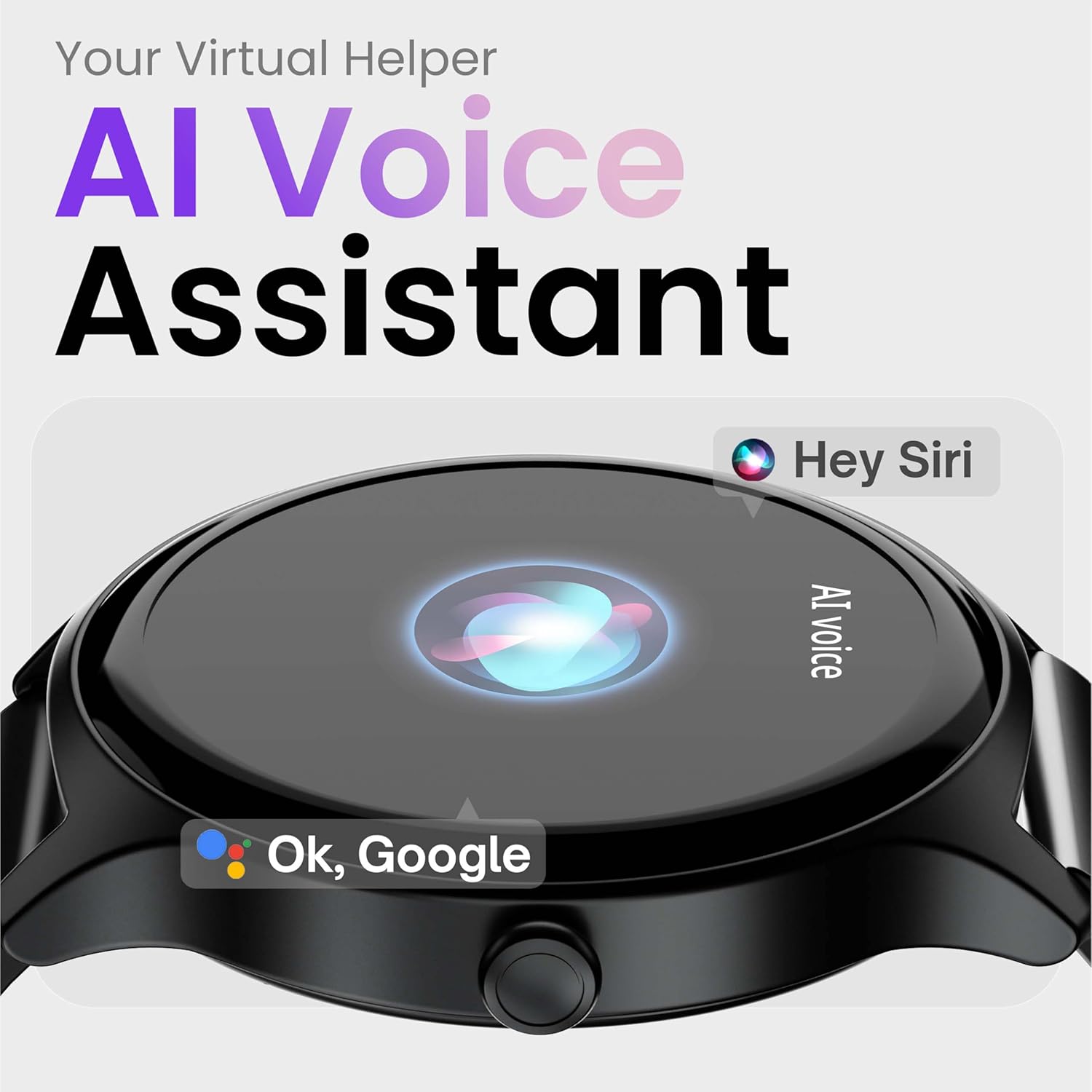
Image: Depiction of the AI Voice Assistant functionality on the smartwatch.
Smart Notifications & Safety Features
Notificacions intel·ligents
Receive SMS, call, and app notifications directly on your wrist. Manage which notifications appear through the companion app settings.

Image: Smartwatch screen showing notification alerts and the 'Find my phone' function.
Característiques de seguretat
- 4-Digit PIN: Secure your smartwatch with a PIN for enhanced privacy.
- One-Tap SOS Alert: In an emergency, activate the SOS feature to notify pre-set emergency contacts.
- Secure Sign-in Methods: Utilize easy and secure methods for accessing your device.
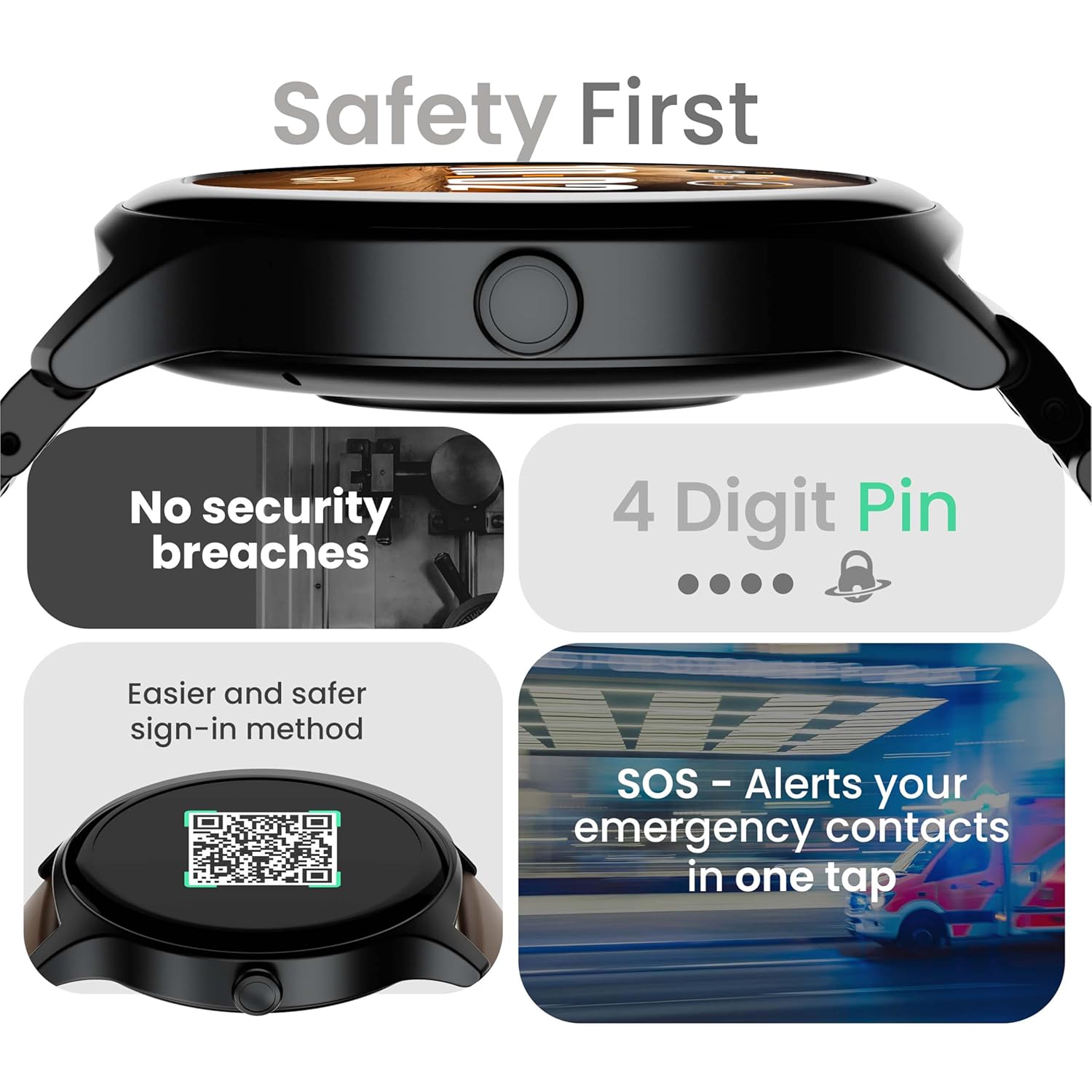
Image: Visuals illustrating the smartwatch's security and emergency features.
Durada de la bateria i càrrega
The GOBOULT Rover Pro Smartwatch is equipped with a battery designed for extended use:
- Ús típic: Fins a 7 dies de durada de la bateria.
- Temps d'espera: Fins a 20 dies.
- Càrrega ràpida: Approximately 10 minutes of charging provides up to 2 days of battery life.
- Temps de càrrega complet: Approximately 90 minutes for a complete charge.
Use only the provided charging cable to ensure optimal charging performance and to prevent damage to the device.
Resistència a l'aigua (IP68)
The GOBOULT Rover Pro Smartwatch has an IP68 rating, meaning it is dustproof and water-resistant. It can withstand immersion in water up to 1.5 meters deep for up to 30 minutes. This makes it suitable for daily use and various outdoor activities, but it is not recommended for diving or high-pressure water activities.

Image: Illustration of the smartwatch's IP68 water and dust resistance.
Manteniment
To ensure the longevity and optimal performance of your smartwatch, follow these maintenance guidelines:
- Neteja: Regularly wipe the watch screen and strap with a soft, dry cloth. If necessary, use a slightly damp cloth for the strap, then dry thoroughly.
- Eviteu productes químics: No utilitzeu productes químics agressius, dissolvents de neteja ni detergents forts, ja que poden danyar l'acabat i els segells del rellotge.
- Port de càrrega: Mantingueu els contactes de càrrega nets i secs.
- Emmagatzematge: Guardeu el rellotge intel·ligent en un lloc fresc i sec quan no l'utilitzeu.
- Eviteu temperatures extremes: No exposeu el rellotge a temperatures extremes de calor o fred durant períodes prolongats.
Resolució de problemes
If you encounter issues with your GOBOULT Rover Pro Smartwatch, refer to the following common solutions:
| Problema | Solució |
|---|---|
| El rellotge intel·ligent no s'encén. | Assegura't que el rellotge estigui completament carregat. Connecta'l al carregador durant almenys 30 minuts. |
| No es pot emparellar amb el telèfon intel·ligent. |
|
| Dades de salut inexactes. |
|
| No es reben notificacions. |
|
| Durada de la bateria curta. |
|
Especificacions
| Característica | Detall |
|---|---|
| Marca | GOBOULT |
| Sèrie Model | Rover Pro |
| Mida de la pantalla | 1.43 polzades |
| Tipus de visualització | AMOLED |
| Brillantor | 1000 Nit |
| Connectivitat | Bluetooth 5.2 |
| Sistema operatiu | Android (compatible) |
| Resistència a l'aigua | IP68 |
| Durada de la bateria (típica) | Fins a 7 dies |
| Temps de càrrega de la bateria | Approx. 150 Minutes (Full Charge) |
| Pes de l'article | 43 g |
| Components inclosos | Cable de càrrega, manual d'usuari |
Garantia i Suport
Informació de la garantia
Your GOBOULT Rover Pro Smartwatch comes with a 1 anys de garantia des de la data de compra. Aquesta garantia cobreix els defectes de fabricació i els mals funcionaments en condicions d'ús normal. No cobreix els danys causats per un mal ús, accidents, modificacions no autoritzades o desgast normal.
Atenció al client
For technical assistance, warranty claims, or any other inquiries, please contact GOBOULT customer support through their official website or the contact information provided with your purchase documentation. Please have your product model and purchase details ready when contacting support.