
1. Introducció
This manual provides detailed instructions for setting up, operating, maintaining, and troubleshooting your Huidun H50 Mini PC. Please read this manual thoroughly before using the device to ensure optimal performance and longevity.

Figure 1: Huidun H50 Mini PC Overview
2. Contingut del paquet
Si us plau, comproveu el contingut del paquet en desembalar-lo. Si falta algun article o hi ha algun malmès, poseu-vos en contacte amb el servei d'atenció al client.
- 1 x Huidun H50 Mini PC
- 1 x adaptador de corrent
- 1 x cable HDMI
- 1 x Manual d'usuari (aquest document)
- 1 x VESA Mount with Screws
- Targeta de garantia d'3 any
3. Sobrecàrrega físicaview
3.1. Device Dimensions and Design
The Huidun H50 Mini PC features an ultra-compact design, measuring approximately 10 x 10 x 3.5 cm, making it highly space-efficient.

Figura 2: Comparació de mides compactes
3.2. Disseny del port
The Mini PC is equipped with a comprehensive set of ports for various connectivity needs.

Figure 3: Front and Rear Port Layout
- Ports frontals: Power Button, 2x USB 3.2 ports, Audio In/Out Jack.
- Ports posteriors: Ethernet LAN, Security Lock, HDMI 2.0 (4K@60Hz), DisplayPort 1.4 (4K@60Hz), 2x USB 2.0 ports, DC Power Jack.
4. Instruccions de configuració
4.1. Connexió de perifèrics
- Connecta la pantalla: Use the provided HDMI cable or a DisplayPort cable to connect your monitor(s) to the HDMI 2.0 or DisplayPort 1.4 ports on the rear of the Mini PC. The device supports dual 4K@60Hz displays.
- Connecteu el teclat i el ratolí: Plug your USB keyboard and mouse into the available USB ports (USB 3.2 on the front or USB 2.0 on the rear).
- Connecta la xarxa (opcional): For a wired internet connection, connect an Ethernet cable to the LAN port. For wireless, ensure your WiFi 5 is enabled (see Operating Instructions).
- Connectar àudio (opcional): If using external speakers or headphones, connect them to the Audio In/Out Jack on the front.
4.2. Encès
- Connecteu l'adaptador d'alimentació: Plug the power adapter into the DC Power Jack on the rear of the Mini PC, then plug the adapter into a power outlet.
- Encès: Press the Power Button located on the front of the Mini PC. The system will boot up automatically.
4.3. VESA Mount Installation (Optional)
The Huidun H50 Mini PC can be mounted behind a VESA-compatible monitor using the included VESA mount and screws.
- Fixeu el suport de muntatge VESA a la part posterior del monitor amb els cargols proporcionats.
- Slide the Mini PC onto the VESA mount until it clicks securely into place.

Figura 4: Instal·lació del muntatge VESA
5. Instruccions de funcionament
5.1. Initial Boot and Windows 11 Pro Setup
Your Huidun H50 Mini PC comes with Windows 11 Pro pre-installed. Follow the on-screen prompts to complete the initial Windows setup, including language, region, network connection, and user account creation.

Figure 5: Windows 11 Pro Desktop
5.2. Dual Display Configuration
To utilize the dual display feature, connect two monitors to the HDMI and DisplayPort outputs. Windows 11 Pro will automatically detect both displays. You can configure display settings (extend, duplicate, primary display) via:
- Feu clic amb el botó dret a l'escriptori i seleccioneu "Configuració de la pantalla".
- Navega a Configuració > Sistema > Pantalla.

Figure 6: Dual Display Setup
5.3. Wireless Connectivity (Wi-Fi and Bluetooth)
The Mini PC supports Wi-Fi 5 and Bluetooth 4.2 for wireless connections.
- Wi-Fi: Per connectar-vos a una xarxa sense fil, feu clic a la icona Wi-Fi de la barra de tasques, seleccioneu la xarxa i introduïu la contrasenya.
- Bluetooth: To pair Bluetooth devices (e.g., headphones, keyboard, mouse), go to Configuració > Bluetooth i dispositius i seguiu les instruccions d'aparellament.
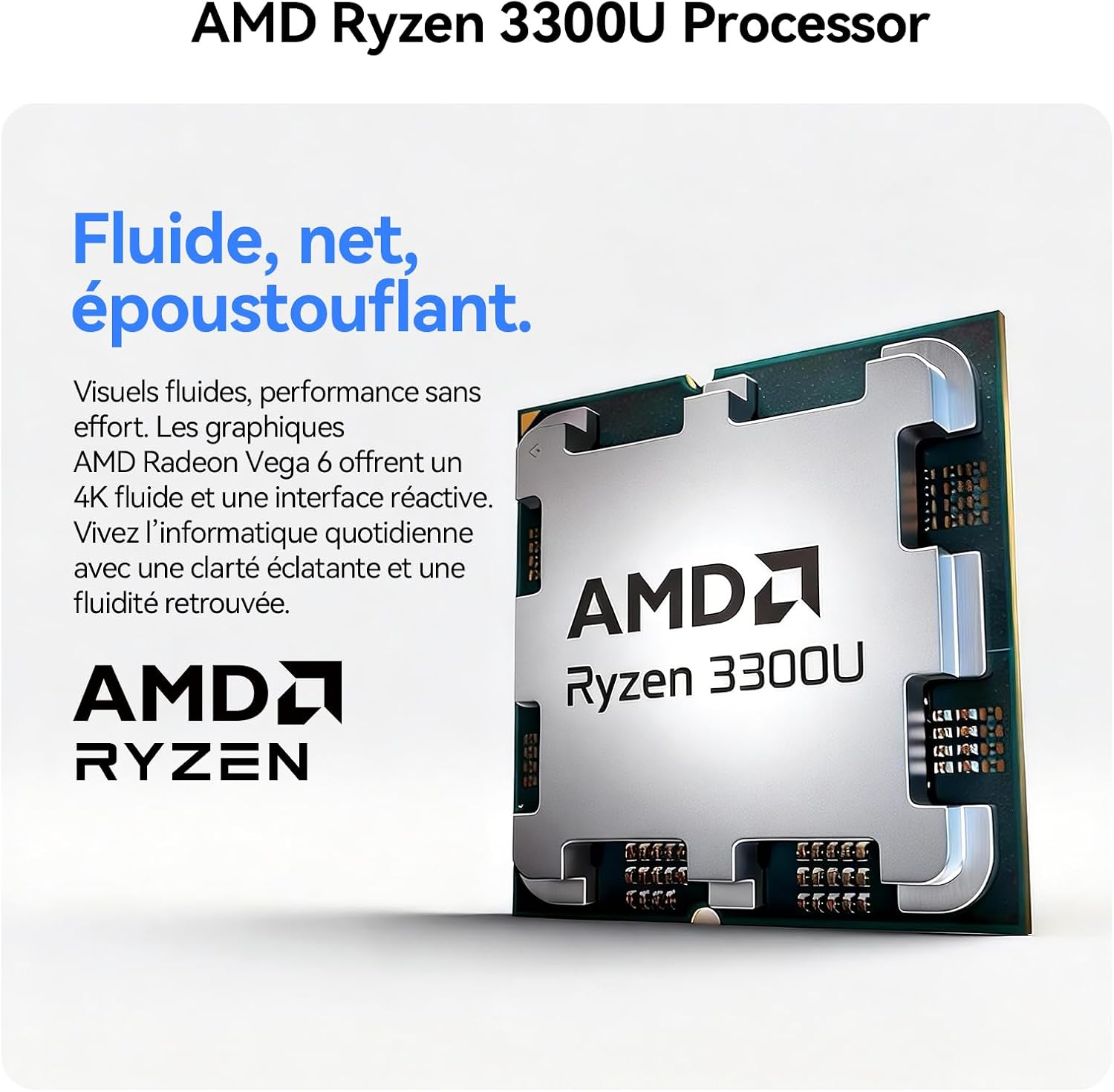
Figura 7: Connectivitat sense fil
6. Manteniment
6.1. Neteja
- Ensure the Mini PC is powered off and unplugged before cleaning.
- Feu servir un drap suau i sec per netejar l'exterior.
- Per acumulació de pols a les reixetes de ventilació, feu servir aire comprimit. No introduïu objectes a les reixetes de ventilació.
6.2. Sistema de refrigeració
The Huidun H50 features an intelligent cooling system with copper tubes and a fan to ensure stable and silent operation.
- Ensure proper airflow around the device. Do not block the ventilation openings.
- Avoid operating the Mini PC in excessively hot or dusty environments.

Figure 8: Advanced Cooling System
6.3. Storage and RAM Upgradability
The Huidun H50 Mini PC allows for easy upgrades of RAM and SSD storage to adapt to future needs. Refer to the detailed upgrade guide (if available separately) or contact technical support for assistance.
7. Solució De Problemes
If you encounter issues with your Huidun H50 Mini PC, please refer to the following common solutions:
| Problema | Possible causa/solució |
|---|---|
| Sense poder |
|
| Sense sortida de visualització |
|
| Sense connexió Wi-Fi |
|
| Rendiment lent |
|
If the problem persists, please contact Huidun technical support for further assistance.
8. Especificacions tècniques
| Característica | Detall |
|---|---|
| Marca | Huidun |
| Nom del model | Huidun H50 Mini PC |
| Sistema operatiu | Windows 11 Pro |
| Model de CPU | AMD Ryzen 3 3300U |
| Velocitat de la CPU | 3.7 GHz |
| Nuclis de CPU | 4 |
| Coprocessador gràfic | Radeon Vega 6 (Integrated) |
| RAM instal·lada | 8 GB DDR4 |
| Velocitat de memòria | 2400 MHz |
| Capacitat d'emmagatzematge | 256 GB SSD (M.2, upgradable) |
| Mida de la memòria cau | 6 MB |
| Interfície de sortida de vídeo | HDMI 2.0, DisplayPort 1.4 (Dual 4K@60Hz support) |
| Resolució màxima de pantalla | 3840 x 2160 (4K) |
| Connectivitat | Wi-Fi 5 (802.11a/b/g/n/ac), Bluetooth 4.2, Ethernet (LAN) |
| Ports USB | 2x USB 3.2, 2x USB 2.0 (Total 4) |
| Sortida d'àudio | Jack d'entrada/sortida d'àudio |
| Mètode de refrigeració | Air (Copper tube + Fan) |
| Dimensions | 10 x 10 x 3.5 cm |
| Tipus d'endoll d'alimentació | Type E/F – 2 pins (Hybrid EU) |
| Certificacions | CE, FCC |
9. Garantia i Suport
9.1. Informació de la garantia
The Huidun H50 Mini PC comes with a 3 any de garantia des de la data de compra. Aquesta garantia cobreix defectes de fabricació i avaries en condicions d'ús normal. Conserveu el comprovant de compra per a reclamacions de garantia.
9.2. Suport tècnic
Huidun offers suport tècnic de per vida for your Mini PC. If you encounter any issues or have questions not covered in this manual, please contact our customer service team.
- For support, please refer to the contact information provided on the warranty card or the official Huidun weblloc.
- When contacting support, please have your product model (Huidun H50 Mini PC) and purchase details ready.

Figure 9: Huidun Global Support