
1. Producte acabatview
The Garmin tactix 8 47mm AMOLED GPS Smartwatch is engineered for tactical and outdoor use, offering a robust design with advanced features. It includes a vibrant 1.4-inch AMOLED display, a durable titanium bezel, and a scratch-resistant sapphire lens. This smartwatch is designed to provide reliable performance in various demanding environments, supporting a wide range of activities from daily fitness tracking to specialized tactical operations.

Image: The Garmin tactix 8 47mm AMOLED GPS Smartwatch, showcasing its sleek design and clear display.
2. Què hi ha a la caixa
- tactix 8 smartwatch – 47 mm, AMOLED with black/pebble gray silicone watch band
- Cable de càrrega
- Documentació
3. Configuració inicial
3.1 Càrrega del dispositiu
Before initial use, fully charge your tactix 8 smartwatch using the provided charging cable. Connect the cable to a USB power source and align the charging pins with the contacts on the back of the watch.
3.2 Engegada i selecció d'idioma
Per encendre el dispositiu, premeu i manteniu premut el botó LLUM button. Follow the on-screen prompts to select your preferred language. The watch will then guide you through the initial setup process.
3.3 Emparellament amb el telèfon intel·ligent
To unlock the full potential of your tactix 8, pair it with the Garmin Connect mobile app on your compatible smartphone. Download the Garmin Connect app from your device's app store, create an account, and follow the in-app instructions to pair your watch. This enables smart notifications, data synchronization, and access to additional features.
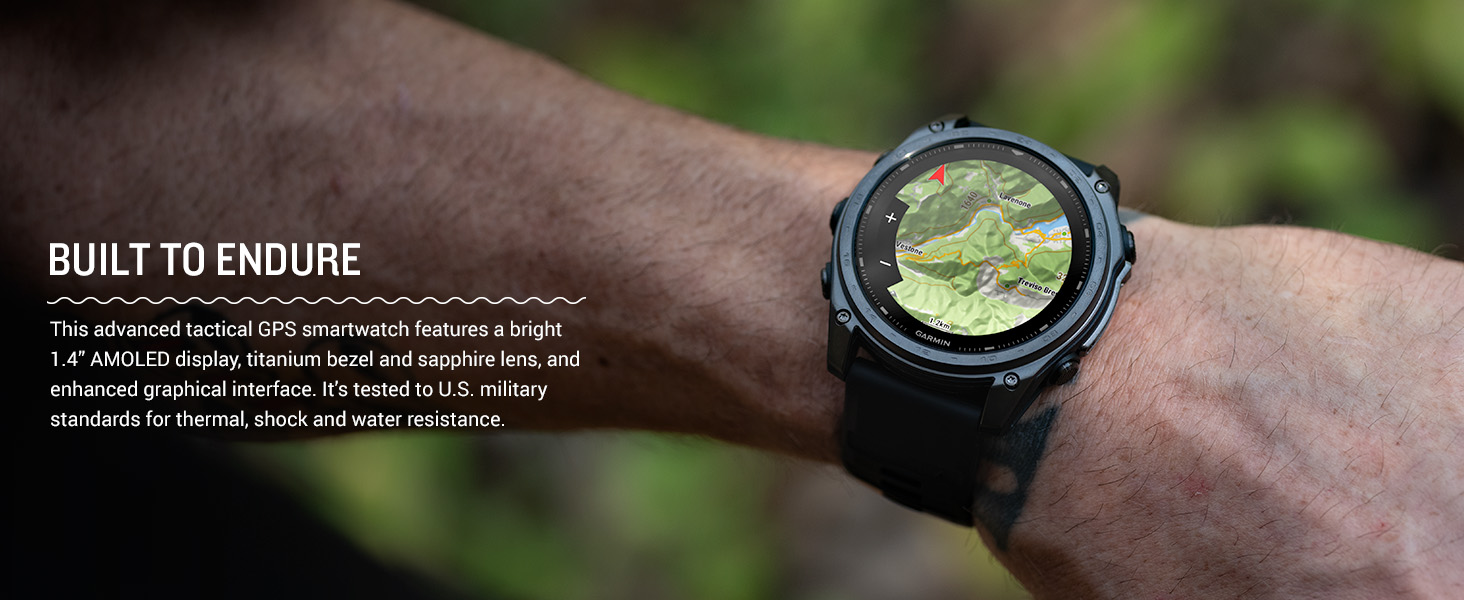
Image: The Garmin Connect app interface displayed on a smartphone and a laptop, illustrating connectivity.
4. Instruccions de funcionament
4.1 Navegació bàsica
The tactix 8 features both a responsive touchscreen and physical buttons for navigation. Swipe the touchscreen to scroll through widgets and menus. Use the UP i ABAIX buttons to navigate lists, the INICI/PARA button to select options or start activities, and the ESCARRERA/VOLTA botó per tornar a la pantalla anterior.

Imatge: Lateral view of the Garmin tactix 8 smartwatch, highlighting the physical control buttons for navigation.
4.2 Funcions intel·ligents
- Notificacions intel·ligents: Receive emails, texts, and alerts directly on your smartwatch when paired with your compatible smartphone.
- On-Wrist Calling: Utilize the built-in speaker and microphone to make and take phone calls from your watch.
- Garmin Pay: Make contactless payments directly from your watch.
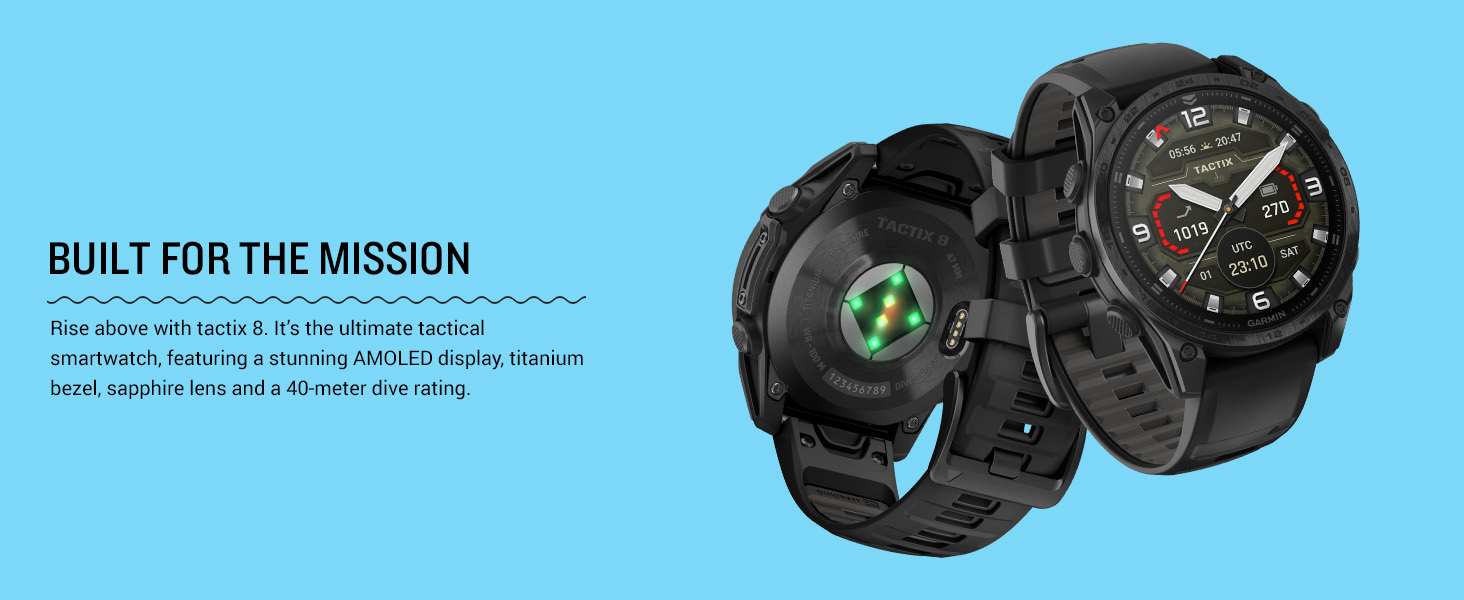
Image: The Garmin tactix 8 display showing smart notifications, Garmin Pay contactless payment, and an incoming call interface.
5. Característiques clau
5.1 Tactical Functionality
- Applied Ballistics Solver: Preloaded solver provides aiming solutions for long-range shooting.
- Mode sigil: Desactiva el GPS i la connectivitat sense fil per evitar que es comparteixi la ubicació i la comunicació.
- Interruptor de mort: Esborra totes les dades de l'usuari del dispositiu per seguretat.
- Activitat del mestre de salts: Assists with calculating high-altitude release points according to military guidelines.
- Waypoint Projection & Dual-Position GPS: Project new waypoints and view your location in both universal transverse mercator (UTM) and military grid reference system (MGRS) on one screen.
- Compatibilitat amb la visió nocturna: Switch between daytime view i visió nocturna view amb una pantalla que es pot llegir amb ulleres de visió nocturna.
- Activitat de rucking: Un professional dedicatfile to track rucking with pack weight input.
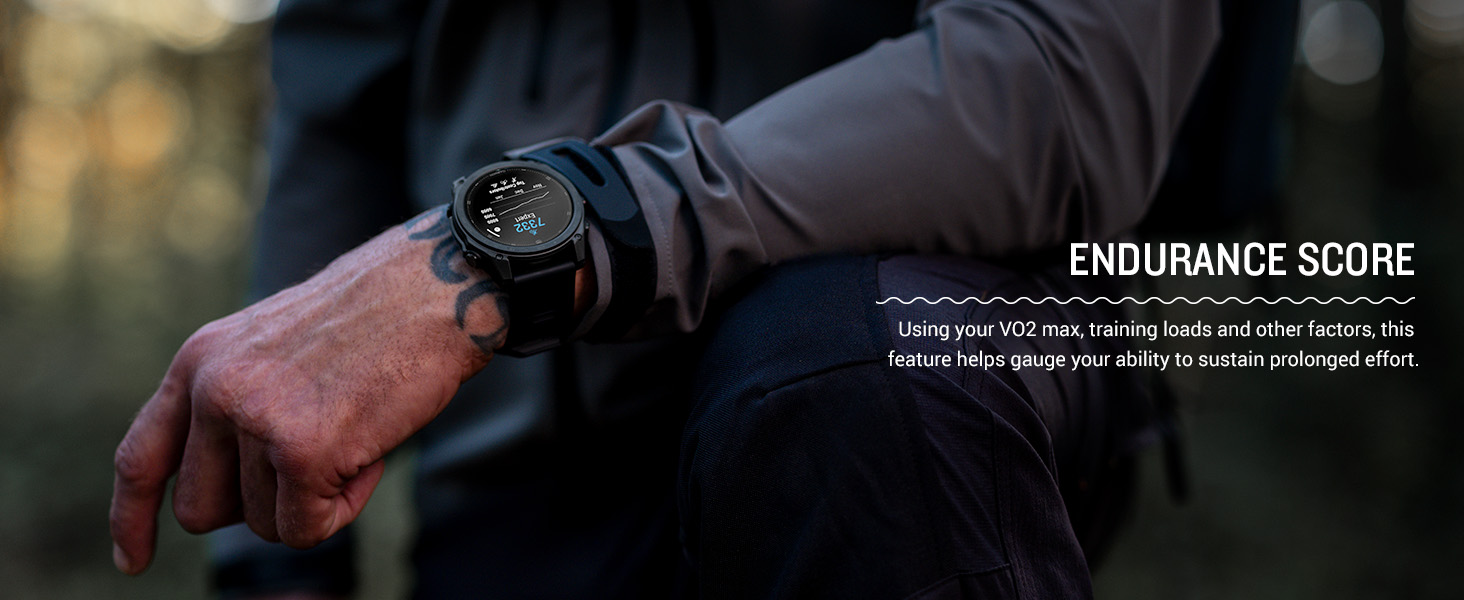
Image: The Garmin tactix 8 display in night vision mode, demonstrating its compatibility with night vision goggles.
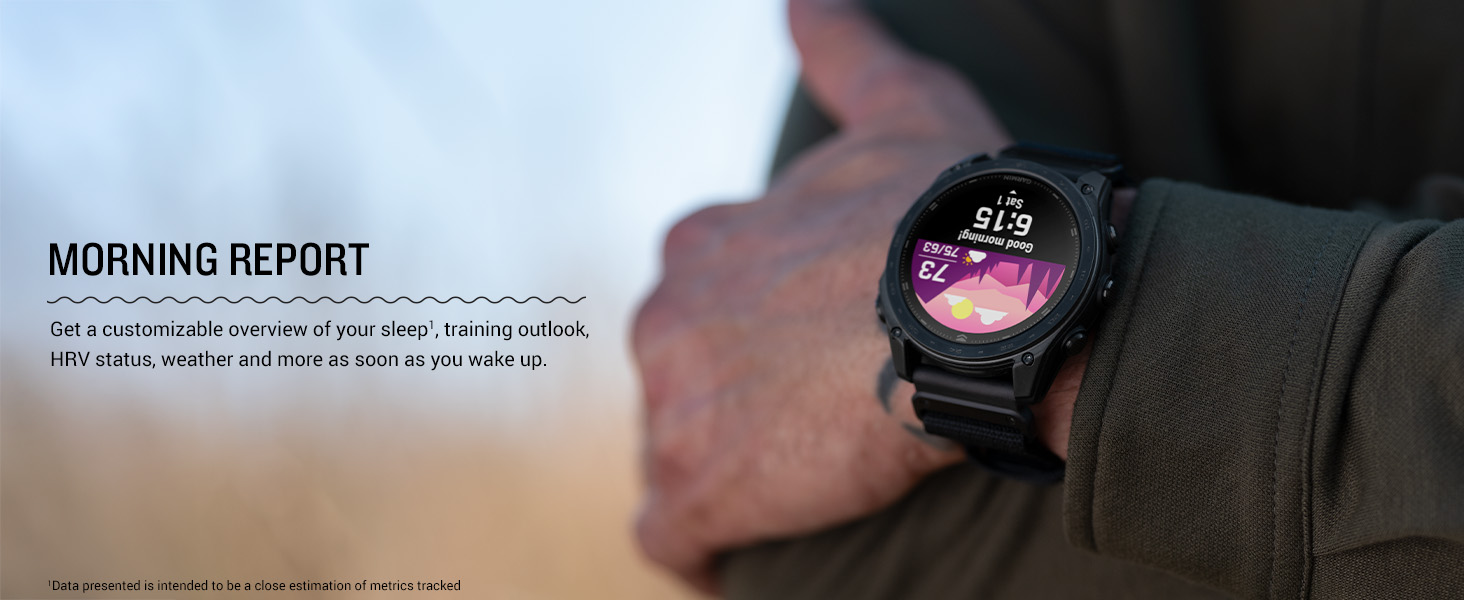
Image: The Garmin tactix 8 display showing the rucking activity interface, including pack weight tracking.
5.2 Advanced Navigation
- Multi-band GPS with SatIQ: Provides superior positioning accuracy in challenging environments.
- Sensors integrats: Includes a 3-axis compass, gyroscope, and barometric altimeter for comprehensive environmental data.
- Mapes TopoActive: Preloaded maps with relief shading and access to additional downloadable maps worldwide.
- Outdoor Maps+: Subscription for premium mapping content, including satellite imagery and enhanced topographic maps.
- Navegació aeronàutica: Fully functional system with worldwide dynamic moving map, GPS navigation, NEXRAD, weather display, and airport information.
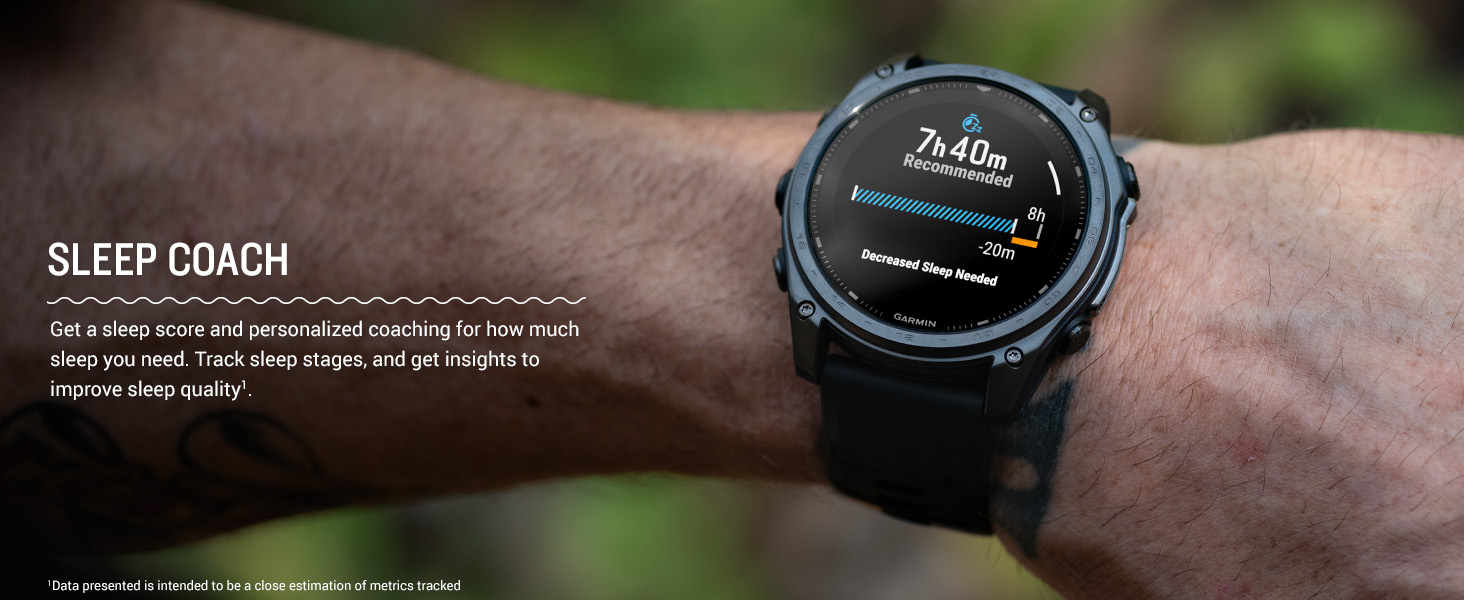
Image: The Garmin tactix 8 smartwatch displaying detailed TopoActive maps, useful for outdoor navigation.
5.3 Seguiment de la salut i la forma física
- Freqüència cardíaca basada en el canell: Contínuament samples your heart rate to gauge workout intensity and overall health.
- Monitorització avançada del son: Fa un seguiment del sontages and provides insights to improve sleep quality.
- Seguiment de la respiració i pulsioximetria: Monitors breathing and blood oxygen saturation levels.
- Aplicació d'ECG: Records heart rhythm and checks for signs of atrial fibrillation (available in select regions for users 22+).
- Training Plans & Workouts: Targeted strength training plans, real-time stamina tracking, and sport-specific workouts.
- Endurance Score & Morning Report: Gauge your ability to sustain prolonged effort and get a customizable overview of your sleep, training outlook, and HRV status.
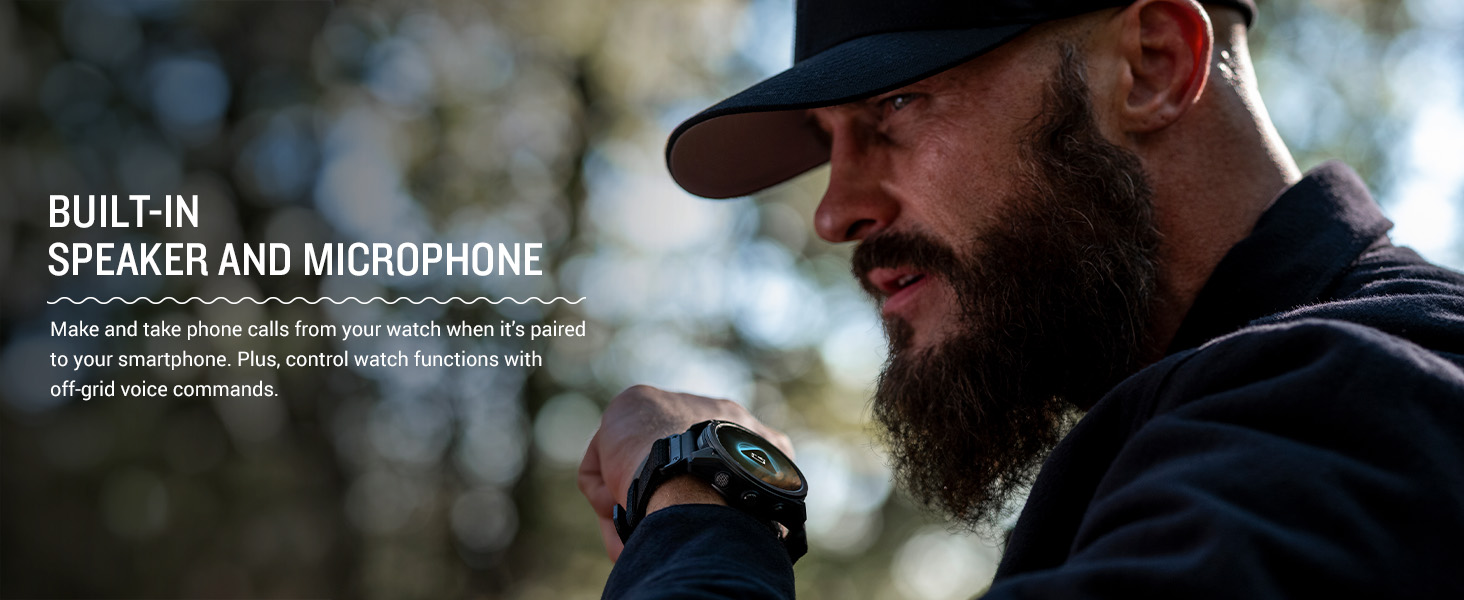
Image: The Garmin tactix 8 display showing various training metrics, including reps, time, and calories burned.
Image: The Garmin tactix 8 display showing a morning report with sleep score, training outlook, and weather information.
5.4 Llanterna LED integrada
The tactix 8 includes a built-in multicolor LED flashlight, providing quick access to a bright, steady beam in either green or white light. In night vision (NVG) mode, white light is disabled, and the green flashlight becomes dimmable for stealthy operation.
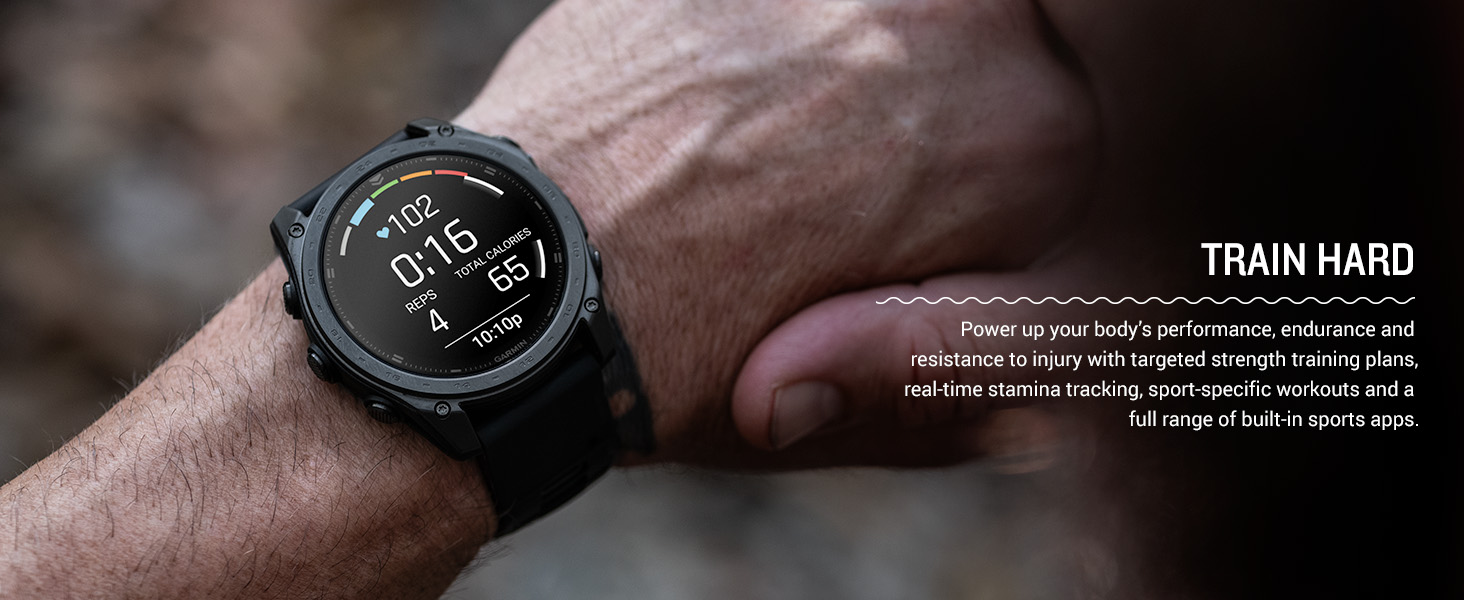
Image: The Garmin tactix 8 smartwatch with its built-in LED flashlight activated, illuminating a dark environment.
5.5 Dive Rating
With a 40-meter dive rating, the tactix 8 supports scuba and apnea dive activities, allowing you to track your underwater adventures.
Image: The Garmin tactix 8 smartwatch on a diver's wrist, displaying dive metrics while submerged in water.
5.6 Vídeo oficial del producte
Video: An official product video from Garmin International showcasing the features and capabilities of the tactix 8 series smartwatches.
6. Manteniment
6.1 Neteja del dispositiu
Regularly clean your smartwatch to maintain its performance and appearance. Wipe the device with a soft, damp cloth. Avoid using harsh chemicals or abrasive materials that could damage the display or casing. Rinse the watch with fresh water after exposure to chlorine, saltwater, sunscreen, cosmetics, alcohol, or other harsh chemicals.
6.2 Millors pràctiques de càrrega
To prolong battery life, avoid exposing the device to extreme temperatures. Charge the device fully before long periods of inactivity. Use only the charging cable provided by Garmin.
6.3 Resistència a l'aigua
The tactix 8 has a 40-meter dive rating. While it is water-resistant, ensure the charging port is dry before charging to prevent corrosion. Avoid pressing buttons underwater unless specified for dive activities.
7. Solució De Problemes
7.1 El dispositiu no respon
If your device is unresponsive, try restarting it. Press and hold the LLUM button for 15 seconds until the screen turns off. Release the button, then press it again briefly to power the device back on.
7.2 Problemes de connectivitat
If you experience issues with Bluetooth or GPS connectivity:
- Ensure your smartphone's Bluetooth is enabled and the watch is within range.
- Reinicia tant el rellotge com el telèfon intel·ligent.
- Check for any available software updates for both the watch and the Garmin Connect app.
- For GPS, ensure you have a clear view del cel.
7.3 Lectures de dades inexactes
For heart rate, Pulse Ox, or other sensor data inaccuracies:
- Assegureu-vos de portar el rellotge ajustat però còmode al canell, per sobre de l'os del canell.
- Netegeu el sensor de la part posterior del rellotge.
- Els factors ambientals i el moviment poden afectar les lectures.
7.4 Restabliment de fàbrica
Si els problemes persisteixen, és possible que hàgiu de restablir les dades de fàbrica. Avís: This will erase all user data and settings. Refer to the device's on-screen menu or the full documentation for instructions on how to perform a factory reset.
8. Especificacions
| Característica | Especificació |
|---|---|
| Nom del model | tactix® 8 – 47 mm, AMOLED |
| Número de model | 010-03405-00 |
| Tipus de visualització | AMOLED |
| Mida de la pantalla | 1.4 polzades |
| Resolució | 260 x 260 píxels |
| Maximum Display Brightness | 1000 nits |
| Sistema operatiu | Sistema operatiu Garmin |
| Capacitat d'emmagatzematge de memòria | 32 GB |
| Capacitat de la bateria | 440 milionsamp Hores |
| Durada mitjana de la bateria | Up to 16 days (smartwatch mode) |
| Tecnologia de connectivitat | Bluetooth, USB, Wi-Fi |
| GPS | Built-in GPS (GLONASS, Galileo, QZSS supported) |
| Case Material Type | Titani |
| Tipus de material de la banda | Silicona |
| Nivell de resistència a l'aigua | Water Resistant (40 Meters) |
| Pes de l'article | 73 grams |
| Dimensions de l'article (D x W x H) | 1.85 "P x 0.54" W x 1.85" H |
9. Garantia i Suport
9.1 Garantia limitada
The Garmin tactix 8 smartwatch comes with a 1-year limited warranty from the date of purchase. This warranty covers defects in materials and workmanship under normal use. For full details regarding warranty coverage, limitations, and how to make a claim, please refer to the official documentation included in your product packaging or visit the Garmin support weblloc.
9.2 Atenció al client
For additional assistance, technical support, or to access frequently asked questions and software updates, please visit the official Garmin support weblloc web. També podeu trobar informació de contacte del servei d'atenció al client de la vostra regió al seu weblloc.