
DOOGEE TabA9
DOOGEE Tab A9 Android 15 Tablet User Manual
Model: Tab A9 | Brand: DOOGEE
1. Introducció
Thank you for choosing the DOOGEE Tab A9 Android 15 Tablet. This manual provides essential information for setting up, operating, and maintaining your device. Please read it thoroughly to ensure optimal performance and longevity of your tablet.
The DOOGEE Tab A9 is a 10-inch tablet running on the latest Android 15 system, powered by a Unisoc T310 quad-core processor. It features 12GB RAM, 64GB ROM (expandable up to 2TB), a 6580mAh battery, dual speakers, 8MP AI camera, 5MP front camera, and supports Face ID.

Imatge: Anvers i revers view of the DOOGEE Tab A9 tablet, highlighting its 6580mAh battery, 5G WiFi, 10.1-inch IPS display, Android 15, 12GB RAM, 64GB ROM, and Unisoc T310 processor.
2. Què hi ha a la caixa
- DOOGEE Tab A9 Tablet
- Carregador
- Cable USB tipus C
3. Disseny del dispositiu
Familiarize yourself with the physical components of your DOOGEE Tab A9 tablet.

Imatge: Lateral view of the DOOGEE Tab A9 tablet, illustrating the placement of buttons and ports such as the power button, volume rocker, and USB-C port.
- Botó d'encesa: Situat al lateral, s'utilitza per encendre/apagar o activar/reposar el dispositiu.
- Botons de volum: Ajusta el volum de l'àudio.
- Port USB tipus C: Per a càrrega i transferència de dades.
- Conector d'àudio de 3.5 mm: Per connectar auriculars.
- Càmera frontal (5MP): Situat a sobre de la pantalla, per a videotrucades i selfies.
- Càmera posterior (8MP): Situat a la part posterior, per fer fotos i vídeos.
- Altaveus duals: Located on the sides/bottom for enhanced audio experience.
4. Configuració
4.1 Encès inicial
- Manteniu premut el botó Botó d'engegada until the DOOGEE logo appears.
- Segueix les instruccions que apareixen a la pantalla per seleccionar l'idioma, connectar-te a la Wi-Fi i configurar el teu compte de Google.
4.2 Càrrega de la tauleta
Connect the provided Type-C USB cable to the tablet's charging port and the other end to the charger. Plug the charger into a power outlet. The battery icon on the screen will indicate charging status.

Image: Visual representation of the 6580mAh large battery and 10W fast charging capability of the DOOGEE Tab A9 tablet.
4.3 Inserció d'una targeta Micro SD (opcional)
The tablet supports storage expansion up to 2TB via a Micro SD card (not included). Locate the SIM/SD card tray on the side of the tablet. Use the provided ejector tool to open the tray and insert the Micro SD card as shown in the diagram (refer to device layout section for tray location). Ensure the tablet is powered off before inserting or removing the card.
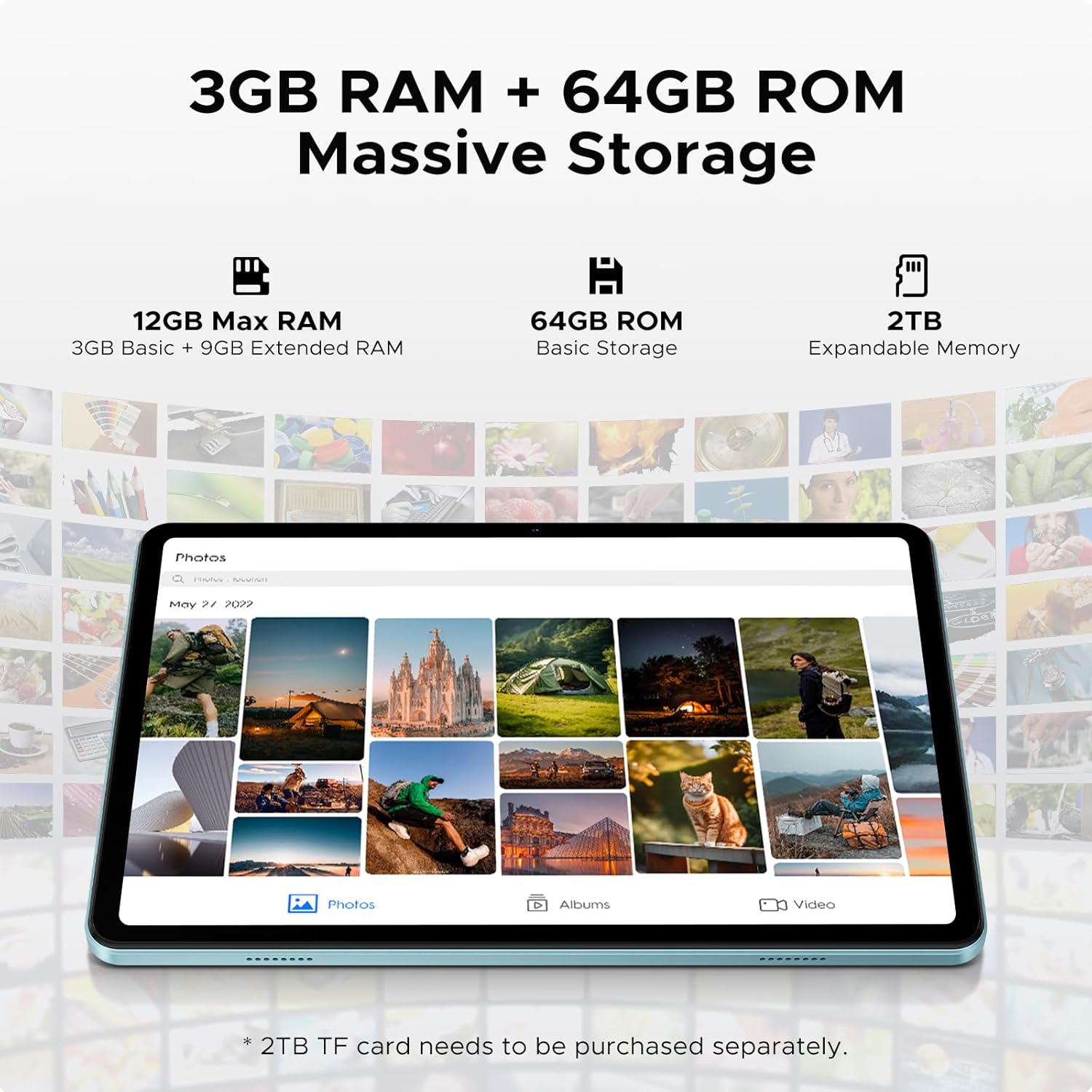
Image: Details on the tablet's 12GB Max RAM (3GB Basic + 9GB Extended RAM) and 64GB ROM Basic Storage, with a note about 2TB Expandable Memory via TF card (sold separately).
5. Instruccions de funcionament
5.1 Navegació bàsica
- Toca: Toqueu una icona o opció per seleccionar-la.
- Llisca: Arrossegueu el dit per la pantalla per desplaçar-vos per les pàgines o el contingut.
- Pessiga per fer zoom: Feu servir dos dits per ampliar o reduir les imatges o web pàgines.
5.2 Connexió a Wi-Fi
- Vés a Configuració > Xarxa i Internet > Wi-Fi.
- Turn on Wi-Fi. The tablet will scan for available networks.
- Seleccioneu la xarxa desitjada i introduïu la contrasenya si se us demana.
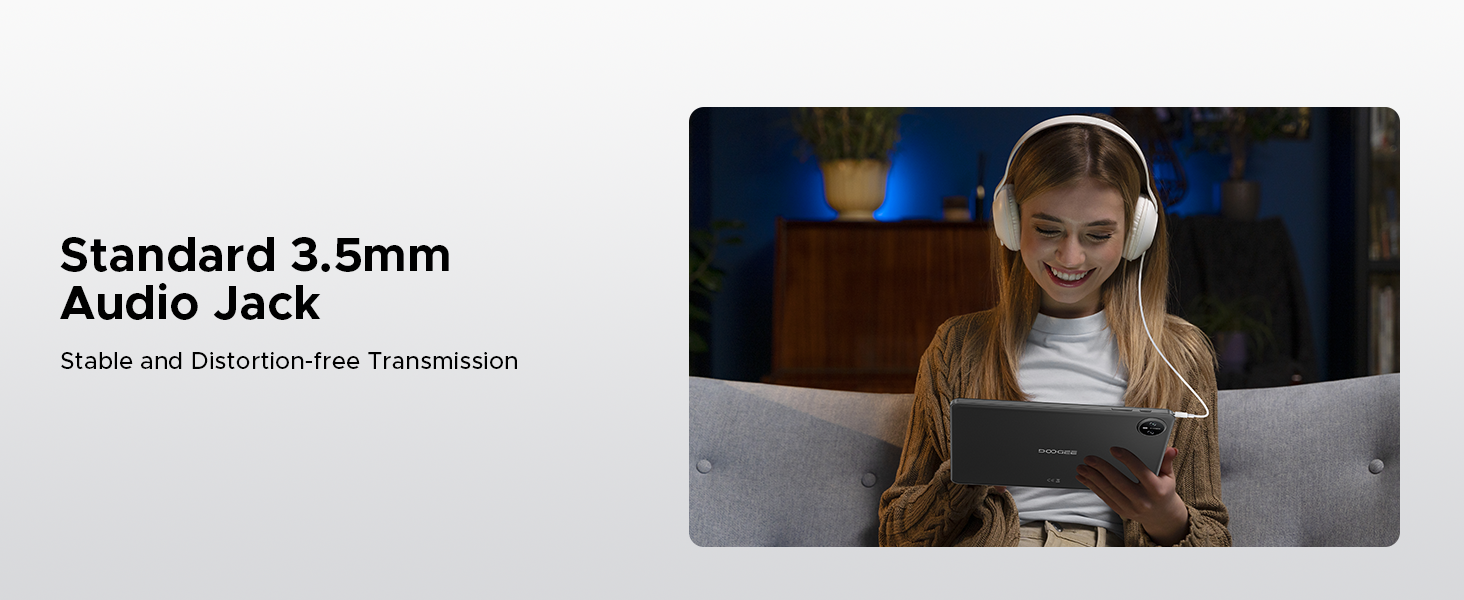
Image: Diagram illustrating the benefits of Faster WiFi 5 connectivity, including low latency, anti-congestion, wide coverage, low power consumption, and high speed.
5.3 Ús de Face ID
The DOOGEE Tab A9 supports facial recognition for quick and secure unlocking.
- Vés a Configuració > Seguretat i privadesa > Desbloqueig facial.
- Seguiu les instruccions a la pantalla per registrar la vostra cara.
- Once registered, you can unlock your tablet by simply looking at the front camera.
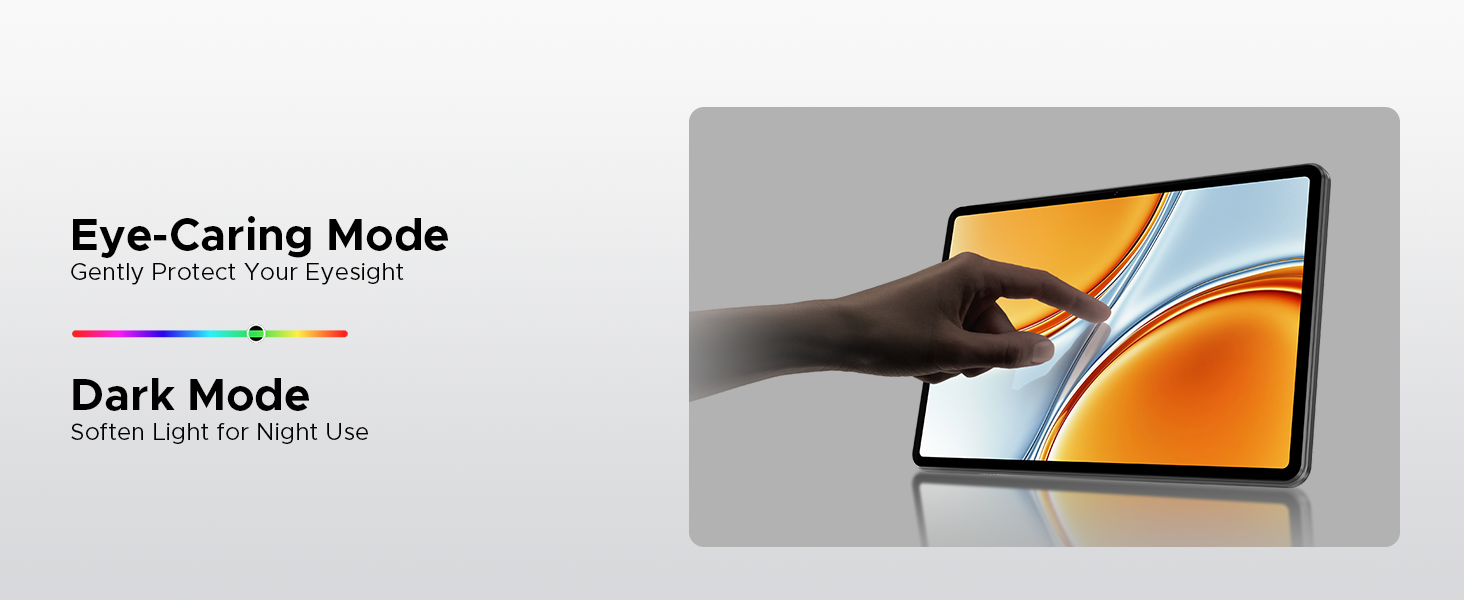
Image: A visual demonstrating the Facial Recognition Unlock feature for effortless access to the tablet.
5.4 Funcionament de la càmera
Capture moments with the 8MP rear camera and 5MP front camera.
- Obriu el Càmera aplicació.
- Toqueu el botó de l'obturador per fer una foto.
- Canvieu entre la càmera frontal i la posterior mitjançant la icona de canvi de càmera.
- Explore various modes like Beauty Mode for enhanced photos.

Image: Depiction of the 8MP main camera and 5MP front camera, highlighting their use for capturing lively moments and video calls.
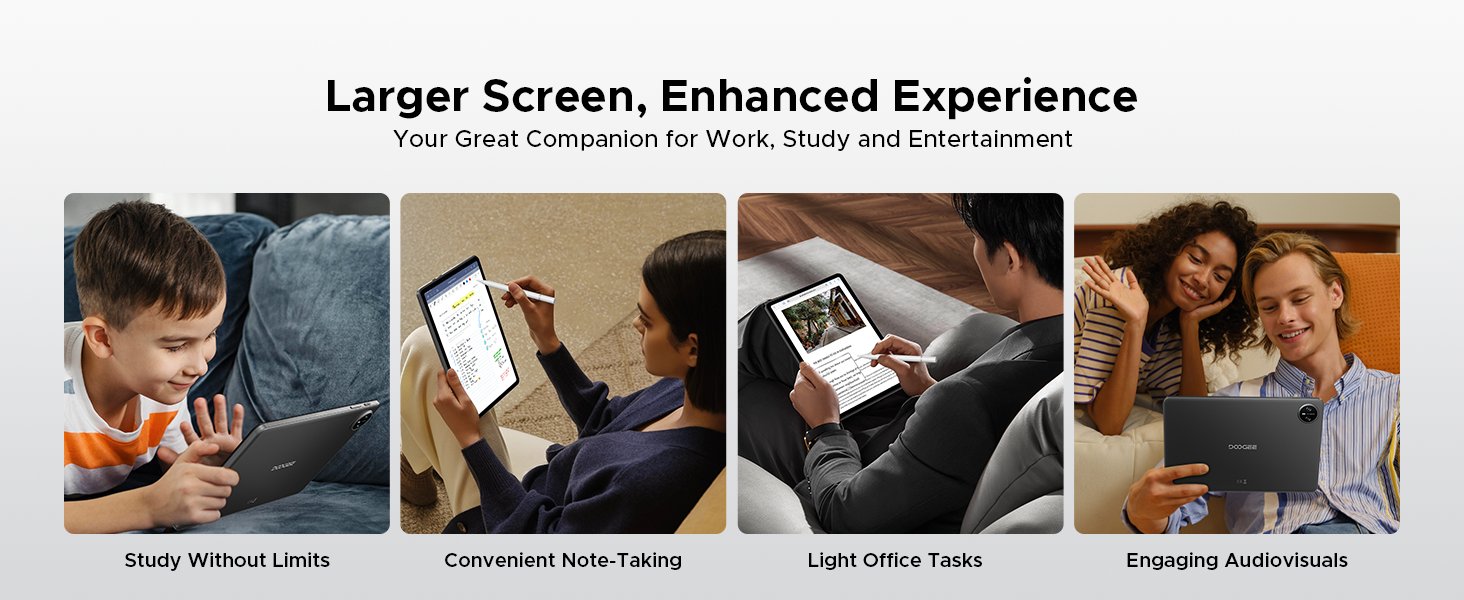
Image: A visual demonstrating the "Beauty Mode" feature for enhancing photos.
5.5 Split-Screen Multitasking
The tablet supports efficient split-screen multitasking, allowing you to use two apps simultaneously.
- Obre la primera aplicació que vulguis utilitzar.
- Llisca cap amunt des de la part inferior de la pantalla i mantén premut per accedir a les aplicacions recents.
- Tap the app icon at the top of the app's card and select "Split screen".
- Choose the second app from your recent apps or app drawer.
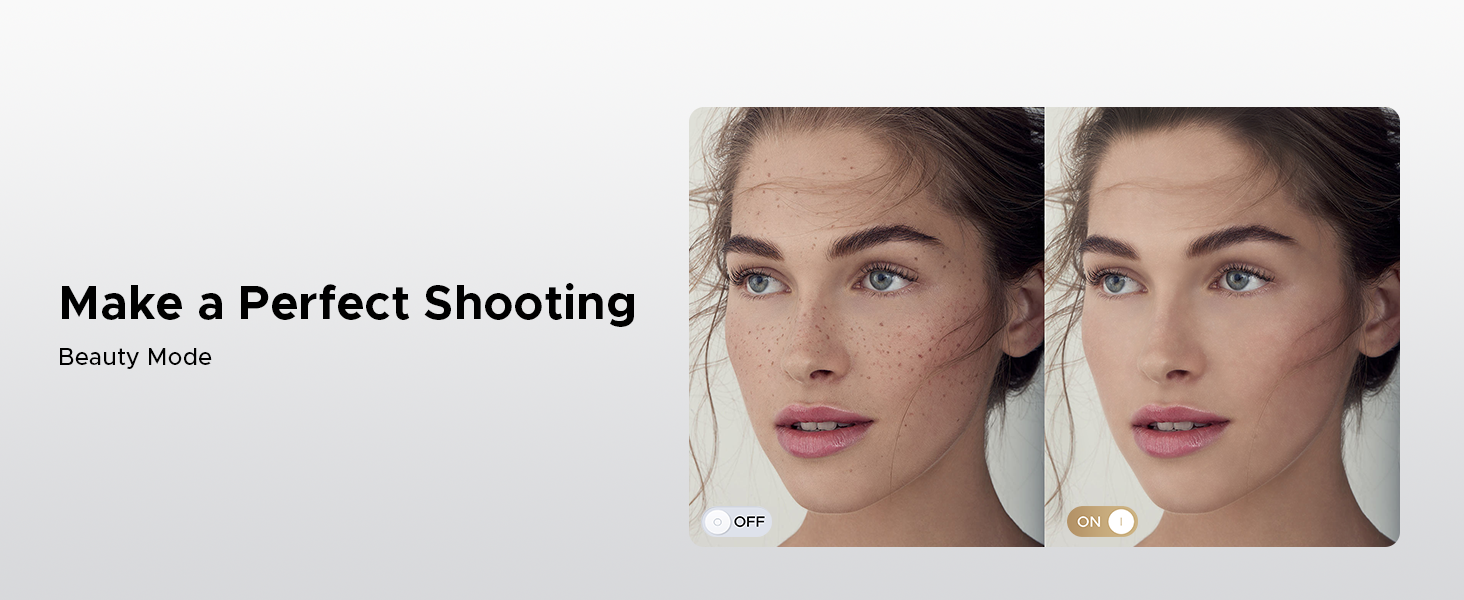
Image: A user demonstrating efficient split-screen multitasking on the DOOGEE Tab A9 tablet, with two applications open side-by-side.
6. Característiques clau
6.1 Android 15 System
The DOOGEE Tab A9 runs on the latest Android 15, offering enhanced performance, improved app launch speeds, and a more secure privacy management system.
Image: The Android 15 system logo, emphasizing intelligence, seamlessness, and security.
Image: Features of the Fortified Privacy Shield in Android 15, including precision permission control, robust data encryption, timely security patches, and proactive app screening.
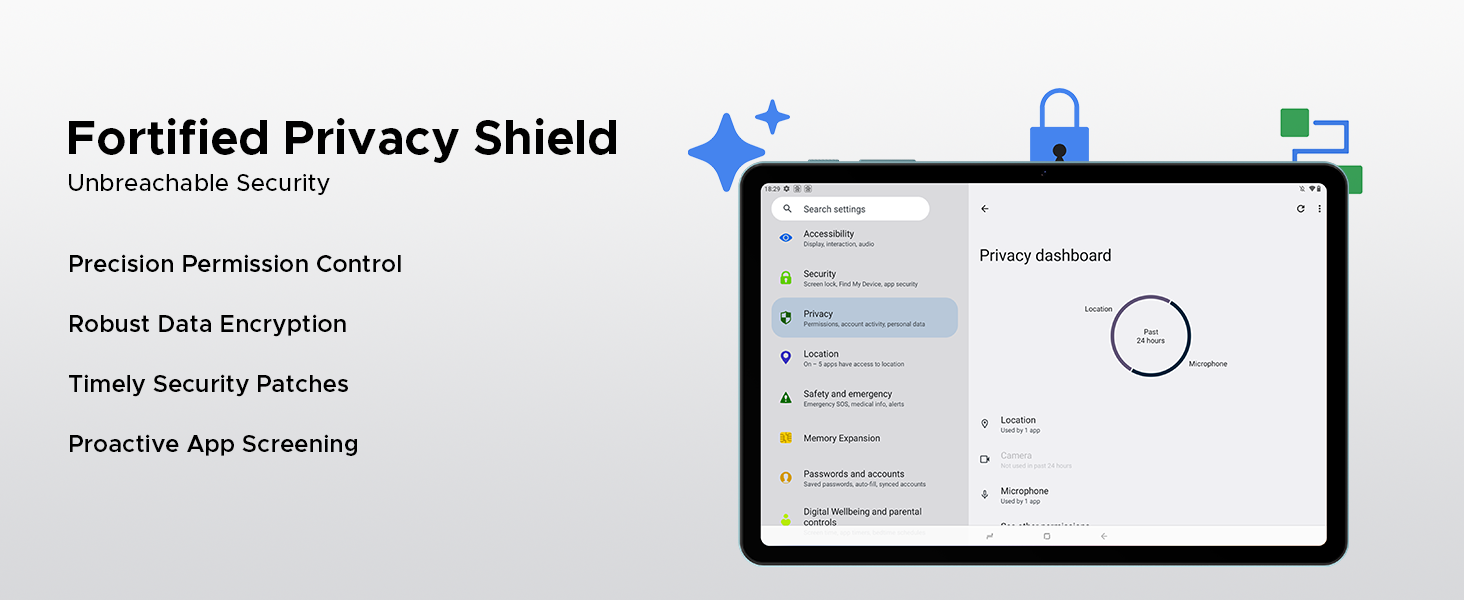
Image: Illustrations of additional Android 15 features such as Bedtime Mode, Multi-user System, and Parental Control.
6.2 Unisoc T310 Quad-Core Processor
Equipped with the Unisoc T310 processor, the tablet delivers smooth performance for daily tasks, web browsing, and office software, while maintaining low power consumption.

Image: Diagram showcasing the Unisoc T310 Quad-Core Processor, highlighting its powerful quad-core design, 2.0GHz ultimate frequency, and 12nm advanced process technology.
6.3 10.1" IPS HD Display
Enjoy a wide field of view and vibrant colors on the 10.1-inch IPS HD display with 1280x800 resolution.
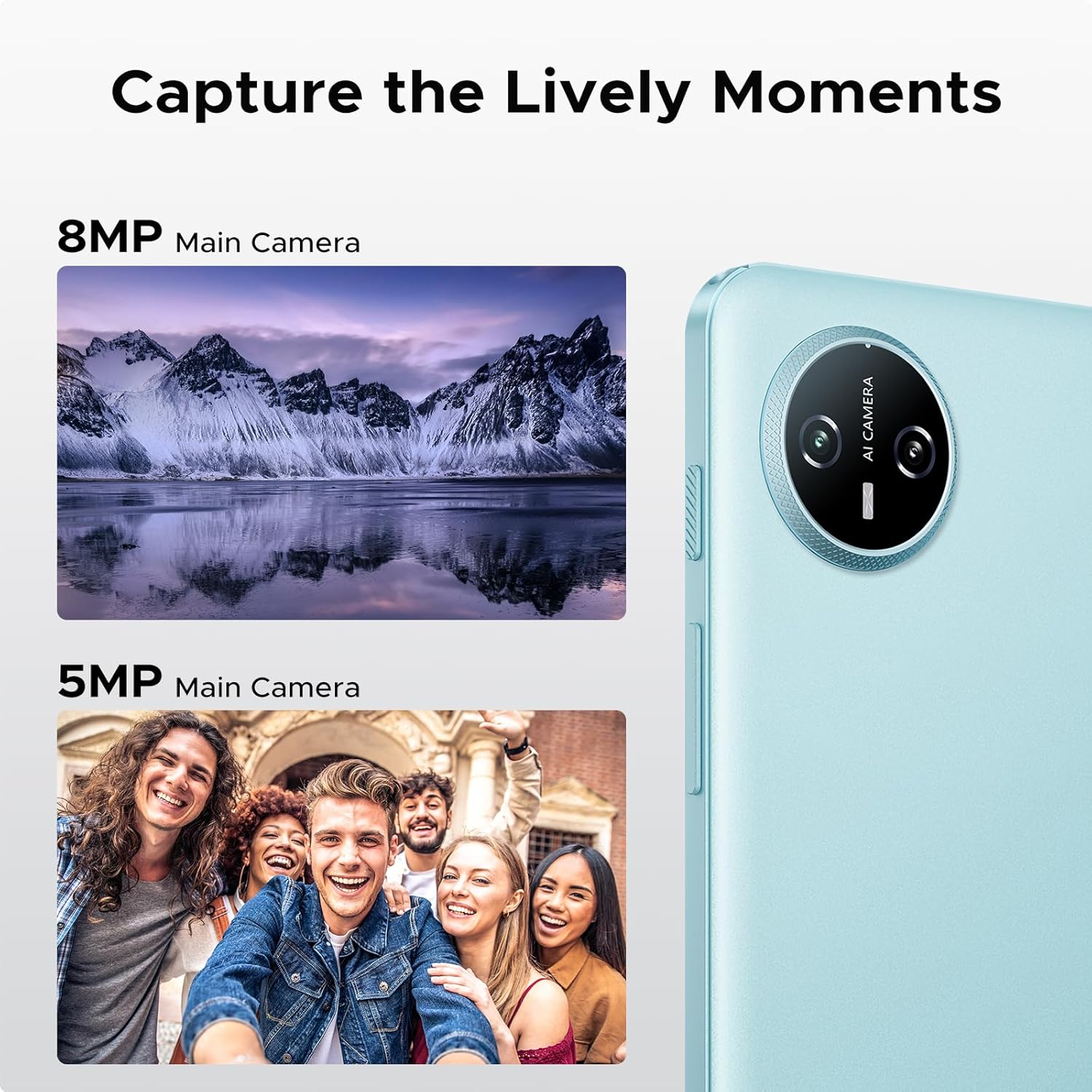
Image: Specifications of the 10.1-inch IPS HD display, including 1280*800 resolution, 16:10 aspect ratio, 80.2% screen-to-body ratio, 1200:1 contrast, 16.7 million screen colors, and 2.5D cover glass.
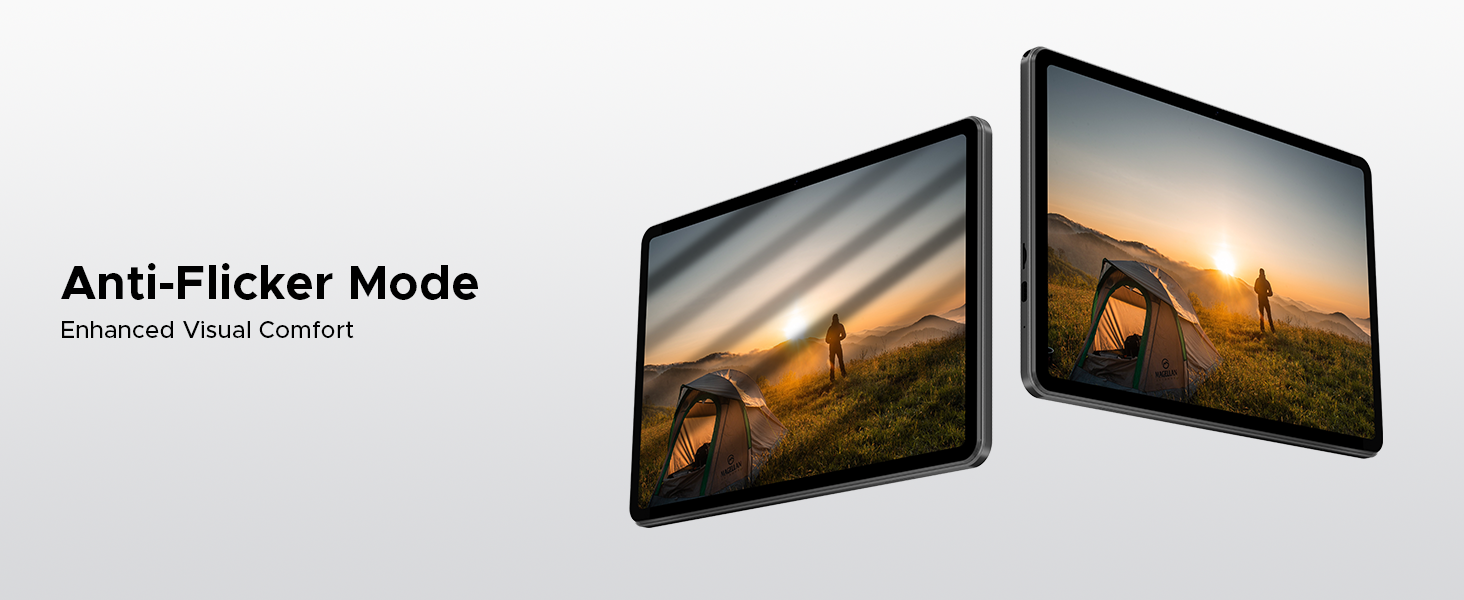
Image: Visuals explaining Eye-Caring Mode to gently protect eyesight and Dark Mode to soften light for night use.
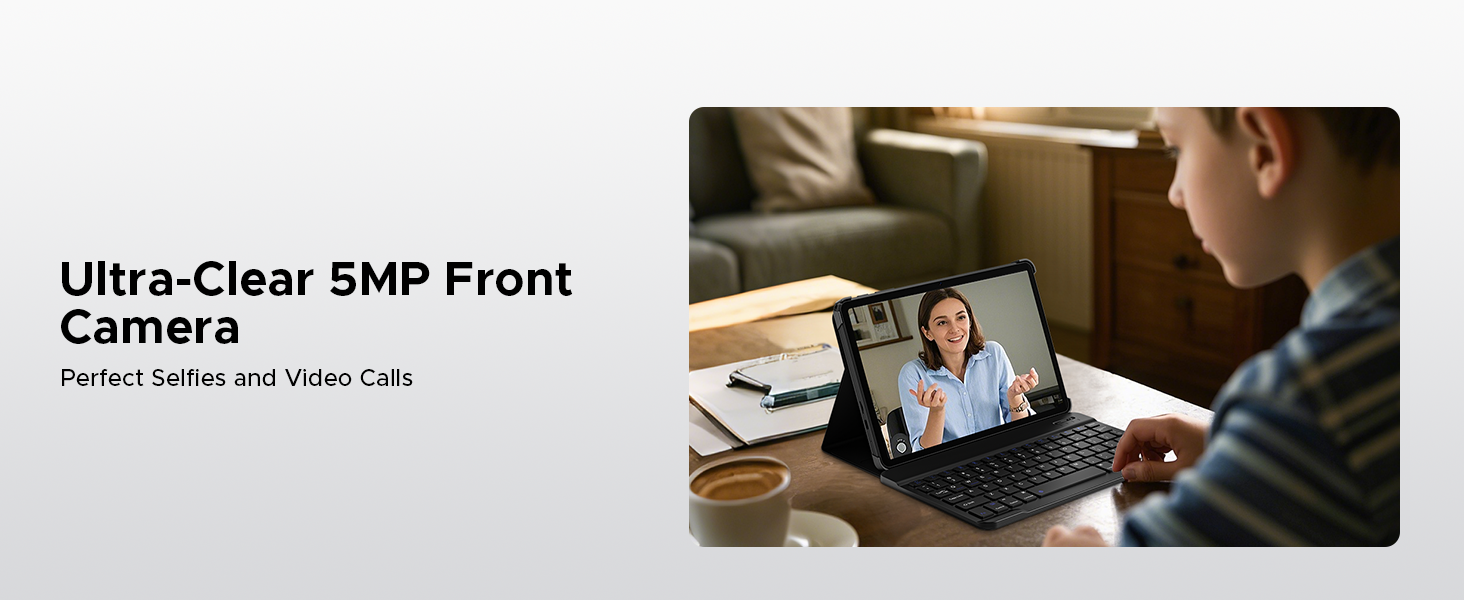
Image: Various usage scenarios for the tablet, including studying, note-taking, light office tasks, and engaging with audiovisuals.
6.4 Dual Speakers
Experience crystal-clear sound with the premium 1217 BOX dual speakers.

Image: Illustration of the 1217 BOX Dual Speakers, indicating sound follows the picture for an immersive experience.
6.5 Built-in WPS Office
The tablet comes with built-in PC-level WPS Office for seamless productivity on-the-go, supporting Word, Excel, and PowerPoint documents.

Image: Tablets displaying WPS Word, Excel, and PPT applications, demonstrating the built-in PC-level WPS Office suite.
7. Manteniment i cura
- Keep the tablet dry. Moisture can damage the internal circuits.
- Avoid extreme temperatures. High temperatures can shorten the life of electronic devices and deform certain plastics.
- Do not drop, knock, or shake the tablet. Rough handling can break internal circuit boards and fine mechanics.
- Feu servir només carregadors i accessoris aprovats.
- Clean the screen with a soft, lint-free cloth. Avoid using harsh chemicals.
8. Solució De Problemes
| Problema | Possible solució |
|---|---|
| La tauleta no s'encén. | Assegureu-vos que la bateria estigui carregada. Connecteu el carregador i espereu uns minuts abans d'intentar tornar-lo a engegar. |
| La pantalla no respon. | Perform a forced restart by holding the power button for about 10-15 seconds. If the issue persists, contact support. |
| Problemes de connexió Wi-Fi. | Restart your Wi-Fi router. Go to Settings > Network & internet > Wi-Fi and try reconnecting. Forget the network and re-add it if necessary. |
| Les aplicacions es bloquegen o es congelen. | Clear the cache of the problematic app (Settings > Apps > [App Name] > Storage & cache > Clear cache). If it continues, uninstall and reinstall the app. Ensure sufficient storage space. |
| La bateria s'esgota ràpidament. | Reduce screen brightness, close unused apps running in the background, disable unnecessary notifications, and turn off Wi-Fi/Bluetooth when not in use. |
9. Especificacions
- Model: Pestanya A9
- Sistema operatiu: Android 15
- Processador: Unisoc T310 Quad-Core, 1.8 GHz
- RAM: 12GB (3GB Basic + 9GB Extended)
- Emmagatzematge intern: ROM de 64 GB
- Emmagatzematge ampliable: Up to 2TB via Micro SD (TF card)
- Visualització: 10.1-inch IPS HD, 1280 x 800 pixels
- Càmera posterior: Càmera AI de 8 MP
- Càmera frontal: 5MP
- Bateria: Polímer de liti de 6580 mAh
- Connectivitat: Wi-Fi 5G, Bluetooth
- Ports: USB tipus C, presa d'àudio de 3.5 mm
- Dimensions: 24.25 x 16.09 x 0.97 cm
- Pes: 900 g
- Característiques especials: Face ID, OTG Support, Dual Speakers, GMS Certified
10. Vídeos oficials de productes
Watch these official videos for more information and visual guides on your DOOGEE Tab A9 tablet.
DOOGEE Tab A9 Android tablets
Aquest vídeo ofereix un finalview of the DOOGEE Tab A9 Android tablet, showcasinel seu disseny i les seves funcionalitats clau.
DOOGEE Tablet Android 15-Tab A9
A detailed look at the DOOGEE Tab A9, highlighting its Android 15 operating system and user experience.
DOOGEE 10 Inch Tablet Tab A9 Android Tablets
This video focuses on the 10-inch display and overall design of the DOOGEE Tab A9, suitable for various uses.
DOOGEE Tab A9 Android 15 Tablet
A concise video highlighting the key selling points of the DOOGEE Tab A9 Android 15 Tablet.
11. Garantia i Suport
DOOGEE provides comprehensive support for its products.
- Garantia: This product typically comes with a 2-year limited warranty. Please refer to your purchase documentation for specific terms and conditions.
- Devolucions: A 30-day money-back guarantee and free return policy may apply. Check with your retailer for details.
- Atenció al client: For technical assistance or customer support, please visit the official DOOGEE weblloc web o contacteu amb els seus canals d'atenció al client.
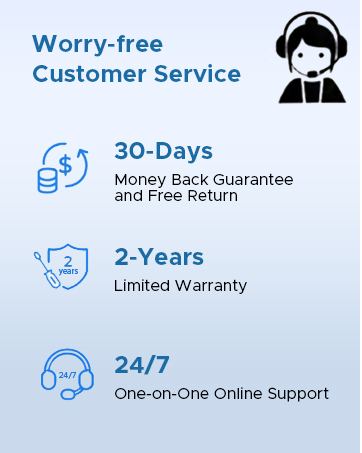
Image: Information on DOOGEE's customer service, including 30-day money back guarantee, 2-year limited warranty, and 24/7 online support.
Ask a question about this manual
Ask about setup, troubleshooting, compatibility, parts, safety, or missing instructions. Manuals+ will review the question and use this page’s manual context to help answer it.