
MEIZE D126
MEIZE Android 14 Tablet User Manual
Model: D126
1. Introducció
Welcome to the user manual for your new MEIZE Android 14 Tablet. This guide provides detailed instructions on how to set up, operate, and maintain your device, ensuring you get the most out of its advanced features. Please read this manual thoroughly before using your tablet.
2. Què hi ha a la caixa
Upon opening your MEIZE Android 14 Tablet package, you should find the following items:
- MEIZE Android 14 Tablet
- Teclat Bluetooth
- Ratolí sense fil
- Toca Pen
- Funda protectora
- Cable de càrrega (tipus C)
- Adaptador d'alimentació

Image: The MEIZE Android 14 Tablet displayed with its full set of accessories, including the keyboard, mouse, stylus, and protective case.
3. Guia de configuració
3.1 Càrrega inicial
Before first use, fully charge your tablet using the provided Type-C cable and power adapter. The battery indicator on the screen will show charging status.
3.2 Engegada/apagada
- Per encendre: Press and hold the Power button located on the side of the tablet until the MEIZE logo appears.
- Per apagar: Mantingueu premut el botó d'engegada i, a continuació, seleccioneu "Apagar" de les opcions que apareixen a la pantalla.
3.3 Configuració inicial
Seguiu les instruccions que apareixen a la pantalla per completar la configuració inicial, inclosa la selecció d'idioma, la connexió Wi-Fi, l'inici de sessió al compte de Google i la configuració de seguretat.
3.4 SIM Card Installation (for 4G Cellular Models)
Your tablet supports dual SIM cards for 4G cellular connectivity. To install SIM cards:
- Localitza la safata de la targeta SIM al lateral de la tauleta.
- Use the SIM ejector tool (not included, typically a paperclip) to open the tray.
- Carefully place your Nano-SIM cards into the designated slots.
- Insert the tray back into the tablet until it clicks into place.
Note: This tablet does not come with a SIM card. You will need to prepare your own. Ensure your SIM cards support the following frequency bands for 4G calling function: 2G GSM full band, WCDMA: B1\/B2\/B4\/B5\/B8, 4G full band: B1\/B2\/B3\/B4\/B5\/B7\/B8\/B12\/B17\/B19\/B20\/B28A\/B28B\/B66\/B38\/B39\/B40\/B41.
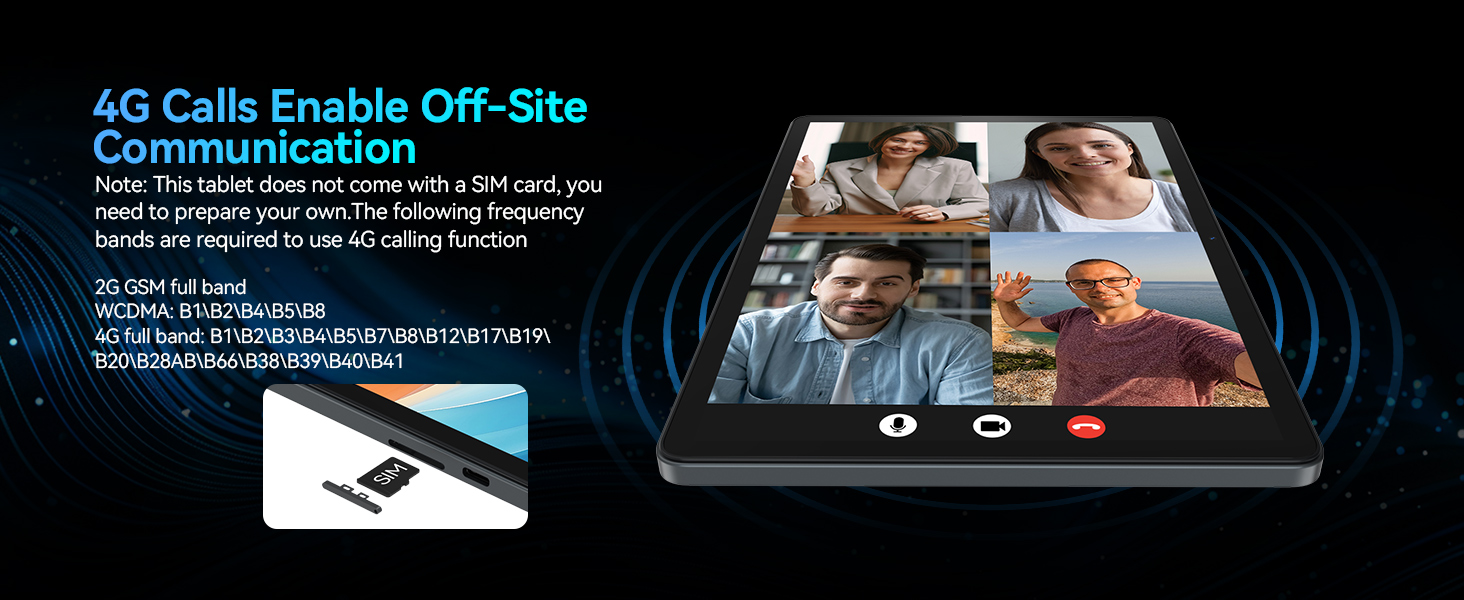
Image: A visual representation of the tablet's 4G calling function, showing a multi-person video conference on the screen.
4. Com utilitzar la tauleta
4.1 Android 14 System Features
Your MEIZE tablet runs on the latest Android 14 operating system, offering an enhanced user interface and improved functionality. Key features include:
- Funció de pantalla dividida: Allows you to run and view two applications simultaneously, greatly improving multitasking efficiency.
- Five-Finger Touch: Provides advanced gesture control for intuitive navigation and interaction.
- Optimized User Interface: A streamlined and user-friendly interface for smooth operation.
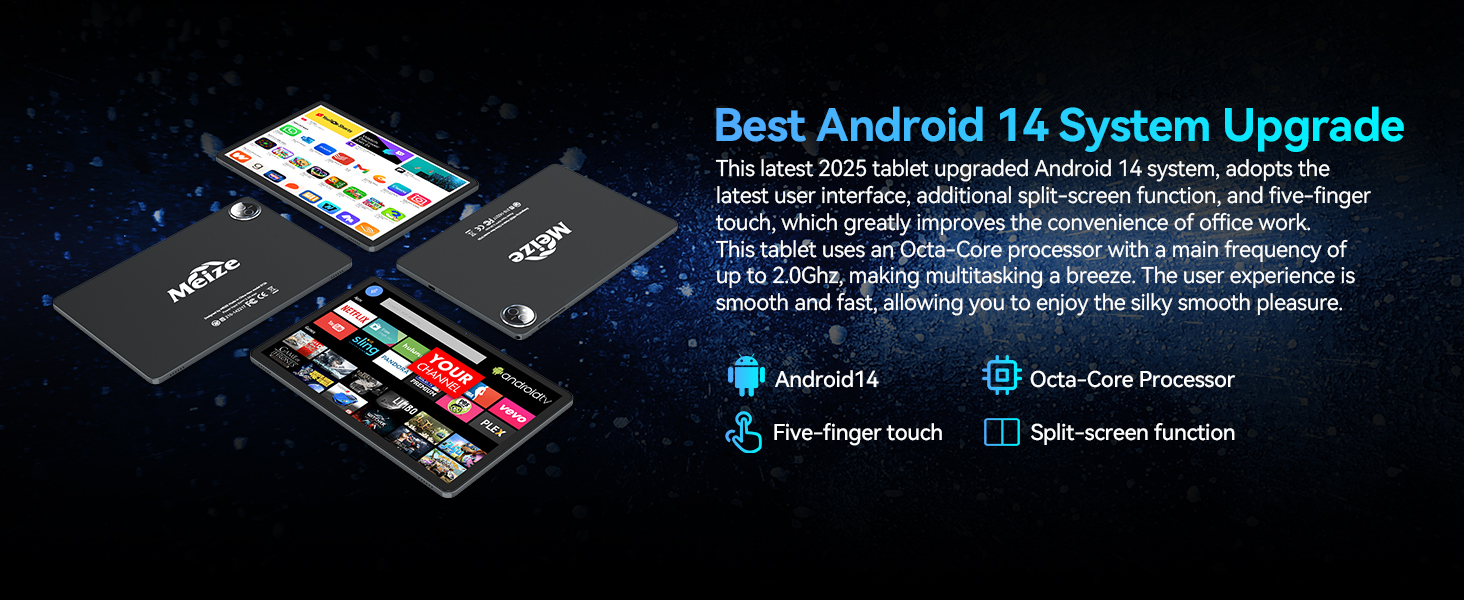
Image: A graphic highlighting the key features of the Android 14 system, including the Octa-Core processor, five-finger touch, and split-screen function.
4.2 Rendiment i emmagatzematge
Equipped with an Octa-Core processor (up to 2.0Ghz), 16GB RAM (8GB physical + 8GB expandable), and 128GB internal storage (expandable up to 512GB via microSD card, not included), your tablet delivers excellent performance for various tasks.
- Run multiple applications simultaneously without lag.
- Store a large volume of games, movies, videos, music, and work software.
- Experience smooth and fast user interaction for all your needs.

Imatge: La pantalla de la tauletaasing its large memory capacity, with text emphasizing 128GB ROM and 16GB RAM, and 512GB additional expansion.
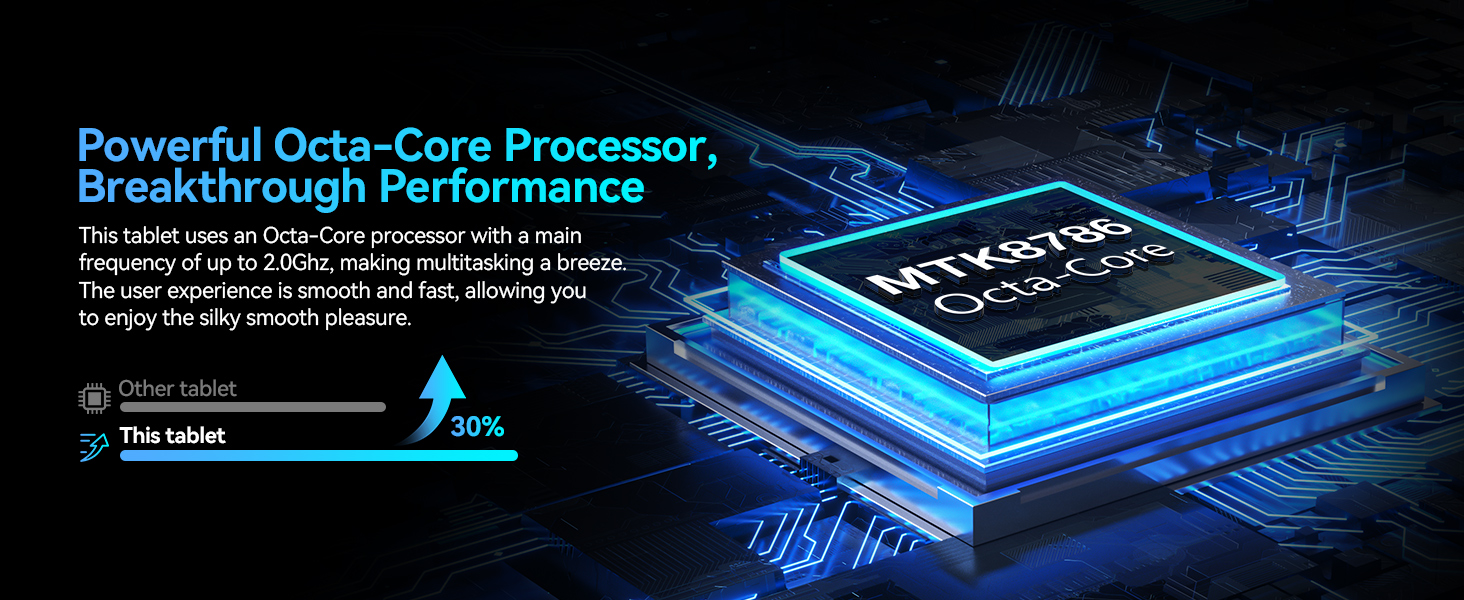
Image: A visual representation of the powerful Octa-Core processor, highlighting its breakthrough performance compared to other tablets.
4.3 Visual Design and Display
The 11-inch ultra-clear LCD screen provides a rich visual experience with vibrant colors and clear details. Its soft light curtain design helps reduce eye strain during extended use.
- Ideal for watching movies, playing games, and browsing photos.
- Offers clearer portrait capture and delicate details.
- Reduces visual pressure and fatigue for comfortable viewing.
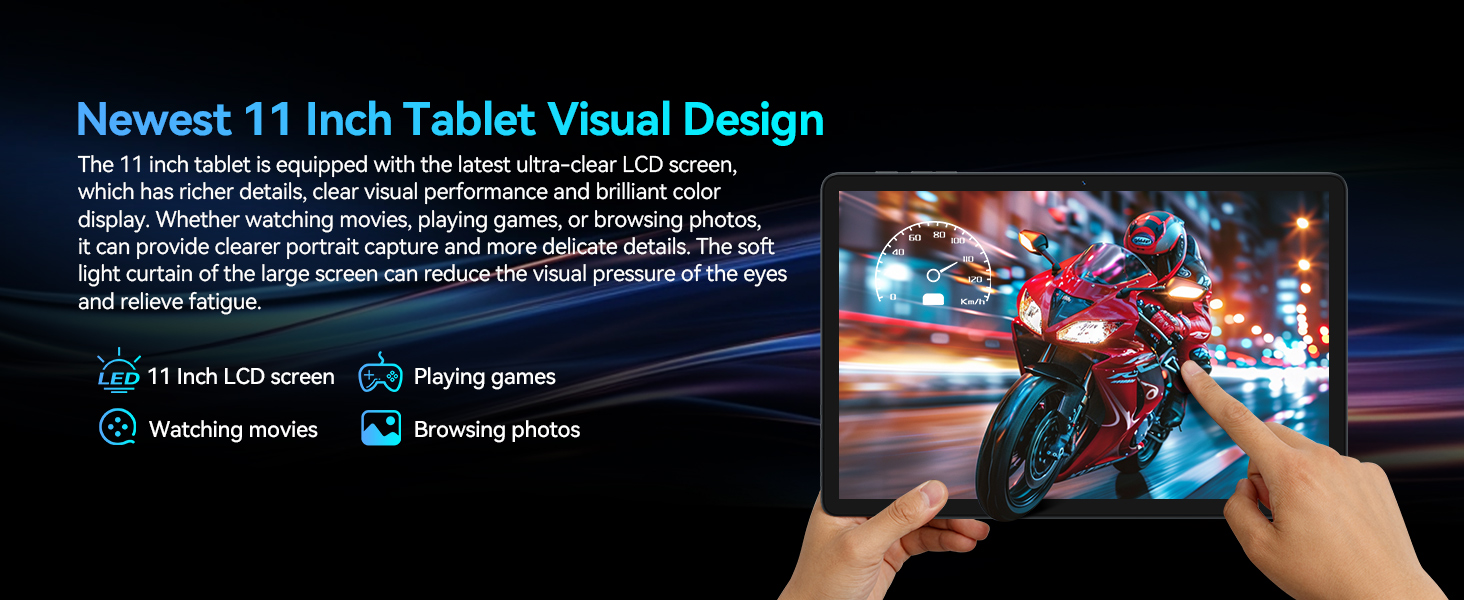
Imatge: La pantalla de la tauletaasing its ultra-clear display with a dynamic image, illustrating its visual quality for movies, games, and photos.
4.4 Connectivitat
Your tablet features advanced connectivity options for seamless communication and internet access:
- Dual 4G Cellular: Supports dual SIM cards for reliable network access and calling functions.
- 5G WiFi Module: Provides faster transmission speeds and a more stable connection for internet browsing and streaming.
- Bluetooth 5.0 Module: Ensures stable and efficient wireless connections with compatible devices like headphones, keyboards, and mice.

Image: A graphic illustrating the tablet's support for dual 4G cellular and 5G WiFi, emphasizing stable network connection and smooth internet speed.
4.5 Durada de la bateria
The tablet is equipped with an 8000mAh lithium polymer battery, offering extended usage times:
- Fins a 24 hores de temps en espera.
- Up to 6 hours of gaming.
- Fins a 8 hores de reproducció de vídeo.
- Fins a 10 hores de reproducció de música.
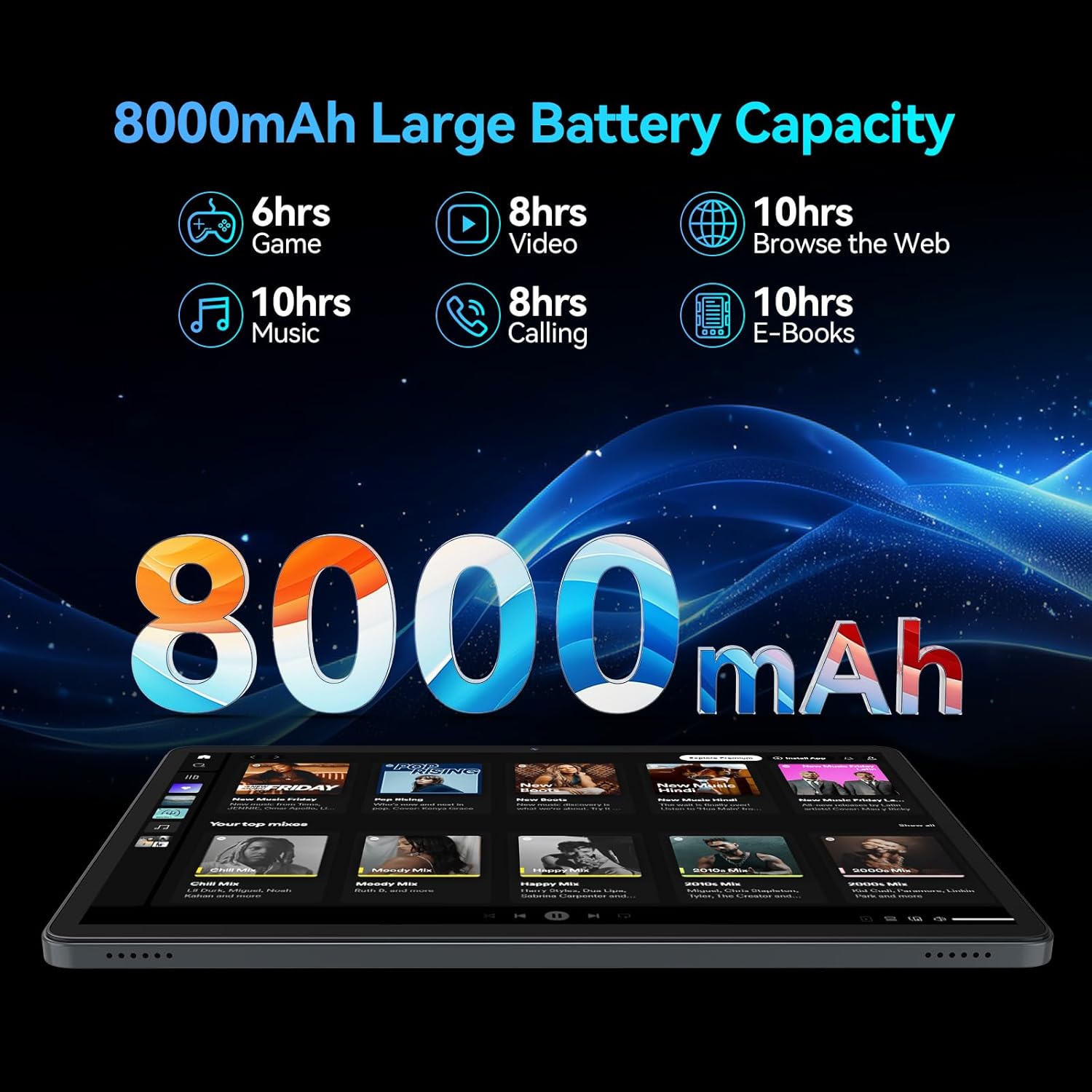
Image: A visual breakdown of the 8000mAh battery's performance, showing estimated hours for gaming, video, web browsing, music, calling, and e-books.
4.6 Càmera
Capture moments with the tablet's dual HD cameras:
- Càmera posterior: 13MP for clear photos and videos.
- Càmera frontal: 8MP for high-quality video calls and selfies.
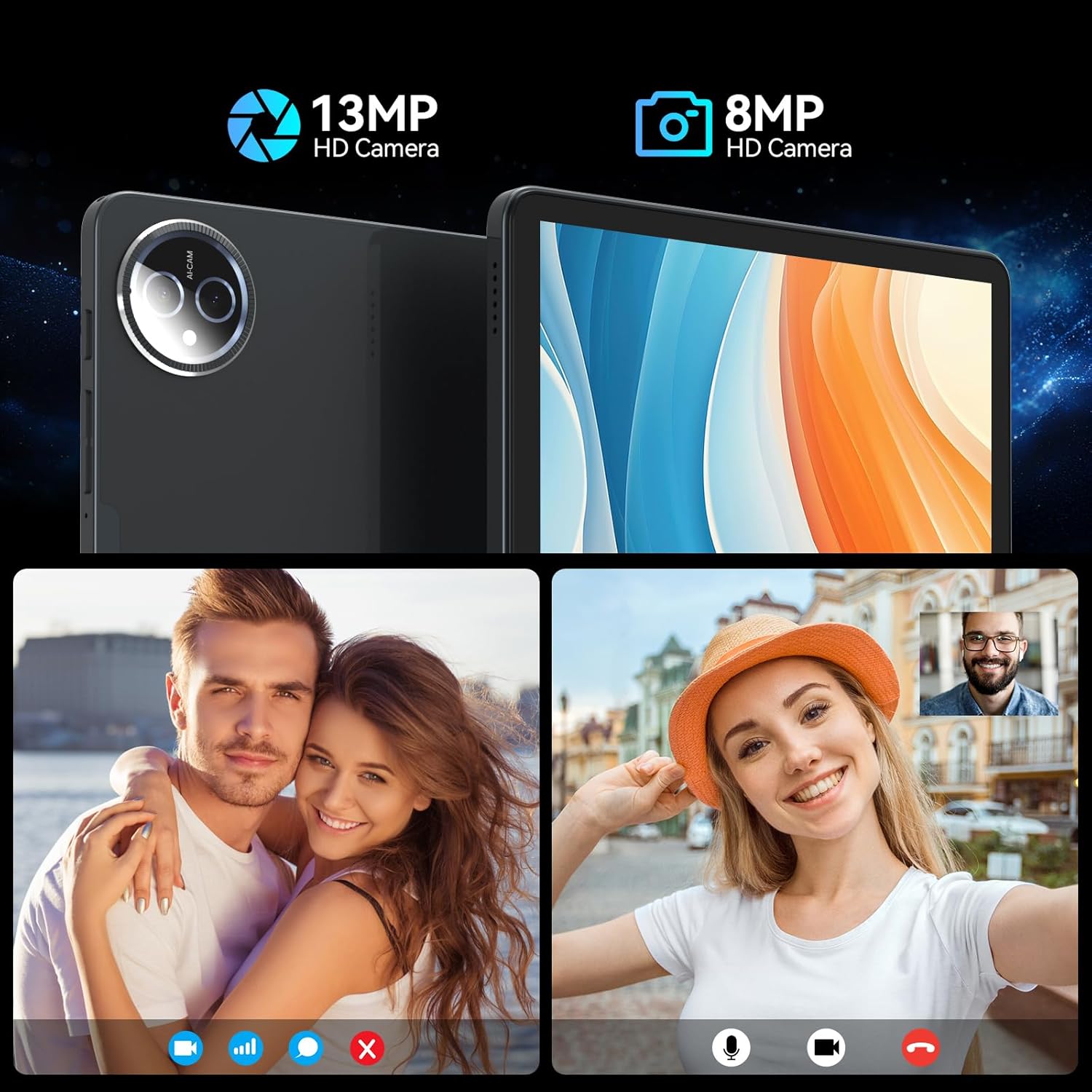
Image: A split image demonstrating the tablet's 13MP rear camera and 8MP front camera capabilities, showing a couple and a woman taking a selfie.
4.7 Accessories and Working Mode
The MEIZE tablet is designed for versatility, easily converting into a portable laptop with its included accessories:
- Connect the Bluetooth keyboard and wireless mouse for a traditional computing experience.
- Utilize the touch pen for precise input, drawing, or note-taking.
- The protective case doubles as a stand, allowing for comfortable viewangles d'escriptura i escriptura.
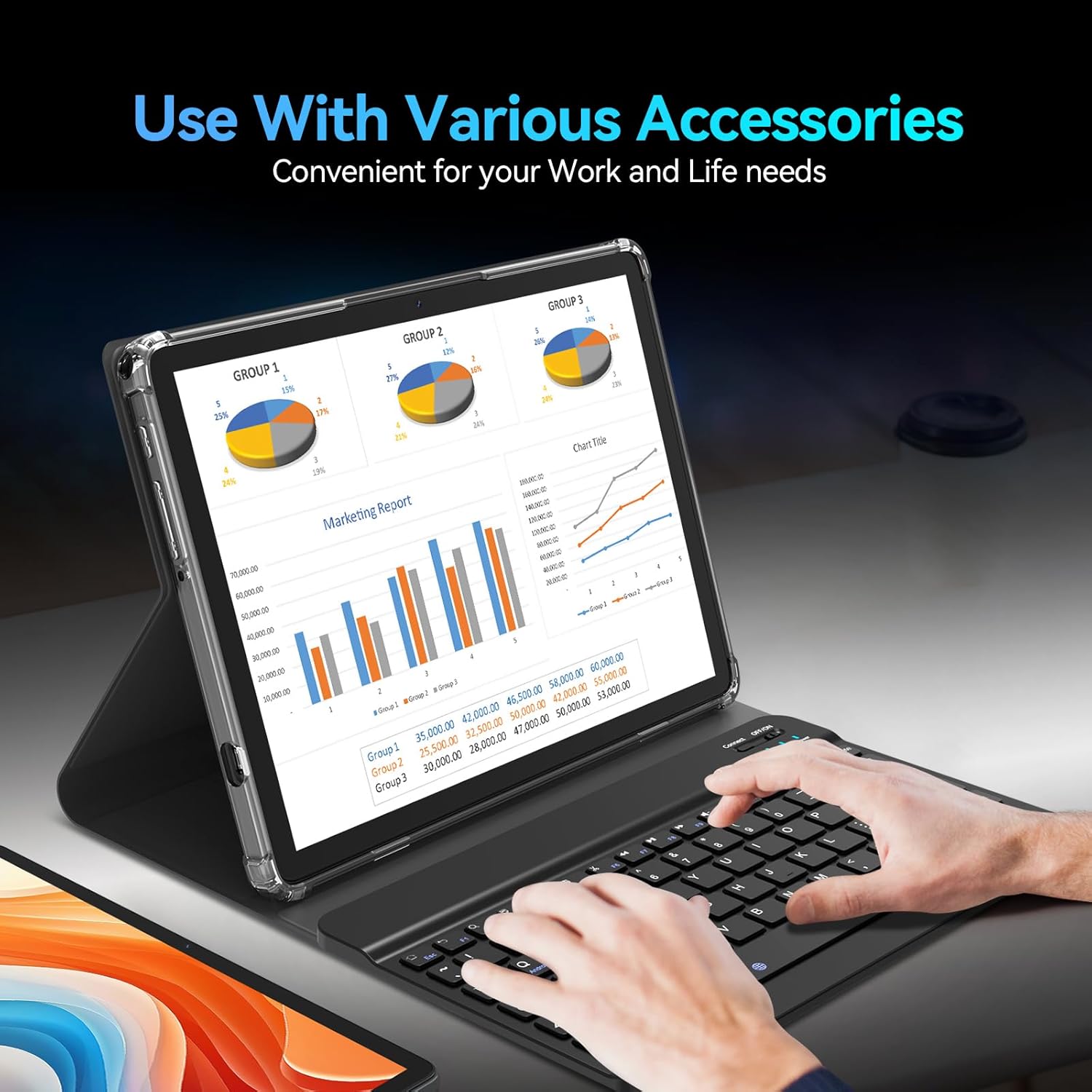
Image: The tablet being used with its accessories, including the keyboard, mouse, and stylus, demonstrating its versatility for work and life needs.
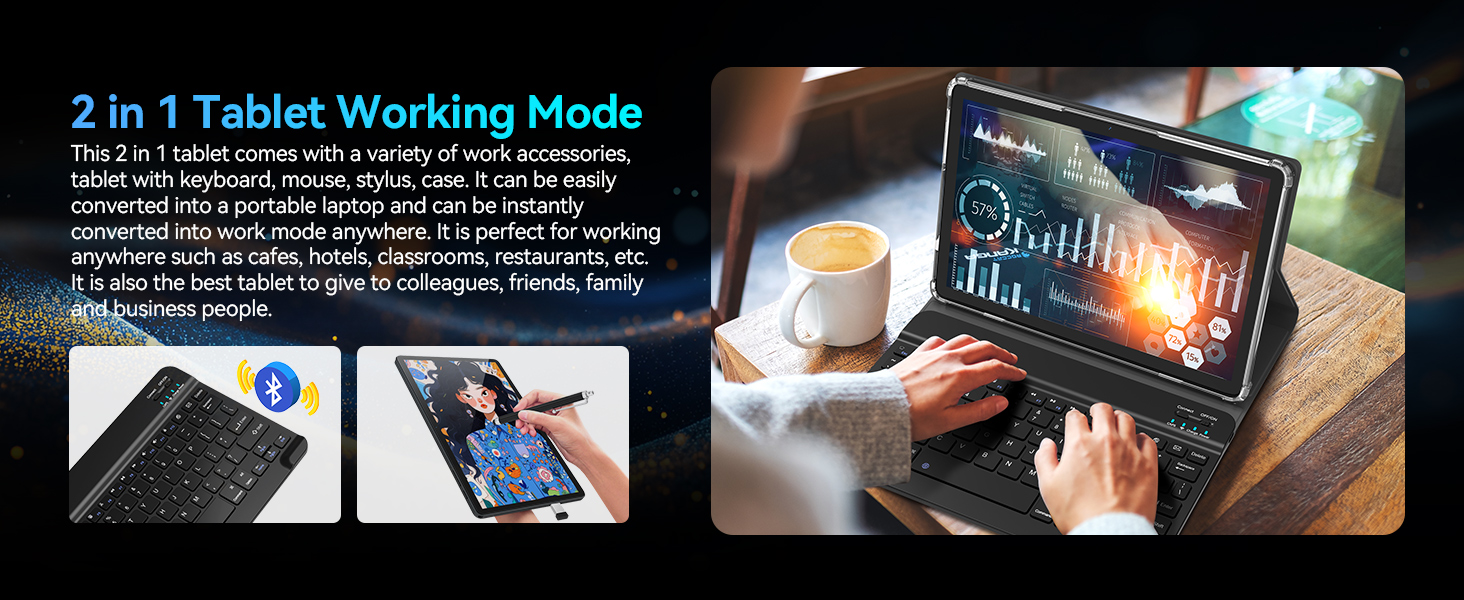
Image: A user operating the tablet in '2 in 1' working mode with the attached keyboard, illustrating its functionality as a portable laptop.
5. Escenaris d'ús
The MEIZE Android 14 Tablet is designed for a wide range of uses, making it suitable for various environments and activities:
- Treball: Perfect for office tasks, presentations, and remote work in cafes, hotels, or classrooms.
- Estudi: Ideal for reading e-books, taking notes, and online learning.
- Entreteniment: Enjoy gaming, watching movies, and browsing social media.
- Comunicació: Stay connected with friends and family through video calls and messaging.

Image: Four distinct scenarios demonstrating the tablet's versatility: playing games, reading, being given as a gift, and being used for work.
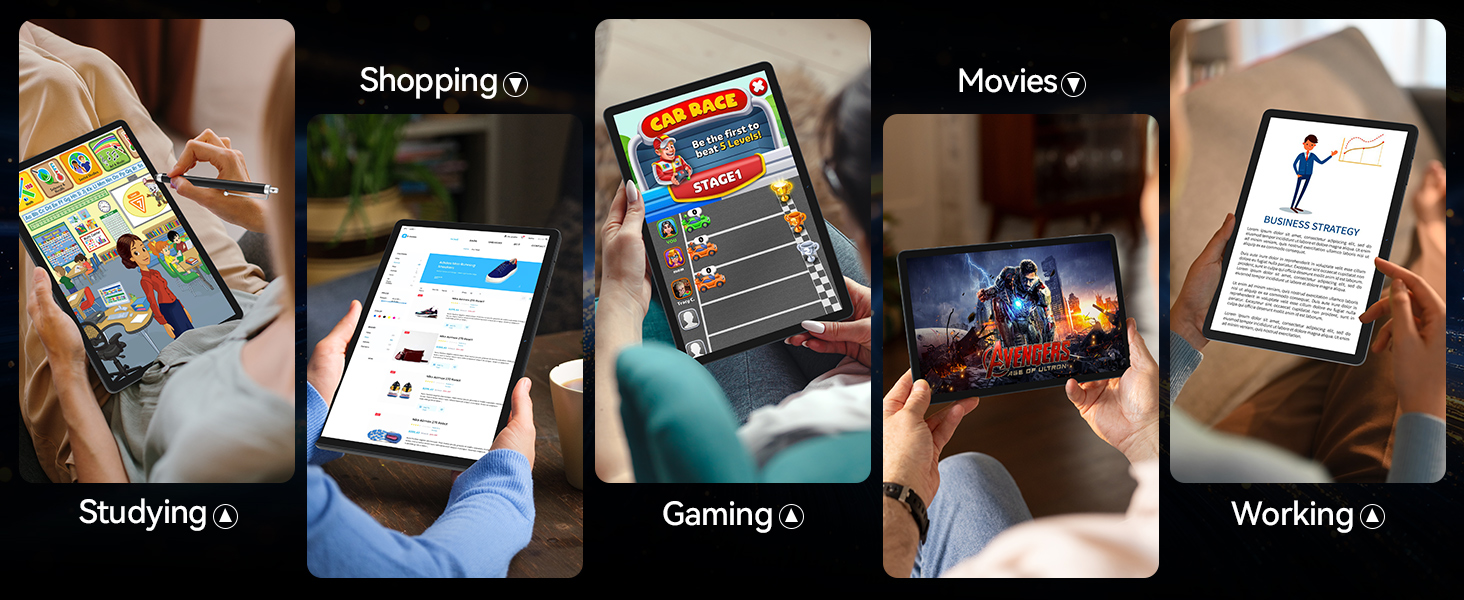
Image: A collage of images depicting various uses of the tablet, including studying, shopping, gaming, watching movies, and working.
6. Especificacions
| Característica | Especificació |
|---|---|
| Marca | MEIZE |
| Nom del model | Latest 11 Inch Tablet |
| Número de model de l'article | D126 |
| Sistema operatiu | Android 14 |
| Mida de la pantalla | 11 polzades |
| Resolució de pantalla màxima | 1280 x 800 HD Pixels |
| Processador | Octa-Core, 2 GHz |
| Flash Memory Size (ROM) | 128 GB |
| RAM | 16 GB (8GB physical + 8GB expandable) |
| posterior WebResolució de la càmera | 13 MP |
| Davant WebResolució de la càmera | 8 MP |
| Tipus sense fil | 802.11ac, 802.11ax (5G WiFi), Bluetooth 5.0 |
| Capacitat de la bateria | Polímer de liti de 8000 mAh |
| Durada mitjana de la bateria | 6 hores (segons l'ús) |
| Pes de l'article | 1.2 lliures |
| Dimensions del producte (LxWxH) | 11 x 7 x 0.3 polzades |
| Color | Gris |
7. Solució De Problemes
If you encounter any issues with your MEIZE tablet, please refer to the following common troubleshooting steps:
- La tauleta no respon/està congelada: Premeu i manteniu premut el botó d'engegada durant uns 10-15 segons per forçar un reinici.
- Apps are lagging or crashing: Close unnecessary background applications. Clear app cache in Settings > Apps > [App Name] > Storage > Clear Cache. Ensure you have sufficient storage space.
- Problemes de connectivitat Wi-Fi: Turn Wi-Fi off and on again. Restart your router. Forget the network in tablet settings and reconnect.
- Poca durada de la bateria: Redueix la brillantor de la pantalla. Tanca les aplicacions que no fas servir. Desactiva el Wi-Fi/Bluetooth quan no estiguis en ús. Comprova l'ús de la bateria a Configuració per identificar les aplicacions que consumeixen molta energia.
- Tablet is not charging: Ensure the charging cable and adapter are securely connected. Try a different power outlet. Inspect the charging port for any debris.
- Keyboard/Mouse not connecting: Ensure Bluetooth is enabled on the tablet. Make sure the accessories are charged and in pairing mode. Re-pair the devices in Bluetooth settings.
- General Bugginess: Some users have reported occasional bugs. Ensure your tablet's software is up to date via Settings > System > System update. A factory reset (Settings > System > Reset options > Erase all data) can resolve persistent software issues, but will delete all your data, so back up first.
Per a problemes més complexos, consulteu la secció d'assistència o poseu-vos en contacte amb el servei d'atenció al client.
8. Manteniment
To ensure the longevity and optimal performance of your MEIZE tablet, follow these maintenance guidelines:
- Neteja: Feu servir un drap suau i sense borrissol per netejar la pantalla i la carcassa. Eviteu productes de neteja o dissolvents abrasius.
- Emmagatzematge: Guardeu la tauleta en un lloc fresc i sec, allunyat de la llum solar directa i de temperatures extremes.
- Actualitzacions de programari: Regularly check for and install system updates to ensure your tablet has the latest features and security patches.
- Cura de la bateria: Avoid fully discharging the battery frequently. For long-term storage, charge the battery to around 50-60%.
- Protecció: Always use the provided protective case to guard against drops and scratches.
9. Garantia i Suport
MEIZE is committed to providing excellent customer service. If you encounter any problems with your product, please do not hesitate to contact our professional support team.
- Atenció al client: For assistance, please reach out to the MEIZE customer service team through the platform where you purchased the product or visit the official MEIZE weblloc per obtenir informació de contacte.
- Informació de la garantia: Details regarding your product's warranty period and coverage can typically be found on the product packaging or the official MEIZE weblloc web. Si us plau, conserveu el comprovant de compra per a reclamacions de garantia.
Ask a question about this manual
Ask about setup, troubleshooting, compatibility, parts, safety, or missing instructions. Manuals+ will review the question and use this page’s manual context to help answer it.