1. Introducció
This manual provides detailed instructions for the installation, operation, and maintenance of the Generic Canbus Box RP5-VW-001/VW-SS-07 Adaptor. This device is designed to integrate aftermarket Android car radios with the existing Canbus system in compatible Volkswagen, Skoda, and Seat vehicles built on the PQ platform, ensuring proper communication for functions such as steering wheel controls, door status, and ignition signals.
2. Producte acabatview
The Canbus Box RP5-VW-001/VW-SS-07 acts as an interface between your vehicle's Canbus system and an aftermarket Android head unit. It translates vehicle data into a format recognizable by the new radio, enabling seamless functionality. This adaptor is specifically compatible with Volkswagen, Skoda, and Seat vehicles utilizing the PQ platform.

Figura 2.1: The Generic Canbus Box RP5-VW-001/VW-SS-07 Adaptor. This image displays the main unit, highlighting its compact design and the 'CABLE AND CANBUS' label, indicating its function as a wiring interface for vehicle data.
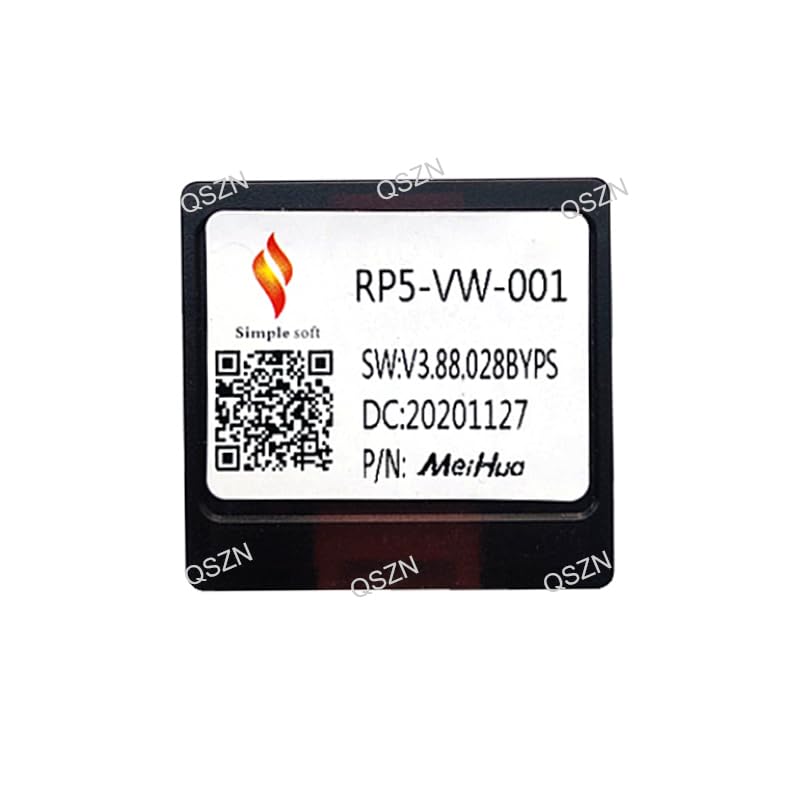
Figura 2.2: A dalt view of the Canbus Box RP5-VW-001/VW-SS-07. This perspective shows the top surface of the adaptor, including the model number RP5-VW-001, software version (SW:V3.88.028BYPS), date code (DC:20201127), and part number (P/N: MeiHua).
3. Configuració i instal·lació
Proper installation is crucial for the correct functioning of the Canbus adaptor. It is recommended that installation be performed by a qualified technician.
3.1 Llista de comprovació prèvia a la instal·lació
- Assegureu-vos que el contacte del vehicle estigui apagat i que la bateria estigui desconnectada.
- Verify compatibility of the adaptor with your specific vehicle model and year (VW/Skoda/Seat PQ Platform).
- Confirm that your aftermarket Android head unit supports Canbus integration.
3.2 Connexions de cablejat
The Canbus box connects to your vehicle's wiring harness and your new Android head unit. Refer to the wiring diagram below for pin assignments.
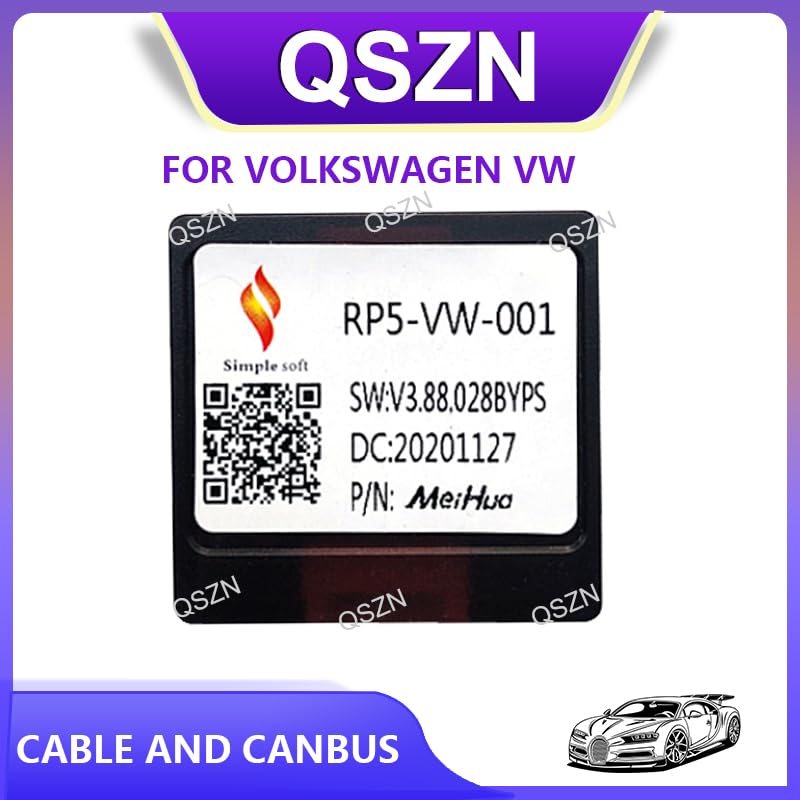
Figura 3.1: The Canbus Box RP5-VW-001/VW-SS-07 showing its multi-pin connector. This view highlights the interface where the vehicle's wiring harness connects to the adaptor, facilitating data exchange.
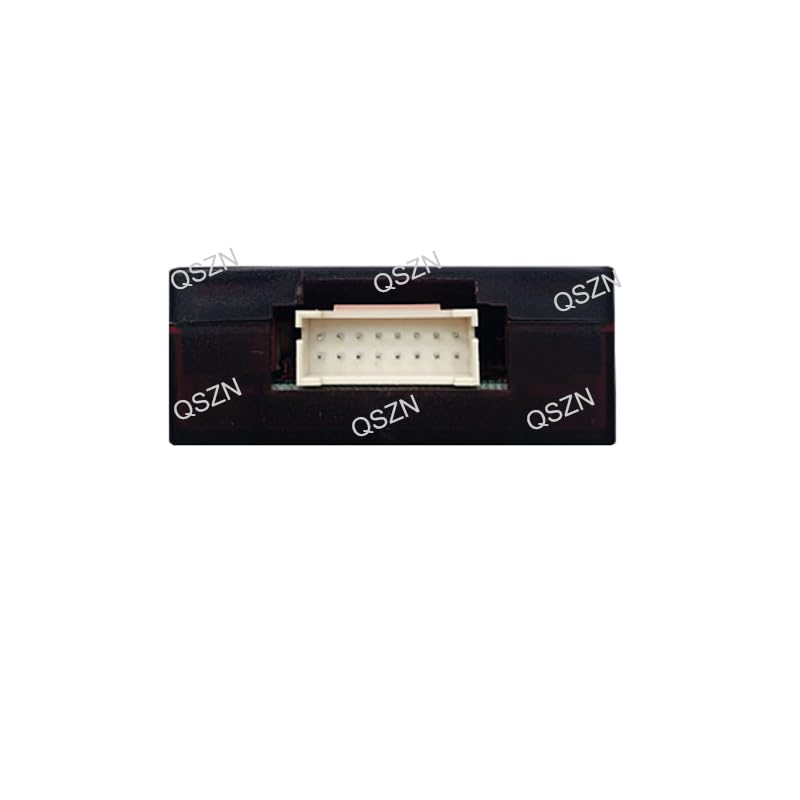
Figura 3.2: Detailed wiring diagram for the Canbus Box RP5-VW-001/VW-SS-07. This diagram illustrates the pin assignments for the P1 connector, including speaker outputs (FL+, FL-, FR+, FR-, RL+, RL-, RR+, RR-), reverse detecting line, ACC Key Switch, GND, ANT power, KEY1, KEY2, ILL small lights detecting, and BATT (battery power).
Pin Assignments (P1 Connector):
| Pin | Funció |
|---|---|
| A1 | GND (terra) |
| A2 | BATT (Battery Power) |
| A3 | ACC Key Switch |
| A4 | ILL small lights detecting |
| A5 | Reverse detecting line |
| A6 | CLAU 2 |
| A7 | CLAU 1 |
| A8 | ANT power |
| A9 | Speaker Front Right FR- |
| A10 | Speaker Rear Left RL- |
| A11 | Speaker Front Right FR+ |
| A12 | Speaker Rear Right RR+ |
| A13 | Speaker Front Left FL- |
| A14 | Speaker Rear Right RR- |
| A15 | Speaker Front Left FL+ |
| A16 | Speaker Rear Left RL+ |
3.3 Passos d'instal·lació
- Carefully remove the factory radio from your vehicle, following your vehicle's specific service manual.
- Locate the vehicle's wiring harness connector.
- Connect the vehicle's wiring harness to the corresponding input on the Canbus adaptor.
- Connect the output of the Canbus adaptor to the wiring harness of your new Android head unit. Ensure all connections are secure.
- Torneu a connectar la bateria del vehicle.
- Turn on the ignition and test the functionality of the new head unit, including steering wheel controls, reverse camera (if applicable), and illumination.
- Securely mount the Canbus box in a safe location behind the dashboard, ensuring it does not interfere with other components.
4. Instruccions de funcionament
Once correctly installed, the Canbus Box RP5-VW-001/VW-SS-07 operates automatically. It continuously translates vehicle data for your Android head unit. There are no user-adjustable settings on the Canbus box itself.
4.1 Supported Functions
- Controls del volant: Enables the use of factory steering wheel buttons to control the aftermarket radio (e.g., volume, track skip, mode).
- Senyal d'encesa (ACC): Provides the correct ignition signal to the radio, allowing it to power on and off with the vehicle.
- Senyal d'il·luminació: Synchronizes the radio's button illumination with the vehicle's dashboard lights.
- Senyal de marxa enrere: Activates the reverse camera input on the radio when the vehicle is put into reverse.
- Estat de la porta oberta: Pot mostrar avisos de porta oberta en unitats principals compatibles.
Specific functions supported may vary based on the vehicle's original Canbus system and the capabilities of the aftermarket Android head unit.
5. Manteniment
The Canbus Box RP5-VW-001/VW-SS-07 is a sealed electronic component and requires minimal maintenance.
- Ensure the unit is kept dry and free from excessive dust or debris.
- Eviteu exposar la unitat a temperatures extremes o a la llum solar directa.
- Reviseu periòdicament totes les connexions del cablejat per assegurar-vos que es mantinguin segures.
- Do not attempt to open or repair the unit, as this will void any potential warranty and may cause damage.
6. Solució De Problemes
Si teniu problemes després de la instal·lació, consulteu la guia de resolució de problemes següent:
| Problema | Causa possible | Solució |
|---|---|---|
| La ràdio no s'encén. | No power to the Canbus box or radio. | Check battery (BATT) and accessory (ACC) connections. Ensure vehicle battery is connected. |
| Els comandaments al volant no funcionen. | Incorrect Canbus connection or radio settings. | Verify Canbus wiring. Check the Android radio's settings for steering wheel control configuration. Some radios require manual learning of buttons. |
| No illumination or dimming. | Illumination signal not connected or recognized. | Check ILL small lights detecting wire connection. Ensure radio settings for illumination are correct. |
| La càmera de marxa enrere no s'activa. | Reverse detecting line issue. | Verify the Reverse detecting line connection. Ensure the camera is properly connected to the radio. |
| Funcionalitat intermitent. | Loose connections or power fluctuations. | Inspect all wiring connections for tightness. Ensure stable 12V power supply. |
If problems persist after following these steps, consult a professional automotive electronics technician.
7. Especificacions
- Model: RP5-VW-001 / VW-SS-07
- Compatibilitat: Volkswagen, Skoda, Seat vehicles (PQ Platform)
- Entrada Voltage: 12V DC
- Pes de l'article: 0.2 kg
- Mida de l'article: Aproximadament 10 x 10 x 10 cm (llargada x amplada x alçada)
- Origen: Xina continental
8. Garantia i Suport
For warranty information and technical support, please refer to the retailer or manufacturer from whom you purchased this product. Keep your proof of purchase for any warranty claims.


