
DOOGEE DOOGEE TAB G6
DOOGEE TAB G6 Tablet User Manual
Model: DOOGEE TAB G6 (G6 Black)
Introducció
This manual provides essential information for the proper use and maintenance of your DOOGEE TAB G6 Tablet. Please read this manual thoroughly before operating the device to ensure optimal performance and longevity. The DOOGEE TAB G6 is an 11-inch Android 15 tablet designed for versatile use, featuring robust connectivity, ample storage, and a powerful processor.

Imatge: Anvers i revers view of the DOOGEE TAB G6 Tablet, showcasing its design and key specifications like 4G LTE, 8000mAh battery, Android 15, Unisoc T7250 processor, 30GB RAM, and 256GB storage.
Què hi ha a la caixa
En obrir el paquet, comproveu que hi hagi tots els elements següents:
- 1* DOOGEE Tab G6 Tablet
- 1 * cable tipus C
- 1 * Carregador
- 1* Card Remover (SIM ejector tool)
- 1 * Caixa d'embalatge
- 1* User Manual (this document)
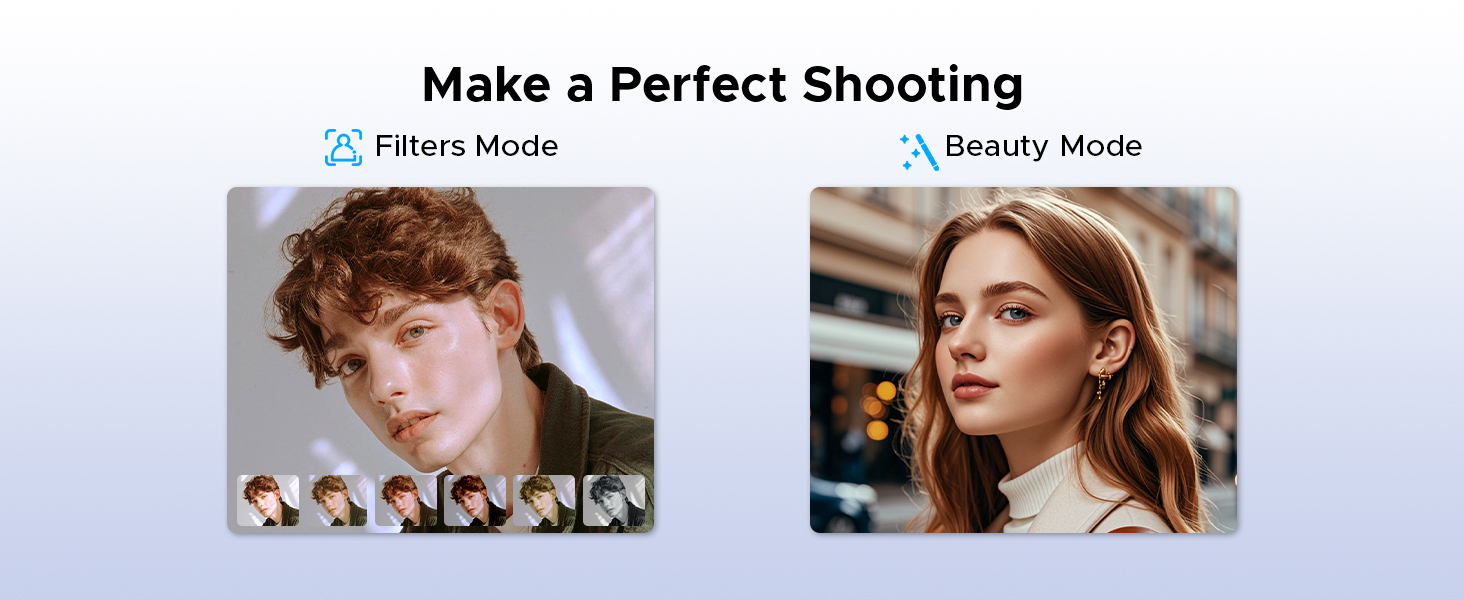
Image: A visual representation of the DOOGEE Tab G6 Tablet and its included accessories: Type-C cable, charger, card remover tool, and user manual, all neatly arranged within the packaging box.
Producte acabatview
The DOOGEE TAB G6 is engineered for performance and user experience. It features an 11-inch display, an octa-core processor, and a large battery, all housed within a sleek and lightweight design.
Components clau:
- Visualització: 11-inch HD IPS display with 1280 x 800 resolution and 90Hz refresh rate.
- Processador: Unisoc T7250 Octa-Core Processor for efficient performance.
- Memòria i emmagatzematge: 30GB (6GB physical + 24GB extended) RAM and 256GB internal storage, expandable up to 2TB via TF card.
- Càmeres: 13MP rear main camera and 5MP front camera.
- Àudio: Premium 1217 BOX Dual Speakers.
- Bateria: 8000mAh large capacity battery with 10W fast charging and 5W reverse charging.
- Connectivitat: Dual SIM 4G LTE, 5G WiFi, Bluetooth 5.0, GPS (Beidou+GLONASS+Galileo+AGPS).
- Sistema operatiu: Android 15.

Imatge: Un primer pla view of the DOOGEE TAB G6 Tablet's side profile, emphasizing its 7.9mm thickness and 554g weight, along with details of its sleek straight edges and metal body construction.
Configuració
1. Càrrega del dispositiu
Before first use, fully charge your DOOGEE TAB G6 Tablet. Connect the provided Type-C cable to the tablet's charging port and the other end to the charger. Plug the charger into a power outlet. The battery indicator on the screen will show charging progress.

Imatge: Una explosió view diagram of the DOOGEE TAB G6 Tablet highlighting its 8000mAh large battery, along with icons indicating 10W fast charging and 5W reverse charging capabilities.
2. Inserció de la targeta SIM/TF
The DOOGEE TAB G6 supports dual SIM cards (Nano SIM) or one Nano SIM and one TF (microSD) card for expandable storage up to 2TB. Use the provided card remover tool to open the SIM tray.
- Localitza la safata de la targeta SIM al lateral de la tauleta.
- Insert the card remover tool into the small hole next to the tray and press gently until the tray ejects.
- Place your Nano SIM card(s) and/or TF card into the designated slots on the tray, ensuring correct orientation.
- Empenyeu amb cura la safata cap a dins de la tauleta fins que encaixi al seu lloc.

Image: A visual guide demonstrating the insertion of SIM cards and a TF card into the DOOGEE TAB G6 Tablet, emphasizing its Dual SIM 4G LTE Connectivity for quicker download speeds, faster web browsing, and decreased network loads.
3. Engegada inicial
Press and hold the Power button located on the side of the tablet until the DOOGEE logo appears. Follow the on-screen prompts to complete the initial setup, including language selection, Wi-Fi connection, and Google account sign-in.
4. Connexió a Wi-Fi
During initial setup or anytime later, you can connect to a Wi-Fi network:
- Vés a Configuració > Xarxa i Internet > Wi-Fi.
- Activa/desactiva el Wi-Fi On.
- Seleccioneu la xarxa Wi-Fi que vulgueu de la llista.
- Introduïu la contrasenya si us demana i toqueu Connecta't.

Image: An illustration highlighting the benefits of Wi-Fi 5 High-speed Transmission on the DOOGEE TAB G6, including low power consumption, high data rate, low latency, anti-congestion, and wide coverage.
Instruccions de funcionament
Sistema Android 15
Your DOOGEE TAB G6 runs on the latest Android 15, offering enhanced security, privacy, and user experience features. Explore options like Bedtime Mode, Multi-User System, and Parental Control for a tailored experience.

Image: A graphic representing the Android 15 system, highlighting features such as Bedtime Mode, Multi-User System, and Parental Control, indicating a fast and lightning-quick operating experience.
Utilize features like Split Screen for multitasking, allowing you to view two applications simultaneously.
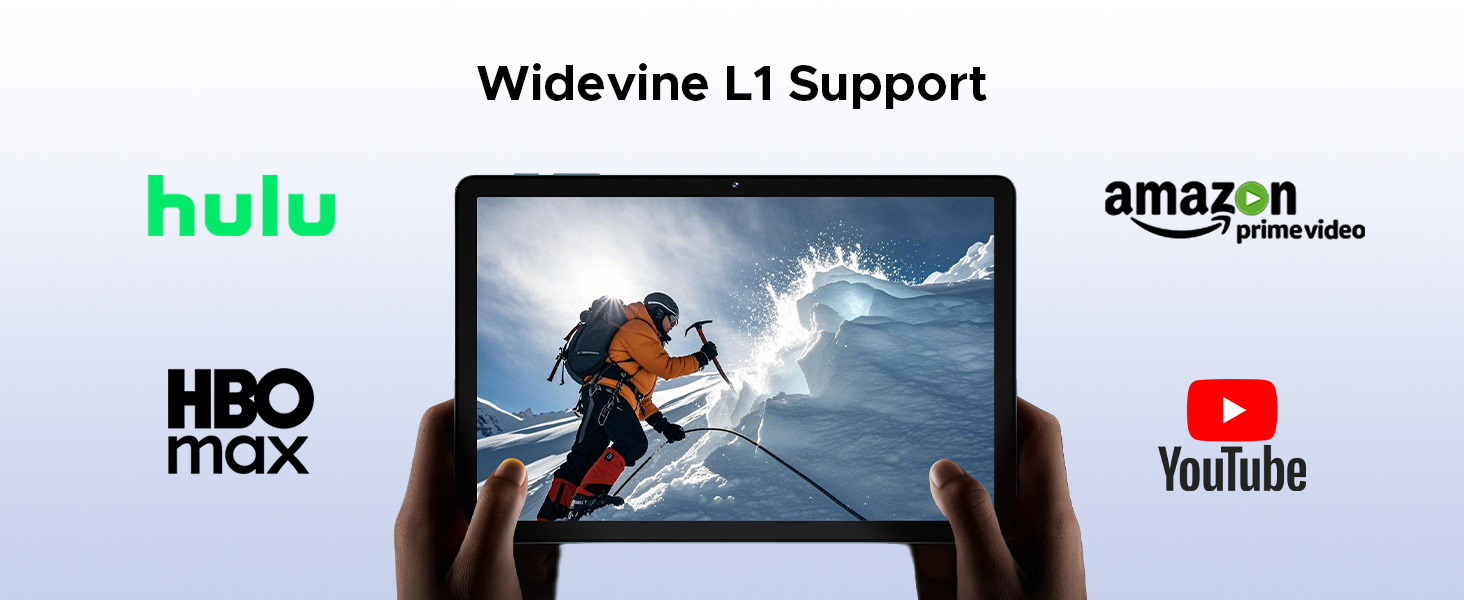
Image: A visual demonstration of the Split Screen feature on the DOOGEE TAB G6, showing two applications (Google Meet and Maps) open side-by-side for double vision at the same time.
Display and Eye Protection
The 11-inch HD IPS display provides a clear visual experience. For extended use, activate Eye Comfort Mode or Dark Mode to reduce eye strain.
- Mode de confort ocular: Gently protects your eyesight by reducing blue light emission. Access this in Configuració > Mostra.
- Mode fosc: Softens light for night use, providing a more comfortable viewing experience in low-light conditions. Access this in Configuració > Mostra.

Imatge: Una mostra gràfica detalladaasing the 11-inch HD 90Hz IPS Ultra-Clear Display of the DOOGEE TAB G6, highlighting its 83.3% screen-to-body ratio, 1280*800 resolution, 16:10 aspect ratio, 16.7 million colors, and 350nit brightness.

Image: A visual representation of the Eye Comfort Mode and Dark Mode features, demonstrating how they gently protect eyesight and soften light for night use on the tablet.
Càmeres
The tablet is equipped with a 13MP rear main camera and a 5MP front camera. Use these to capture photos and videos. Explore different modes like Filters and Beauty Mode for enhanced photography.

Imatge: Una mostra visualasing the 13MP Main Camera and 5MP Front Camera of the DOOGEE TAB G6 Tablet, accompanied by example photos taken with the device.

Image: A comparison showing the effects of Filters Mode and Beauty Mode for photography on the tablet, demonstrating how to make a perfect shooting.
Funcions d'àudio
Enjoy clear sound with the Premium 1217 BOX Dual Speakers. For private listening, connect headphones via the 3.5mm AUX headphone jack. The tablet also supports FM Radio when wired headphones are connected.

Image: A user holding the DOOGEE TAB G6 Tablet, which is displaying a racing game, illustrating the immersive audio experience provided by its Premium 1217 BOX Dual Speakers, designed for cinema-like sound in a tablet size.
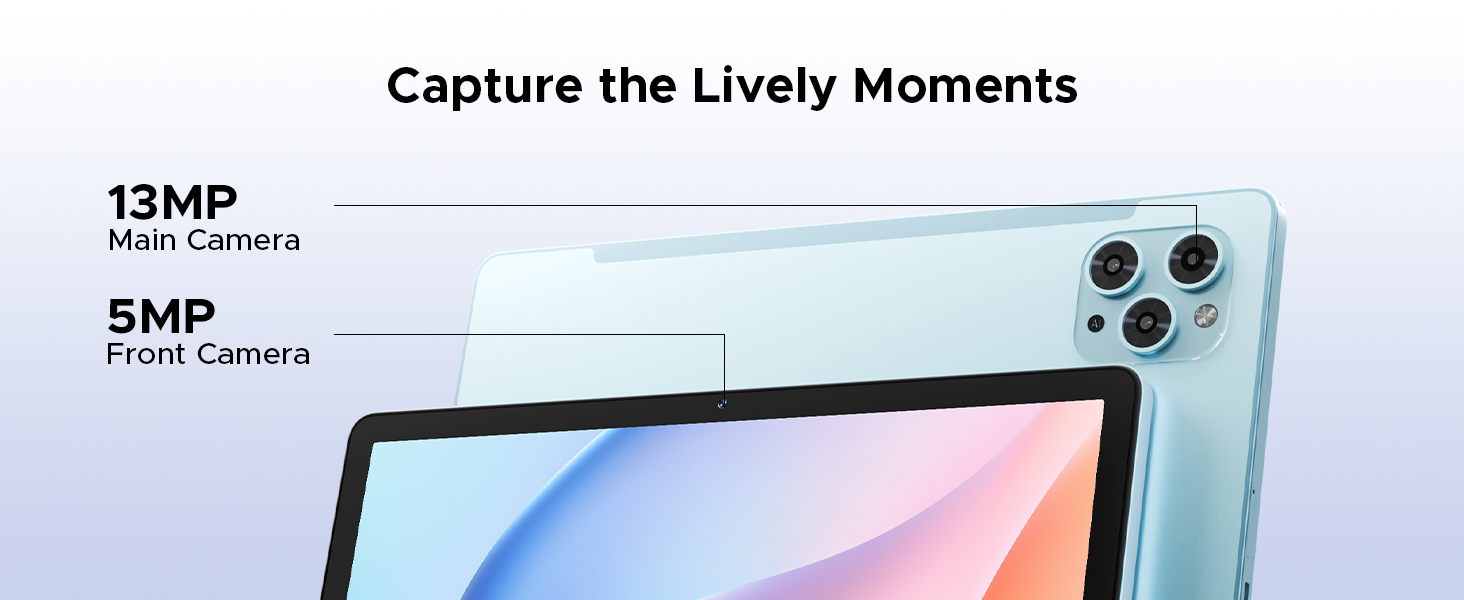
Image: A person using the DOOGEE TAB G6 Tablet with wired headphones, demonstrating the FM Radio feature, which allows instant FM enjoyment by simply plugging in headphones.
Connectivitat
The DOOGEE TAB G6 offers comprehensive connectivity options:
- 4G LTE: Supports cellular data for internet access on the go.
- WiFi 5G: Provides high-speed wireless internet connection.
- Bluetooth 5.0: Per connectar accessoris sense fil com ara auriculars i teclats.
- GPS: Integrated Beidou, GLONASS, Galileo, and AGPS for accurate navigation.

Image: A visual depicting the accurate navigation system of the DOOGEE TAB G6, showing a tablet displaying a map in a car, with icons for GPS, Glonass, Galileo, and Beidou.
Gestió d'emmagatzematge
With 256GB of internal storage and support for up to 2TB expandable memory via TF card, you have ampl'espai per al teu files. Regularly manage your storage to ensure optimal performance.
- To check storage: Go to Configuració > Emmagatzematge.
- To free up space: Delete unnecessary files, desinstal·leu les aplicacions no utilitzades o moveu fitxers grans files to an external TF card.

Image: A graphic illustrating the massive storage capabilities of the DOOGEE TAB G6 Tablet, detailing 30GB RAM (6GB Basic + 24GB Extended RAM), 256GB ROM (Basic Storage), and 2TB Expandable Memory, with various app icons displayed on the tablet screen.
Oficina WPS
The tablet comes with a built-in PC-level WPS Office suite, allowing you to work on documents, spreadsheets, and presentations anywhere.
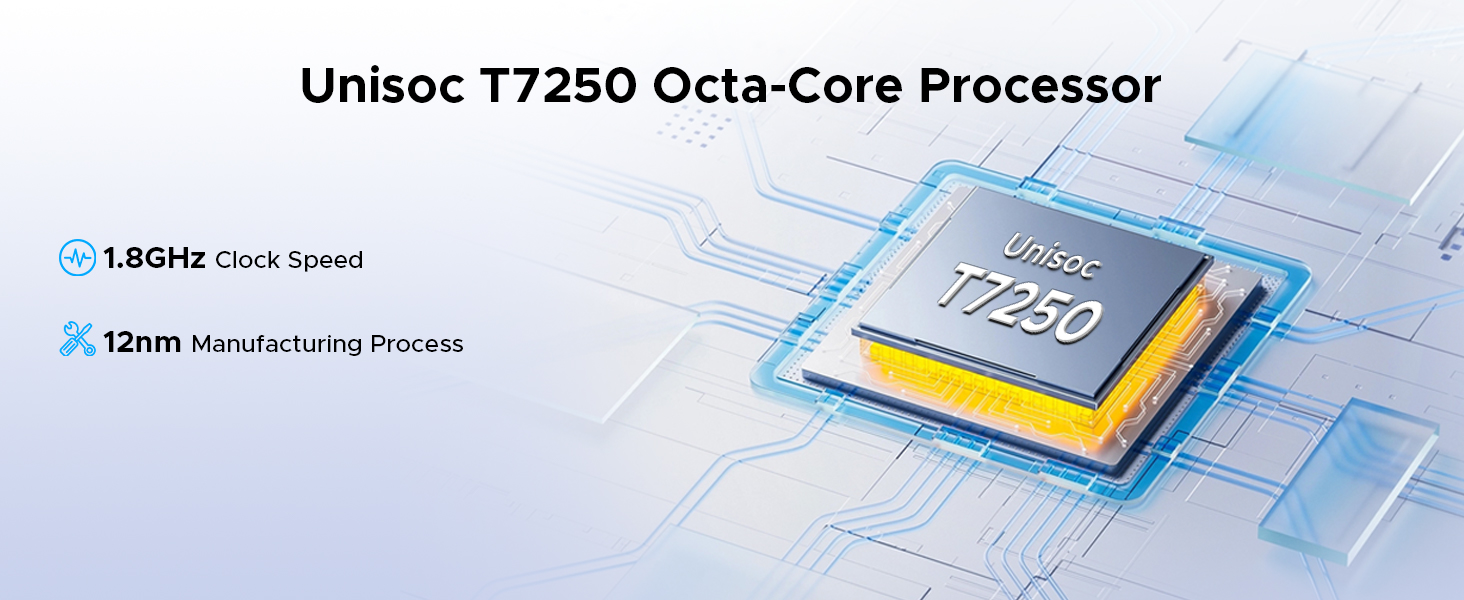
Image: Three scenarios showing users interacting with the DOOGEE TAB G6 Tablet for productivity, demonstrating the built-in PC-level WPS Office for Word, Excel, and PowerPoint applications.
Facial Recognition Unlock
For convenient and secure access, utilize the facial recognition unlock feature.
- Vés a Configuració > Seguretat i privadesa > Desbloqueig facial.
- Seguiu les instruccions a la pantalla per registrar la vostra cara.
- Once registered, simply look at the front camera to unlock your tablet.
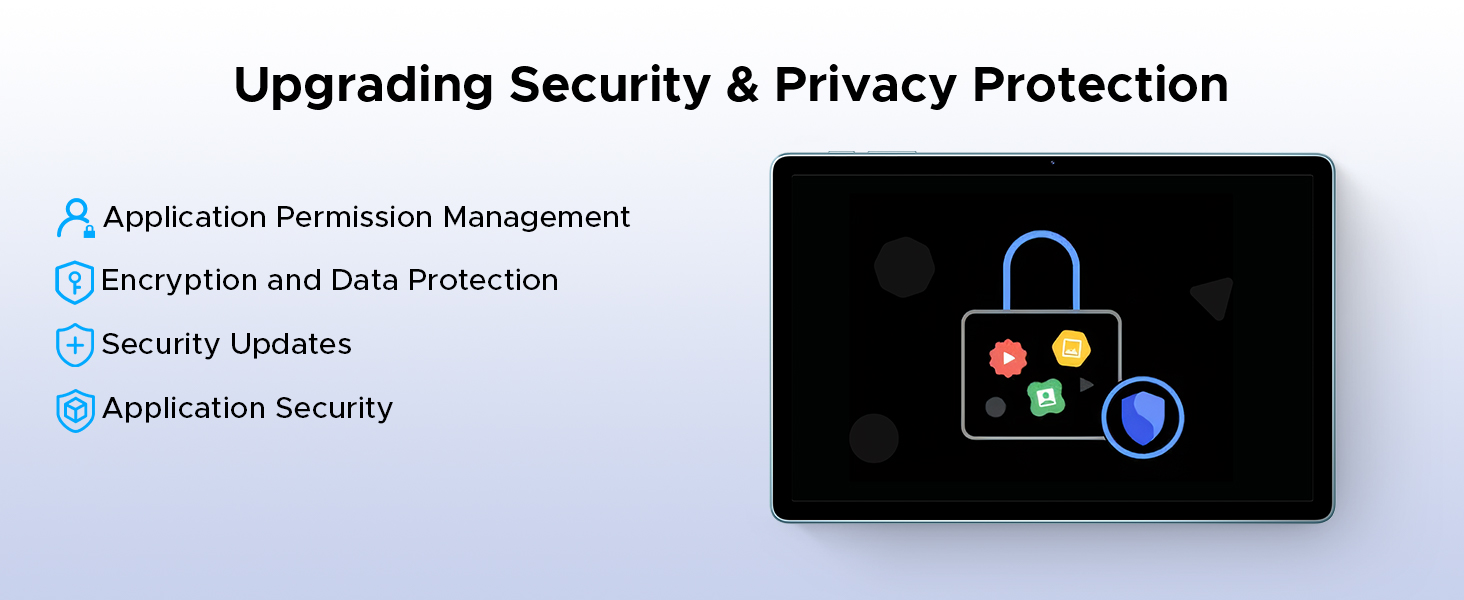
Image: A visual representation of the Facial Recognition Unlock feature, showing a user effortlessly accessing the tablet by looking at the front camera.
Suport Widevine L1
The DOOGEE TAB G6 supports Widevine L1, allowing you to stream high-definition content from popular platforms like Netflix, YouTube, HBO, and Prime Video in true 1080P resolution.
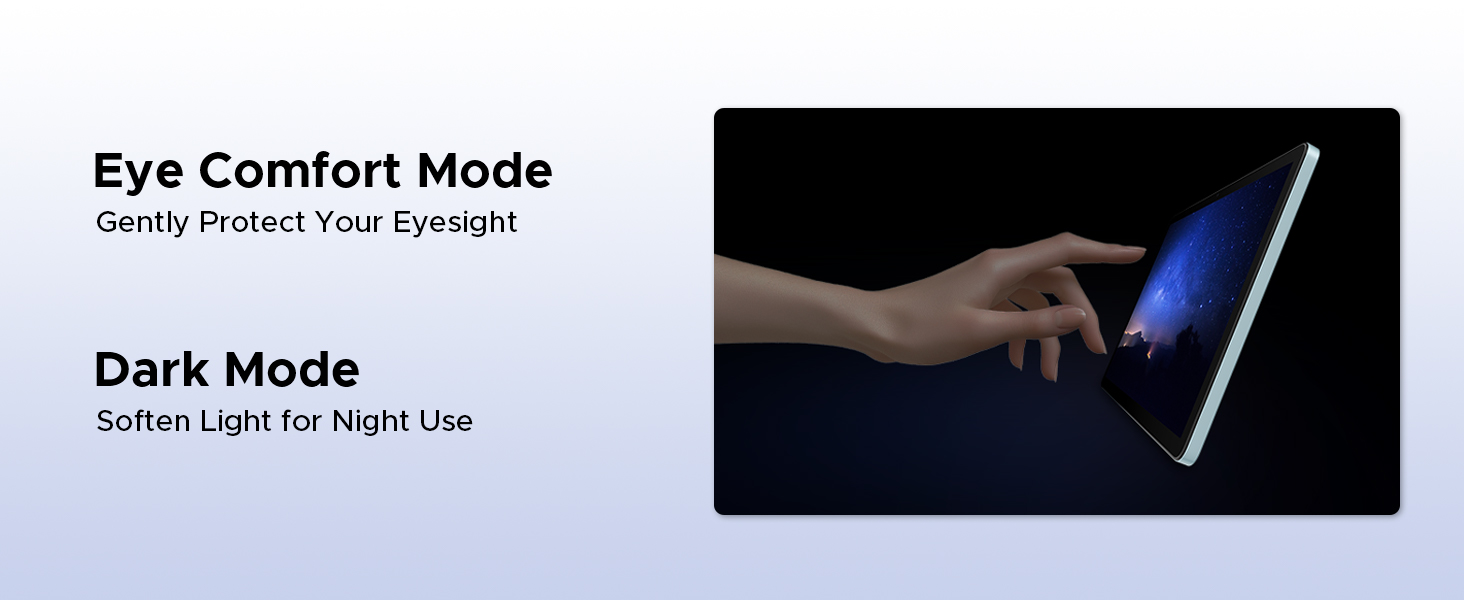
Image: A tablet displaying a high-definition video, surrounded by logos of streaming services like Hulu, Amazon Prime Video, HBO Max, and YouTube, indicating Widevine L1 support.
Manteniment
Neteja
Per netejar la tauleta, feu servir un drap suau i sense borrissol. Per a taques difícils, fregueu-la lleugerament.ampNetegeu el drap amb aigua o un netejador de pantalles dissenyat per a electrònica. Eviteu utilitzar productes químics agressius, materials abrasius o humitat excessiva.
Cura de la bateria
Per allargar la durada de la bateria:
- Eviteu les temperatures extremes (calor o fred).
- No deixeu que la bateria es descarregui completament amb freqüència.
- Feu servir el carregador i el cable originals que s'inclouen.
- If storing the tablet for a long period, charge it to about 50% before turning it off.
Actualitzacions de programari
Comproveu i instal·leu regularment si hi ha actualitzacions de programari per assegurar-vos que la tauleta tingui les darreres funcions, pegats de seguretat i millores de rendiment. Aneu a Configuració > Sistema > Actualització del sistema per comprovar si hi ha actualitzacions.
Resolució de problemes
| Problema | Causa possible | Solució |
|---|---|---|
| La tauleta no s'encén. | Bateria baixa; bloqueig del programari. | Carrega la tauleta durant almenys 30 minuts. Prem i mantén premut el botó d'engegada durant 10-15 segons per forçar el reinici. |
| No es pot connectar a la Wi-Fi. | Contrasenya incorrecta; problema amb l'encaminador; Wi-Fi desactivat. | Ensure correct password. Restart router. Check Wi-Fi settings on tablet. |
| Les aplicacions són lentes o es bloquegen. | Insufficient RAM; too many background apps; app bug. | Close unused apps. Clear app cache (Settings > Apps). Restart tablet. |
| L'emmagatzematge de la tauleta és ple. | Massa files/apps. | Elimineu-les innecessàries files. Uninstall unused apps. Move files to TF card. |
| No s'ha detectat la targeta SIM. | Improper insertion; faulty SIM card. | Re-insert SIM card correctly. Test with another SIM card if possible. |
Especificacions
| Característica | Detall |
|---|---|
| Marca | DOOGEE |
| Nom del model | DOOGEE TAB G6 |
| Dimensions del producte | 25.7 x 16.8 x 0.8 cm |
| Pes de l'article | 552 g |
| Mida de la pantalla | 11 polzades |
| Resolució de pantalla | 1280 x 800 píxels |
| Marca del processador | Unisoc T7250 Octa-Core |
| Velocitat del processador | 1.8 GHz |
| Mida de la memòria RAM | 30 GB (6 GB físic + 24 GB ampliat) |
| Capacitat d'emmagatzematge de memòria | 256 GB (ampliable fins a 2 TB) |
| Davant WebResolució de la càmera | 5 MP |
| Resolució de la càmera posterior | 13 MP |
| Sistema operatiu | Android 15 |
| Capacitat de la bateria | 8000 mAh |
| Connectivitat | 4G LTE, 5G WiFi, Bluetooth 5.0, GPS |
| Característiques especials | Supports USB OTG, Stylus Support, Expandable Storage, Cellular Connectivity, Fast Charging, Widevine L1, Face ID, Dual Speakers, FM Radio |
Garantia i Suport
DOOGEE products are designed for reliability and performance. For warranty information, please refer to the warranty card included in your product packaging or visit the official DOOGEE weblloc web. Conserveu el comprovant de compra per a reclamacions de garantia.
For technical support, troubleshooting assistance beyond this manual, or service inquiries, please contact DOOGEE customer support through their official channels. Details can typically be found on the DOOGEE weblloc o a l'embalatge del producte.
Important: Les reparacions o modificacions no autoritzades poden anul·lar la garantia.
Ask a question about this manual
Ask about setup, troubleshooting, compatibility, parts, safety, or missing instructions. Manuals+ will review the question and use this page’s manual context to help answer it.