
1. Introducció
This manual provides detailed instructions for the MeLE Quieter 4C N150 Fanless Mini PC. Please read this guide thoroughly before using your device to ensure proper setup and operation. This mini PC is designed for various applications including home use, office tasks, education, and specialized fields like astrophotography, offering a silent and efficient computing experience.

Image 1.1: The MeLE Quieter 4C N150 Fanless Mini PC, showcasing el seu disseny compacte i elegant.
2. Què hi ha a la caixa
En obrir el paquet, comproveu que hi hagi tots els components:
- 1x MeLE Quieter 4C N150 Mini PC
- 1x adaptador de corrent de 12V/2A
- 1x VESA Mount
- 1x Manual d'usuari (aquest document)
- 1x connector UL

Image 2.1: Contents of the MeLE Quieter 4C N150 retail package, including the mini PC, power adapter, VESA mount, and user manual.
3. Guia de configuració
3.1 Connexions físiques
Connect your MeLE Quieter 4C N150 Mini PC to your peripherals as follows:
- Connexió d'alimentació: Connect the included 12V/2A power adapter to the DC-in port (12V/2A) on the mini PC and then to a power outlet.
- Connexió de visualització: Use an HDMI cable to connect the mini PC to your monitor or TV. The device supports up to three 4K displays simultaneously via two HDMI ports and one full-function USB-C port.
- Perifèrics USB: Connect your keyboard, mouse, and other USB devices to the available USB 3.2 Gen1 (5Gbps), USB 3.2 Gen2 (10Gbps), or USB 2.0 ports.
- Connexió de xarxa: For a wired connection, connect an Ethernet cable to the Gigabit Ethernet port.
- Àudio: Connect headphones or speakers to the 3.5mm audio combo jack.

Image 3.1: Detailed diagram of the MeLE Quieter 4C N150's input/output ports, including USB, HDMI, USB-C, Ethernet, and audio jacks.
3.2 Arrencada inicial i configuració del sistema operatiu
After connecting all peripherals, press the power button to turn on the mini PC. If Windows 11 is pre-installed, follow the on-screen instructions to complete the initial setup. This typically involves selecting language, region, and setting up user accounts.
3.3 Instal·lació del suport VESA
The included VESA mount allows you to attach the mini PC to the back of a compatible monitor, saving desk space and creating a cleaner workspace.
- Attach the VESA bracket to the back of your monitor using the provided screws.
- Slide the MeLE Quieter 4C N150 Mini PC into the bracket until it clicks securely into place.

Image 3.2: Illustration of VESA installation and standard desktop placement for the MeLE Quieter 4C N150, demonstrating flexible setup options.
4. Instruccions de funcionament
4.1 Funcionament bàsic
The MeLE Quieter 4C N150 is designed for silent, 24/7 operation thanks to its fanless cooling system. It is suitable for a wide range of tasks from web browsing and document editing to 4K video playback and light industrial applications.
- Encès/apagat: Press the power button once to turn on. To shut down, use the operating system's power options or press and hold the power button for 5 seconds.
- Reinicia: Use the operating system's restart option.
- Mode de repòs: Press the power button briefly to enter sleep mode. Press again to wake.
4.2 Configuració de la pantalla
The mini PC supports up to three independent 4K displays at 60Hz. Connect your displays using the two HDMI ports and the full-function USB-C port. You can configure display settings (resolution, orientation, extension/duplication) within your operating system's display settings.
4.3 Connectivitat
- Wi-Fi: The device features Wi-Fi 5 (802.11ac) for dual-band (2.4GHz and 5GHz) wireless connectivity. Connect to your preferred network through the operating system's network settings.
- Bluetooth: Bluetooth 5.1 is integrated for connecting wireless peripherals such as keyboards, mice, and audio devices.
- USB-C: The full-function USB-C port supports 4K display output, data transfer, and power input (PD3.0, 12V to 20V, minimum 36W). This allows for a single-cable solution for power, display, and data with compatible monitors.
4.4 Expansió d'emmagatzematge
The MeLE Quieter 4C N150 comes with 512GB of internal storage. For additional storage, you can:
- Insert a Micro SD card (up to 2TB) into the Micro SD card slot.
- Install an M.2 2280 SSD (up to 4TB, supporting both NVMe and SATA M.2 SSDs) in the internal M.2 slot. Refer to the hardware upgrade guide for detailed instructions on installing an M.2 SSD.
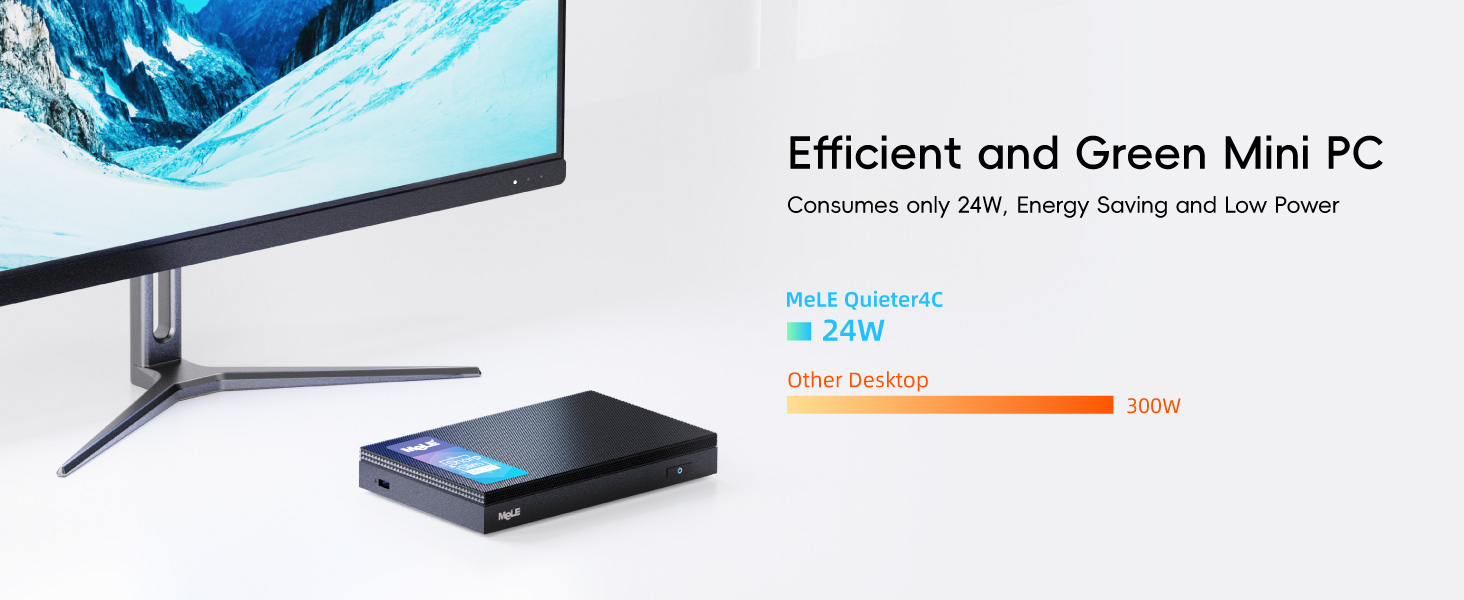
Image 4.1: Diagram illustrating the LPDDR5 RAM and the M.2 2280 SSD slot for storage expansion within the MeLE Quieter 4C N150.
5. Manteniment i cura
5.1 Fanless Cooling System
The MeLE Quieter 4C N150 utilizes a passive cooling system, eliminating the need for a fan. This design ensures silent operation and dust resistance. Due to the fanless nature, the surface temperature of the mini PC may reach 55°C to 70°C under load. This is normal and meets safety standards (IEC62368-1:2018). Avoid touching the device directly during prolonged heavy use.
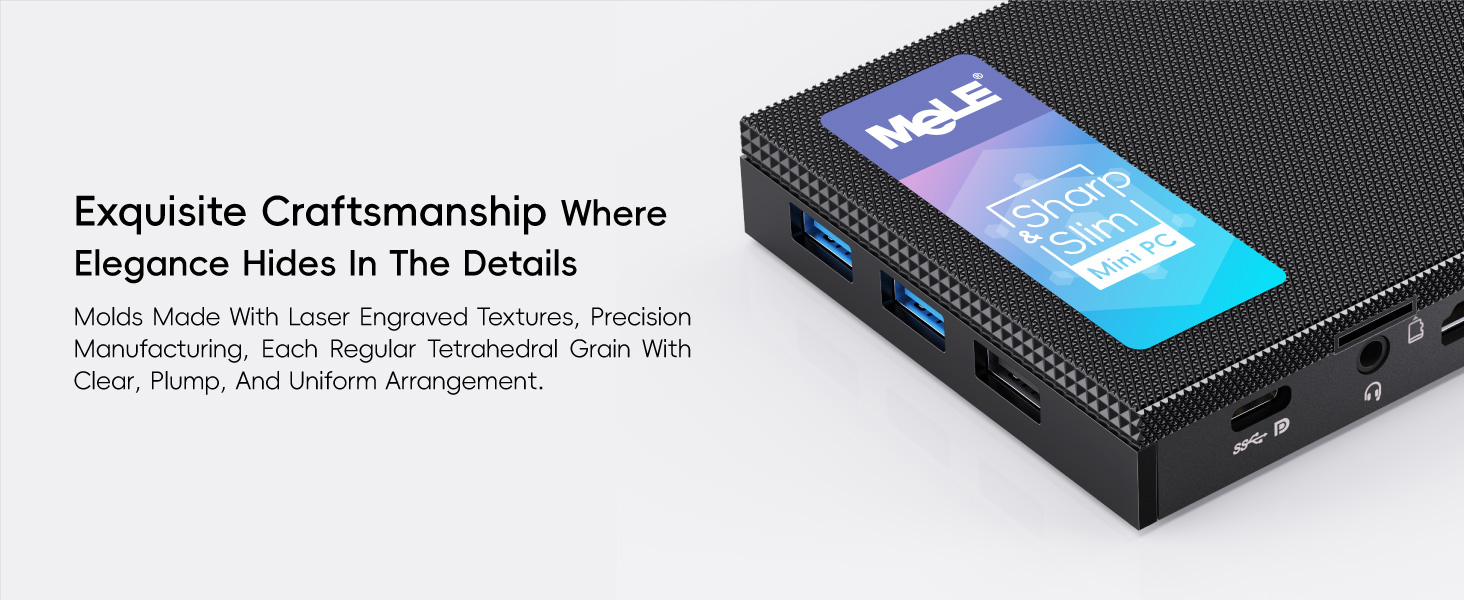
Image 5.1: Visual representation of the fanless cooling technology and heat dissipation characteristics of the MeLE Quieter 4C N150, highlighting its silent and dust-resistant design.
5.2 Neteja
To clean the exterior of the mini PC, use a soft, dry, lint-free cloth. Do not use liquid cleaners or aerosol sprays directly on the device. Ensure the device is powered off and unplugged before cleaning.
6. Solució De Problemes
6.1 Problemes comuns i solucions
- Sense energia:
- Ensure the power adapter is securely connected to both the mini PC and a working power outlet.
- Verify the power adapter is the original 12V/2A adapter provided with the device.
- Sense sortida de pantalla:
- Check HDMI or USB-C cable connections to both the mini PC and the monitor.
- Assegureu-vos que el monitor estigui encès i configurat a la font d'entrada correcta.
- Prova de connectar-te a una pantalla diferent o utilitzar un cable diferent.
- Ethernet no funciona:
- The Ethernet port may be disabled in the BIOS by default. To enable it:
- Restart the mini PC and repeatedly press the ELIMINAR key during startup to enter the BIOS setup.
- Navegueu fins a Arrencada pestanya.
- Localitza i Activa the setting labeled "Network Stack Driver Support".
- Aneu a la Desa i surt tab and select "Save and Exit".
- Ensure the Ethernet cable is properly connected and your network router/switch is functioning.
- The Ethernet port may be disabled in the BIOS by default. To enable it:
- Problemes de connectivitat Wi-Fi/Bluetooth:
- Check if Wi-Fi and Bluetooth are enabled in your operating system settings.
- Ensure drivers are correctly installed (usually automatic with Windows 11).
- Restart the mini PC and your router/access point.
- Device Feels Hot:
- As a fanless device, it is normal for the exterior to feel warm or hot (up to 70°C) during operation, especially under load. Ensure adequate airflow around the device and avoid placing it in enclosed spaces.
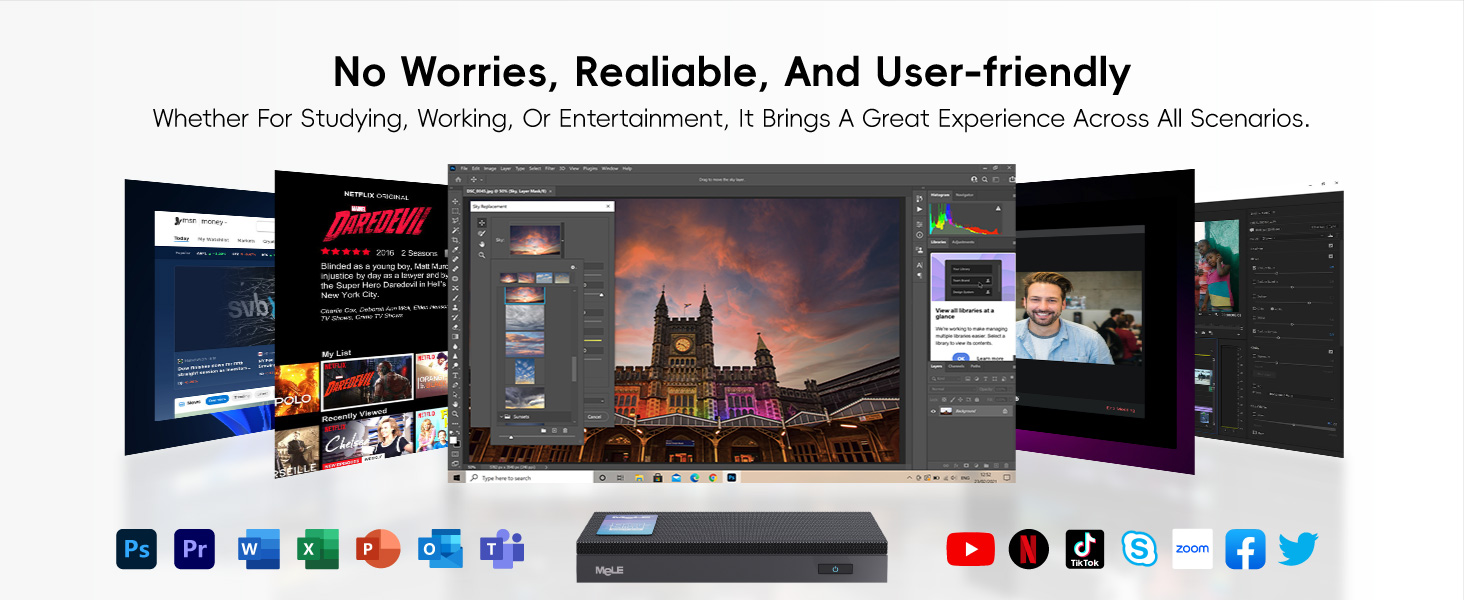
Image 6.1: Screenshot illustrating the BIOS customization options available on the MeLE Quieter 4C N150, including settings for Auto Power ON, Wake On LAN, and Network Stack Driver Support.
7. Especificacions
Key technical specifications for the MeLE Quieter 4C N150 Mini PC:
| Característica | Especificació |
|---|---|
| Processador | Intel N150 (4 Cores, 4 Threads, 6MB Cache, up to 3.6GHz) |
| RAM | 16 GB LPDDR5 a 4800 MHz |
| Emmagatzematge intern | 512GB M.2 2280 SSD (PCIe x4) |
| Emmagatzematge ampliable | Micro SD (up to 2TB), M.2 2280 SSD (up to 4TB, NVMe/SATA) |
| Gràfics | Integrated Intel UHD Graphics (4K@60Hz) |
| Sortida de visualització | 2x HDMI 2.0, 1x Full-Function USB-C (Triple 4K Display Support) |
| Ports USB | 1x USB 2.0, 1x USB 3.2 Gen1 (5Gbps), 1x USB 3.2 Gen2 (10Gbps), 1x Full-Function USB-C |
| Xarxa | Wi-Fi 5 (802.11ac), Bluetooth 5.1, Gigabit Ethernet |
| Sistema operatiu | Windows 11 (or OS as specified by variant) |
| Refrigeració | Refrigeració passiva sense ventilador |
| Entrada de potència | 12V/2A DC-in, USB-C PD3.0 (12V-20V, min 36W) |
| Dimensions | 13.1 x 8.1 x 1.83 cm (5.2 x 3.2 x 0.7 polzades) |
| Pes | 203 g (0.45 lliures) |

Image 7.1: An infographic detailing the hardware specifications and features of the MeLE Quieter 4C N150, including CPU, RAM, storage, and connectivity options.
8. Garantia i Suport
MeLE is committed to providing high-quality products and customer satisfaction.
- Garantia: The MeLE Quieter 4C N150 comes with a 12-month warranty.
- Servei de per vida: MeLE offers lifetime service for its mini PCs.
- Contacte amb l'assistència: For technical assistance, warranty claims, or any product-related inquiries, please contact MeLE customer service:
- Correu electrònic: service@mele.cn
- Telèfon: +86-0755-8636 3200
- Plans de protecció: Els plans de protecció ampliada poden estar disponibles per a la compra per separat.
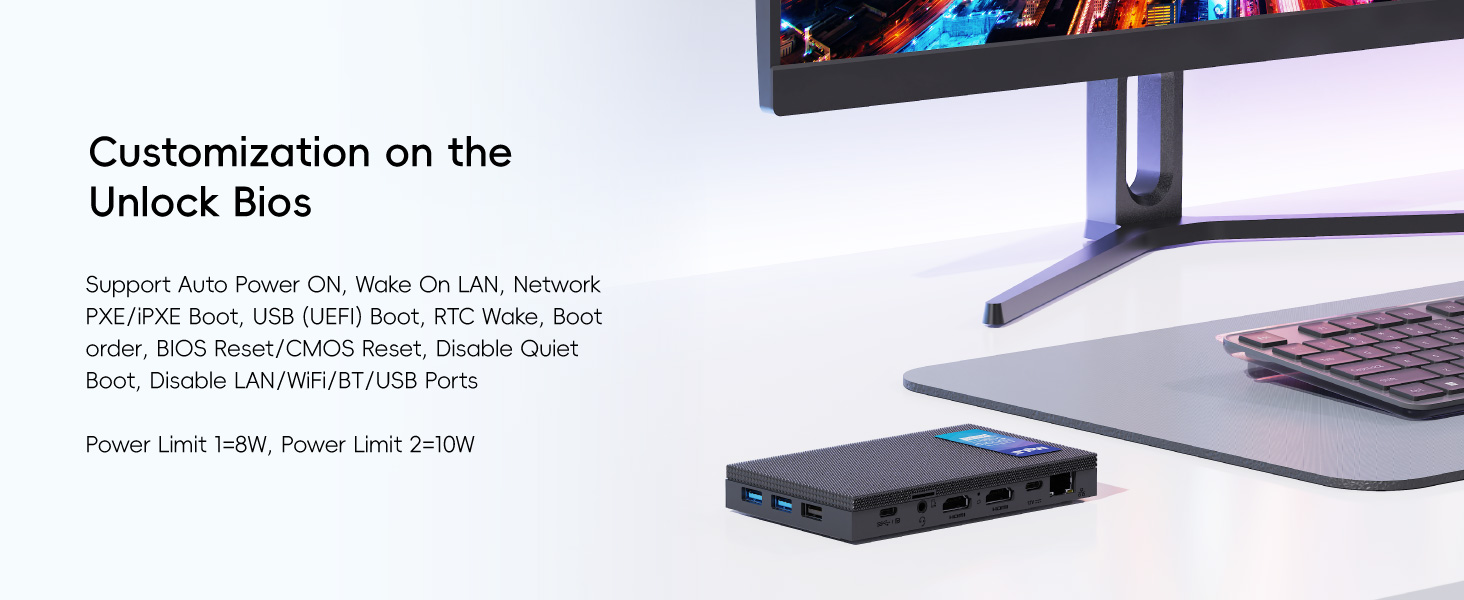
Image 8.1: An illustration depicting the rigorous testing processes and certifications that MeLE products undergo to ensure quality and reliability.