
CNBRO B0DZHCLGRM
CNBRO Smart Ring User Manual
Model: B0DZHCLGRM
Brand: CNBRO
Introducció
This manual provides comprehensive instructions for the setup, operation, and maintenance of your CNBRO Smart Ring. Please read this manual thoroughly before using the device to ensure proper function and to maximize your user experience. Keep this manual for future reference.
Contingut del paquet
- 1x CNBRO Smart Ring
- 1x cable de càrrega
- 1 x manual d'usuari
Producte acabatview
The CNBRO Smart Ring is a wearable device designed to monitor various health and fitness metrics, featuring a built-in display for quick access to information.
Característiques principals:
- Integrated Touch Screen Display
- 24-hour Heart Rate Monitoring
- Seguiment automàtic del son
- Pedometer (Steps, Calories, Distance)
- Múltiples modes esportius
- Gesture Control for Remote Camera and Music
- Classificació impermeable IP68
- Free Companion App (JRING)

Figura 1: CNBRO Smart Ring, showing the ring itself, its charging case, and the companion app interface on a smartphone.
Configuració
1. Càrrega de l'anell intel·ligent
Before first use, fully charge your Smart Ring. Connect the provided charging cable to a USB power source and attach the magnetic end to the charging contacts on the ring. The display will indicate charging status.
2. Instal·lació i emparellament de l'aplicació
- Download the "JRING" app from your smartphone's app store (compatible with iOS 10.0+ and Android 9.0+).
- Open the JRING app and follow the on-screen instructions to create an account or log in.
- Assegureu-vos que el Bluetooth del telèfon estigui activat.
- Within the app, search for your Smart Ring and select it to pair.
- Confirm the pairing request on both your phone and the ring if prompted.
3. Determining Your Ring Size
For accurate data tracking and comfortable wear, ensure the ring fits correctly. The ring should be worn on the index finger for optimal operation with thumb gestures.

Figura 2: Instructions for measuring your finger to determine the correct ring size. It shows wrapping a paper strip around the finger, marking it, and then measuring the length with a ruler. It also indicates wearing the ring on the index finger for ease of use with the thumb.
Passos de mesura:
- Take a long non-elastic rope or paper strip and wrap it around your finger.
- Marca la part de la unió a la corda o al paper.
- Lay the rope or paper flat and measure its length. It is recommended to measure multiple times for accuracy.
Refer to the size chart below to find your corresponding ring size:
| Mida | Diameter (Dia) | Perímetre |
|---|---|---|
| 8# | 18.1 mm/0.71 polzades | 56.9 mm/2.24 polzades |
| 9# | 18.9 mm/0.74 polzades | 59.5 mm/2.34 polzades |
| 10# | 19.8 mm/0.78 polzades | 62.1 mm/2.44 polzades |
| 11# | 20.6 mm/0.81 polzades | 64.6 mm/2.54 polzades |
| 12# | 21.4 mm/0.84 polzades | 67.2 mm/2.64 polzades |
Instruccions de funcionament
1. Funcions de visualització
The Smart Ring features a touch screen display that shows real-time data. You can view the current time, steps taken, heart rate, and sleep duration directly on the ring without needing to access the app.

Figura 3: The Smart Ring's display showing various metrics such as blood oxygen percentage, heart rate in beats per minute, and sleep duration in hours and minutes.
2. Monitorització del ritme cardíac
The ring continuously monitors your heart rate throughout the day. This data is accessible on the ring's display and in more detail within the JRING app. The app provides historical data and analysis to help you understand your heart health.
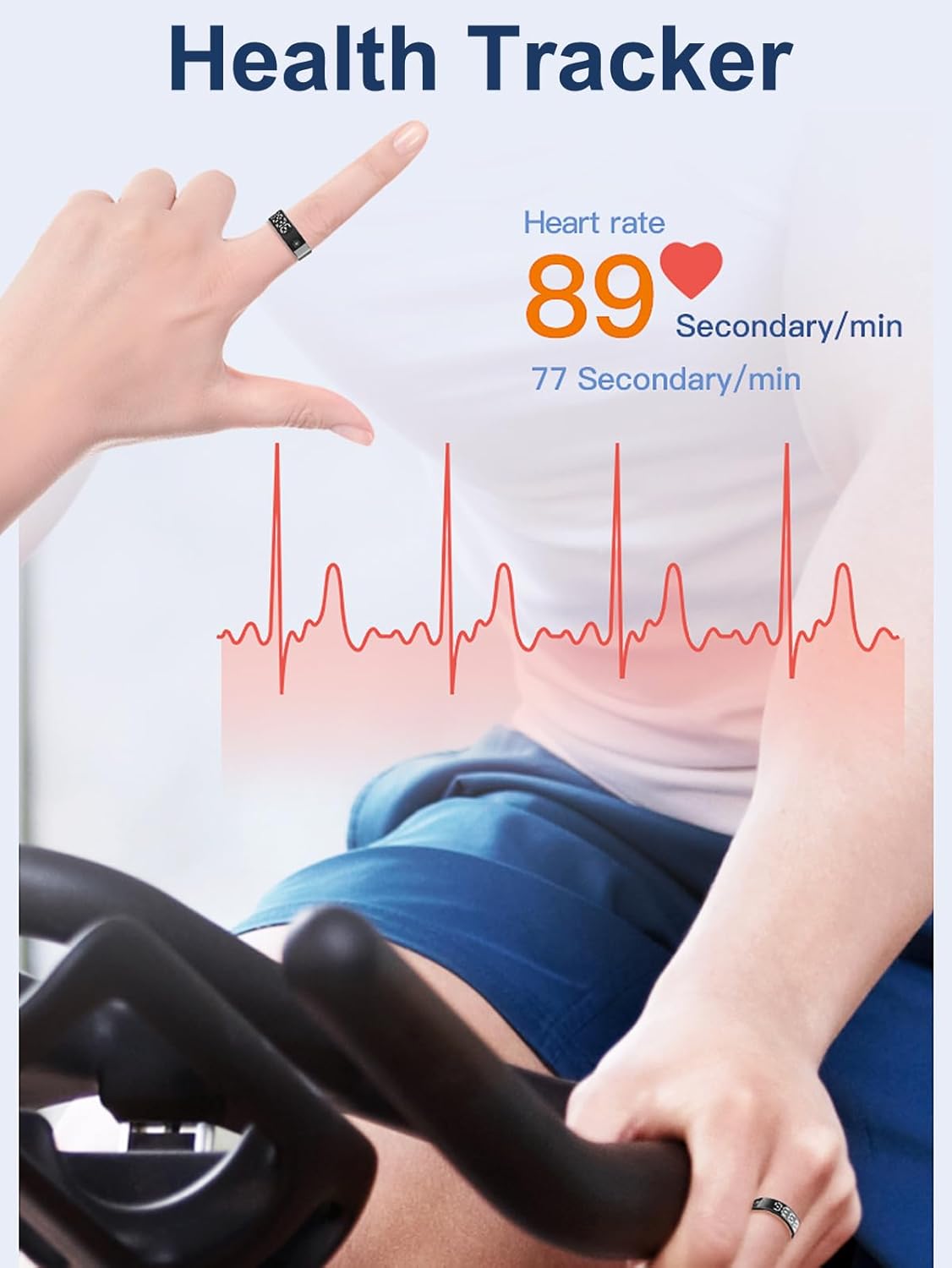
Figura 4: A person wearing the Smart Ring while exercising, with an overlay showing heart rate data and a heart rate graph, indicating continuous monitoring.
3. Seguiment del son
The Smart Ring automatically tracks your sleep patterns, including duration of deep sleep, light sleep, and wake-up times. This information is synchronized with the JRING app, offering insights into your sleep quality.

Figura 5: The Smart Ring placed on a nightstand next to a sleeping person, with graphics indicating different sleep stages (fall asleep, light sleep, deep sleep, wake up) and their recorded times.
4. Activity Tracking and Sport Modes
The ring functions as a pedometer, automatically tracking your steps, calories burned, and distance traveled. For more detailed workout analysis, activate specific sport modes within the JRING app. This will record your route, activity time, and heart rate during exercise.

Figura 6: A smartphone screen showing the JRING app interface with activity data such as steps, calories, and distance. Icons for various sport modes like running, skiing, golf, and swimming are also visible.
5. Control de gestos
The Smart Ring supports gesture interactions, allowing you to control certain smartphone functions remotely. These include:
- Càmera remota: Trigger your phone's camera shutter.
- Control de música: Reprodueix, posa en pausa o salta pistes.
- Short Video Scrolling: Navigate through short video platforms like TikTok.
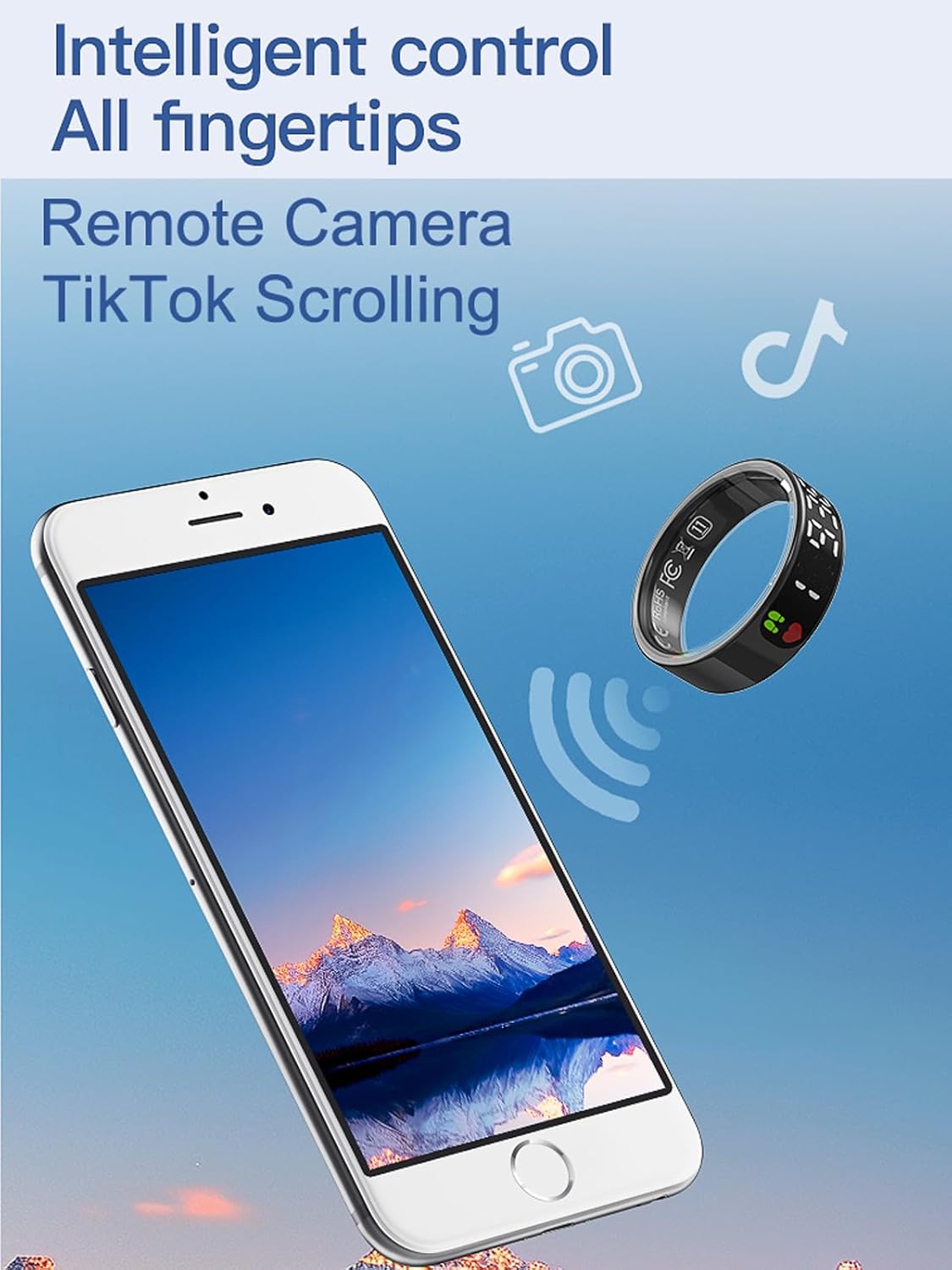
Figura 7: An illustration depicting the Smart Ring wirelessly controlling a smartphone, with icons representing remote camera and TikTok scrolling functions.
Manteniment
1. Resistència a l'aigua
The CNBRO Smart Ring has an IP68 waterproof rating, making it suitable for cold showering, washing hands, and exposure to rain. Do not use the ring in hot water, saunas, or steam rooms, as this can compromise the waterproof seals.
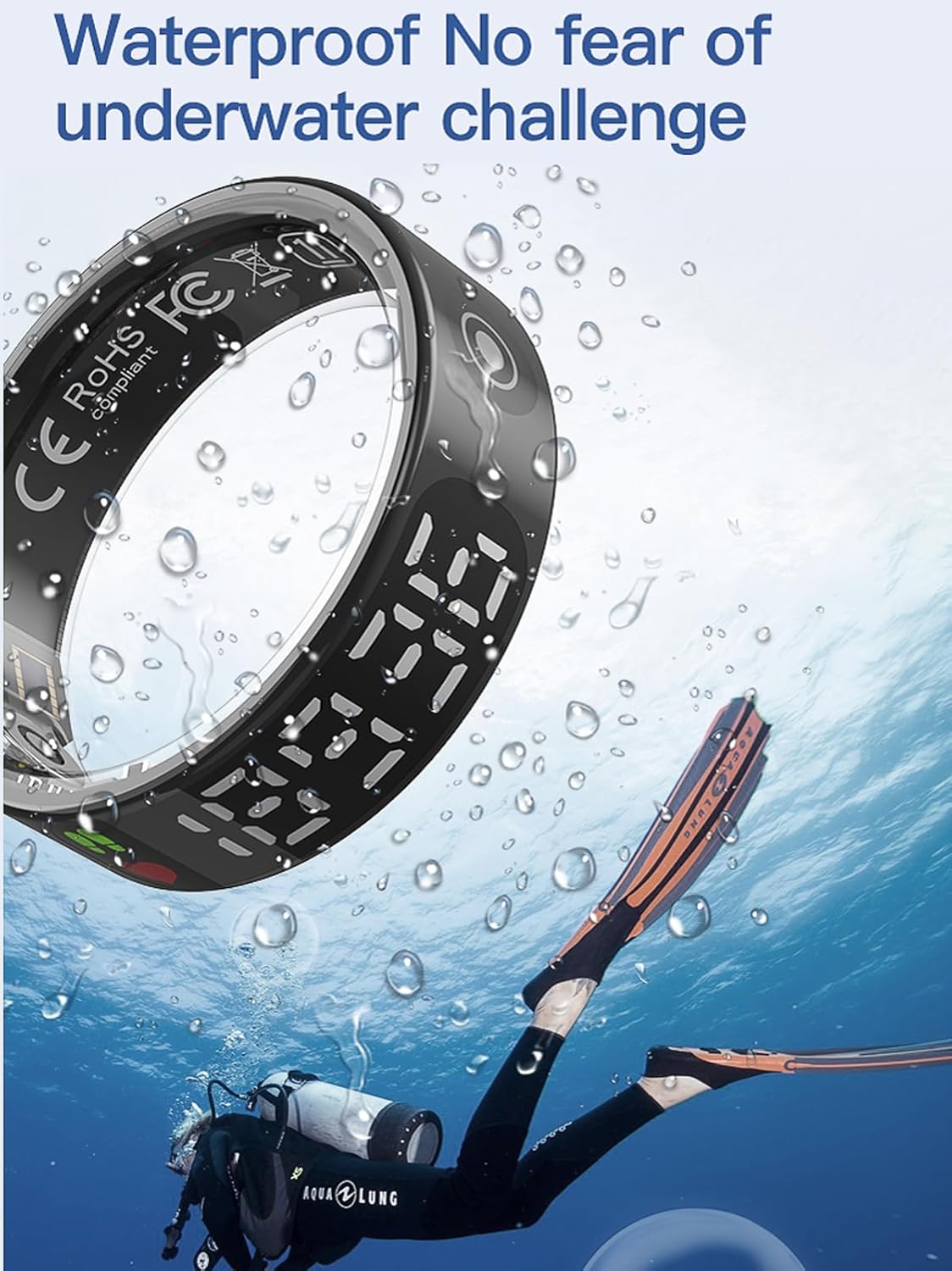
Figura 8: The Smart Ring shown underwater with a diver, illustrating its waterproof capabilities for activities like swimming or diving in cold water.
2. Neteja
To clean your Smart Ring, gently wipe it with a soft, damp cloth. Avoid using abrasive cleaners or harsh chemicals, which can damage the device's finish or internal components.
3. Cura de la bateria
To prolong battery life, avoid fully discharging the ring frequently. Charge the device regularly, especially if it will be stored for an extended period.
Resolució de problemes
- El timbre no s'encén: Ensure the ring is fully charged. Connect it to the charging cable and a power source.
- No es pot emparellar amb l'aplicació:
- Assegureu-vos que el Bluetooth estigui habilitat al vostre telèfon intel·ligent.
- Ensure the ring is within range of your smartphone.
- Restart both the ring (if possible) and your smartphone.
- Reinstall the JRING app.
- Dades inexactes:
- Ensure the ring is worn correctly and snugly on your finger.
- Netegeu els sensors de l'interior de l'anell.
- Update the JRING app to the latest version.
- La pantalla no respon: Ensure the ring is charged. If the issue persists, try restarting the ring by placing it in its charging case for a few moments and then removing it.
If you encounter issues not covered here, please refer to the support section or contact customer service.
Especificacions
| Característica | Detall |
|---|---|
| Versió Bluetooth | 5.3 |
| Tipus de càrrega | Càrrega magnètica |
| Capacitat de la bateria de l'anell | 17 mAh (polímer de liti) |
| Compatibilitat | iOS 10.0 o superior, Android 9.0 o superior |
| Classificació impermeable | IP68 |
| Aplicació acompanyant | JRING (No subscription fees) |
| Pes de l'article | 100 grams (aproximadament 3.53 unces) |
Garantia i Suport
For warranty information and customer support, please refer to the documentation included with your purchase or visit the official CNBRO website. If you have any questions or require assistance, please contact our customer service team.
Contact information is typically found on the product packaging or within the JRING application's settings menu.
Ask a question about this manual
Ask about setup, troubleshooting, compatibility, parts, safety, or missing instructions. Manuals+ will review the question and use this page’s manual context to help answer it.