
1. Introducció
Thank you for choosing the CNBRO Smart Ring. This device is designed to help you monitor various health and fitness metrics, including heart rate, sleep patterns, and daily activity. Please read this manual carefully to ensure proper setup and operation of your smart ring.
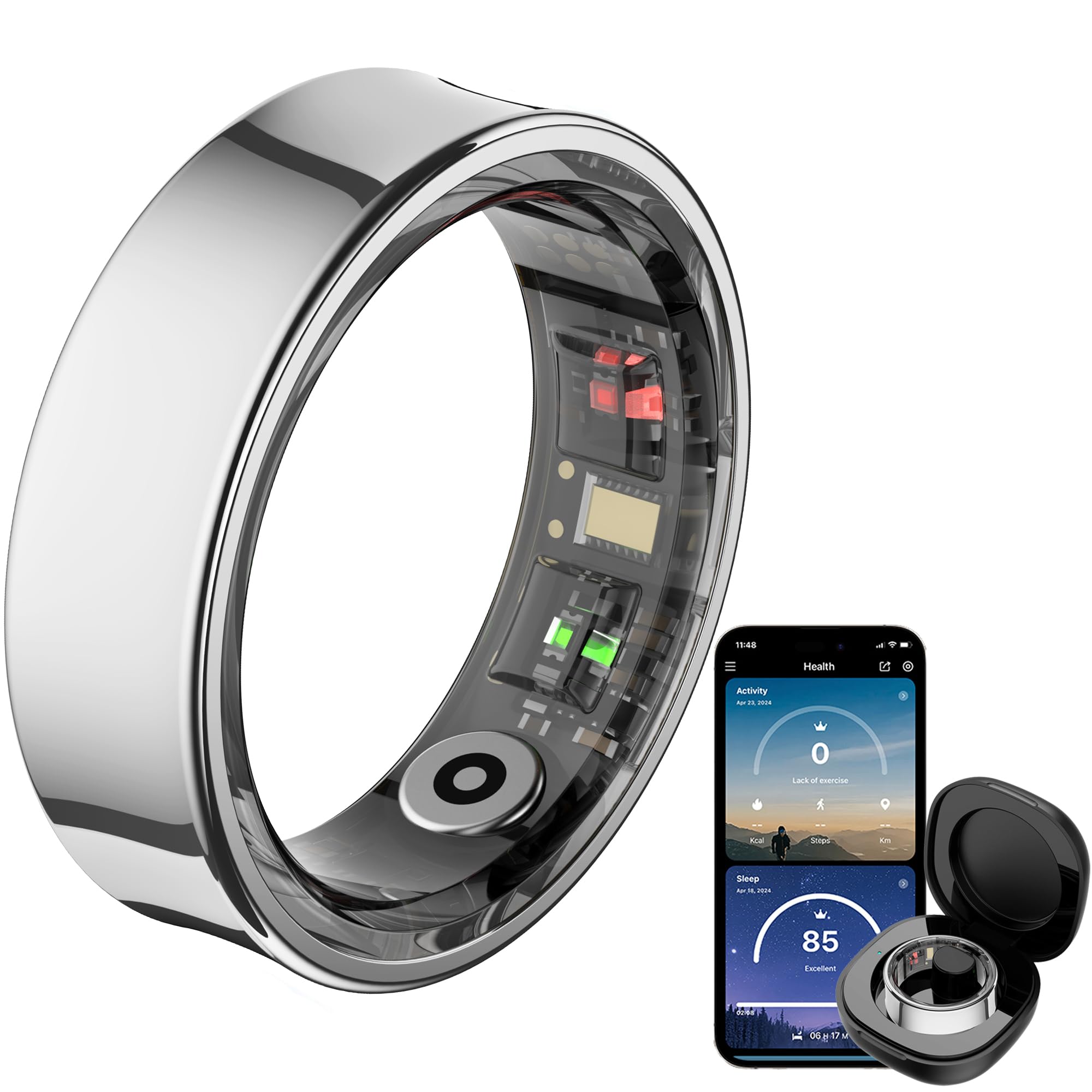
Image 1.1: The CNBRO Smart Ring and its accompanying mobile application interface.
2. Producte acabatview
2.1 Característiques clau
- Monitorització de la freqüència cardíaca: 24-hour continuous heart rate tracking.
- Seguiment del son: Monitors sleep duration and provides comprehensive sleep quality analysis.
- Seguiment de l'activitat: Automatically tracks steps, calories consumed, and distance. Includes dedicated sport modes.
- Control de gestos: Remote control for phone camera, short video switching, and music playback.
- Disseny impermeable: IP68 rating, suitable for washing hands, cold bathing, and swimming.
- Llarga vida útil de la bateria: One full charge provides 5-7 days of work time.
- Estoig de càrrega portàtil: Provides up to ten full charges for the ring.
- Free QRing App: No subscription fees for accessing health and exercise data.
2.2 Contingut del paquet
The CNBRO Smart Ring package includes the following items:
- 1 x anell intel·ligent
- 1 x funda de càrrega
- 1 x Charging Cable for Ring
- 1 x cable de càrrega per a la funda
- 1 x Manual d'usuari (aquest document)
3. Configuració
3.1 Charging the Smart Ring and Case
Before first use, fully charge both the smart ring and its charging case.
- Place the smart ring into the charging case. Ensure the magnetic contacts align properly.
- Connect the charging cable for the ring to the charging case and a suitable USB power source.
- To charge the case itself, use the separate charging cable for the case and connect it to a USB power source.
- Charging indicators on the case will show the charging status.
3.2 Instal·lació i emparellament de l'aplicació
The CNBRO Smart Ring requires the 'QRing' application for full functionality.
- Download the 'QRing' app from your smartphone's app store (compatible with iOS 8.0 or above, and Android 5.1 or above).
- Assegureu-vos que el Bluetooth del vostre telèfon intel·ligent estigui activat.
- Obre l'aplicació QRing i segueix les instruccions que apareixen a la pantalla per crear un compte o iniciar la sessió.
- The app will guide you through the pairing process to connect your smart ring via Bluetooth 5.2.
3.3 Determining Your Ring Size
Accurate sizing is crucial for comfort and data accuracy. Refer to the size chart and measurement guide below.

Image 3.1: Ring size chart and measurement instructions.
Passos de mesura:
- Take a long non-elastic rope or paper strip and wrap it around your finger.
- Mark the junction part on the rope or paper, ensuring it fits closely to your finger.
- Lay the rope or paper flat and measure its length. It is recommended to measure multiple times for more accurate data.
Nota: The paper or rope must be completely aligned when measuring; otherwise, the measurement results will be on the larger side.
4. Instruccions de funcionament
4.1 Monitorització de la freqüència cardíaca
The smart ring continuously monitors your heart rate throughout the day. View your heart rate data in the QRing app.

Image 4.1: Heart rate and blood oxygen monitoring via the smart ring.
4.2 Seguiment del son
Wear the smart ring while sleeping to track your sleep duration and quality. The QRing app provides a detailed analysis of your sleep stages.

Image 4.2: Sleep monitoring features of the smart ring.
4.3 Activity Tracking and Sport Modes
The ring automatically tracks your steps, calories, and distance. For specific activities, activate sport modes within the QRing app to monitor activity time and real-time heart rate during exercise.
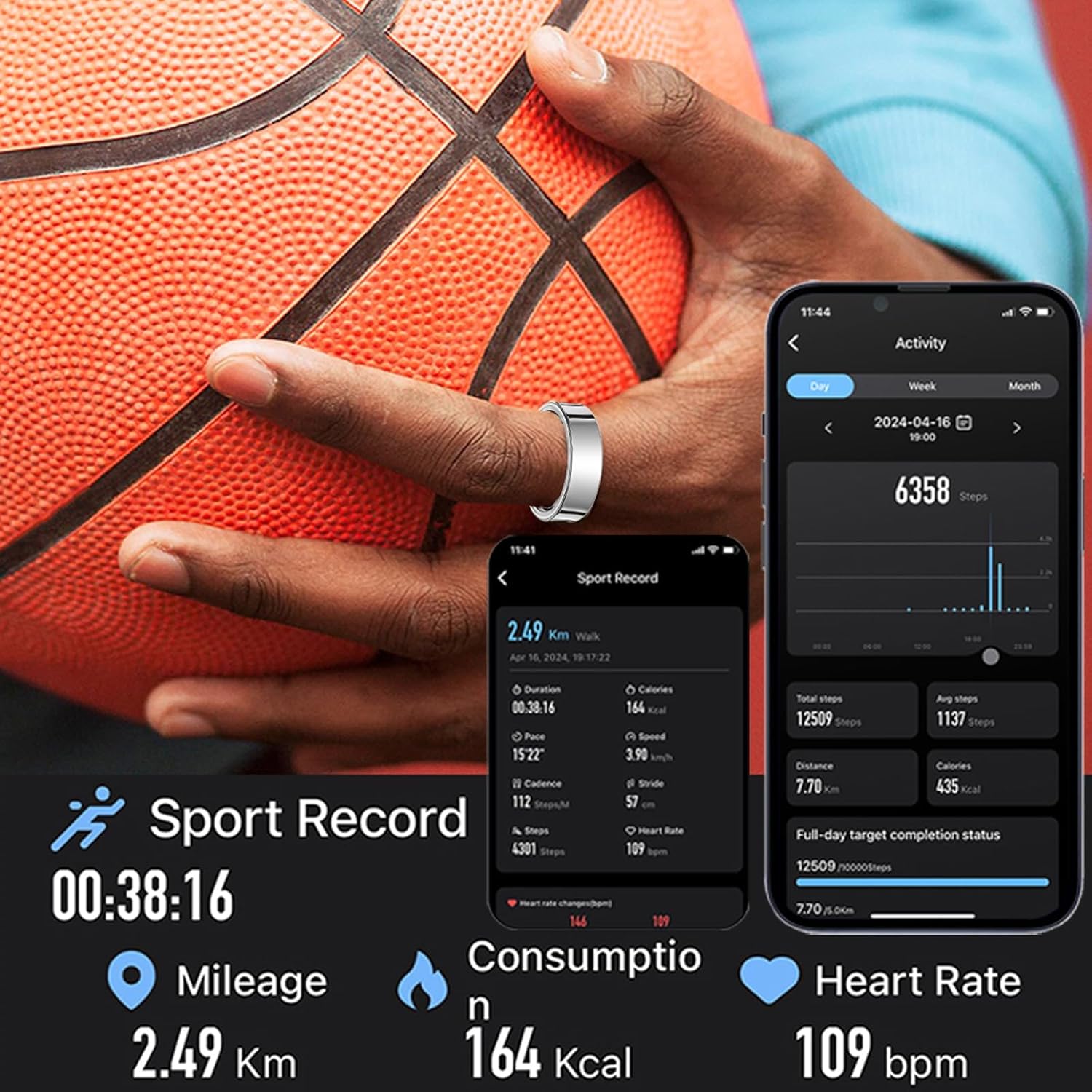
Image 4.3: Sport record and activity tracking.
4.4 Gesture Control
Utilize the ring's gesture control feature to interact with your smartphone remotely:
- Càmera remota: Take photos on your phone without touching it.
- Control de vídeo: Switch short videos.
- Reproducció de música: Pause or play music.
Refer to the QRing app for specific gesture commands and setup.
4.5 Ús impermeable
The smart ring has an IP68 waterproof rating, making it suitable for:
- Rentat de mans
- Cold bathing
- Natació
Important: The ring is NO suitable for hot water, saunas, or diving. Exposure to hot water may compromise the waterproof seal.
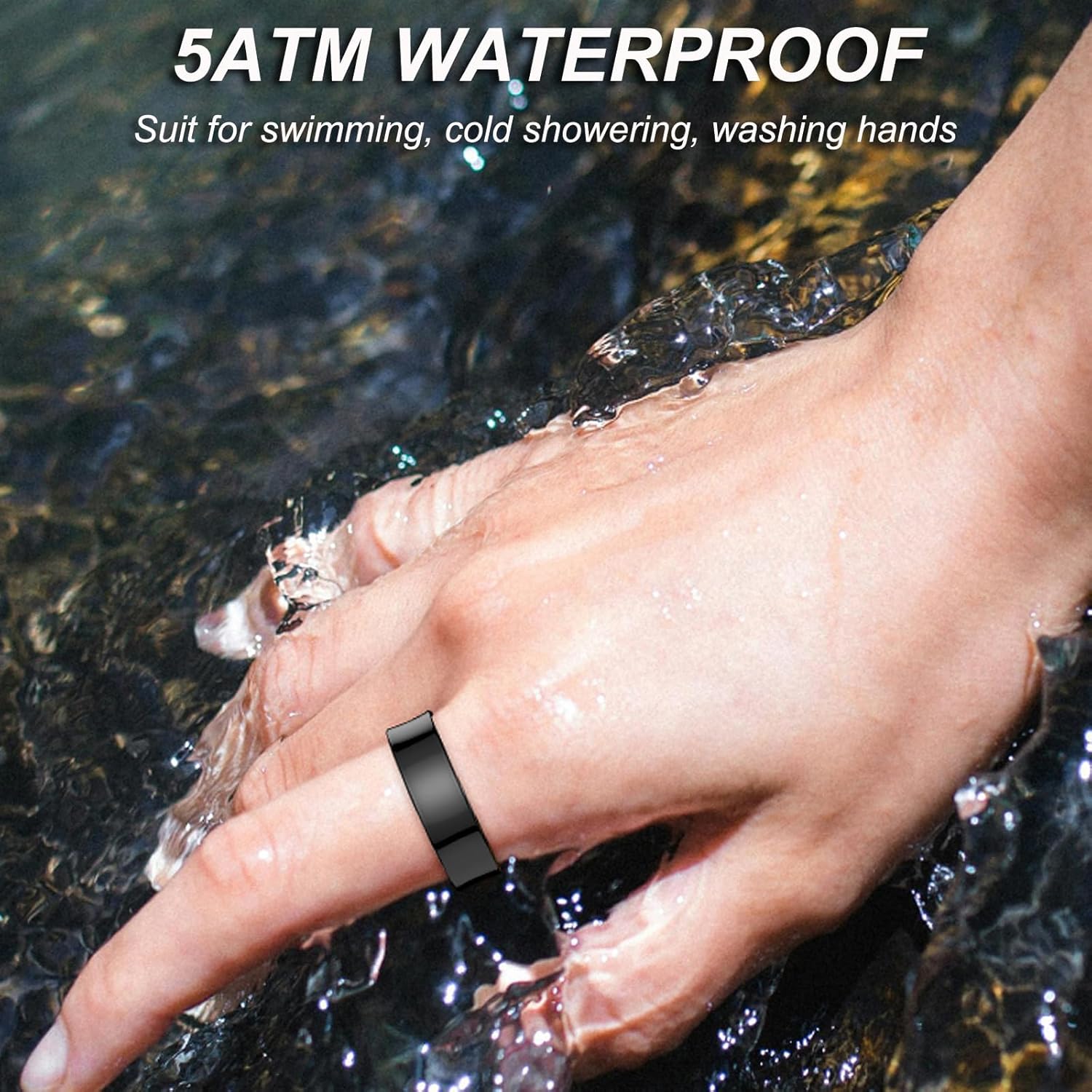
Image 4.4: The smart ring is waterproof for daily activities.
5. Manteniment
5.1 Neteja
To maintain optimal performance and hygiene, clean your smart ring regularly:
- Wipe the ring with a soft, damp tela.
- Avoid using harsh chemicals, abrasive cleaners, or solvents, as these can damage the ring's finish and internal components.
- Ensure the charging contacts are clean and dry before placing the ring in the charging case.
5.2 Emmagatzematge
When not in use, store the smart ring in its charging case in a cool, dry place, away from direct sunlight and extreme temperatures.
6. Solució De Problemes
If you encounter issues with your CNBRO Smart Ring, try the following solutions:
- L'anell no es carrega: Ensure the ring is correctly seated in the charging case and the charging cables are securely connected to a power source. Check if the charging case itself has power.
- No es pot emparellar amb l'aplicació: Make sure Bluetooth is enabled on your smartphone and the ring is sufficiently charged. Try restarting both your phone and the ring (by placing it in and out of the charging case).
- Dades inexactes: Ensure the ring is worn correctly and snugly on your finger. Clean the sensors on the inside of the ring.
- L'aplicació no respon: Close and reopen the QRing app. If the issue persists, try reinstalling the app.
Per a més ajuda, poseu-vos en contacte amb l'atenció al client.
7. Especificacions
| Característica | Especificació |
|---|---|
| Marca | CNBRO |
| Model | Anell intel·ligent |
| Tecnologia de connectivitat | Bluetooth 5.2 |
| Capacitat de la bateria de l'anell | 15 mAh (polímer de liti) |
| Work Time (Ring) | 5-7 days per full charge |
| Tipus de càrrega | Càrrega magnètica |
| Compatibilitat | iOS 8.0 o superior, Android 5.1 o superior |
| Nivell de resistència a l'aigua | Impermeable IP68 |
| Pes de l'article | 100 grams (aproximadament 3.53 unces) |
| Característiques especials | Activity Tracker, Gesture Control, Lightweight |
| Fabricant | ShenZhen YaWell Intelligent Technology Co.,Ltd |
8. Suport
Should you have any questions, concerns, or require technical assistance regarding your CNBRO Smart Ring, please do not hesitate to contact our customer support team. We are committed to providing the best possible solution to you.
Please refer to the product packaging or the QRing app for specific contact information.