
Novzix Pink 2 Pack
Novzix Apple Tracker Tags Manual d'usuari
Model: Pink 2 Pack
Introducció
The Novzix Apple Tracker Tags are designed to help you easily locate your personal items such as keys, wallets, luggage, and even pets. These compact and durable tags seamlessly integrate with Apple's Find My network, allowing for efficient tracking without the need for additional applications or subscriptions. This manual provides essential information for setting up, operating, and maintaining your Novzix Tracker Tags.

Figure 1: Novzix Tracker Tag, designed to help locate lost items like wallets, keys, and backpacks.
Configuració i aparellament
Your Novzix Tracker Tag is designed for quick and easy pairing with your Apple devices. It utilizes the Apple Find My network for seamless integration.
- Ensure Bluetooth is Enabled: On your iPhone or iPad, navigate to Configuració > Bluetooth i assegureu-vos que el Bluetooth estigui activat.
- Activa el rastrejador: The tracker comes with a pre-installed CR2032 battery. It should be active upon arrival. If not, ensure the battery is properly seated.
- Inicia l'aparellament: Bring the Novzix Tracker Tag close to your iPhone or iPad. A pop-up notification should appear on your device screen, prompting you to connect.
- Seguiu les instruccions a la pantalla: Tap "Connect" or "Add Item" on the pop-up. You may be asked to name your tracker (e.g., "Keys," "Wallet," "Backpack").
- Confirmació: Once successfully paired, the tracker will appear in the "Items" tab within your Apple Find My app.
Nota: These trackers are MFi certified for stable and secure connection with Apple devices. They are not compatible with Android devices.
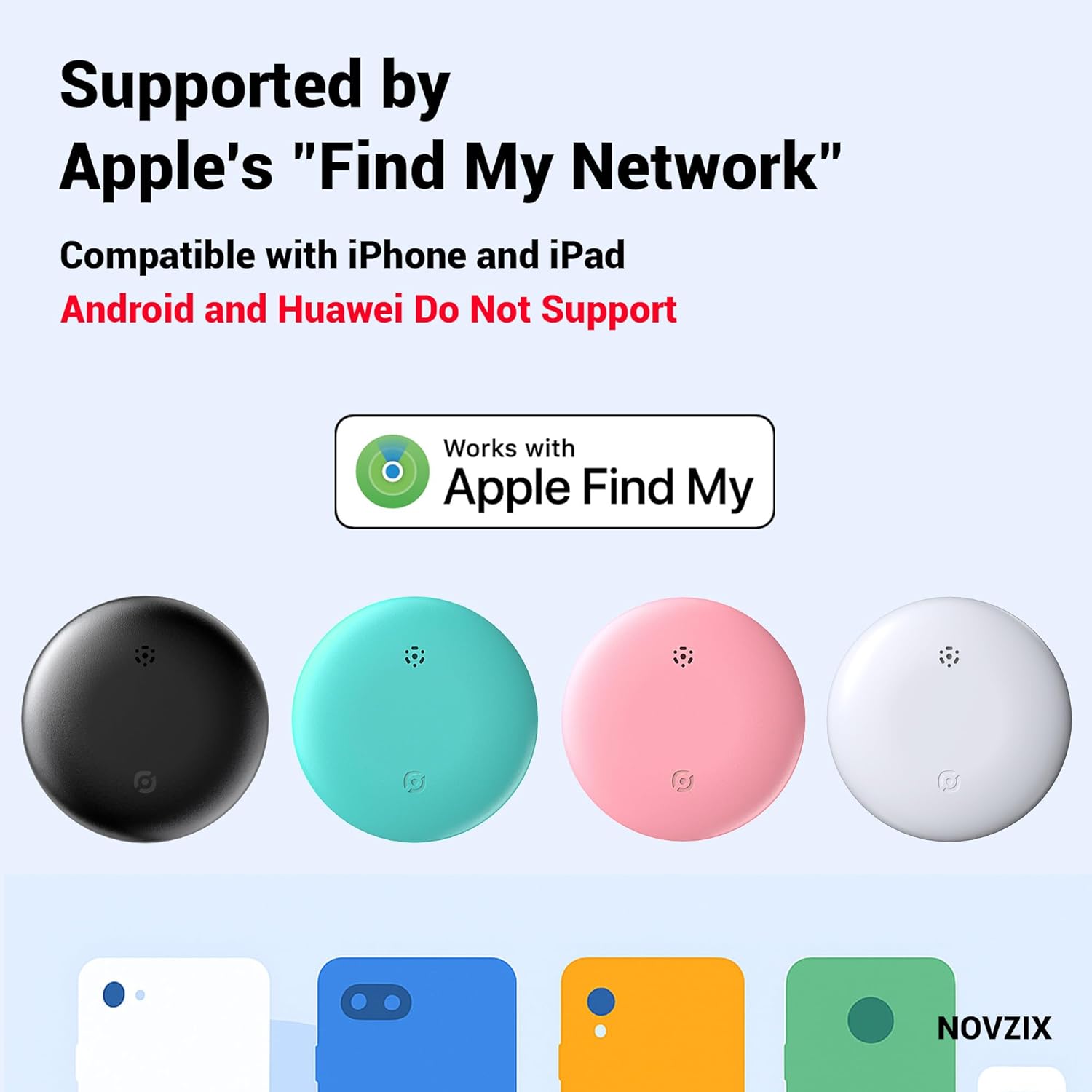
Figure 2: Novzix Tracker Tags are compatible with Apple's Find My network for iPhone and iPad users.
Operating Your Tracker
Once paired, your Novzix Tracker Tag can be located using the Apple Find My app on your iPhone, iPad, or Mac.
Locating an Item
- Obre Cerca la meva aplicació: Obriu l'aplicació "Buscar" al vostre dispositiu Apple.
- Select "Items" Tab: Tap on the "Items" tab at the bottom of the screen.
- Choose Your Tracker: Select the Novzix Tracker Tag you wish to locate from the list.
- View Ubicació: The app will display the current or last known location of your item on a map.
- Reproduir so: If the item is nearby (within Bluetooth range), you can tap "Play Sound" to make the tracker emit an audible alert, helping you pinpoint its exact location.
The Apple Find My network allows for global tracking. If your item is out of your device's Bluetooth range, the Find My network (millions of Apple devices worldwide) can anonymously detect your tracker's location and relay it to you, providing a broad location update without any subscription fees.
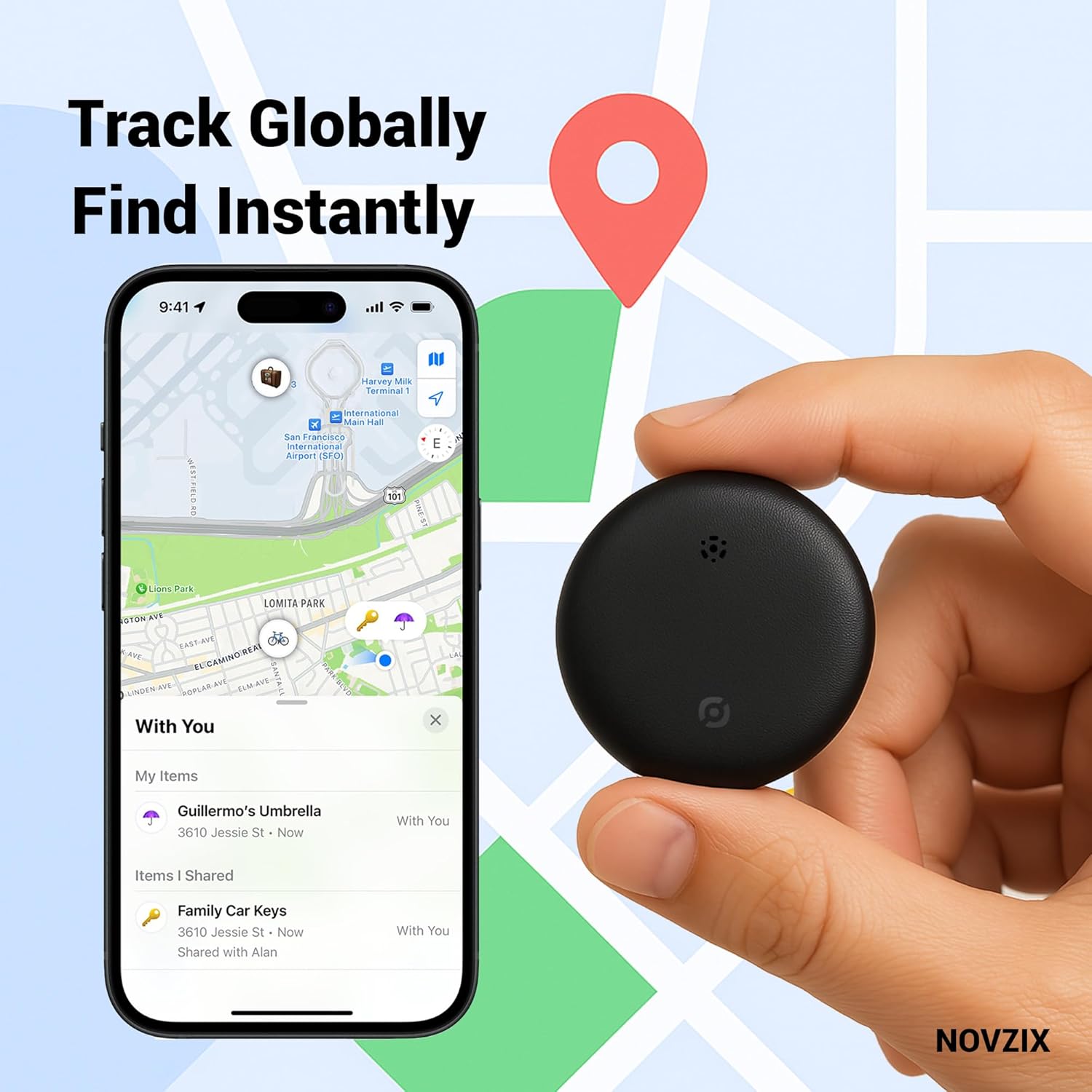
Figure 3: Tracking your Novzix Tag's location using the Apple Find My app.
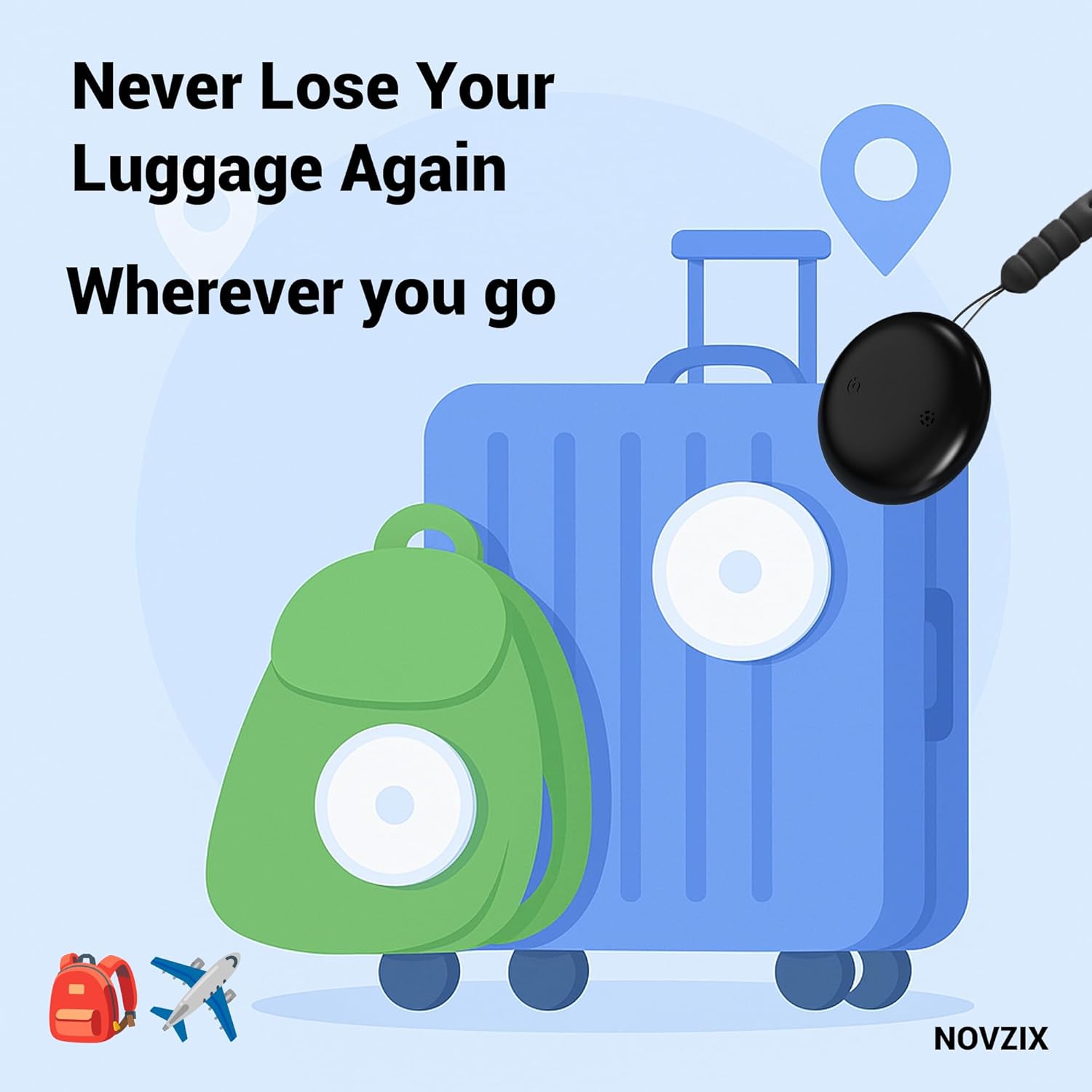
Figure 4: The Novzix Tracker Tag can be used to track luggage and other travel items.
Manteniment
Canvi de bateria
The Novzix Tracker Tag uses a standard CR2032 coin cell battery, which typically lasts up to one year. When the battery is low, you will receive a notification on your Apple device via the Find My app.
- Obriu el rastrejador: Gently twist the back cover of the tracker counter-clockwise to open it.
- Treure la bateria antiga: Traieu amb cura la pila CR2032 antiga.
- Inseriu una bateria nova: Introduïu una pila CR2032 nova amb el costat positiu (+) cap amunt.
- Tanca el rastrejador: Align the back cover and twist clockwise until it clicks securely into place.
An extra battery is often included in the package for your convenience.
Durability and Cleaning
The Novzix Tracker Tag is designed to be waterproof and drop-resistant, making it suitable for various environments, including bags, pet collars, and luggage. To clean the tracker, wipe it gently with a soft, damp tela. Eviteu utilitzar productes químics o materials abrasius.

Figure 5: Dimensions and typical package contents, including spare battery.
Resolució de problemes
| Problema | Possible causa/solució |
|---|---|
| Tracker not pairing with iPhone/iPad. |
|
| "Play Sound" feature not working. |
|
| Inaccurate location in Find My app. |
|
| Tracker not appearing in Find My app. |
|
For further assistance, refer to the Apple Find My app's help section or contact Novzix customer support.
Especificacions
| Característica | Detall |
|---|---|
| Número de model | Pink 2 Pack |
| Dimensions del producte | 1.26 x 1.26 x 0.31 polzades (32 mm x 32 mm x 8 mm) |
| Pes de l'article | 1.06 unces |
| Tipus de bateria | 1 x CR2032 (inclòs) |
| Durada de la bateria | Fins a 1 any |
| Connectivitat | Bluetooth, Cerca la meva xarxa d'Apple |
| Compatibilitat | Apple iPhone, iPad (iOS/iPadOS) |
| Material | Plàstic |
| Color | Rosa |
| Fabricant | NOVZIX |
Garantia i Suport
For information regarding product warranty, returns, or technical support, please refer to the documentation included with your purchase or visit the official Novzix website. You can also contact Novzix customer service directly through the retailer where the product was purchased.
Recursos en línia:
- Novzix Store on Amazon
- For Apple Find My app support, visit Suport d'Apple.
Ask a question about this manual
Ask about setup, troubleshooting, compatibility, parts, safety, or missing instructions. Manuals+ will review the question and use this page’s manual context to help answer it.