
Introducció
This manual provides essential information for the proper use and maintenance of your Novzix Android Compatible Tracker Tag. This device is designed to help you locate your belongings by integrating with the Google Find My Device network. Please read this manual thoroughly before using the product.

The image displays the Novzix Android Compatible Tracker Tag in white, featuring a circular design with a speaker grille at the top and a subtle brand logo at the bottom. This is the primary appearance of the device.
Configuració i aparellament
Follow these steps to set up your Novzix Tracker Tag and pair it with your Android device.
1. Comprovació de compatibilitat
Ensure your Android smartphone or tablet is running Android 9.0 or a newer version. The tracker tag utilizes the Google Find My Device network for optimal functionality.
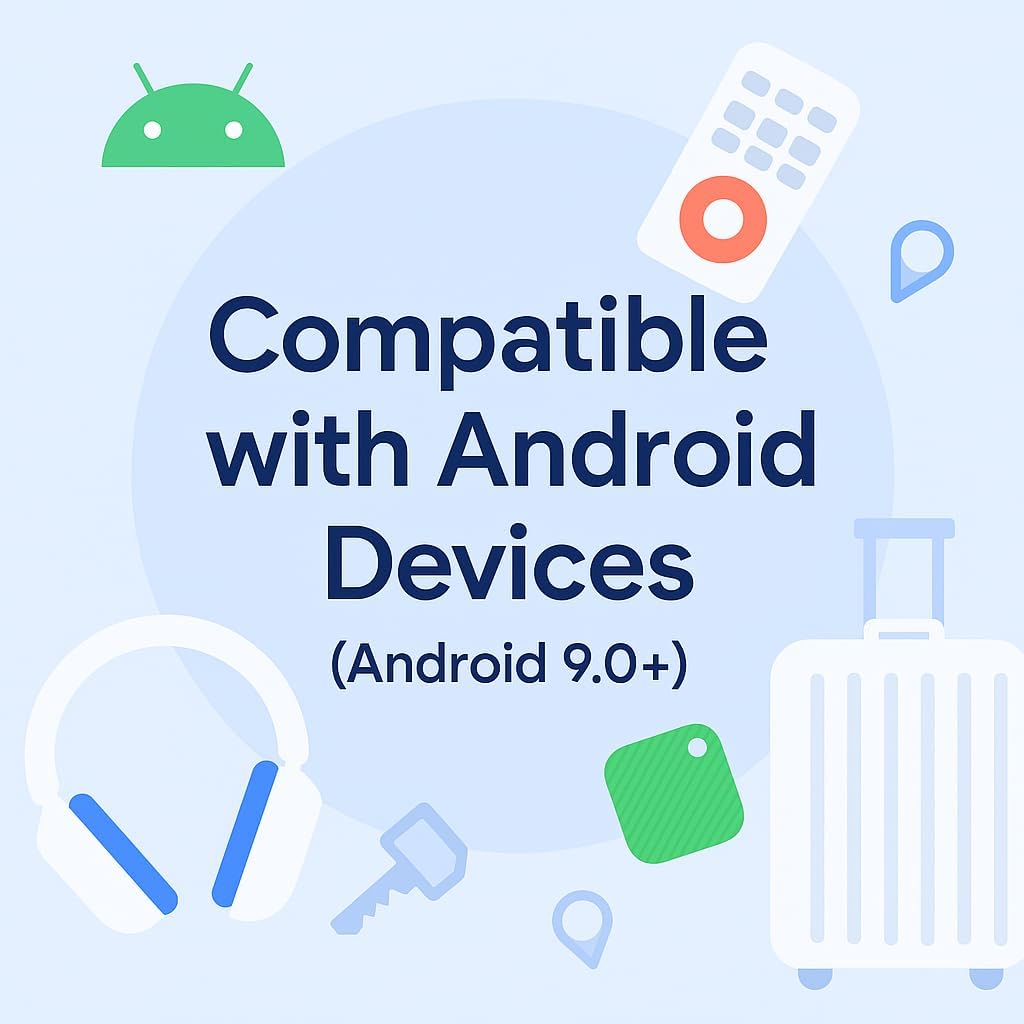
This graphic illustrates that the tracker tag is compatible with Android devices running Android 9.0 or higher, emphasizing its integration with the Android ecosystem.
2. Activació inicial
Your Novzix Tracker Tag comes with a pre-installed CR2032 battery. To activate, ensure the battery is properly seated. If the device does not respond, you may need to open the casing gently and re-seat the battery or replace it.
3. Instal·lació i emparellament de l'aplicació
- Download the Google Find My Device app from the Google Play Store on your Android device.
- Open the app and sign in with your Google account.
- Follow the on-screen instructions within the app to add a new device. The app will guide you through the pairing process, which typically involves bringing the tracker tag a prop del teu telèfon.
- Once detected, confirm the pairing. You may be prompted to name your tracker tag (e.g., "Keys," "Wallet," "Bag").
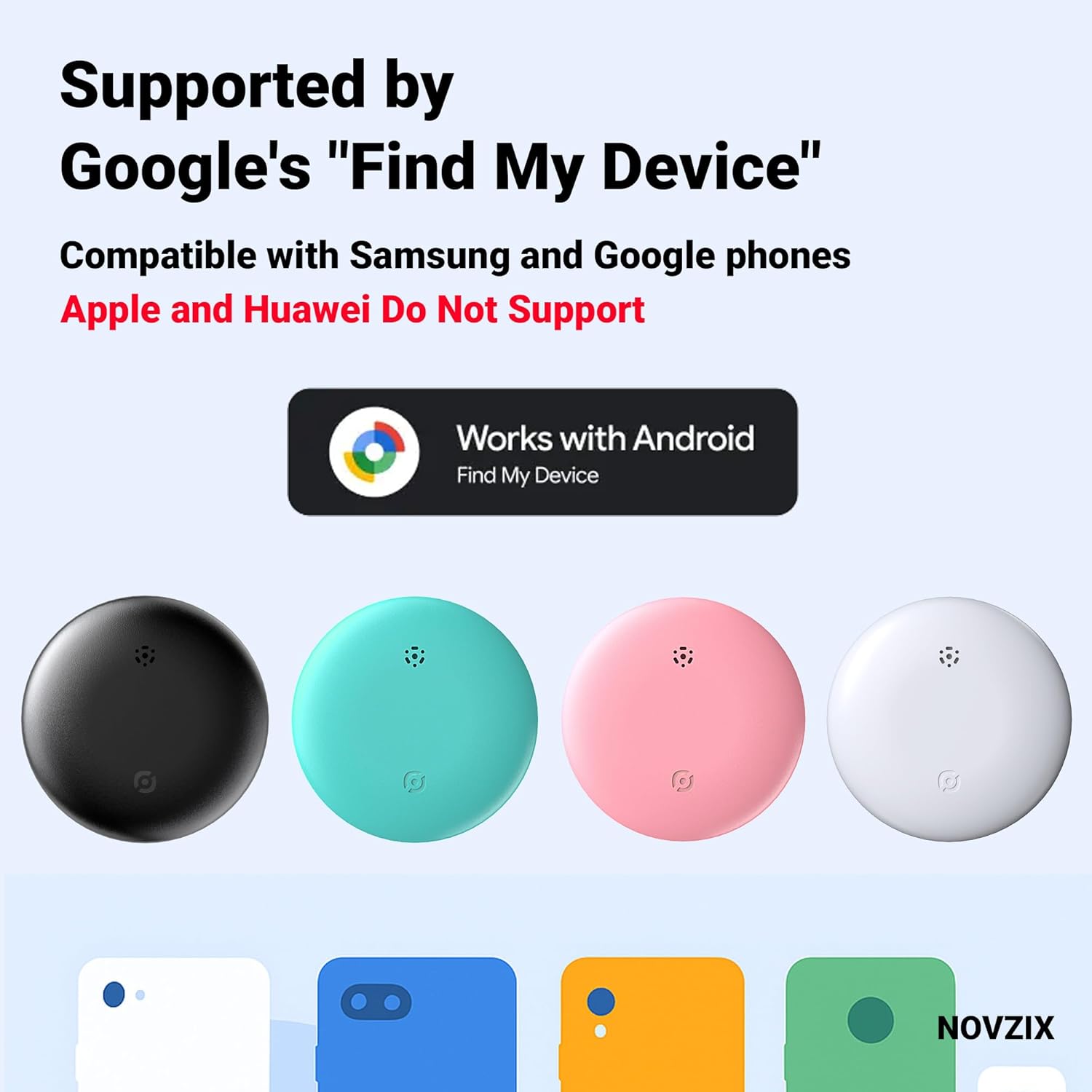
This image highlights the tracker tag's compatibility with Google's Find My Device network, showing the official logo and various color options of the tracker.
Operating Your Tracker Tag
Once paired, your Novzix Tracker Tag is ready to help you locate your items.
Localització d'elements
- Open the Google Find My Device app on your Android device.
- Select the tracker tag you wish to locate from your list of devices.
- The app will display the last known location of your item on a map. Location updates occur every 3-30 minutes, leveraging the vast Google Find My Device network.
- If the item is nearby, you can tap the "Play Sound" option in the app to make the tracker tag emetrà un avís sonor que us ajudarà a localitzar la seva ubicació exacta.

This image demonstrates the tracker tag's ability to be located globally using the Google Find My Device app, showing a map interface and a list of tracked items.
Casos d'ús comuns
The compact design of the Novzix Tracker Tag allows it to be easily attached to various items.
- Claus: Attach to your keyring to quickly find misplaced keys.
- Carteres: Slip into your wallet or purse for added security.
- Bags & Luggage: Ideal for travel, attach to backpacks, suitcases, or carry-on bags to track their location.
- Altres objectes de valor: Use with any item you wish to keep track of, such as remote controls or pet collars.

This illustration depicts the versatility of the tracker tag, showing it attached to luggage and surrounded by icons of keys, a car, and a handbag, symbolizing its use for various personal items.

This image emphasizes the tracker tag's utility for travelers, showing it attached to luggage and a backpack, with an airplane icon in the background, suggesting its use for tracking belongings during journeys.
Manteniment
Canvi de bateria
The Novzix Tracker Tag uses one CR2032 coin cell battery, which typically lasts for approximately 12 months. When the battery is low, you may receive a notification via the Google Find My Device app, or the device's performance may diminish.
- Gently open the tracker tag casing. Refer to the product packaging or manufacturer's website for specific instructions on opening the casing.
- Traieu la bateria CR2032 antiga.
- Inseriu una nova bateria CR2032 amb el costat positiu (+) cap amunt.
- Tanca el casing de manera segura.
Neteja i cura
El rastrejador tag is built with water- and dust-resistant materials. To clean, wipe the device with a soft, dry cloth. Avoid using harsh chemicals or abrasive materials, as these can damage the device's finish or internal components.

This image provides the physical dimensions of the tracker tag (32mm x 32mm) and details the contents of the package, including the locator, a strap or lanyard, and a spare battery, which is relevant for maintenance.
Resolució de problemes
If you encounter issues with your Novzix Tracker Tag, refer to the following common problems and solutions.
- El dispositiu no es connecta/s'emparella:
- Ensure your Android device is running Android 9.0 or higher.
- Check that Bluetooth is enabled on your Android device.
- Make sure the tracker tag's battery is not depleted. Replace if necessary.
- Bring the tracker tag closer to your Android device during the pairing process.
- Restart your Android device and try pairing again.
- Ubicació incorrecta o absència d'actualitzacions de la ubicació:
- Assegura't que el teu dispositiu Android tingui una connexió a Internet estable (Wi-Fi o dades mòbils).
- Verify that location services are enabled on your Android device and that the Google Find My Device app has permission to access your location.
- Location updates rely on the Google Find My Device network. In areas with fewer Android devices, updates may be less frequent (up to 30 minutes).
- Check the battery level of the tracker tag. Low battery can affect performance.
- Sound Alert Not Working:
- Ensure the tracker tag is within Bluetooth range of your Android device or another device on the Find My Device network.
- Check the battery level. A very low battery might prevent the sound function from working.
- Ensure the speaker grille on the tracker tag no està obstruït.
If these steps do not resolve your issue, please refer to the support section for further assistance.
Especificacions
| Característica | Detall |
|---|---|
| Dimensions del producte | 1.26 x 0.31 x 1.26 polzades (32 x 8 x 32 mm) |
| Pes de l'article | 1.13 unces (32 grams) |
| Número de model | Blanc |
| Tipus de bateria | 1 x CR2032 (inclòs) |
| Durada de la bateria | Aproximadament 12 mesos |
| Mètode de control | App (Google Find My Device) |
| Connectivitat | Sense fil |
| Fabricant | NOVZIX |
| Compatibilitat | Android 9.0 i superior |
Garantia i Suport
For warranty information and customer support, please refer to the documentation included with your purchase or visit the official Novzix website. You can also contact Novzix customer service through the contact details provided on their website for technical assistance or product inquiries.